
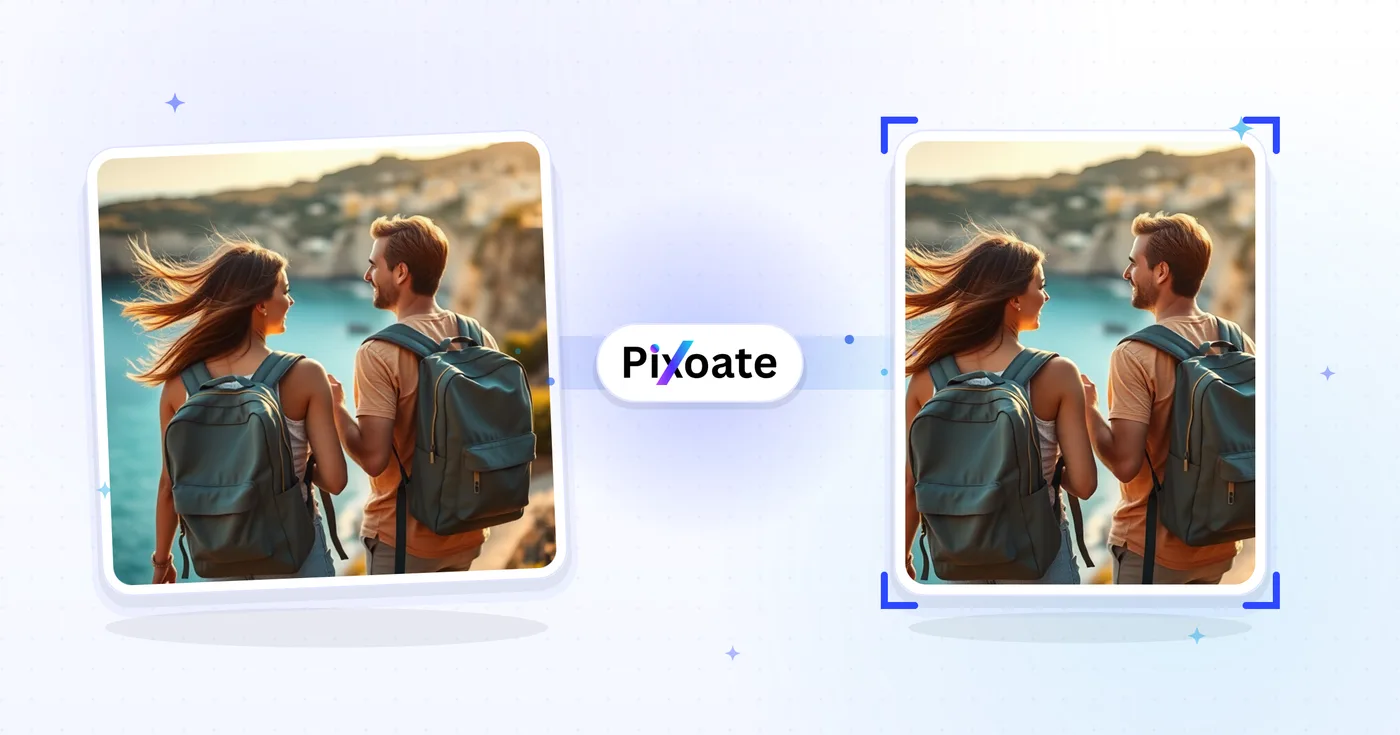
Resize Image for Instagram — Free Instagram Photo Resizer
Resize a full photo for Instagram using a blurred or custom-color background fill.
Drop a photo — get it Instagram-ready without cropping
Instagram Image Sizes
Instagram Posts
Square posts: 1080x1080px Portrait posts: 1080x1350px Landscape posts: 1080x608px
Instagram Stories
Stories and Reels: 1080x1920px
Instagram Profile
Profile picture: 320x320px Profile display: 110x110px
How to Use
Upload your image, select the Instagram format you need, and download the perfectly sized image for your Instagram content.
Instagram resize capabilities
Perfect Sizes
All sizes are optimized for Instagram's requirements. No more rejected uploads.
Direct controls
Resize images instantly with our intuitive interface. No complex software needed.
Security and retention
Server-processed files are handled under our Security policy.
Resize photo for Instagram online: post, Story and profile sizes without cropping
This Instagram photo resizer fits a whole picture into the sizes Instagram uses for square posts, portrait posts, landscape posts, Stories and Reels, and profile pictures. For post and Story sizes nothing is cut off: when the shapes differ, the empty space is filled with a blur of your photo, a color, a gradient or a design. Profile sizes frame the head and shoulders instead.
Resize an image to an Instagram post size
Each preset on the Size tab is the Instagram post size for one kind of post: Square Post (1080 × 1080, a 1:1 ratio), Portrait Post (1080 × 1350, the 4:5 ratio) and Landscape Post (1080 × 608). Choose one and the whole picture is scaled to fit inside that frame with Maintain Aspect Ratio on, so nothing stretches. A typical 3:4 phone photo sits in the 1080 × 1350 frame with only thin bars at the sides.
- Upload the photo you want to post.
- Pick Square Post, Portrait Post or Landscape Post.
- Open the Background tab and choose how the empty space is filled.
- Select See result to run the resize.
- Download the picture and upload that file to Instagram.
Resize image for Instagram without cropping
When you resize pictures for Instagram, a long panorama or a tall screenshot does not fit a post frame unless something gives. With Maintain Aspect Ratio on, this Instagram resizer scales the picture until it fits and a blur, color, gradient, design or your own photo fills the rest, so no edge is trimmed. Turn the lock off only if you want the picture stretched to the exact size. For a panorama meant to run across several posts, split it into tiles for a grid instead.
Make a 9:16 image for Instagram Stories and Reels
Stories/Reels is 1080 × 1920 pixels, the 9:16 shape of a full phone screen, which makes this page a 9:16 image maker for Stories and Reels. A landscape or square photo becomes a 9:16 image without losing the sides: the photo sits in the frame over a blur or a color. Extend background with AI is also available for this size if you prefer new scenery to bars. Check the generated areas before you post.
Resize a photo for an Instagram profile picture (DP)
The Profile Picture (320 × 320) and Profile Display (110 × 110) presets give the Instagram DP size. They find the largest face, frame the head and shoulders and fill the whole square; if no face is found, the whole photo is framed instead. These presets have no background to choose. A safe-zone circle is drawn over the preview to show what stays visible, and the Hide safe zone button switches it off.
Reduce pic size for an Instagram post
A preset scales a large photo down to the preset's pixel size, 1080 pixels wide for posts and Stories, which usually makes the file much smaller than the original. To go smaller still, use the Quality slider on the Output tab, from 10 to 100. The tool does not aim for a number of KB. For a size target, use the image compressor; to convert the size of a photo to any other pixel size, use the general image resizer.
Resize a picture for Instagram on a phone or a computer
Upload the picture from your gallery or files, pick a size on the Size tab and download the new file; the original stays untouched. The same steps work in a phone browser and on a computer. For a Story, choose Stories/Reels and keep Maintain Aspect Ratio on, so the whole picture stays in frame.
Before you upload to Instagram
- Keep Maintain Aspect Ratio on to keep the whole photo in frame, and switch it off only to stretch.
- Blur and Color fills keep the full preset size on a free download, while Gradient, Designs and Photo fills come at web size.
- Output Format starts on the type you uploaded, so switch to JPEG if you need a smaller file.
- Keep faces, logos and text away from the edges, because feed, grid and profile views crop differently.
- For a Facebook cover or profile picture, use the Facebook photo resizer.
More ways to prepare Instagram posts
To post one wide photo as a set of tiles that line up, split it into a 3×3 grid or 3×1 panorama, or combine several photos into one collage post. When promoting a video, pull its thumbnail from the YouTube link before fitting it to a post, and the same shot can become a 1200×630 Facebook post image.
What you can do with Instagram Resize
Review the main capabilities before you begin.
- Fit whole photos on Instagram without cropping
- Add blurred padding instead of losing the edges
- Fill empty space with a custom background color
- Resize to the right Instagram post dimensions
- Preview the safe zone before you post
- Export ready-to-share images with no watermark
Settings reference
10 settings
Available controls for Instagram Resize.
- Processing modePresets
- Process one input, or switch to Premium batch mode to process multiple inputs with shared settings. Available input types depend on the tool.Options: Single imageBatch
Size
- Instagram Image SizesPresets
- Choose the Instagram placement to resize for; each preset sets exact pixel dimensions, from 1080×1080 square posts to 1080×1920 Stories/Reels and 320×320 profile pictures, with Square Post as the default.Options: Square PostPortrait PostLandscape PostStories/ReelsProfile PictureProfile Display
Output
- Maintain Aspect RatioOn / Off
- Keeps your photo's original proportions and pads the extra space instead of stretching it to fit the exact preset dimensions; it defaults to on, and the background fills apply only while it is on.
- Blur backgroundOn / Off
- Choose Blur in the Background tab to fill the padding around your photo with a softly blurred copy of the image itself for a seamless full-frame look instead of solid color bars; Blur is selected by default.
- QualitySliderRange: 10–100% · Default: 92%
- Sets output compression, where higher values keep more detail with larger files and lower values shrink the file at some cost to sharpness; 85-95 works well for Instagram posts.
- Blur IntensitySliderRange: 5–50 · Default: 20
- Controls how soft the blurred background padding looks, from a subtle soft-focus edge at low values to a heavily diffused backdrop at high values; appears only while Blur is the selected background.
- Background ColorColor picker
- Picks the solid color for the padding bars around your photo via a color picker and swatches; shown only when Maintain Aspect Ratio is on and Color is the selected background.
- Output FormatDropdown
- Chooses the file type of the resized image; it auto-matches your upload's format but you can override it, e.g. JPEG for smaller files or PNG to keep transparency.Options: JPEGPNGWebPGIF
Preview
- Show safe zoneOn / Off
- Toggles an overlay of Instagram's circular crop boundary on the preview so you can keep faces or logos inside the visible circle; the overlay is on by default and the button (reading Hide safe zone while active) appears only for the Profile Picture and Profile Display presets.
AI extension
- Extend background with AIOne-click
- Continue the scene into the selected size with AI while keeping the prepared source photo. Free downloads are web size. Premium or credits unlock full resolution. Supported ratios require maintaining aspect ratio. In Batch, every queued image is extended and delivered at the size and format you chose.
Related tools for Instagram Resize
Tools for common next steps after Instagram Resize.
Social Publishing
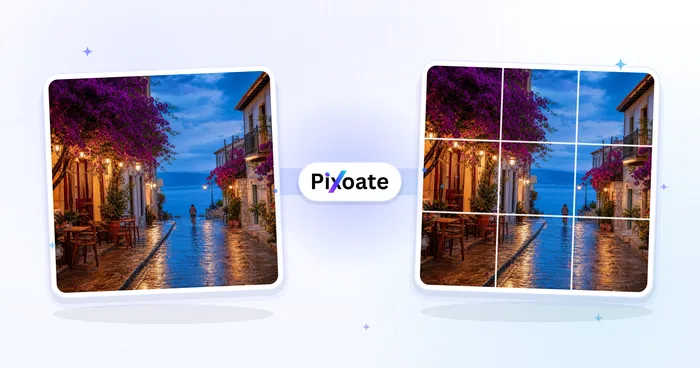
Instagram Grid Splitter
Split an image into a grid or panorama. Choose the number of rows and columns.
Try it now
Social Publishing
Facebook Resize
Resize images for listed Facebook cover, profile and post dimensions with fit and fill controls.
Try it now
Social Publishing
TikTok Cover Resizer
Resize images for listed TikTok cover, carousel, profile and thumbnail dimensions, including 1080×1920.
Try it nowFrequently Asked Questions
How Instagram Resize helps you get it done
Real problems it solves every day — for businesses, creators, and everyday tasks. Find the use case that fits you and start.
Instagram Profile Picture 110x110 Size
Resize photos to Instagram profile picture size 110x110 pixels for crisp display on mobile and desktop feeds
Instagram Square Posts 1080x1080
Resize images to Instagram square post size 1080x1080 for perfect feed display, better engagement, and aesthetic grid
Instagram Stories 1080x1920 Vertical
Resize photos to Instagram stories dimensions 1080x1920 for full-screen vertical display and highlight covers
Instagram Reels Cover 1080x1920
Resize images for Instagram Reels covers and IGTV thumbnails 1080x1920 to attract more views and engagement
Business Profiles
Optimize images for Instagram business profiles, advertising, and influencer marketing
Carousel Posts
Create consistent image sizes for Instagram carousel posts to showcase multiple products or ideas
Fashion & Lifestyle
Resize fashion photos, outfit posts, and lifestyle content for Instagram's visual platform
Food & Restaurant
Resize menu photos for a restaurant Instagram grid so nothing is cut off in the tile
Travel Content
Resize travel photos for Instagram travel accounts and destination marketing
Product Photography
Create perfectly sized product images for Instagram shop and e-commerce marketing
Personal Branding
Optimize images for personal branding on Instagram to build professional presence and following
No-Crop Posts for Full-Body & Group Shots
Choose Blur in the Background tab so full-body fashion photos, group selfies and tall product shots fit the Instagram frame with zero cropping — the extra space fills with a soft blur of the same photo instead of cutting anyone off.
On-Brand Padded Posts for Agencies
Turn off blurred background and pick a Background Color that matches your brand palette so every non-square photo gets clean, consistent color bars instead of a crop — ideal for agencies posting client photos of mixed aspect ratios.
Profile Pictures That Don't Cut Off Faces
Use the Profile Picture or Profile Display preset with the safe zone overlay switched on to see exactly what Instagram's circular crop will hide, so faces and logos stay centred instead of getting clipped at the edges.
Small-File Story Exports for Slow Connections
Drop the Quality slider toward 70-80 on Stories/Reels exports to shrink the file for faster uploads on mobile data, while the 1080×1920 preset keeps the frame exactly right for full-screen display.
Watch each transformation land
Every photo crosses the slash untouched and comes out the other side finished.























