
AI Image Expander — Extend and Uncrop Images Online
One click, no prompt to write · AI results can vary
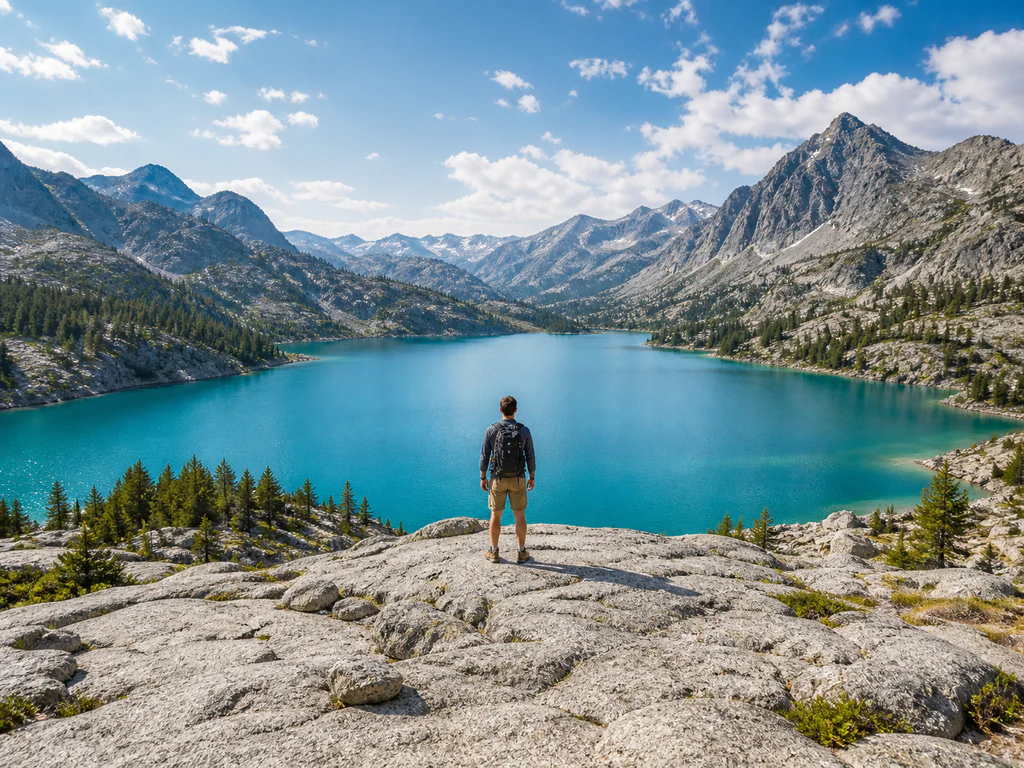
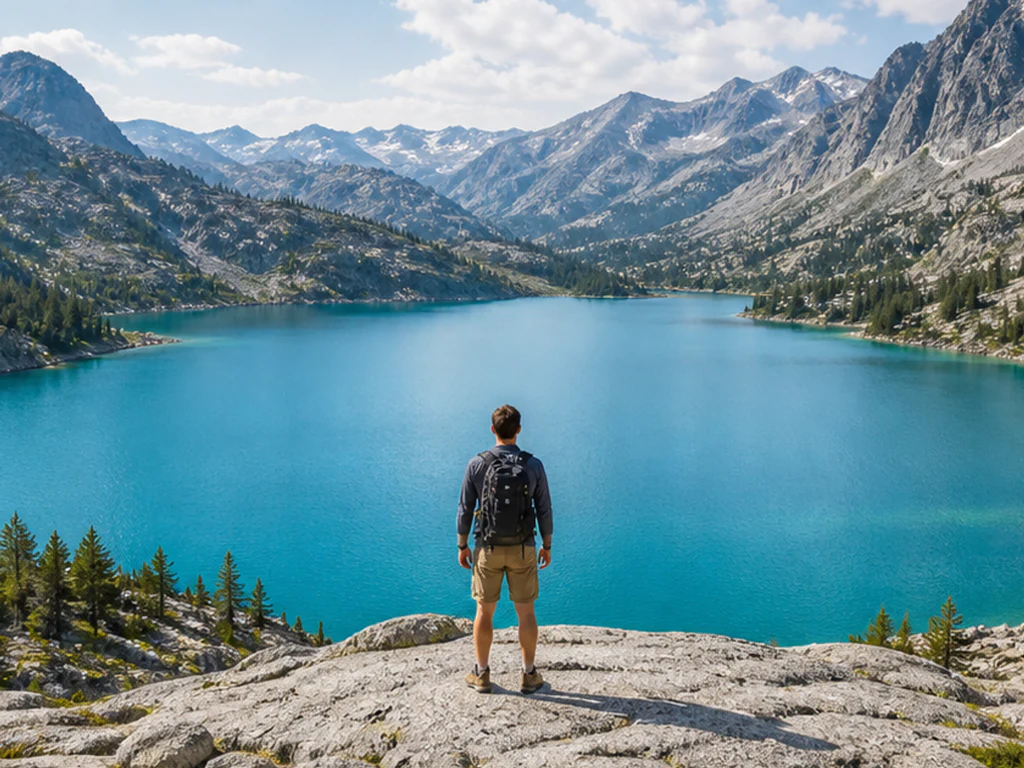
Upload a photo, choose the shape you need, and see the final canvas before you generate. The AI continues your scene outward while your original photo stays exactly as it is.
- Live preview of the exact canvas you will get
- Square, story, widescreen, and portrait ratios
- Nothing is cropped, stretched, or letterboxed
Choose the photo you want to expand
JPG, PNG, WebP, HEIC, and other supported image formats up to 50 MB.
Mitä voit tehdä sovelluksella Tekoälykuvan laajentaja
Tarkista tärkeimmät ominaisuudet ennen kuin aloitat.
- Tarkista ja lataa muokattu kuva
- Ei asennuksia – aloita muokkaaminen suoraan selaimessasi
- Lataa tulokset korkealla resoluutiolla
- Toimii JPG-, PNG- ja WebP-tiedostojen kanssa
Asetusten viite
1 asetus
Käytettävissä olevat ohjaimet kohteelle Tekoälykuvan laajentaja.
Koko
- KuvasuhdeEsiasetukset
- Pick shape – finished työalue. The esikatselu shows that exact työalue ja your kuva sisällä place ja area AI will luo shaded around it, so you see framing before spending generation.Asetukset: Neliö 1:1Leveä 16:9Tarina 9:16Pystykuva 4:5Maisema 5:4Pystykuva 3:4Vaakakuva 4:3
Aiheeseen liittyvät työkalut kohteelle Tekoälykuvan laajentaja
Työkalut yleisiä seuraavia vaiheita varten Tekoälykuvan laajentaja jälkeen.

Tekoälykuvastudio
Tekoälykuvan laajennus
Laajenna kuvaa sen reunojen ulkopuolelle tekoälyllä. Muunna valokuvat neliö-, pysty-, tarina- tai laajakuvamuotoon rajaamatta alkuperäistä kuva-alaa.
Kokeile nyt
Tekoälykuvastudio
Palauta kuvan rajaus tekoälyllä
Palauta kuvan rajaus tekoälyllä rakentamalla alkuperäisen valokuvan ympärille uskottavaa tilaa. Luo neliö-, pysty-, tarina- tai vaakasommitelmia.
Kokeile nyt
Kuvankäsittely ja apuohjelmat
Vaaka- ja pystykuvien muunnin
Muunna vaakakuva pystykuvaksi tai pystykuva vaakakuvaksi nopeilla taustatäytöillä tai tekoälyn luomilla maisemilla rajaamatta alkuperäistä valokuvaa.
Kokeile nytUsein kysytyt kysymykset
Katso jokainen muunnos valmiina
Every kuva crosses slash untouched ja comes out other side finished.























