
Guides for everyday file problems
Practical, opinionated guides on compressing, converting, signing and editing your files. Every post links straight into the tool that does the job.

Why Shopify Product Images Look Blurry on Mobile
Find whether a blurry Shopify product photo comes from the source, export or theme. Check dimensions, crop and compression before replacing every image.

Etsy Thumbnail Cutting Off Your Product? Fix the Framing
Keep the whole item visible in Etsy listing thumbnails. Check the original framing, safe space and listing preview before changing image dimensions.

iPhone Property Photos Won't Upload to an Estate Agent's Website
Prepare iPhone property photos for a UK estate agent's upload system. Check HEIC compatibility, file size and room detail before sending the full gallery.

realestate.com.au Photo Upload Rejected? What to Check
Check dimensions, file type, RGB colour and file size when realestate.com.au rejects a listing photo. Separate file problems from image-content rules.
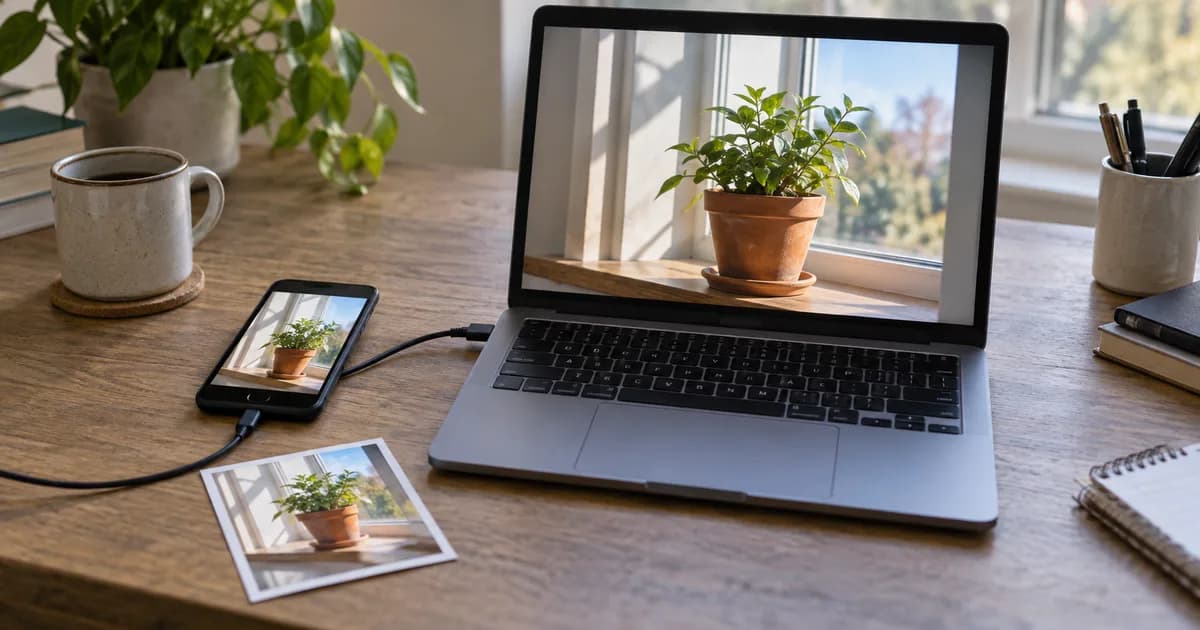
Renamed HEIC to JPG but It Still Won't Open? Convert the File
Renaming a HEIC file does not turn it into a JPEG. Convert the original, test the downloaded JPG and keep a source copy for Windows and website uploads.

Google Business Profile Photo Rejected After Resizing?
Check file size, dimensions and photo content after a Google Business Profile upload fails. Learn why meeting image specifications does not ensure approval.

How to Convert an Image to Excel with Editable Rows and Columns
Convert an image to Excel with editable rows and columns. Use Pixoate to extract table data, then check prices, dates and product codes before sharing.

How to Convert Image Text to PDF: Searchable Pages or Editable Text
Turn image text into a searchable PDF or an editable document. Compare both Pixoate workflows and choose the right output for your paperwork.

Image to Text for Business: Extract Content into PDF, Excel or CSV
Extract text from business images into PDF, Excel or CSV with Pixoate. Choose an output that fits your records, calculations and next handoff.

How to Convert Table Screenshots to CSV for Spreadsheet Imports
Convert a table screenshot to CSV with Pixoate. Review headers, delimiters and leading zeros so extracted data is ready for your spreadsheet import.

How to Turn Supplier Price List Photos into Excel for Comparing Costs
Turn supplier price list photos into editable Excel tables with Pixoate. Compare unit costs, pack sizes and dates without retyping every line.

How to Digitize Restaurant Stock Sheets for Daily Inventory Reviews
Digitize restaurant stock sheets with Pixoate. Turn photographed tables and handwritten notes into reviewed records for daily inventory decisions.

How to Extract Invoice Numbers, Due Dates and Totals from Images
Extract invoice numbers, due dates and totals from images with Pixoate. Define useful fields and review the results before updating business records.

OCR Getting Numbers Wrong? How to Check Dates, Decimals and Product Codes
OCR getting numbers wrong? Check decimal points, dates and product codes in Pixoate exports before a small reading error becomes a business mistake.

How to Convert Handwritten Job Notes into Editable Text and Client PDFs
Turn handwritten job notes into editable text and client PDFs with Pixoate. Preserve service details, clarify uncertain words and keep source evidence.
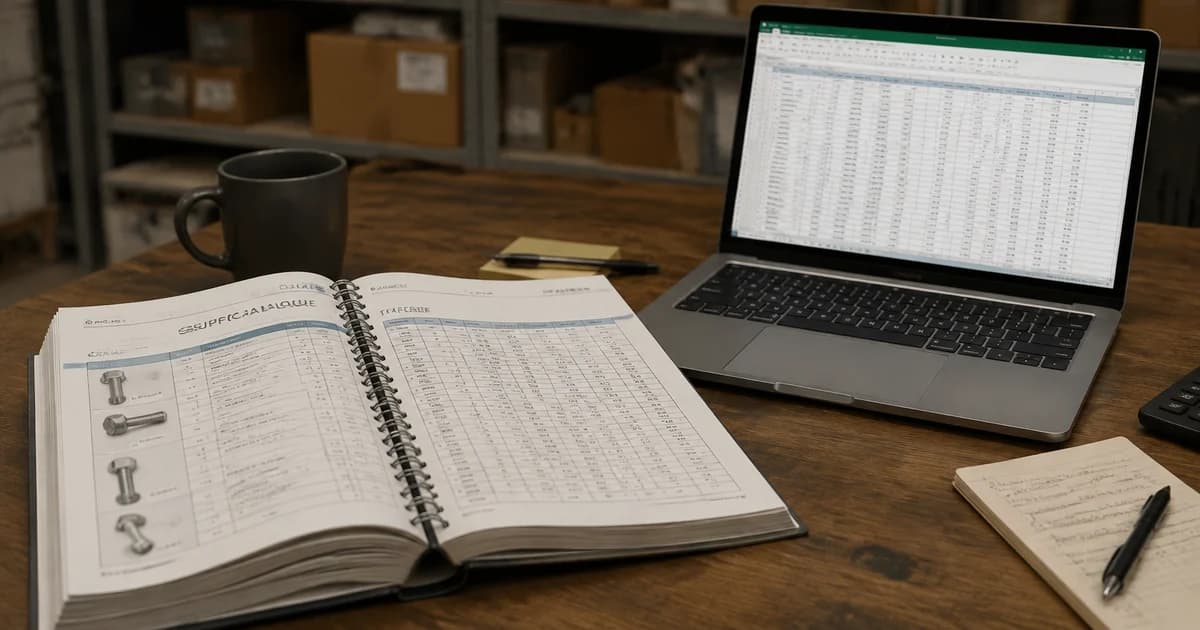
How to Extract Tables from Scanned Supplier PDFs into Excel
Extract supplier price tables from scanned PDFs into Excel with Pixoate. Check page breaks, units and totals before comparing purchasing costs.
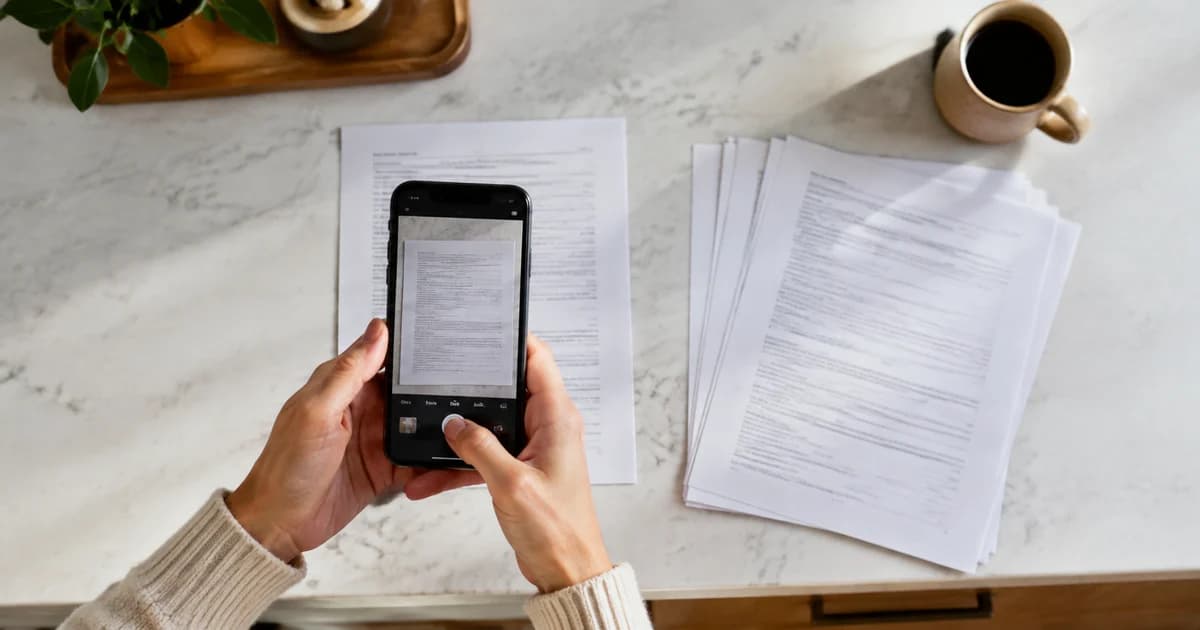
How to Create a Scanned PDF from Phone Photos Using Pixoate
Create a scanned PDF from phone photos with Pixoate. Prepare readable pages, choose searchable output when needed and check the final document.
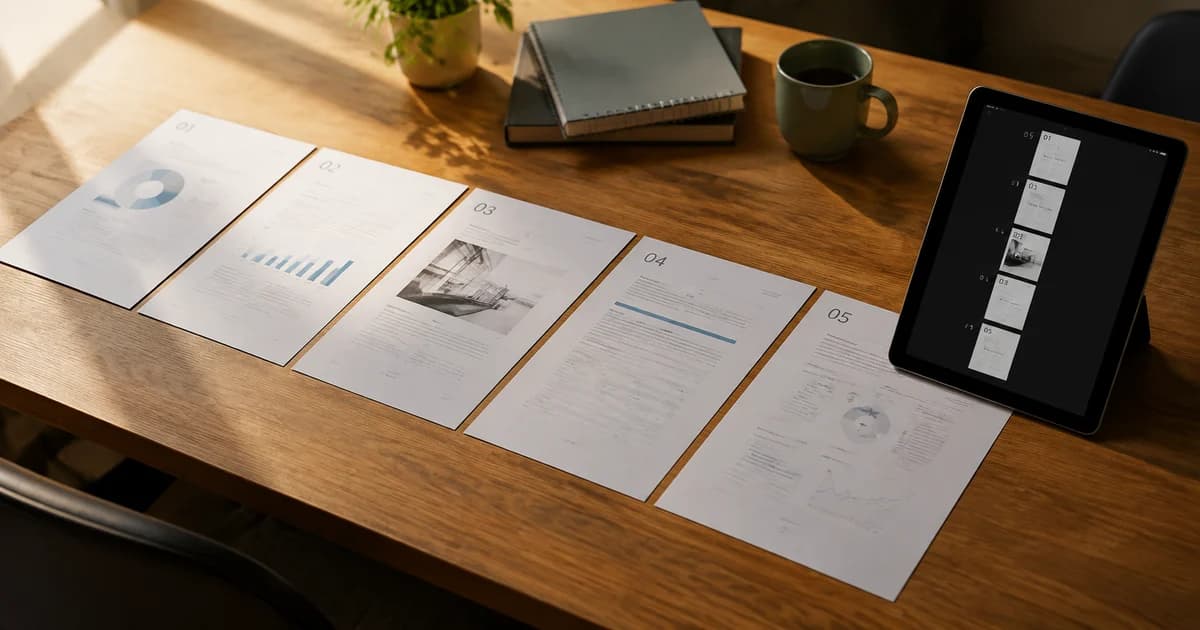
How to Combine Document Photos into One PDF in the Correct Page Order
Combine document photos into one PDF with Pixoate. Arrange page order, check orientation and keep related paperwork together for a clear handoff.

How to Fix Shadows, Tilted Pages and Dark Photos Before Creating a PDF
Prepare dark, shadowed or tilted document photos for PDF conversion. Use Pixoate to improve page presentation and spot when a new photo is needed.
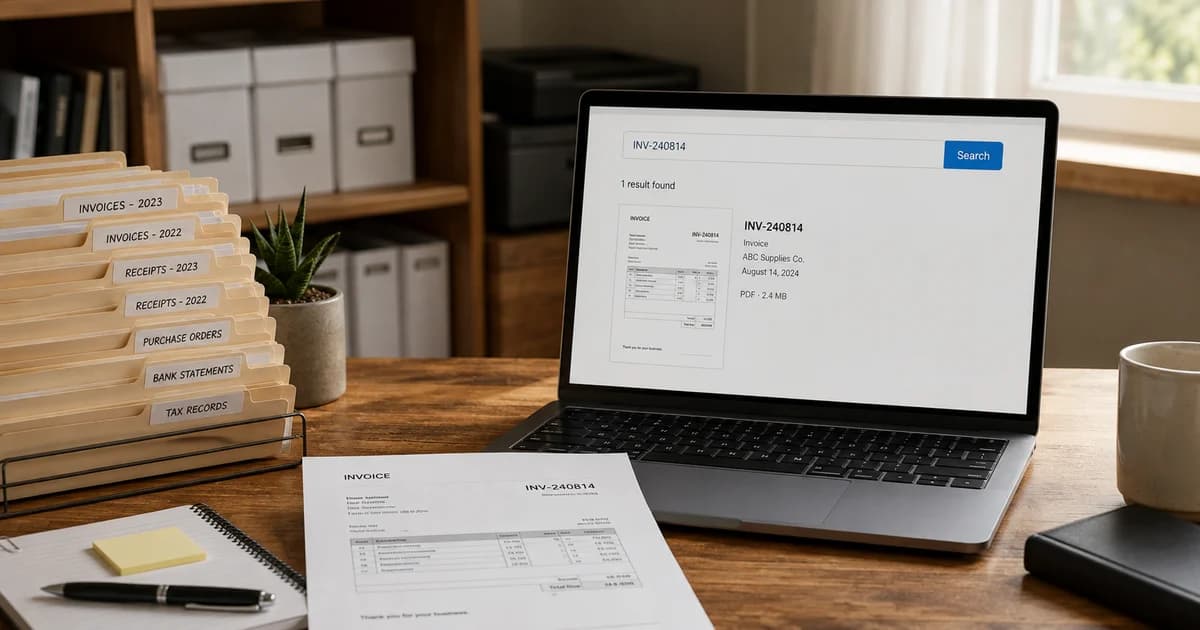
How to Make Scanned Business Records Searchable by Name or Invoice Number
Make photographed business records searchable with Pixoate. Find names and invoice numbers while preserving a readable copy of the original page.

How to Turn Photos into A4 or US Letter PDFs for Printing
Turn phone photos into A4 or US Letter PDFs with Pixoate. Choose page layout, review margins and check the output before printing or sharing.

How to Improve Shopify Product Images in Bulk for Better Listings
Improve Shopify product images in bulk with Pixoate. Review backgrounds, detail, resolution and file size to create a clearer, more consistent catalogue.

Why Shopify Product Thumbnails Look Uneven and How to Fix Them
Fix uneven Shopify product thumbnails with Pixoate. Align canvas sizes, product placement and surrounding space for easier catalogue comparisons.
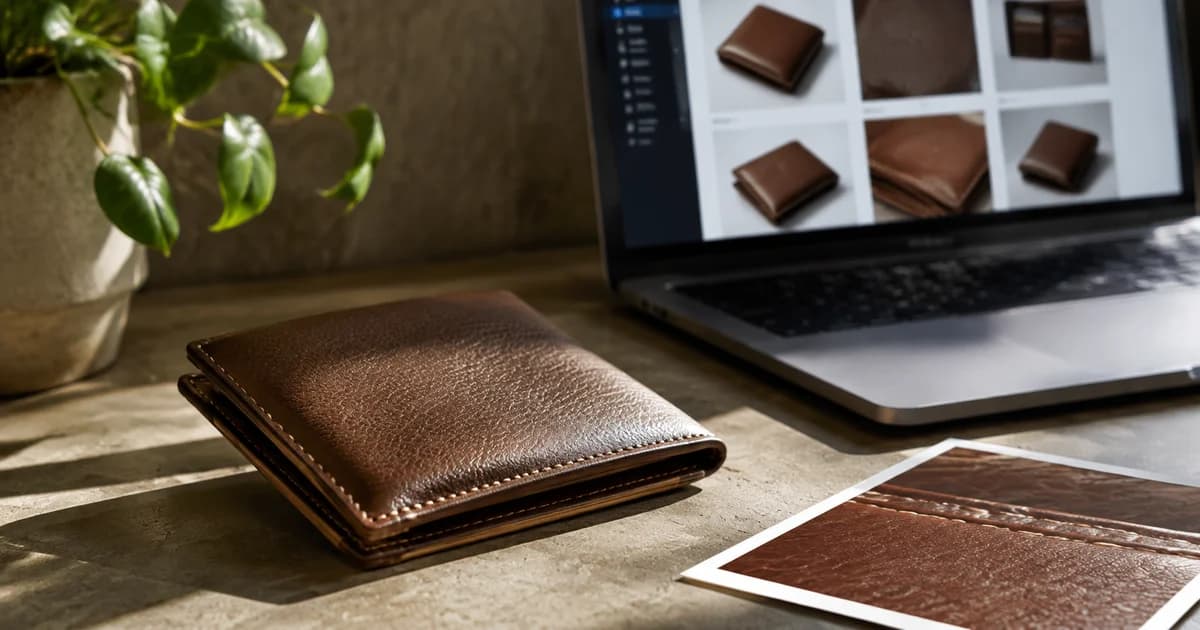
How to Reduce Shopify Image File Sizes While Keeping Product Details Clear
Reduce Shopify image file sizes with Pixoate while checking labels, texture and edges. Compare resizing, compression and suitable export formats.

Do Better Product Photos Increase Sales? What Online Stores Should Measure
Can better product photos increase sales? Learn what to measure, what can distort results and where Pixoate helps improve images worth comparing.
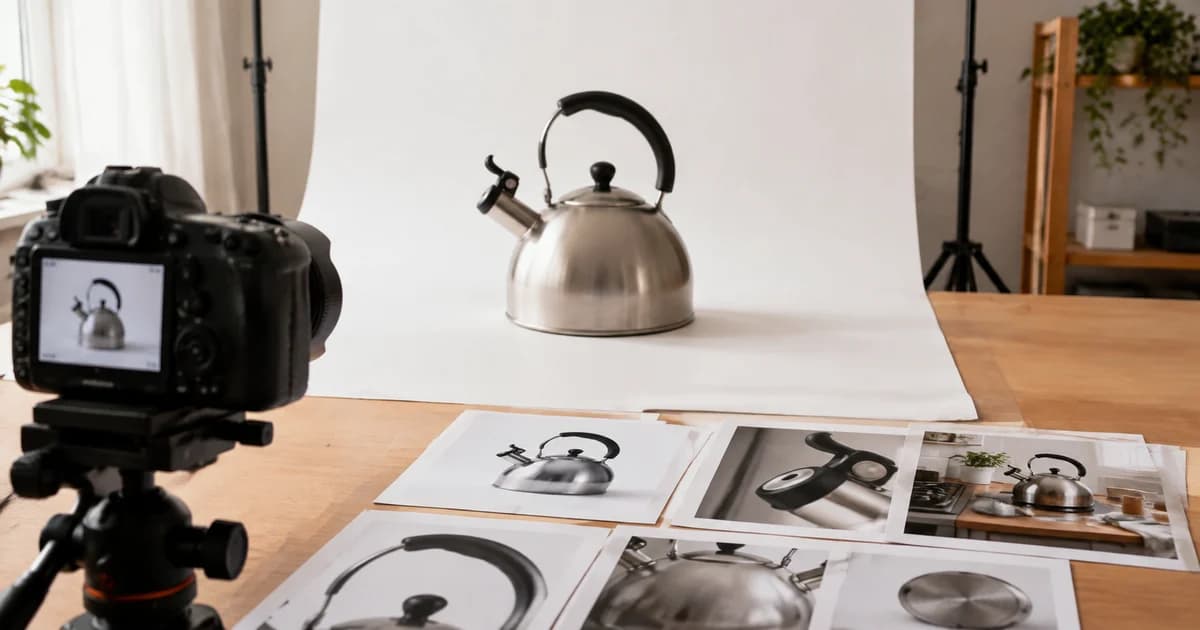
How to Prepare Amazon Main Images and Secondary Product Photos
Prepare Amazon main images and secondary product photos with Pixoate. Separate product identification from lifestyle scenes and explanatory graphics.
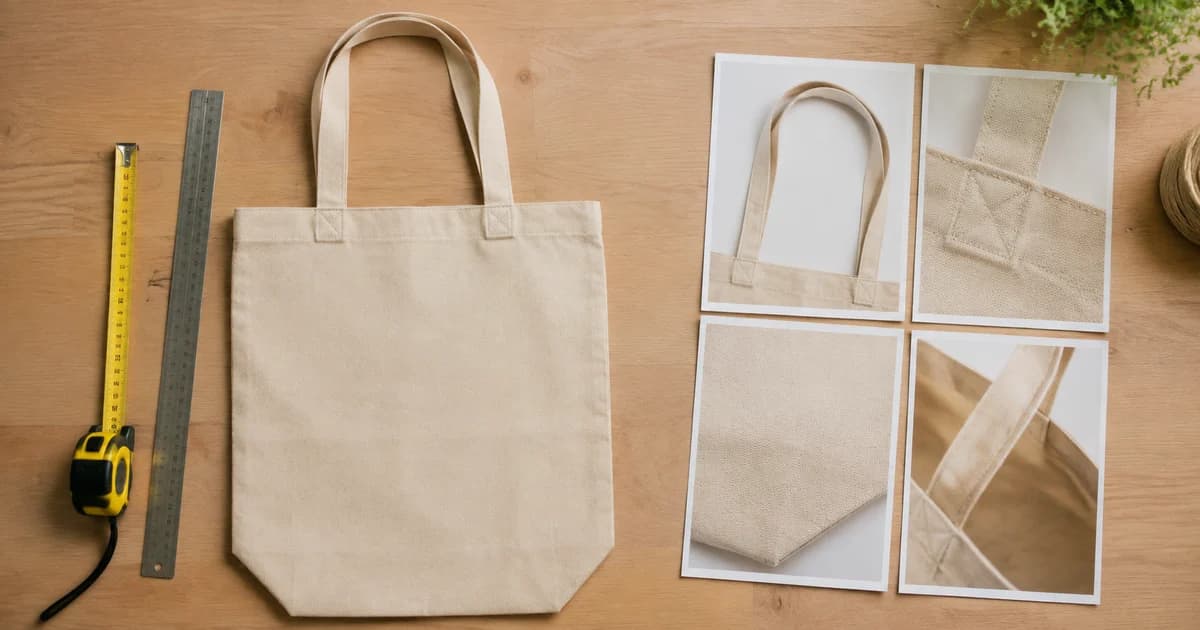
How to Add Product Dimensions and Detail Callouts to Listing Images
Add product dimensions and detail callouts with Pixoate. Make listing images more informative using verified measurements and readable annotations.

How to Improve Etsy Product Photos for Handmade and Custom Items
Improve Etsy photos of handmade and custom products with Pixoate. Show texture, finishing and personalisation clearly without changing the real item.
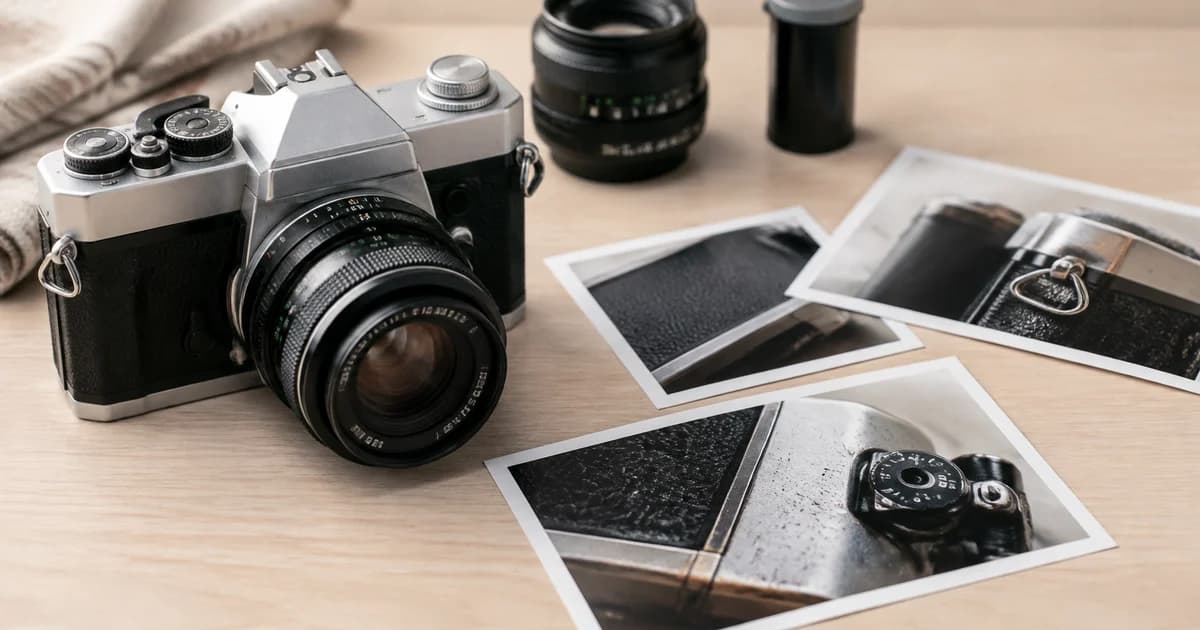
How to Edit eBay Photos of Used Items While Showing Their True Condition
Edit eBay photos of used items with Pixoate while keeping wear and defects visible. Build a listing that explains the condition buyers will receive.
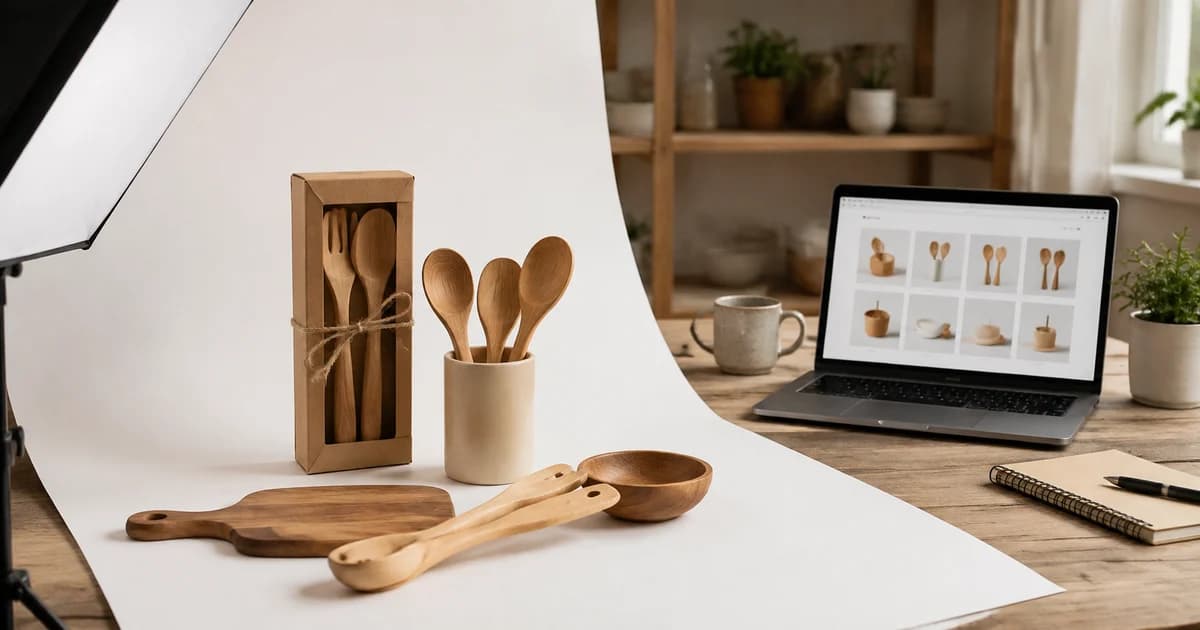
How to Prepare Product Images for Walmart Marketplace Uploads
Prepare Walmart Marketplace product images with Pixoate. Review current upload guidance, canvas dimensions, backgrounds and final file sizes.

How to Create AI Lifestyle Product Photos Without a Studio Photoshoot
Create AI lifestyle product photos with Pixoate. Explore settings for small business campaigns and review product shape, colour and scale before use.
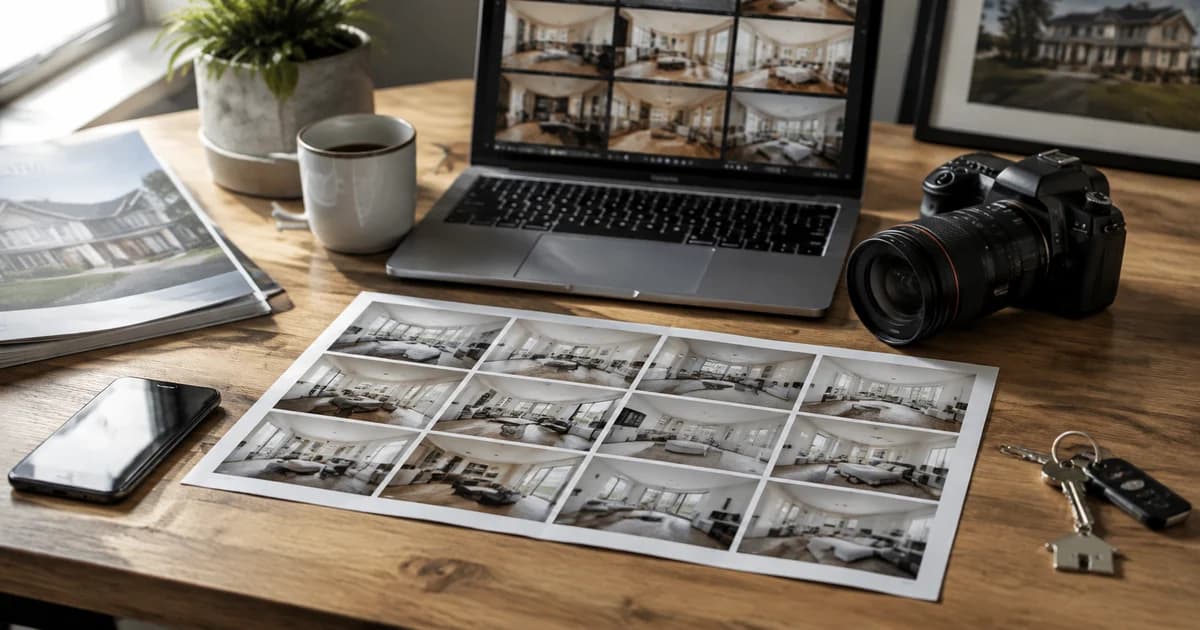
How to Prepare Real Estate Listing Photos in Bulk for an Agency
Organize bulk real estate photo editing with Pixoate. Keep properties, room sequences and concept images clear across an agency's listing workflow.
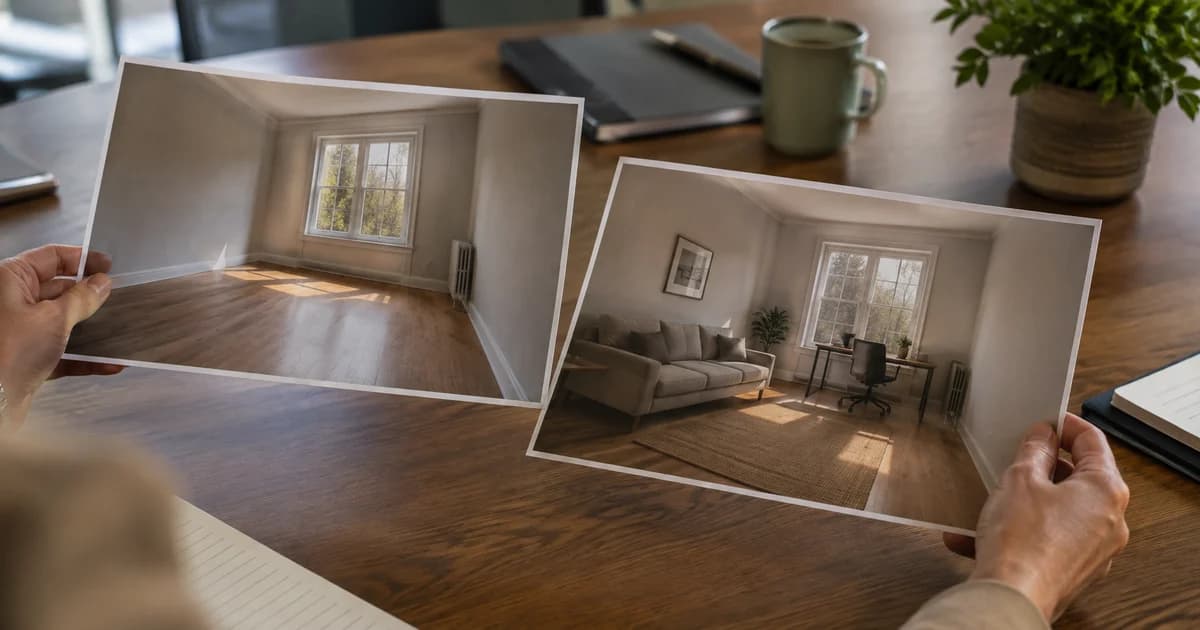
Virtual Staging for Unfurnished Rentals: Show Layout Ideas to Prospective Tenants
Use virtual staging to show furniture layout ideas for unfurnished rentals. Create Pixoate concepts that help tenants picture a room's possible use.

How to Create Furnishing Proposals for Interior Design Clients with AI
Create AI furnishing proposals for interior design clients with Pixoate. Compare room concepts and assemble clear presentation PDFs for discussion.

How to Remove Temporary Clutter from Real Estate Photos with AI
Remove temporary clutter from real estate photos with Pixoate. Review cables and stray objects while preserving the property's actual condition.

How to Improve Dark Vacation Rental Photos While Keeping Rooms Realistic
Improve dark vacation rental photos with Pixoate. Review brightness and detail while keeping room colours, views and lighting expectations realistic.

How to Create Before-and-After Renovation Photo Reports for Clients
Create before-and-after renovation photo reports with Pixoate. Organize project images, add useful context and prepare a readable client handover.
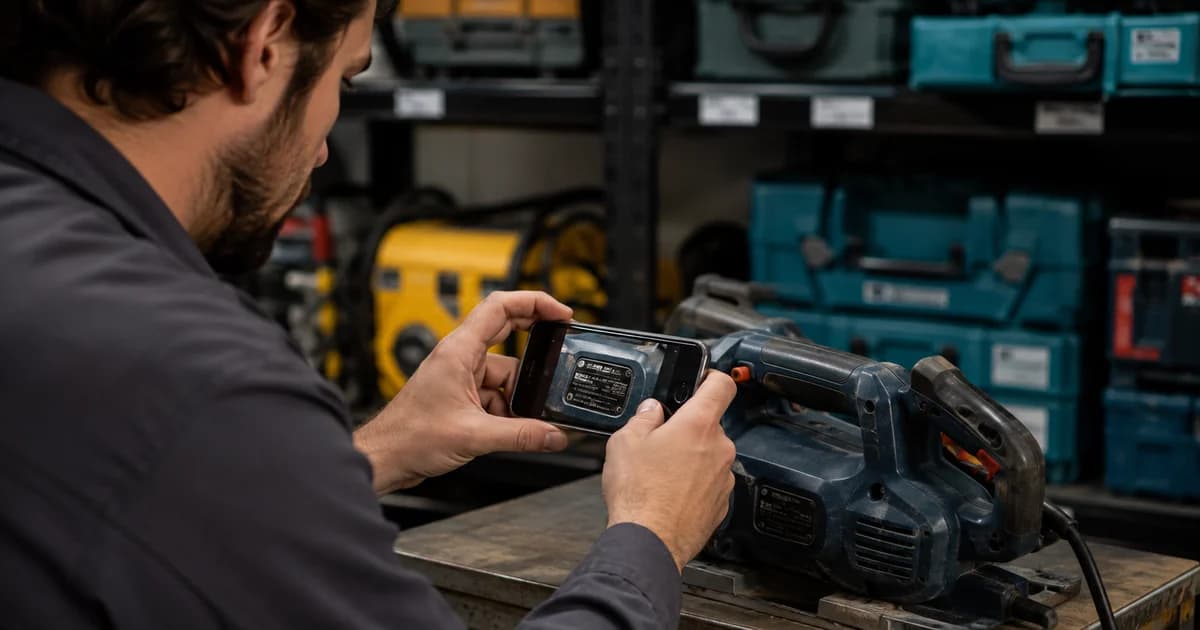
How to Scan Equipment Serial Numbers into a Business Asset Register
Scan equipment serial numbers into reviewed asset records with Pixoate. Connect label photos, model details and purchase evidence without losing context.

How to Extract Contractor Insurance Certificate Details into a Vendor Register
Extract contractor insurance certificate details with Pixoate. Build a reviewed vendor register of names and dates while keeping coverage checks separate.

How to Record Rental Property Meter Readings from Move-In and Move-Out Photos
Record rental property meter readings from move-in and move-out photos with Pixoate. Keep readings tied to the right meter, property and date.
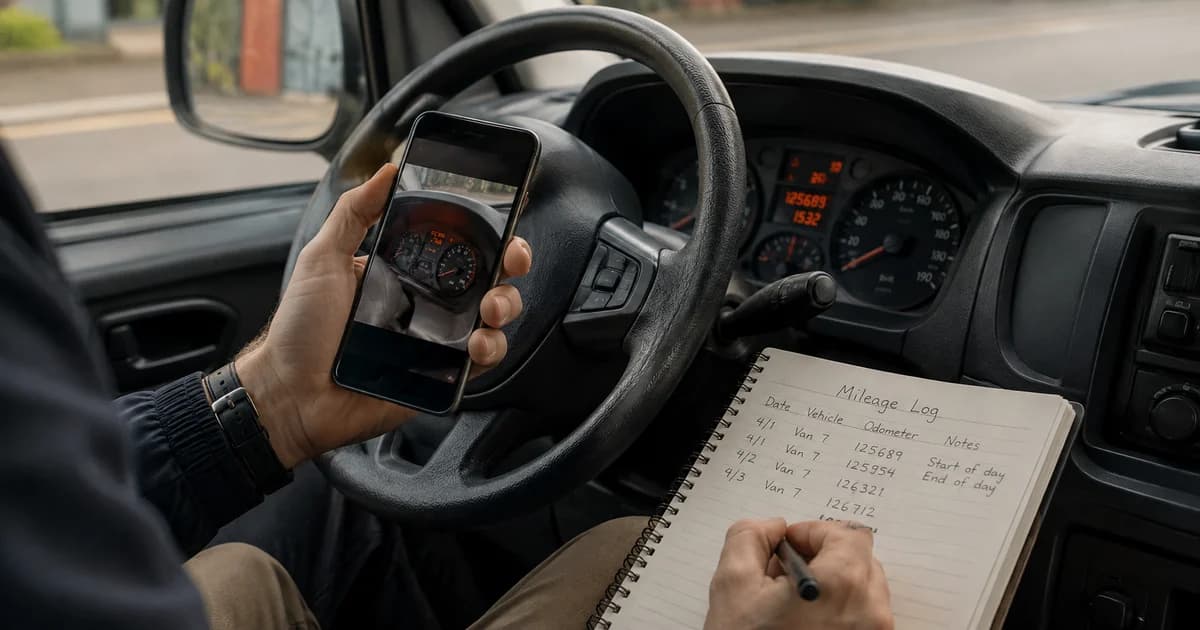
How to Turn Fleet Odometer Photos into a Reviewed Mileage Log
Turn fleet odometer photos into reviewed mileage records with Pixoate. Check vehicle identity, reading units and dates before updating your log.
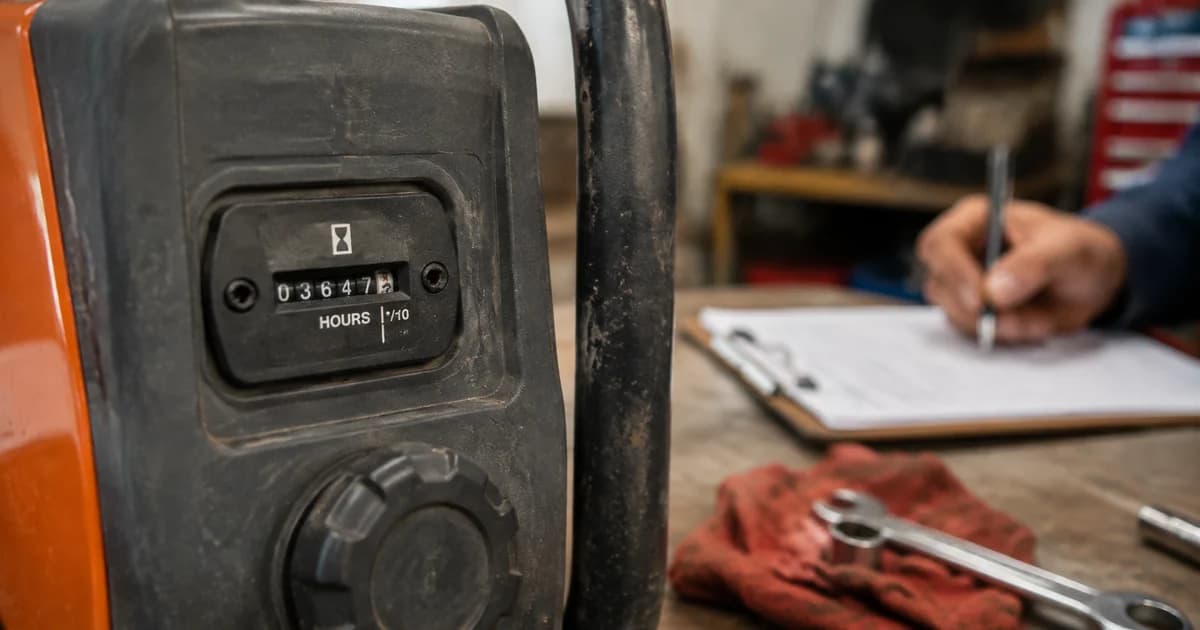
How to Read Equipment Hour Meters from Photos for Maintenance Records
Read equipment hour meters from photos with Pixoate. Keep machine identity and reading dates together for useful maintenance planning records.

How to Extract Expiry Dates and Lot Codes from Stock Label Photos
Extract expiry dates and lot codes from stock labels with Pixoate. Review date formats and uncertain characters before creating an actionable stock record.
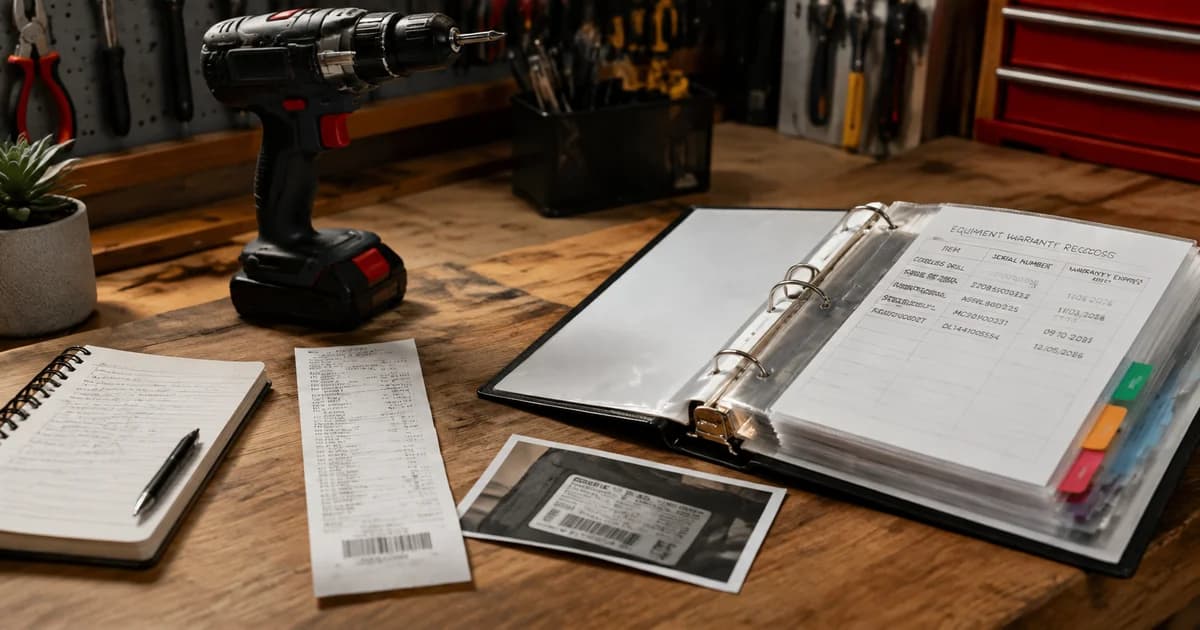
How to Organize Business Equipment Receipts, Serial Numbers and Warranty Dates
Organize business equipment receipts, serial numbers and warranty dates with Pixoate. Keep purchase evidence connected to the asset it describes.

How to Scan Business Cards into Phone Contacts After a Trade Show
Scan trade show business cards into phone contacts with Pixoate. Review names, numbers and vCard details before importing your new connections.

How to Create Consistent Staff Headshots for a Company Website
Create consistent staff headshots for a company website with Pixoate. Coordinate framing and backgrounds while keeping each person's likeness clear.
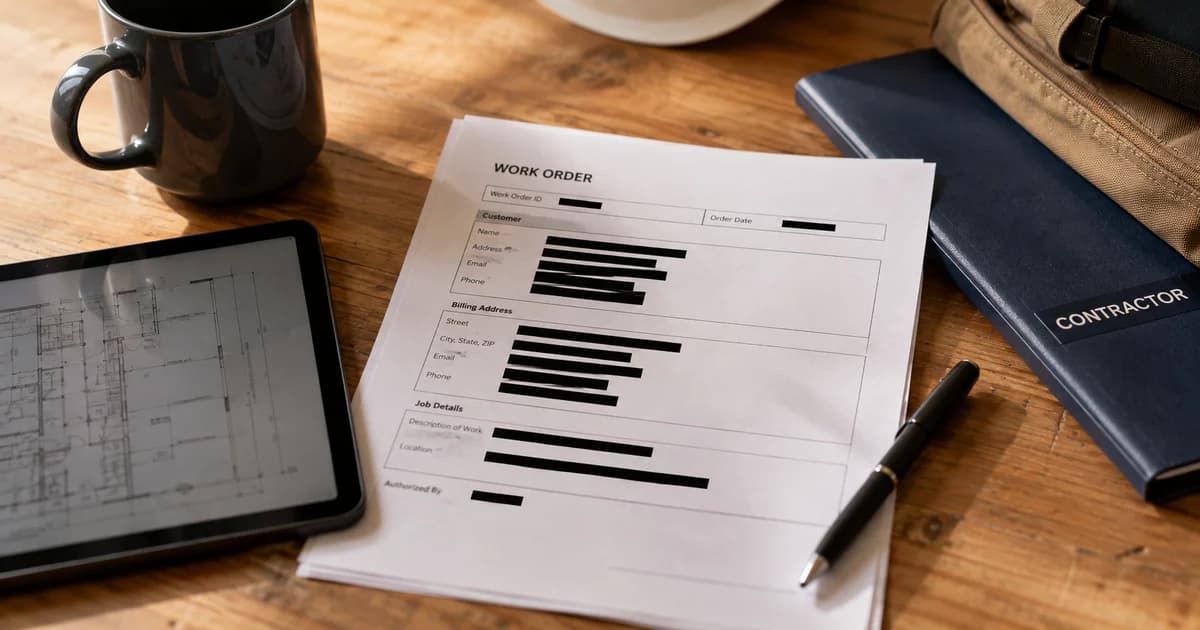
How to Redact Customer Details from PDFs Before Sharing with Contractors
Redact customer details from PDFs before sharing with contractors. Use Pixoate to prepare documents and review the exported file for unwanted information.

How to Create a PDF Product Catalogue from Existing Store Photos
Create a PDF product catalogue from existing store photos with Pixoate. Combine images, names and prices into a readable file for wholesale enquiries.
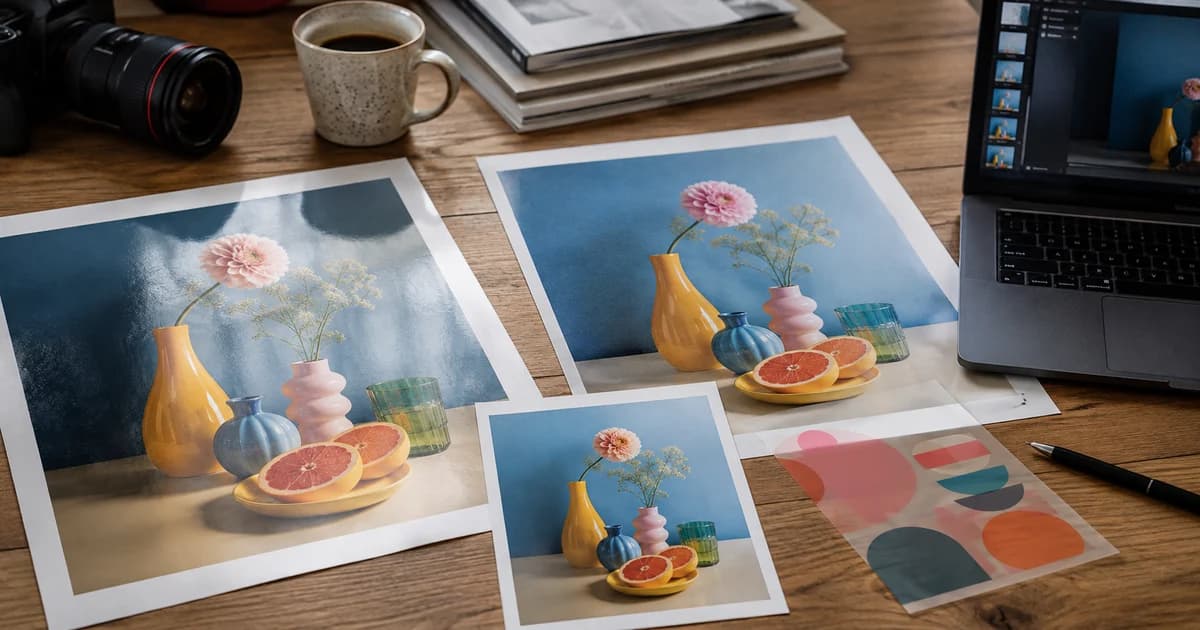
PNG vs JPG vs WebP vs AVIF: Which Image Format Should You Use?
Compare PNG, JPG, WebP and AVIF for photos, logos and website images. Choose a format by quality, transparency and compatibility, then convert with Pixoate.

JPG vs PNG for Product Photos: Quality, File Size and Transparency
JPG or PNG for product photos? Compare transparency, image detail and file size, then use Pixoate to prepare an export that fits your listing workflow.

WebP vs AVIF for Ecommerce Images: File Size, Quality and Compatibility
Compare WebP and AVIF for ecommerce images. Review quality, file size and upload compatibility before converting product photos with Pixoate.

Why Your Logo Loses Its Transparent Background and How to Fix It
Find out why a logo loses its transparent background. Use Pixoate to review source files, remove unwanted backgrounds and export a suitable PNG.

How to Convert WebP or AVIF to JPG When a Website Rejects Your Image
Website rejecting a WebP or AVIF image? Convert it to JPG with Pixoate, then review transparency, quality and the receiving site's upload requirements.

How to Convert iPhone Product Photos from HEIC to JPG in Bulk
Convert iPhone product photos from HEIC to JPG in bulk with Pixoate. Prepare compatible marketplace images while reviewing orientation and file size.

SVG vs PNG for Business Logos: Which Should You Send or Upload?
Choose SVG or PNG for business logos, email and presentations. Use Pixoate to export a suitable size while preserving readable lettering and transparency.
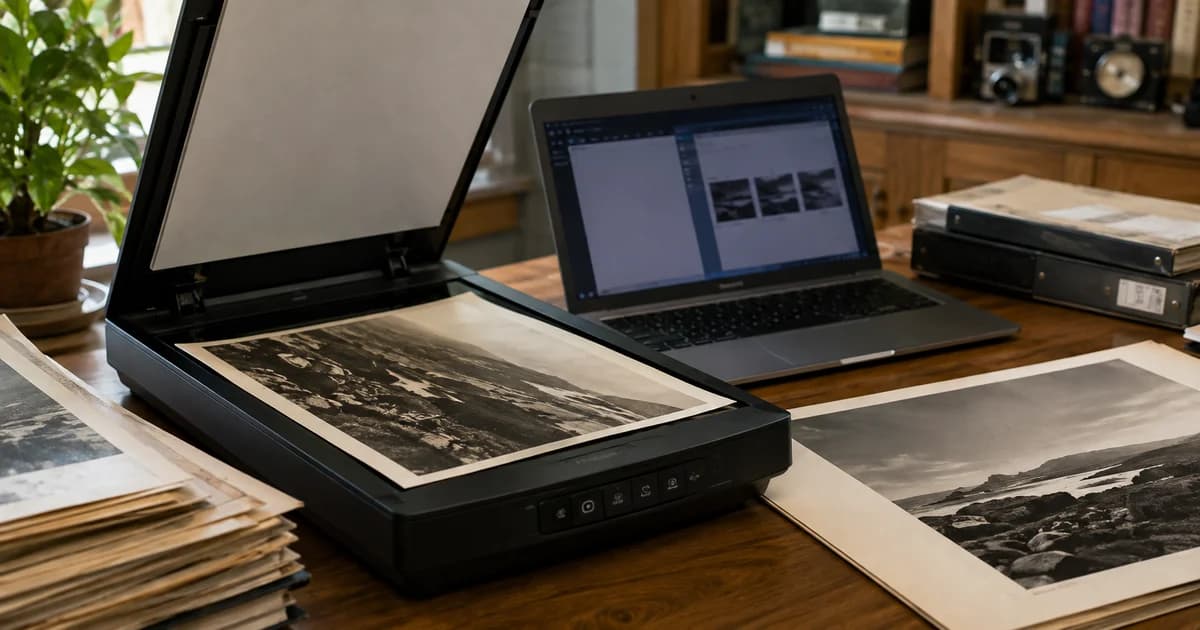
How to Convert Large TIFF Scans to JPG or PDF for Email and Sharing
Convert large TIFF scans to JPG or PDF with Pixoate. Prepare readable files for email, review page order and keep the original scan for future use.
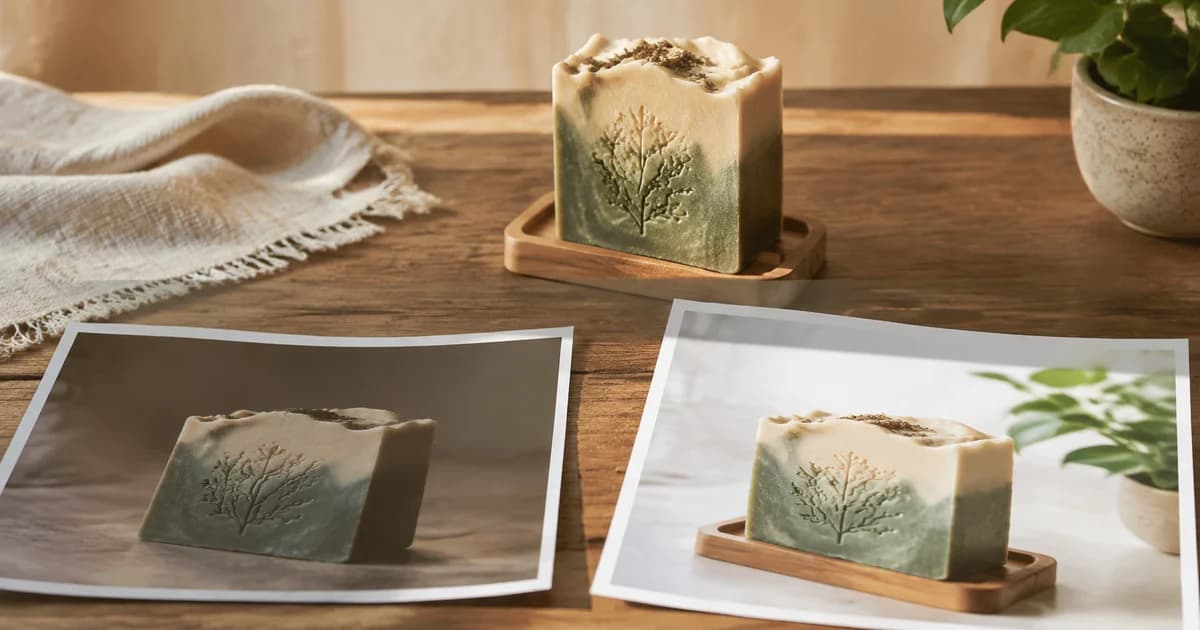
When Good Products Look Cheap Online: Why Shopify Product Photography Matters
Poor Shopify product photos can hide the quality buyers need to see. Explore how Pixoate helps clarify detail and create a more consistent presentation.
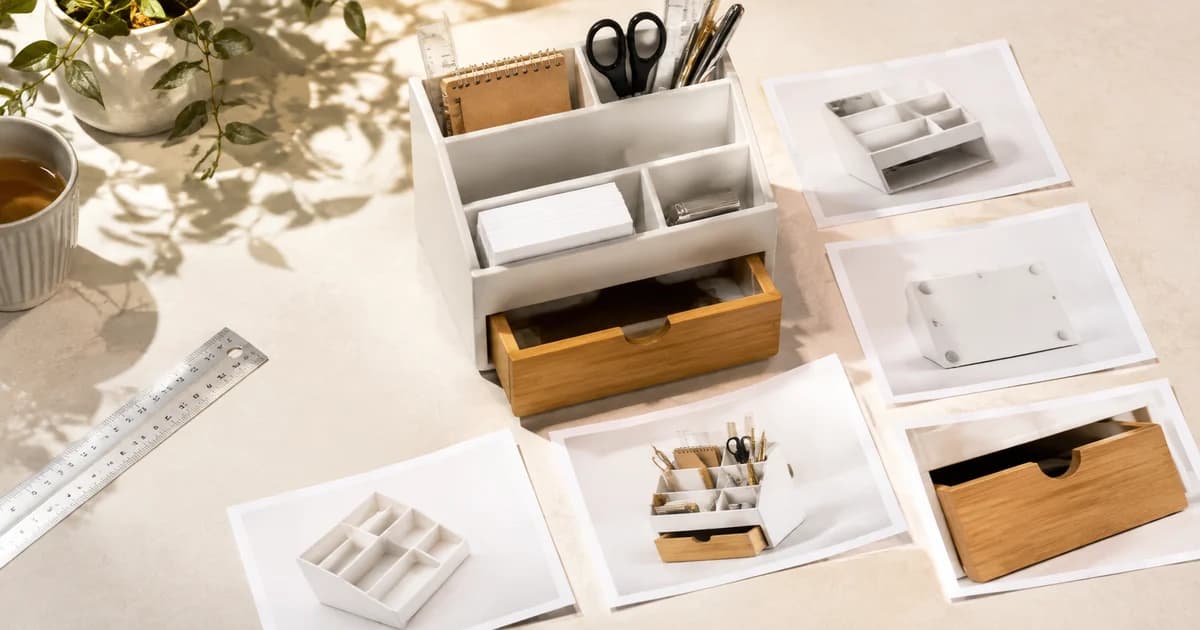
The Questions Your Amazon Product Images Leave Unanswered
What questions do your Amazon product images leave unanswered? Use Pixoate to explain size, details and included items in useful secondary graphics.

The Blurry Zoom Problem: What Shoppers Cannot See, They Cannot Evaluate
Blurry product image zoom makes details difficult to evaluate. Explore where Pixoate upscaling helps and when a clearer source photograph is needed.

One Store, Five Photography Styles: Why Your Shopify Catalogue Feels Inconsistent
An inconsistent Shopify catalogue makes products harder to compare. Use Pixoate to coordinate backgrounds, framing and scale across related listings.

White Backgrounds and Lifestyle Photos Answer Different Buyer Questions
White backgrounds identify a product; lifestyle photos suggest its use. Explore how Pixoate helps create each image type for the right buyer question.

The Size Surprise: Why Product Photos Need to Show Scale
Product photos need more than an attractive close-up. Explore scale, verified dimensions and Pixoate annotations that help buyers understand real size.
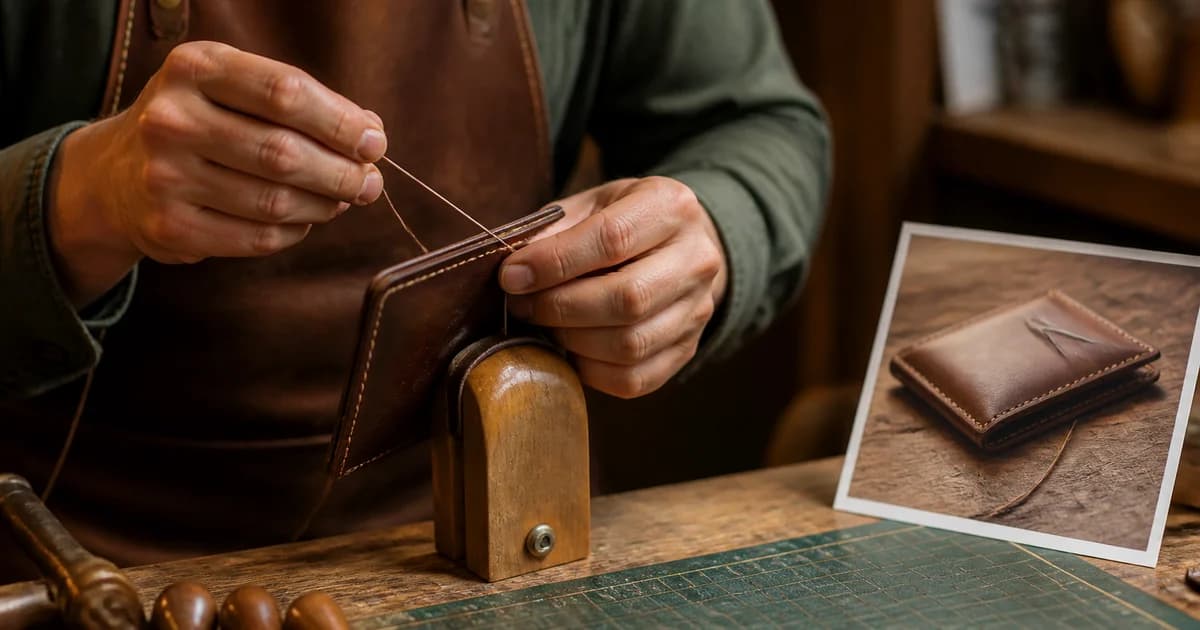
Handmade Deserves a Closer Look: Etsy Product Photos That Show the Craft
Handmade product photos should make craftsmanship visible. Use Pixoate to present stitching, texture and finishing details in your Etsy listing images.
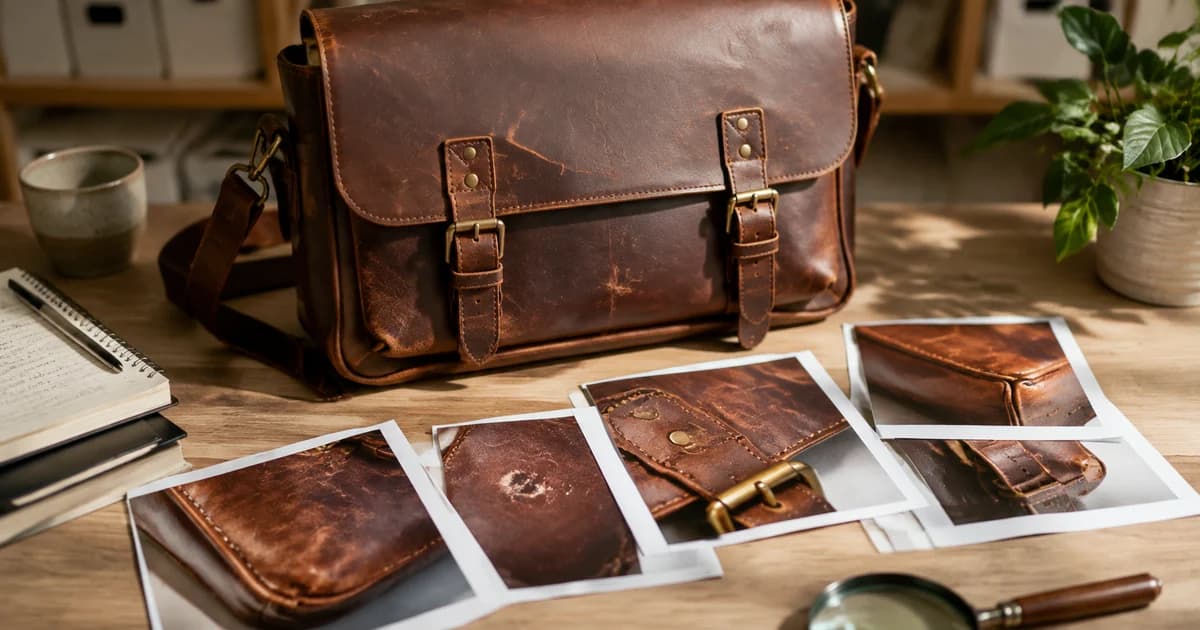
Can an eBay Product Photo Be Too Perfect? The Value of Showing True Condition
Can an eBay product photo look too perfect? Explore editing choices that preserve wear, explain condition and support buyer trust with Pixoate.
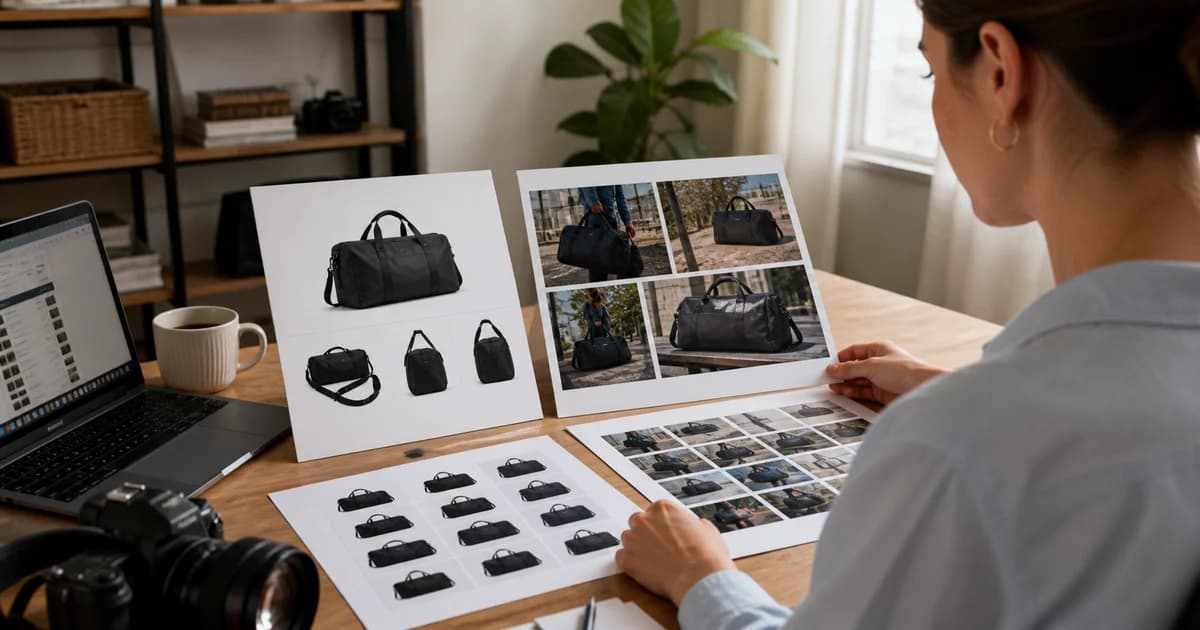
New Marketplace, Same Photo Folder: Why Amazon and Walmart Images Need Separate Reviews
Selling on Amazon and Walmart requires separate image reviews. Learn where shared product photos need channel-specific preparation with Pixoate.

Your Product Page Is Making Customers Wait: When Beautiful Images Become Heavy Files
Heavy product images can make a page slower to load. Explore Pixoate resizing and compression while preserving the details customers need to inspect.

The Seasonal Campaign That Never Launched: When Product Photography Slows Marketing
Seasonal campaigns can stall when every image needs a new photoshoot. Explore how Pixoate helps adapt existing product photos into useful campaign assets.
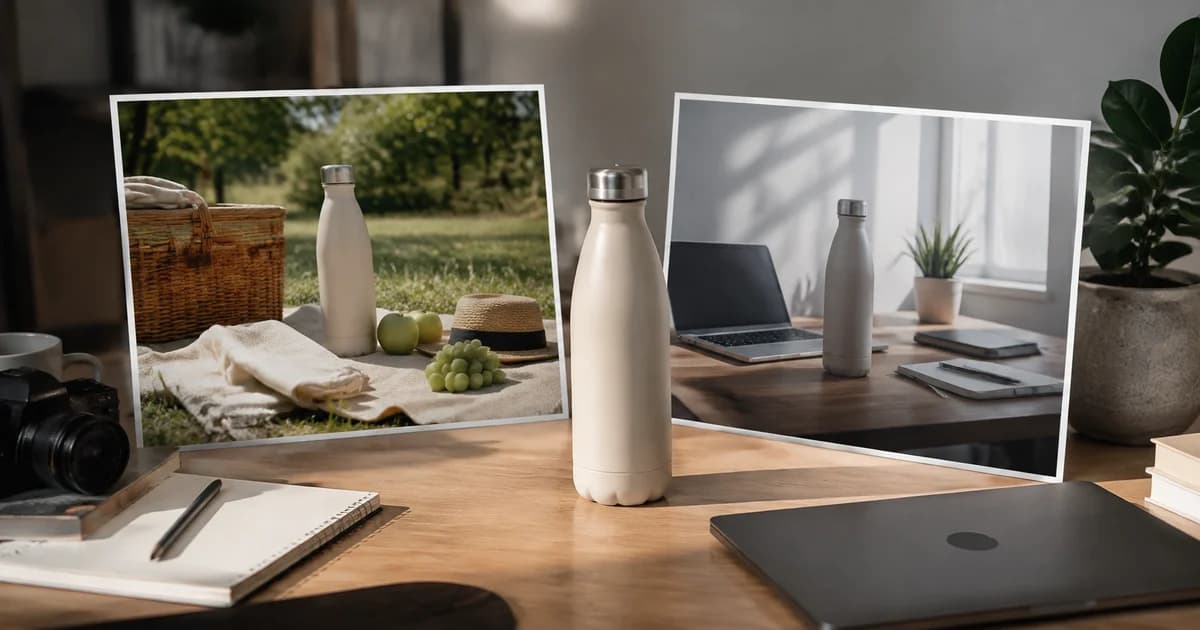
Same Product, Different Story: Where AI Lifestyle Photography Adds Value
One product can belong in several stories. Explore AI lifestyle photography with Pixoate and the review that keeps a generated scene true to the item.

It Looked Different Online: The Product Photo Details Behind Buyer Expectations
Product images shape expectations about colour, scale and accessories. Use Pixoate to clarify the offer and show what a customer will actually receive.

The Crop That Cut Out the Selling Point: Why Product Images Need Room to Adapt
A social ad crop can hide the feature that makes a product worth buying. Explore portrait layouts and Pixoate editing that give important details room.

People Buy Possibilities: Why Empty Rooms Need a Visual Story
Empty rooms can leave buyers struggling to picture everyday life. Explore believable Pixoate virtual staging concepts and what home-staging research says.

The Spare Room Buyers Overlook: Giving an Empty Space a Purpose with Virtual Staging
An empty spare room can be easy to overlook. Use Pixoate virtual staging to suggest a plausible workspace or another purpose that suits the actual room.

Beautifully Staged, Believably Sized: Why Virtual Furniture Must Fit the Room
Virtual furniture needs believable proportions. Explore room-scale reviews and Pixoate comparisons that keep attractive staging concepts grounded in reality.

When Listing Photos Promise Too Much: Building Trust with Transparent Virtual Staging
Transparent virtual staging helps viewers distinguish a property from a proposal. Use Pixoate to create labelled concepts that preserve the original context.

The Rental Looks Dark Online: When Photography Hides a Property's Appeal
Dark rental photos can hide useful space and detail. Explore realistic Pixoate enhancement that helps viewers understand a property's actual appeal.

I Can't Picture It: The Client Conversation AI Room Staging Can Help Move Forward
When a client cannot picture a room, a concept can move the discussion forward. Explore Pixoate AI staging proposals that support clearer design decisions.

From Dust to Done: Why Renovation Photo Reports Belong in the Client Handover
Renovation photo reports give a client handover useful context. Explore Pixoate workflows for recording progress, visible results and remaining work.

Your Team Is Typing the Same Information Twice: The Hidden Cost of Manual Data Entry
Repeated manual data entry consumes attention as well as time. Explore how Pixoate OCR can turn photographed information into reviewed business records.

When Supplier Prices Arrive as Photos: The Cost of Data You Cannot Compare
Supplier prices trapped in photos are difficult to compare. Explore how Pixoate extraction helps turn scattered price sheets into usable purchasing data.
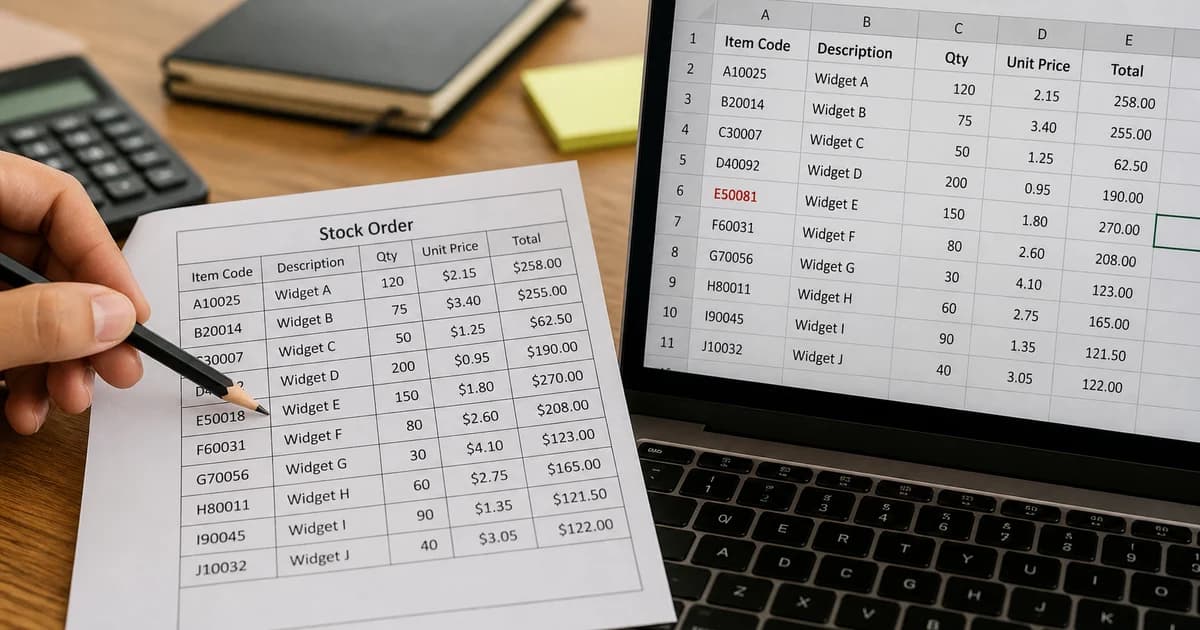
The Spreadsheet Looks Right Until One Digit Changes the Order
One misread digit can change a product code or order quantity. Learn why Pixoate OCR exports need a business-focused review before spreadsheet use.

Your Next Business Decision Might Be Trapped in a Screenshot
Useful business data often arrives as a screenshot. Explore how Pixoate turns table images into editable information for comparisons and calculations.

Excel, CSV and JSON: Choosing OCR Output Your Business Can Actually Use
Excel, CSV or JSON? Choose OCR output for the person or system using it next, and explore the Pixoate tools that support each business workflow.

Receipts in Pockets, Expenses in Limbo: Why Small Purchases Become Month-End Work
Small receipts become bigger admin tasks when context goes missing. Explore how Pixoate helps extract purchase details and preserve month-end evidence.

The Business Knowledge Hidden in Handwritten Job Notes
Handwritten job notes hold knowledge that is easy to lose. Explore Pixoate OCR for making service details easier to edit, share and revisit.

The Leads You Brought Home: Why Business Cards Need a Follow-Up Plan
A stack of business cards needs a follow-up plan. Explore how Pixoate contact extraction helps turn event introductions into reviewed, usable records.
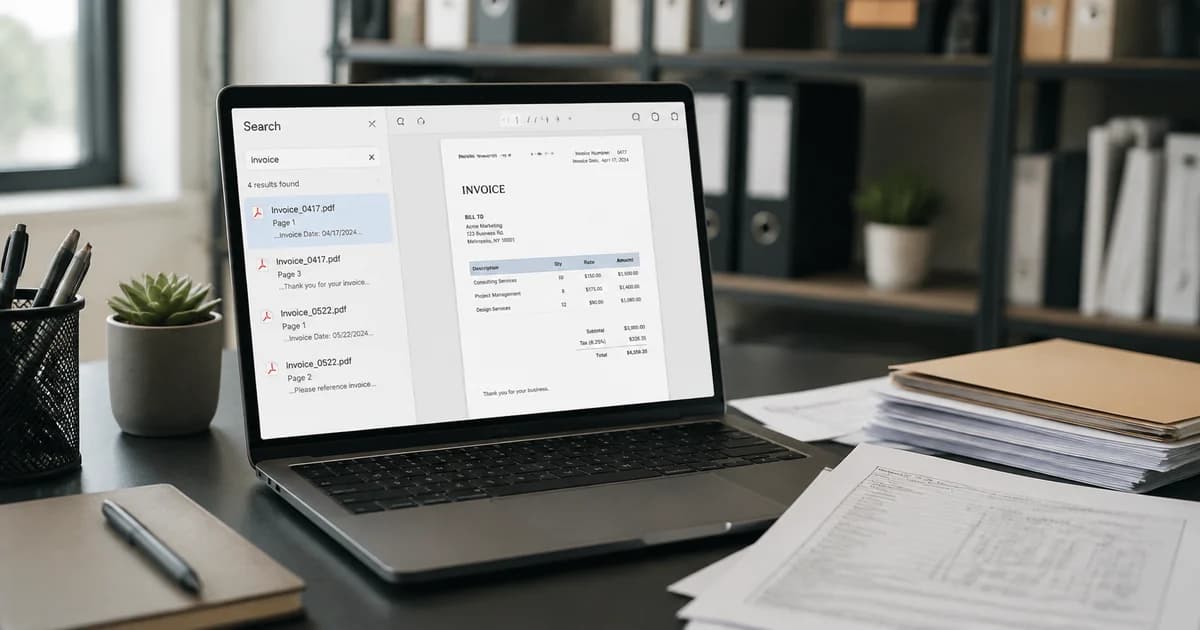
Paperless but Still Searching: Why Businesses Need Searchable PDFs
Paperless records are not always searchable. Explore Pixoate PDF workflows that help businesses find names, references and invoice text in scanned pages.

The Paperwork Handoff: What Happens After You Photograph a Document
Photographing a document is only the start of a paperwork handoff. Use Pixoate to prepare readable, ordered PDFs that the next person can work with.

The Application Is Finished. The PDF Is Too Large to Submit.
A finished application can still fail at a PDF upload limit. Explore Pixoate compression and page review to prepare a smaller, readable submission.
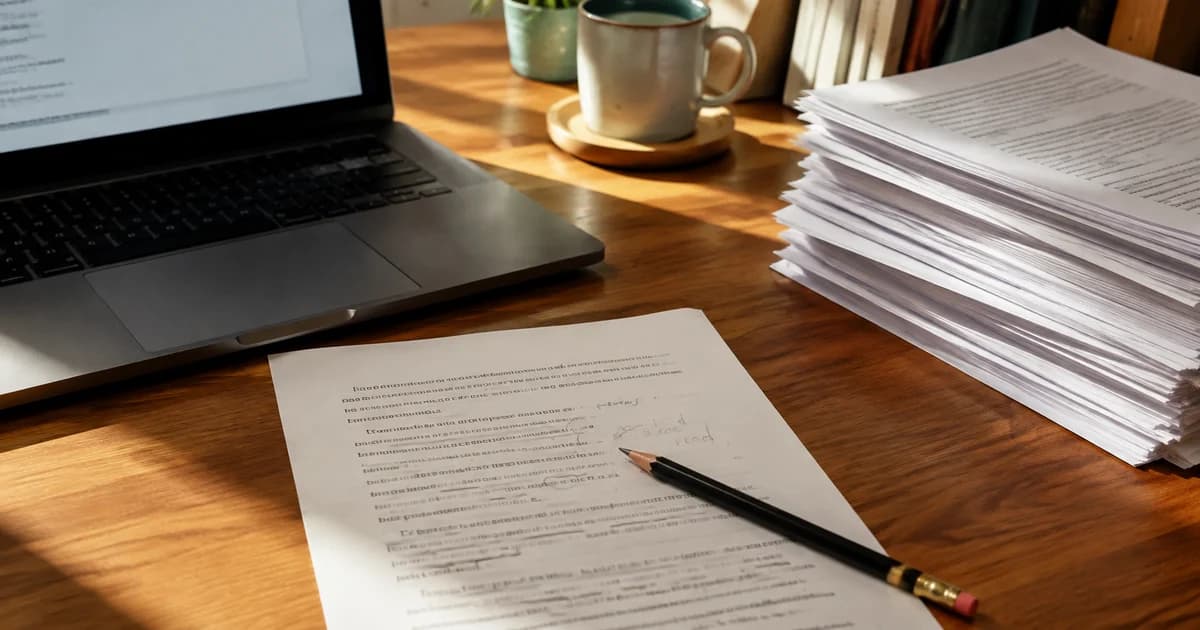
The Small PDF Edit That Turns into an Afternoon of Retyping
A small PDF change should not require unnecessary retyping. Compare Pixoate editing and conversion workflows for revising a document you already have.
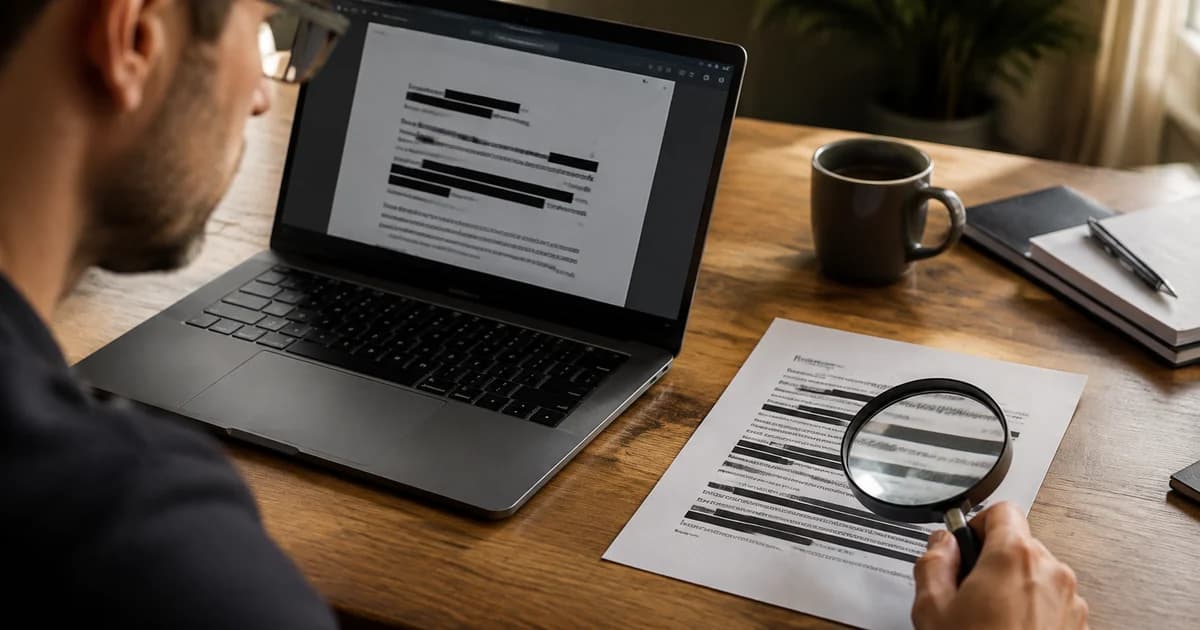
What Is Still Inside the PDF You Just Shared? A Closer Look at Redaction
A covered line is not enough to establish that PDF information is removed. Explore Pixoate redaction workflows and checks on the exported document.

The Best Image Format Depends on the Job: PNG, JPG, WebP and AVIF
The best image format depends on its next job. Explore PNG, JPG, WebP and AVIF decisions, with Pixoate converters for practical everyday workflows.

Why Your Logo Looks Sharp on Your Website and Blurry in a Presentation
A logo can look sharp online and blurry in a presentation. Understand vector and raster sizing, then choose a suitable Pixoate export for its destination.

The iPhone Photo That Holds Up a Product Listing: Understanding HEIC Compatibility
An iPhone product photo may hit an upload barrier because it is HEIC. Explore Pixoate conversion and the checks that keep marketplace preparation moving.
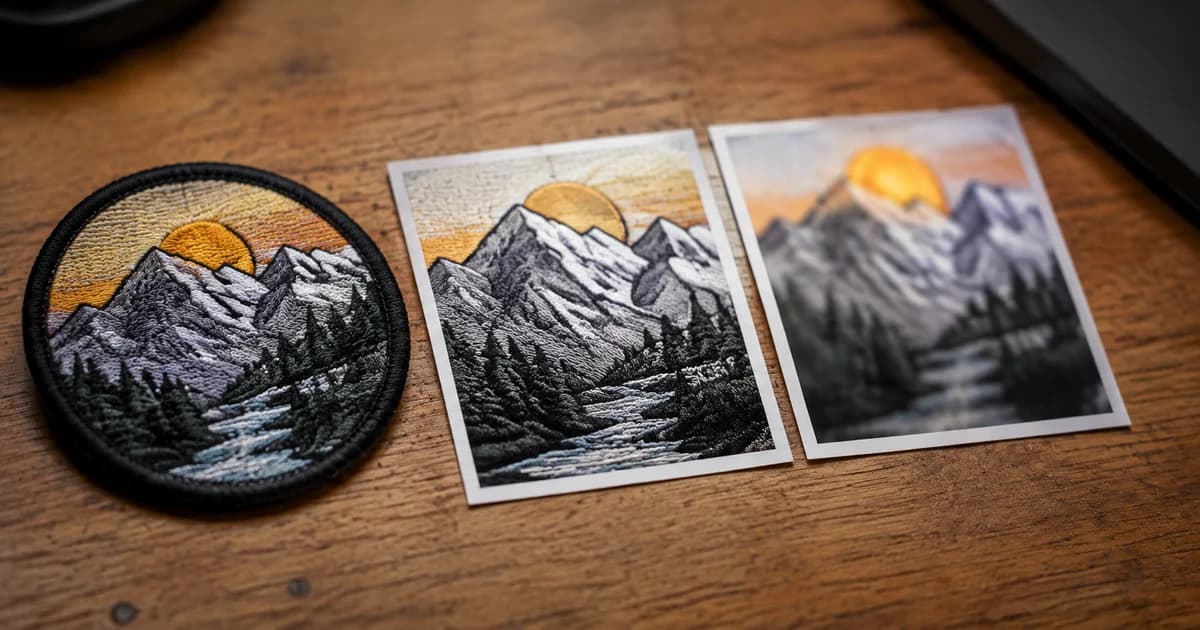
When a Smaller Image Loses the Detail That Matters
Smaller images can lose the detail that explains a product. Explore Pixoate compression reviews for labels, textures and other information worth preserving.
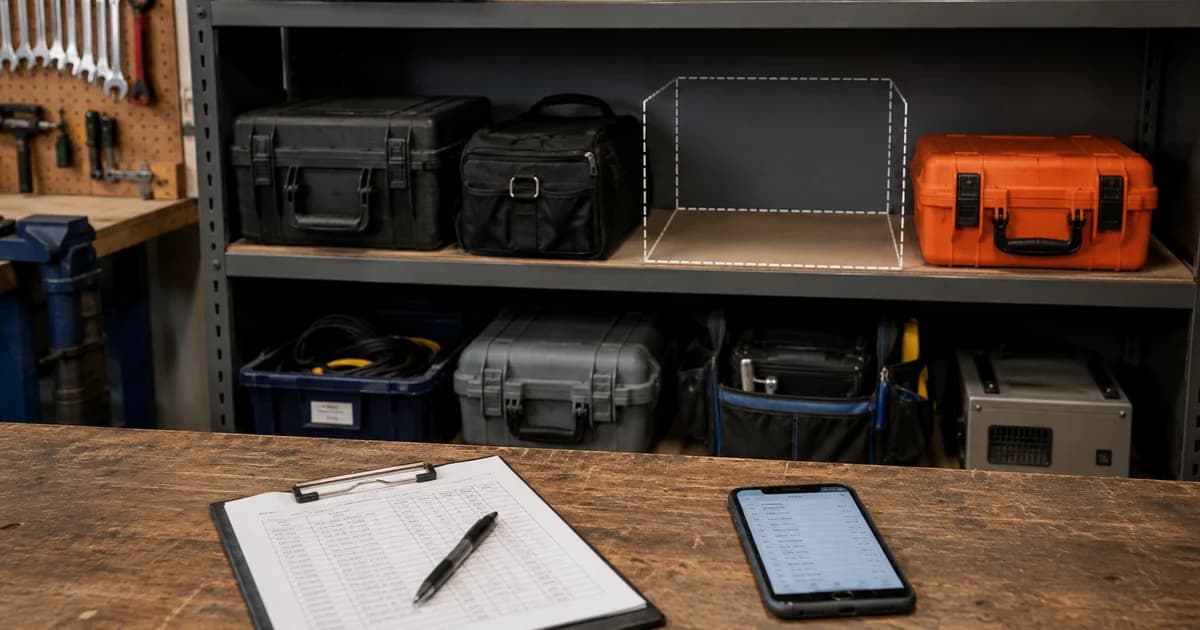
The Asset Register You Wish You Had When Equipment Goes Missing
Missing equipment is harder to identify without clear records. Explore Pixoate serial number extraction and purchase evidence for a useful asset register.

Whose Meter Was That? The Missing Context in Property Handover Photos
A meter photo without property or date context creates more questions. Explore Pixoate reading records that keep rental handover evidence understandable.
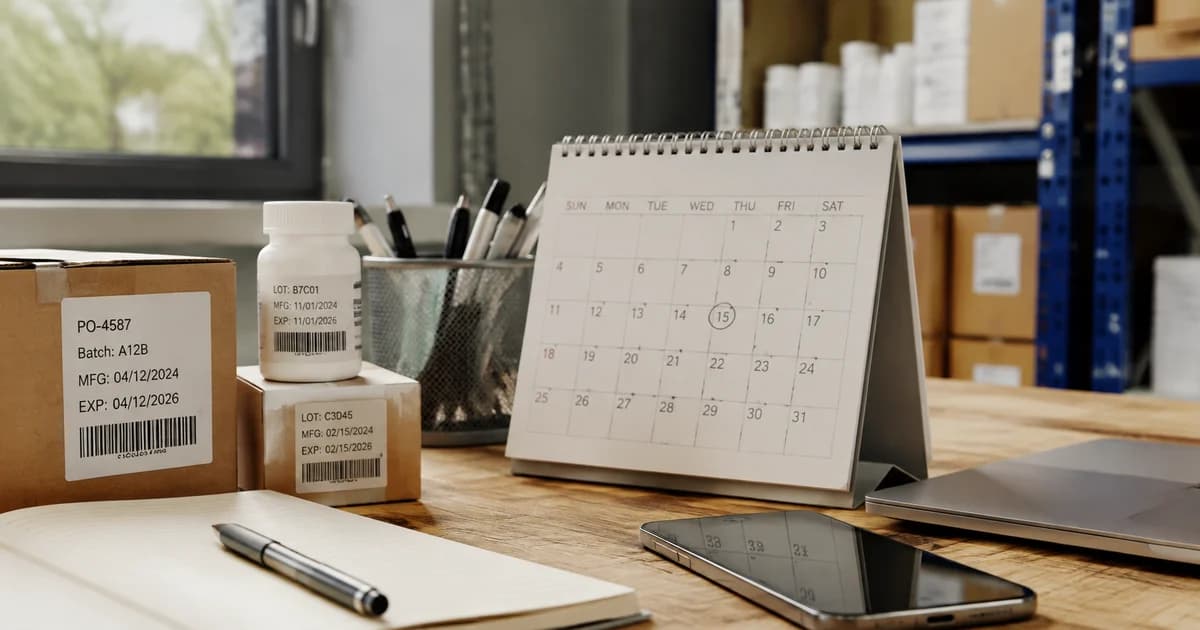
Expiry Dates Are Easy to Photograph and Easy to Forget
Photographed expiry dates need a next action. Explore Pixoate date extraction and reviewed records for stock checks and contractor renewal planning.

A Shelf Can Look Full While the Products Customers Want Run Low
A full-looking shelf can hide gaps in the products people want. Explore Pixoate visible-object counts and the context needed for a useful stock review.

A Busy Café Photo Tells One Part of the Demand Story
A busy cafe photo captures occupancy at one moment. Explore Pixoate people counts, their limits and how reviewed snapshots can inform demand discussions.

Mileage, VINs and Maintenance: The Business Value Hidden in Fleet Photos
Fleet photos can support better mileage and equipment records. Explore Pixoate extraction while keeping vehicle identity, units and reading dates together.
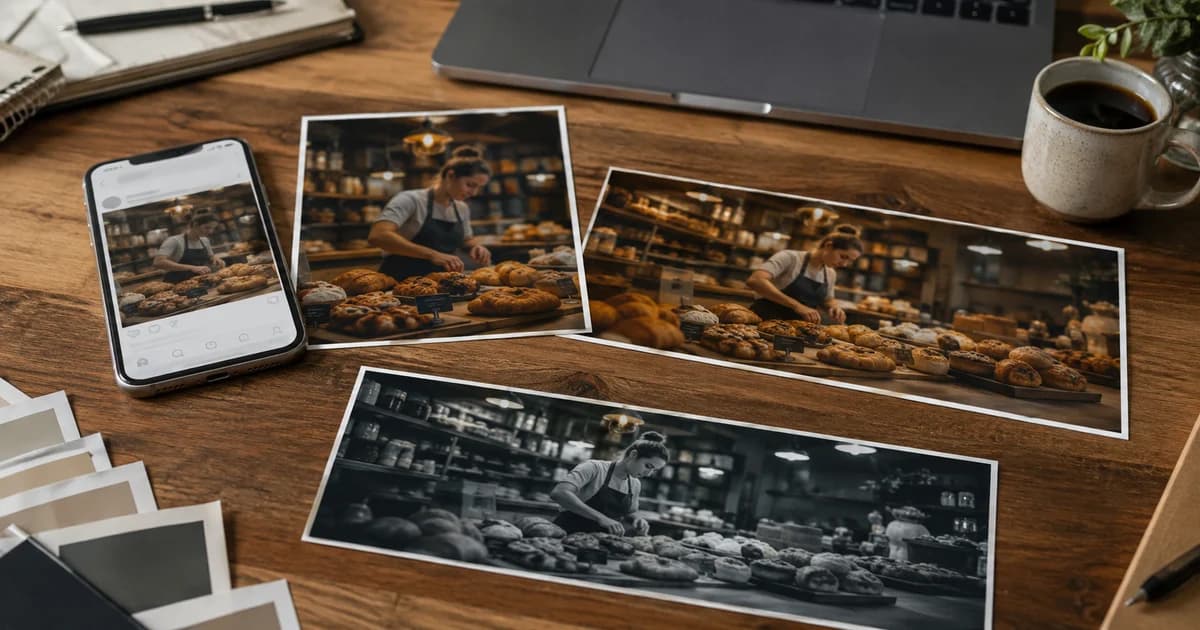
Why Your Small Business Looks Different on Every Social Platform
Your business should feel recognisable across social platforms. Explore Pixoate photo editing, layout choices and reusable styles for consistent graphics.

One Good Photo, Many Campaigns: The Creative Value of Reusing What You Have
One good photo can support several campaigns. Explore Pixoate effects, backgrounds and editing choices that turn an existing image into fresh creative work.

A Better Team Page Starts with Headshots That Belong Together
A coherent team page starts with portraits that belong together. Explore Pixoate framing and background choices that preserve individual likenesses.

The Gift That Starts with a Familiar Face: The Appeal of AI Cartoon Portraits
A familiar face can make a cartoon portrait gift personal. Explore Pixoate AI cartoon styles and thoughtful photo editing for a meaningful finished design.
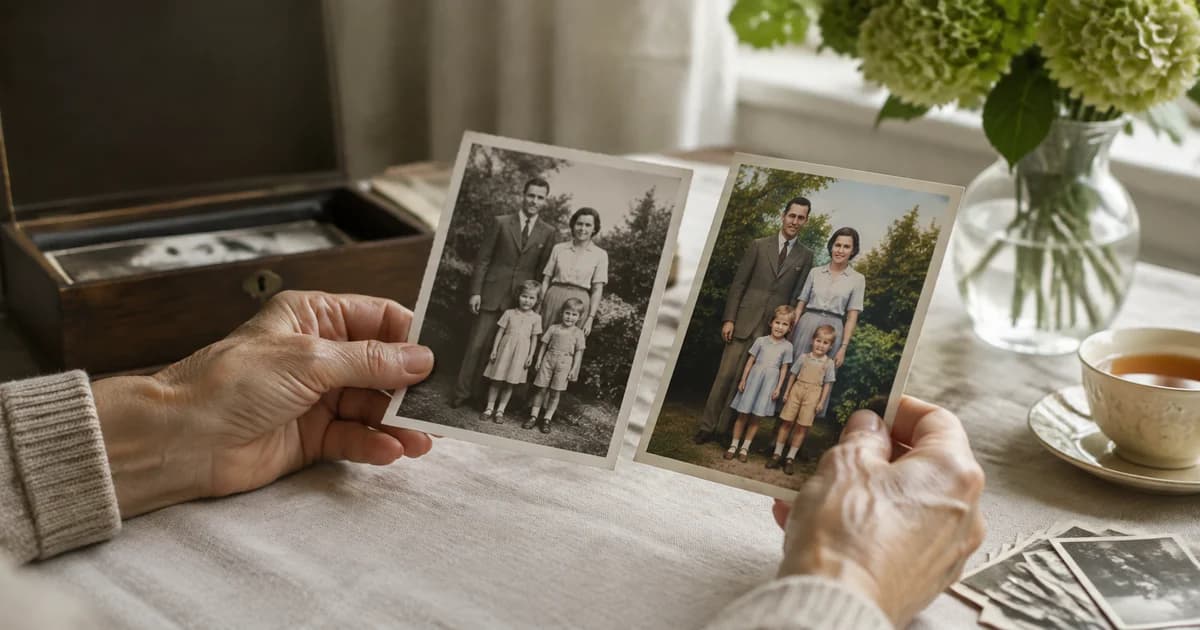
When an Old Family Photo Feels New Again: The Appeal of AI Colorization
AI colorization can offer a new way to connect with an old family photo. Explore Pixoate colour and enhancement while preserving the original image.

A Photo Collage Can Tell the Story a Single Picture Leaves Out
A photo collage can show a sequence a single picture cannot. Explore Pixoate layouts and captions for milestones, family stories and project progress.

Pixoate Photo Editor: Resize, Animate and Create with AI
Explore Pixoate Photo Editor: resize a canvas, add text and illustrations, use AI photo effects, animate designs and download sharper images.

Count Restaurant Customers from CCTV Photos: A Practical Guide
Use café and restaurant photos to review occupancy and queues. Learn a checked headcount workflow and why snapshots cannot measure unique daily visitors.

How to Estimate Event Crowd Size from Photos
Estimate the visible crowd in event and stadium photos, check overlapping views and prepare a clear report without confusing snapshots with total attendance.

How to Count Shop Inventory from Shelf Photos
Count visible shelf stock, review object markers and export a tally. Learn how to handle hidden items, mixed products and inventory discrepancies.

Count Craft Kit Parts from Photos Before Packing
Use reviewed photo counts for beads, wooden shapes and craft components. Check batches and individual kits while avoiding overlap and part-counting errors.

Virtual Staging for Empty-Room Listings: A Review Checklist
Create virtual furniture concepts for empty-room listing photos. Review architecture, scale and disclosure before using staged images in property marketing.

Plan a Small Room with AI Virtual Staging Before Buying
Explore furniture ideas for an apartment or rental flat with AI staging. Compare concepts, check room measurements and keep generated layouts in perspective.

Photo Effects for Small-Business Seasonal Posts
Refresh an existing business photo for seasonal announcements. Choose suitable effects, keep product colours accurate and check text and mobile crops.
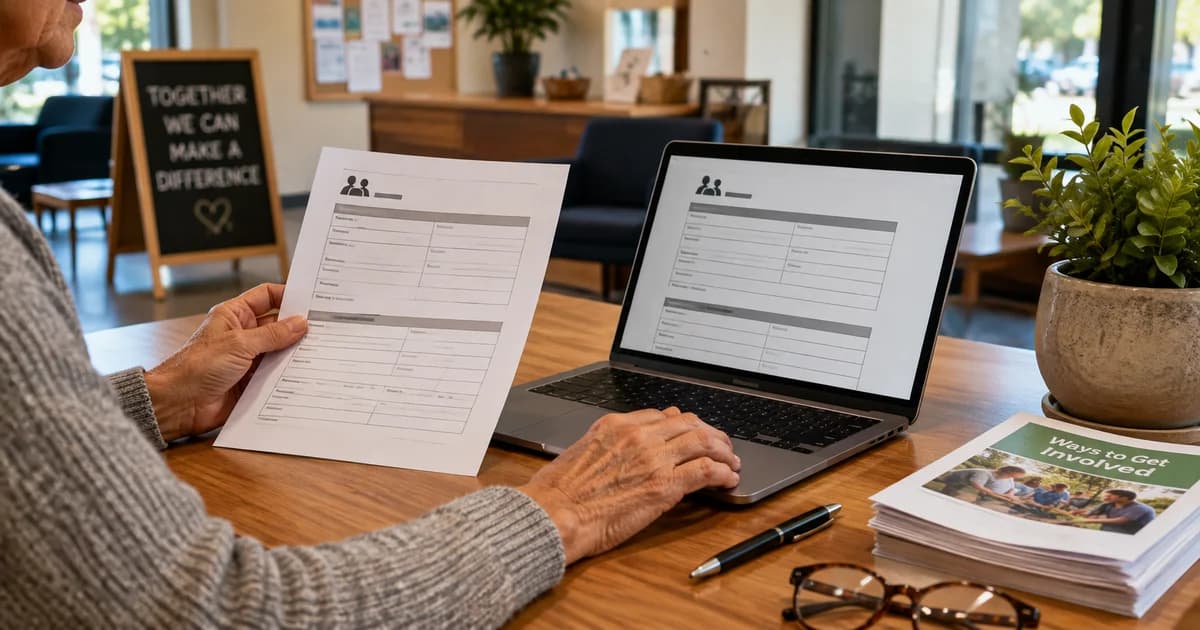
Edit PDF Forms and Handouts Without Retyping Every Page
Make supported PDF text corrections, add answers and use page OCR when needed. Check exported forms, font limits and sensitive information before sharing.
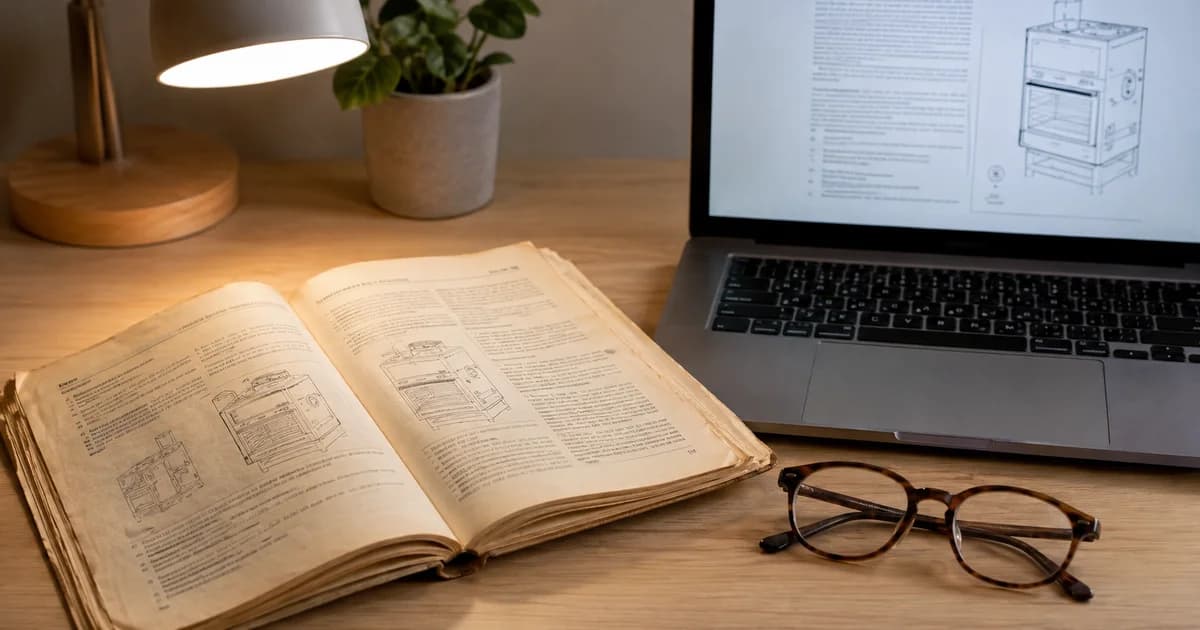
OCR a Scanned PDF: Work with Text in Old Manuals
Recognise text in existing scanned PDF pages, review model numbers and fix supported text. Choose the right OCR workflow for PDF documents versus image files.
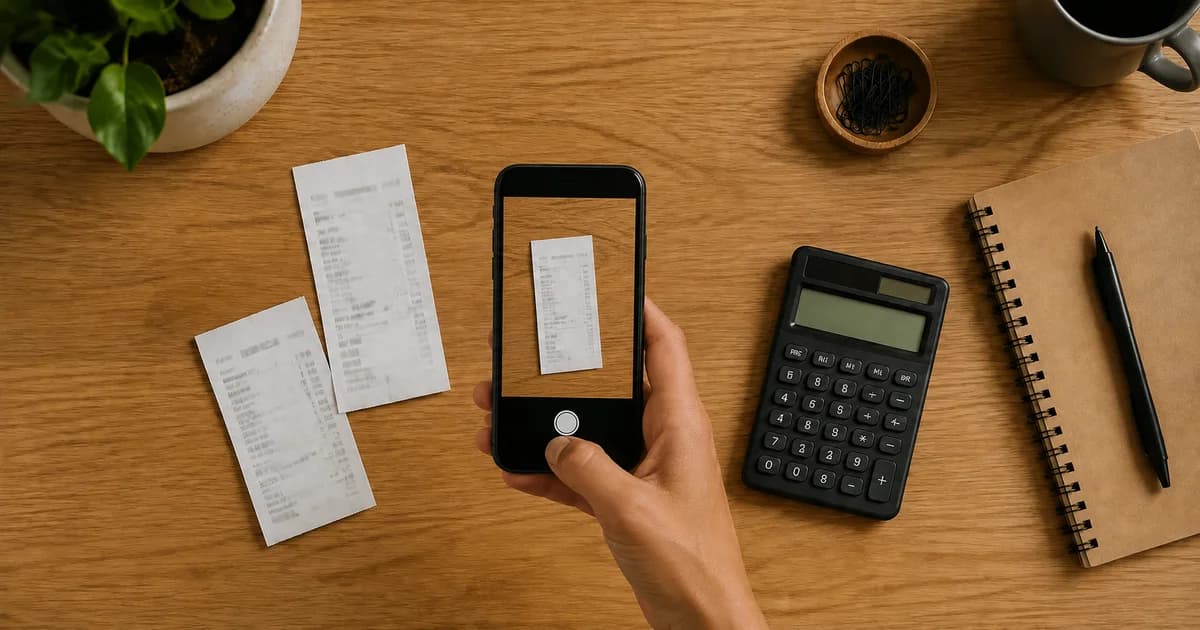
Extract Receipt Data for Small-Business Expense Records
Extract receipt fields to JSON, review totals, dates and currency, and organise source files for bookkeeping without assuming automatic accounting integration.
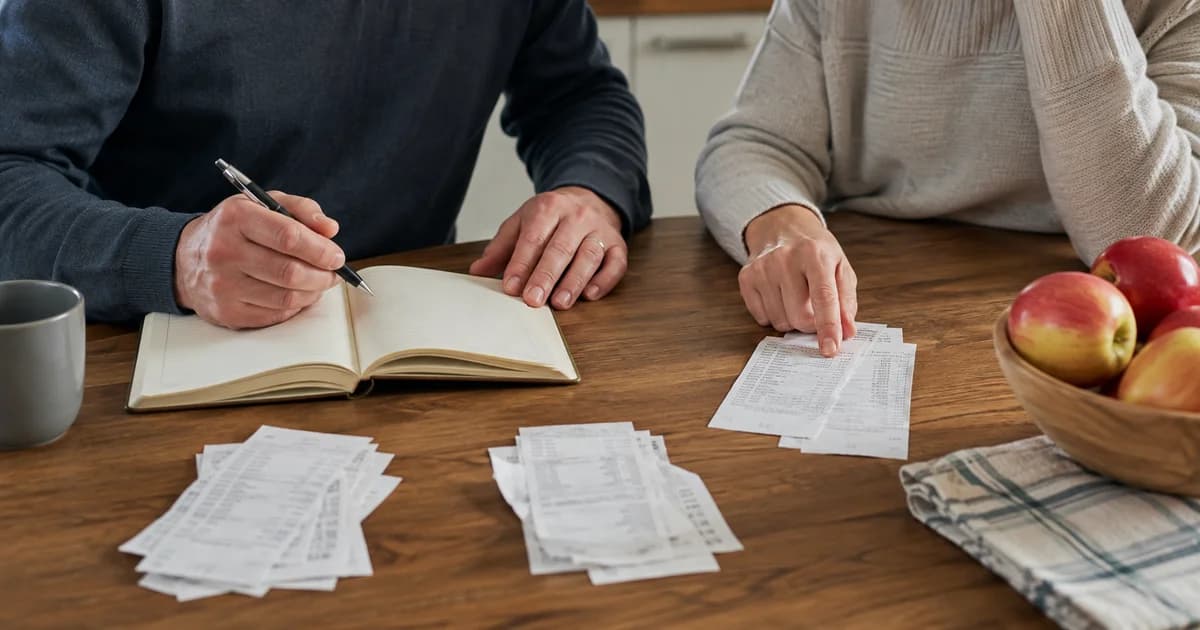
Organise Shared Household Receipts for Reimbursements
Turn household receipt photos into checked records for family reimbursements. Review shared amounts, avoid duplicate entries and keep private details protected.

Make a Landscape Photo Portrait Without Cropping People
Fit a horizontal group photo into a vertical canvas with background fills. Keep faces visible, choose suitable dimensions and review generated scenery carefully.
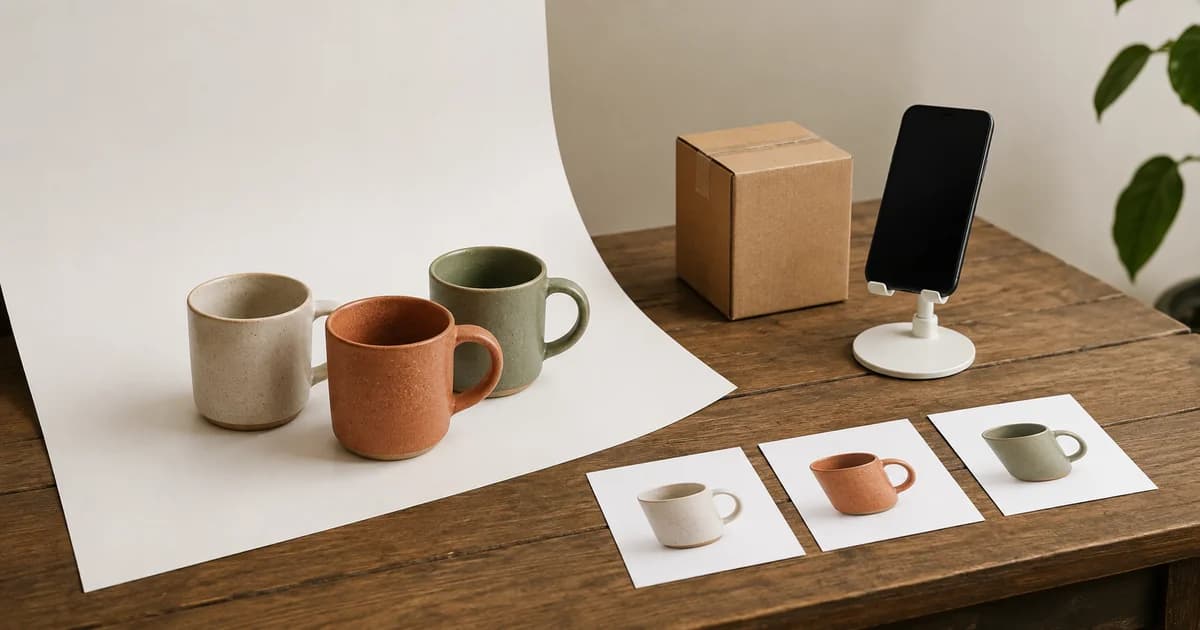
Remove Shopify Product Photo Backgrounds in Bulk
Prepare consistent Shopify product images with Premium bulk background removal. Review cutouts, match variants and check real storefront crops before publishing.

Make a Family Milestone Photo Collage That Is Easy to Read
Create a birthday, retirement or anniversary collage with clear faces and a meaningful layout. Check captions, viewing size and print crops before ordering.

Create an AI Cartoon Pet Portrait for a Gift or Profile
Turn a pet photo into original cartoon artwork. Choose a style, preserve distinctive markings and review anatomy, cropping and output before making a gift.

Colorize Black-and-White Family Photos and Keep the Original
Create an AI colour interpretation of an old family photo. Preserve the original scan, adjust vividness and check faces without assuming historical colour accuracy.
Compress a PDF for an Application Upload Limit
Reduce a PDF for an application portal, compare quality presets and check every page. Learn what to do when a readable document still exceeds the upload limit.

Upscale Product Images in Bulk for a Catalogue Refresh
Use Premium batch upscaling to prepare older product images. Check labels, texture, failed files and delivery size before approving a catalogue update.

Enhance Dark, Grainy Family Photos Without Overdoing It
Improve a dark or grainy family photo with adjustable AI enhancement. Compare faces and texture, recognise recovery limits and keep the original safe.
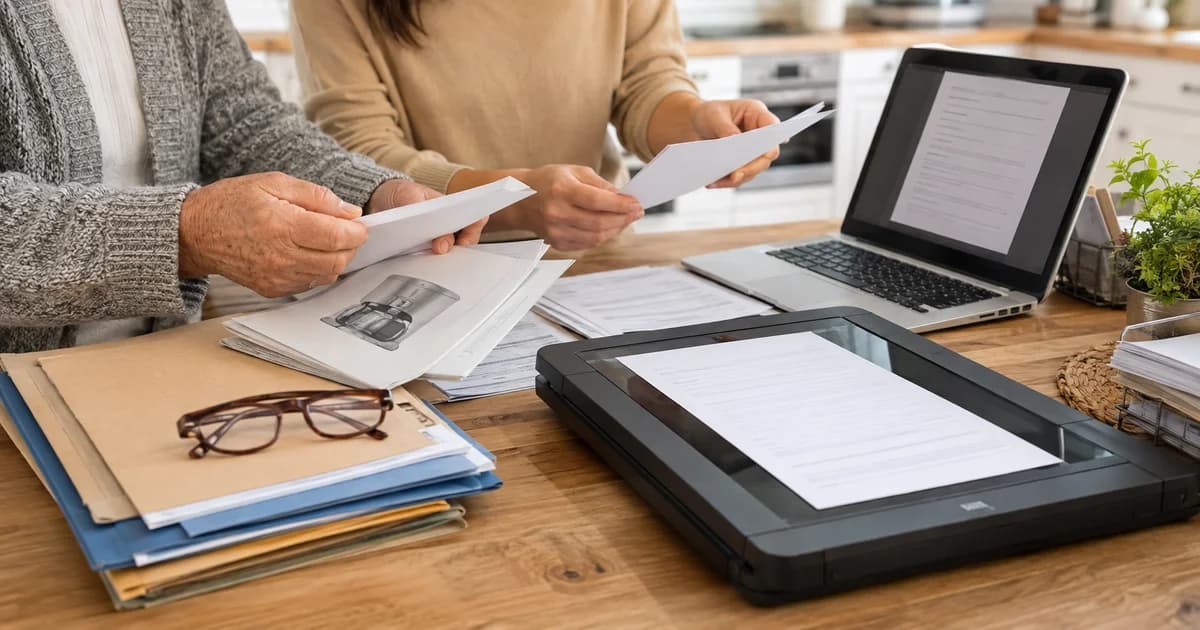
Make Scanned Household Paperwork Searchable for Your Family
Convert scanned image pages into a searchable PDF. Test recognised text, page order and the actual viewer, with practical checks for older family members.
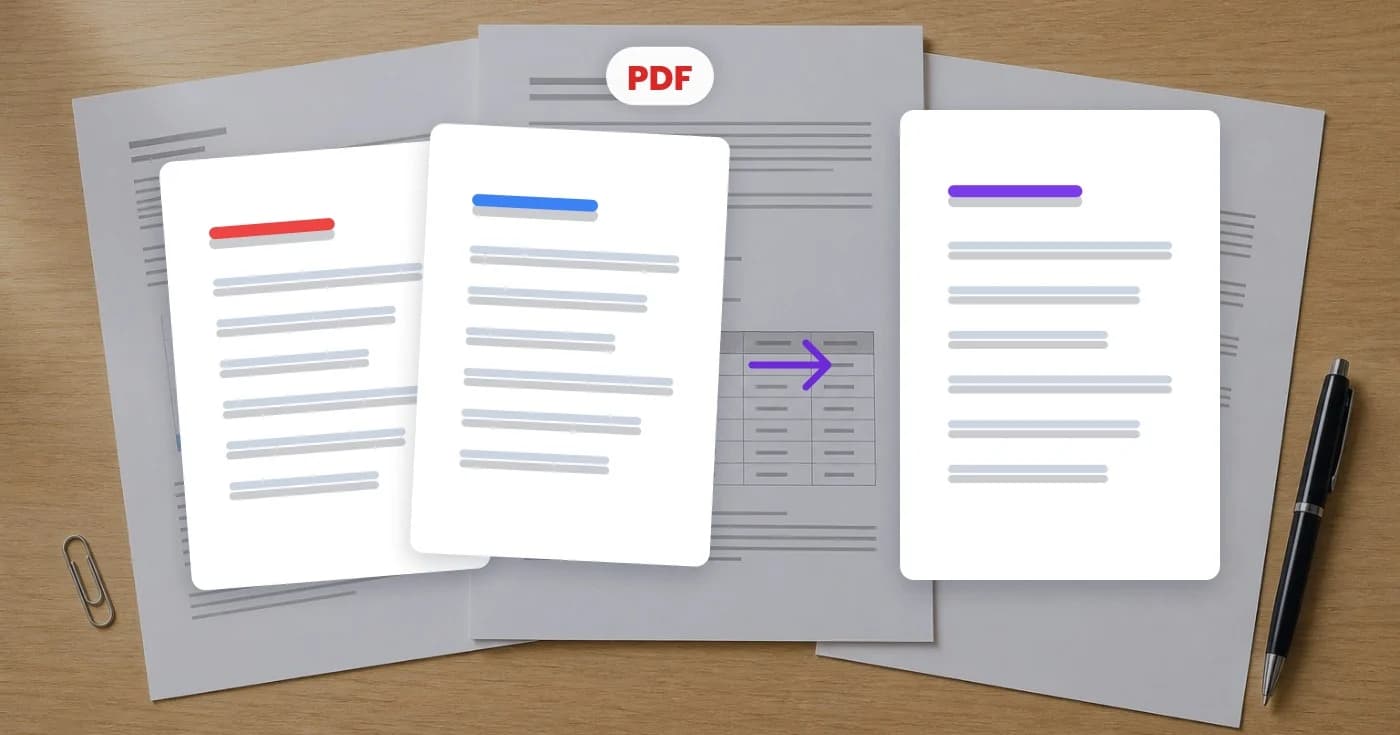
How to compress a PDF without losing quality
Email clients reject anything over 20MB. Here's how to shrink a PDF to a fraction of its size while keeping text crisp and images readable — in your browser, no Acrobat license.
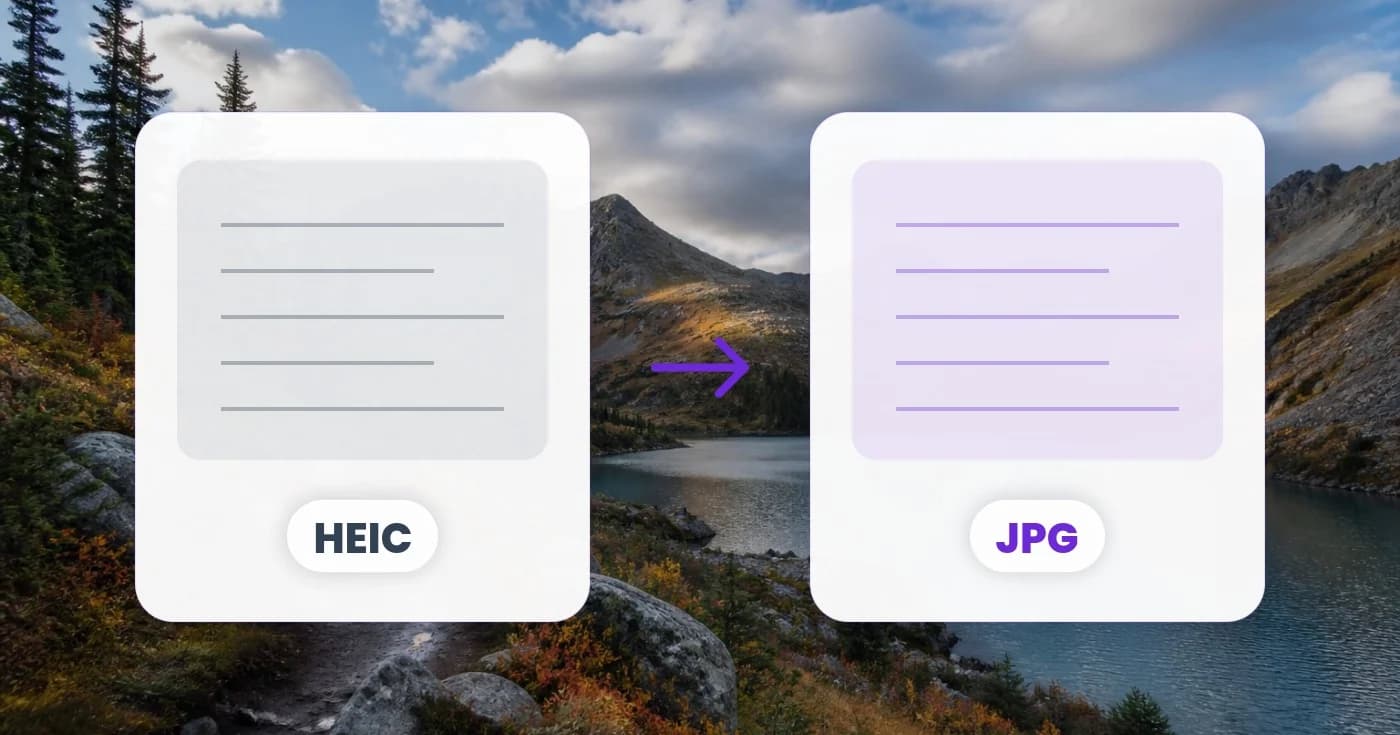
HEIC to JPG: the complete iPhone-to-everywhere guide
Your iPhone photos save as HEIC by default — and Windows, most websites, and your colleague's Android can't open them. Here's exactly how to convert HEIC to JPG (or PNG, or PDF) without losing quality.

Remove image backgrounds in 2026: AI tools that actually work
Background removal used to mean 20 minutes in Photoshop with the pen tool. AI changed that — but not every tool is equal. Here's what to look for, plus how to turn the result into stickers, product shots, or composites.
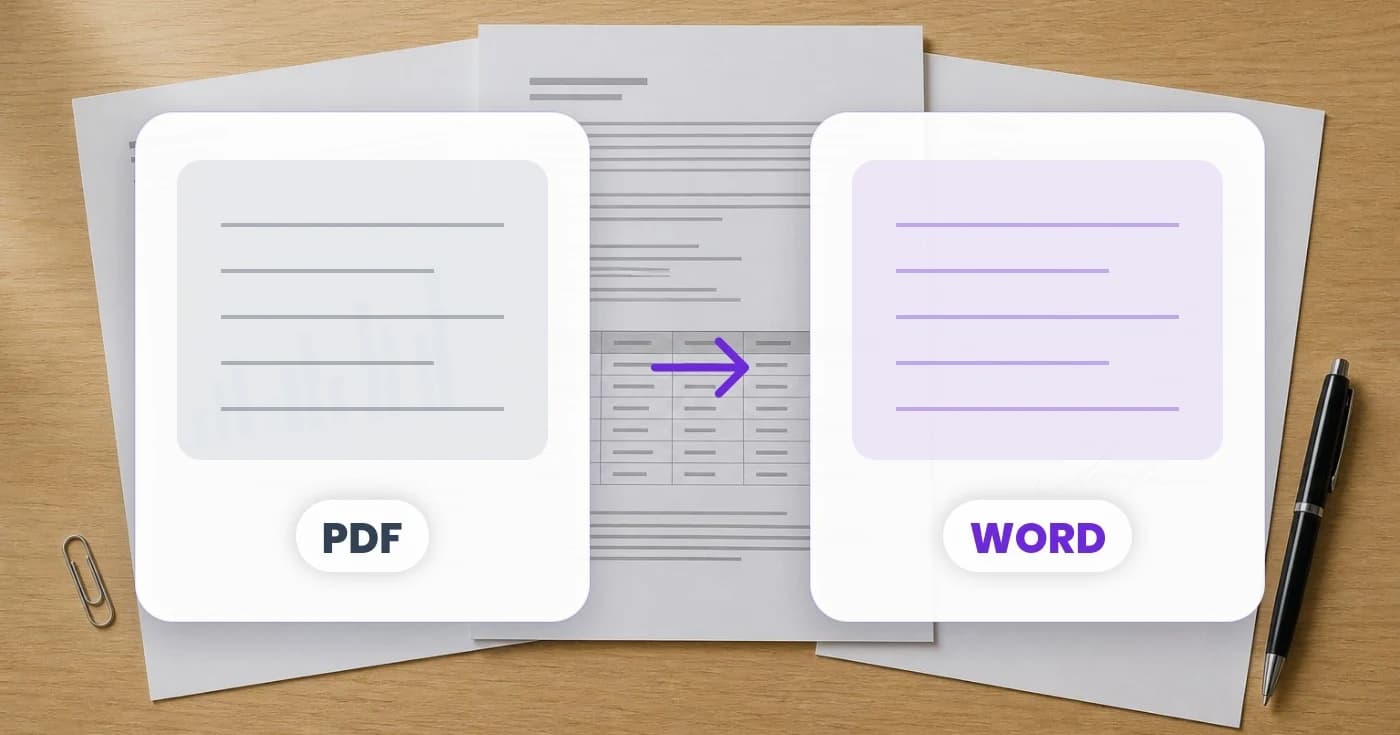
PDF to Word: which conversion tool actually keeps your formatting?
Most PDF-to-Word converters destroy your tables, scramble fonts, or skip images entirely. Here's what makes a good converter, why scanned PDFs need OCR, and how to handle every flavor of PDF.
OCR images and screenshots: pull text out of any picture
A photo of a menu in another language, a scanned tax form, a screenshot of a long error message — OCR turns all of these into selectable, searchable, editable text. Here's when to use which OCR flavor.
Watch each transformation land
Every photo crosses the slash untouched and comes out the other side finished.























