
Templates
8,587 editable design templates
Start from a ready-made design instead of a blank canvas — social posts, stories, posters, flyers, business cards, invitations, logos and menus. Pick one and customise every element in your browser.
Posts, stories, reels and thumbnails sized correctly for every feed.
 Aesthetic QuoteStory / Reel · 1080×1920Free
 Ask Me AnythingInstagram Post · 1080×1080Free
 Behind the ScenesInstagram Post · 1080×1080Free
 Book RecommendationInstagram Post · 1080×1080Free
 Boss DayInstagram Portrait · 1080×1350Free
 Cheers to YouInstagram Post · 1080×1080Free
 Coming SoonStory / Reel · 1080×1920Free
 Comment BelowInstagram Post · 1080×1080Free
Certificates, résumés, hiring posts, webinars, reports and company announcements.
 AnnouncementInstagram Post · 1080×1080Free
 AnnouncementInstagram Portrait · 1080×1350Free
 Business CardBusiness Card · 1050×600Free
 Business QuoteInstagram Post · 1080×1080Free
 Case StudyYouTube Thumbnail · 1280×720Free
 Case StudyYouTube Thumbnail · 1280×720Free
 CertificateYouTube Thumbnail · 1280×720Free
 CertificateLandscape Print · 1200×850Free
Menus, daily specials, food promos and reservation cards for cafés and kitchens.
 Bakery PromoInstagram Portrait · 1080×1350Free
 Biryani SpecialInstagram Portrait · 1080×1350Free
 Breakfast MenuInstagram Portrait · 1080×1350Free
 Brewery NightStory / Reel · 1080×1920Free
 Brunch MenuInstagram Portrait · 1080×1350Free
 Brunch PromoInstagram Post · 1080×1080Free
 BuffetInstagram Portrait · 1080×1350Free
 Burger ComboYouTube Thumbnail · 1280×720Free
Structured résumés, portfolio CVs and career documents for modern job searches.
 Academic CV — Bold IndigoA4 Print · 1240×1754Free
 Academic CV — Burgundy StudioA4 Print · 1240×1754Free
 Academic CV — Clear BlueA4 Print · 1240×1754Free
 Academic CV — Editorial AmberA4 Print · 1240×1754Free
 Academic CV — Sage OfficeA4 Print · 1240×1754Free
 Aurora Accountant Resume Creative ResumeA4 Print · 1240×1754Free
 Aurora Accountant Resume One-page ResumeA4 Print · 1240×1754Free
 Aurora Accountant Resume Professional CVA4 Print · 1240×1754Free
People-led launch, leadership, teamwork and professional-service graphics for modern work.
 Business Presenter Bold Poster Portrait PostInstagram Portrait · 1080×1350Premium
 Business Presenter Bold Poster Portrait PostInstagram Portrait · 1080×1350Premium
 Business Presenter Bold Poster Portrait PostInstagram Portrait · 1080×1350Premium
 Business Presenter Bold Poster Portrait PostInstagram Portrait · 1080×1350Premium
 Business Presenter Bold Poster Square PostInstagram Post · 1080×1080Premium
 Business Presenter Bold Poster Square PostInstagram Post · 1080×1080Premium
 Business Presenter Bold Poster Square PostInstagram Post · 1080×1080Premium
 Business Presenter Bold Poster Square PostInstagram Post · 1080×1080Premium
Approachable graphics for teachers, students, clinics, caregivers and support teams.
 Doctor Bold Poster Portrait PostInstagram Portrait · 1080×1350Premium
 Doctor Bold Poster Portrait PostInstagram Portrait · 1080×1350Premium
 Doctor Bold Poster Portrait PostInstagram Portrait · 1080×1350Premium
 Doctor Bold Poster Portrait PostInstagram Portrait · 1080×1350Premium
 Doctor Bold Poster Square PostInstagram Post · 1080×1080Premium
 Doctor Bold Poster Square PostInstagram Post · 1080×1080Premium
 Doctor Bold Poster Square PostInstagram Post · 1080×1080Premium
 Doctor Bold Poster Square PostInstagram Post · 1080×1080Premium
Editable promotions for cafés, restaurants, shops, delivery services and local sellers.
 Barista Bold Poster Portrait PostInstagram Portrait · 1080×1350Premium
 Barista Bold Poster Portrait PostInstagram Portrait · 1080×1350Premium
 Barista Bold Poster Portrait PostInstagram Portrait · 1080×1350Premium
 Barista Bold Poster Portrait PostInstagram Portrait · 1080×1350Premium
 Barista Bold Poster Square PostInstagram Post · 1080×1080Premium
 Barista Bold Poster Square PostInstagram Post · 1080×1080Premium
 Barista Bold Poster Square PostInstagram Post · 1080×1080Premium
 Barista Bold Poster Square PostInstagram Post · 1080×1080Premium
Human-centered graphics for local services, wellness, travel and community life.
 Architect Bold Poster Portrait PostInstagram Portrait · 1080×1350Premium
 Architect Bold Poster Portrait PostInstagram Portrait · 1080×1350Premium
 Architect Bold Poster Portrait PostInstagram Portrait · 1080×1350Premium
 Architect Bold Poster Portrait PostInstagram Portrait · 1080×1350Premium
 Architect Bold Poster Square PostInstagram Post · 1080×1080Premium
 Architect Bold Poster Square PostInstagram Post · 1080×1080Premium
 Architect Bold Poster Square PostInstagram Post · 1080×1080Premium
 Architect Bold Poster Square PostInstagram Post · 1080×1080Premium
Portfolio, product, studio and creator graphics for digital and technical work.
 Graphic Designer Bold Poster Portrait PostInstagram Portrait · 1080×1350Premium
 Graphic Designer Bold Poster Portrait PostInstagram Portrait · 1080×1350Premium
 Graphic Designer Bold Poster Portrait PostInstagram Portrait · 1080×1350Premium
 Graphic Designer Bold Poster Portrait PostInstagram Portrait · 1080×1350Premium
 Graphic Designer Bold Poster Square PostInstagram Post · 1080×1080Premium
 Graphic Designer Bold Poster Square PostInstagram Post · 1080×1080Premium
 Graphic Designer Bold Poster Square PostInstagram Post · 1080×1080Premium
 Graphic Designer Bold Poster Square PostInstagram Post · 1080×1080Premium
Credible campaigns for consultants, legal teams, finance firms and specialist practices.
 Architecture Studio PortfolioInstagram Post · 1080×1080Free
 Aurora Accounting Service PosterInstagram Portrait · 1080×1350Free
 Aurora Accounting Service Social PostInstagram Post · 1080×1080Free
 Aurora Accounting Service Wide AdYouTube Thumbnail · 1280×720Free
 Aurora Architecture Studio PosterInstagram Portrait · 1080×1350Free
 Aurora Architecture Studio Social PostInstagram Post · 1080×1080Free
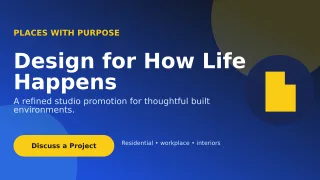 Aurora Architecture Studio Wide AdYouTube Thumbnail · 1280×720Free
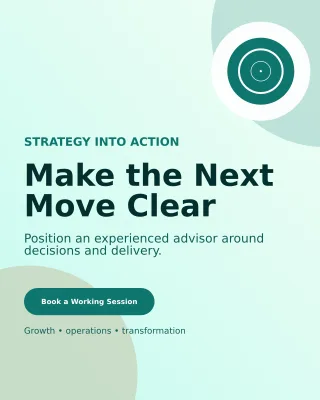 Aurora Business Consultant PosterInstagram Portrait · 1080×1350Free
Birth announcements, baby milestones, family updates and keepsake-ready posts.
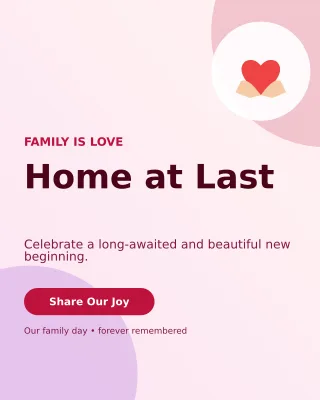 Aurora Adoption Welcome Portrait PostInstagram Portrait · 1080×1350Free
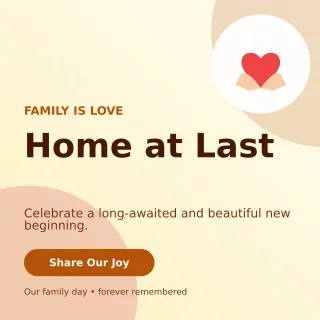 Aurora Adoption Welcome Square PostInstagram Post · 1080×1080Free
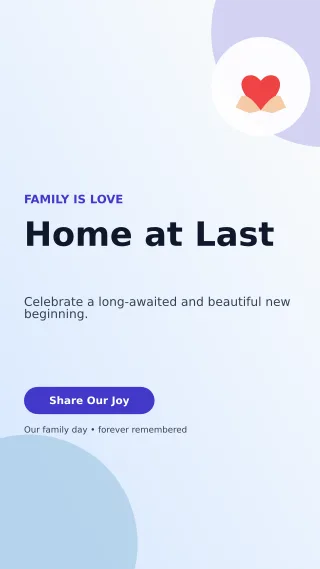 Aurora Adoption Welcome StoryStory / Reel · 1080×1920Free
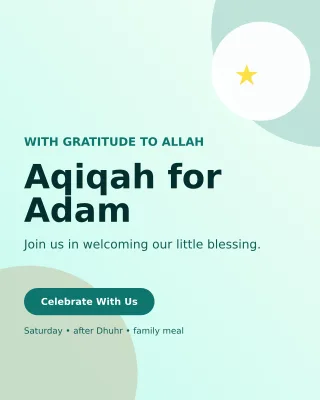 Aurora Aqiqah Invitation Portrait PostInstagram Portrait · 1080×1350Free
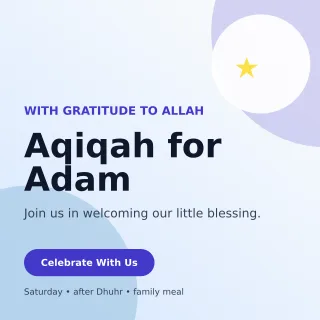 Aurora Aqiqah Invitation Square PostInstagram Post · 1080×1080Free
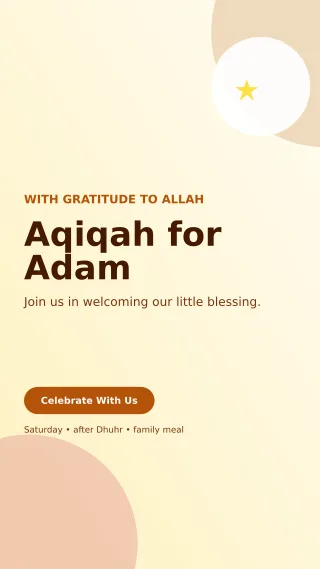 Aurora Aqiqah Invitation StoryStory / Reel · 1080×1920Free
 Aurora Baby Naming Day Portrait PostInstagram Portrait · 1080×1350Free
 Aurora Baby Naming Day Square PostInstagram Post · 1080×1080Free
Polished campaigns for salons, cosmetics, fashion drops and personal-care brands.
 Aurora Fashion Boutique Portrait PostInstagram Portrait · 1080×1350Free
 Aurora Fashion Boutique Square PostInstagram Post · 1080×1080Free
 Aurora Fashion Boutique StoryStory / Reel · 1080×1920Free
 Aurora Fashion Lookbook Portrait PostInstagram Portrait · 1080×1350Free
 Aurora Fashion Lookbook Square PostInstagram Post · 1080×1080Free
 Aurora Fashion Lookbook StoryStory / Reel · 1080×1920Free
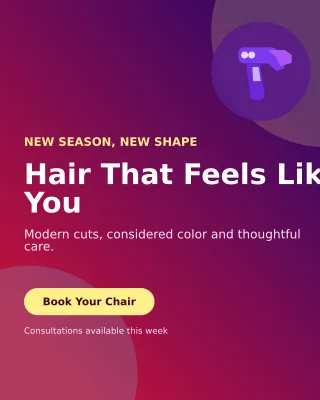 Aurora Hair Salon Portrait PostInstagram Portrait · 1080×1350Free
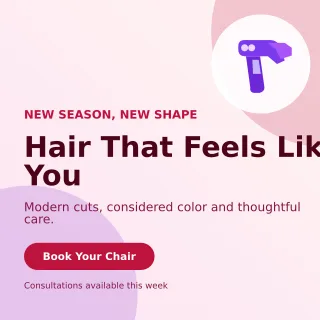 Aurora Hair Salon Square PostInstagram Post · 1080×1080Free
Free templates to edit online: flyers, social posts, cards and printables
Every design here is a finished layout that opens in the design editor, so you replace the text, swap the photos and change the colors instead of starting from a blank canvas. Many of them are free design templates and some are Premium, and each card shows its size and a Free or Premium label before you open it. Browse by job: a flyer or poster, a post sized for a feed, a business card or invitation, or a printable page.
Find a flyer or poster template and edit it online
Flyer templates come as A4 print pages and as digital portrait and story sizes, and poster designs follow the same sizes, so one idea can go to a printer or a feed. Browse free flyer design templates online, pick the shape that matches where it will be seen, then change the headline, the details and the photo in your browser. If nothing fits, start from a blank canvas in the design editor and bring your own images and text.
Customize a flyer for a sale, an event or a notice
A flyer template is a layout you customize, not a file you rebuild. Pick a design, replace the sample headline and details, swap in your own photo and recolor the shapes so the flyer suits a sale, an event, a class or a notice. Digital versions come in the portrait and story sizes for a feed, while the A4 versions suit a printer.
- Open a category such as Flyers & Posters and choose a design.
- Select Edit this template to open it in the design editor.
- Replace the headline, details and photo, and adjust the colors.
- Download the result as a PNG, JPG or PDF.
Social media templates free to use, sized for each feed
These templates use the dimensions each placement expects: 1080 × 1080 for a square post, 1080 × 1350 for a portrait post, 1080 × 1920 for stories and reels, and 1280 × 720 for a YouTube thumbnail. Browse the social media collection and read the size on the card to match the feed you are posting to. Templates marked Free work without a paid plan, which makes them a practical start for a business page. When you already have a finished picture that only needs the right dimensions, fit the photo to an Instagram size instead, and for a headline over your own image, the thumbnail maker is quicker.
Free ad templates for sales, offers and promotions
Look in Ads & Offers for sale banners, discount posts, flash offers and seasonal promotions at the same feed sizes, so you can announce a sale without designing from scratch. Change the headline to the offer you actually run, keep the terms short, and check dates and prices before you publish. These are free ad templates when the card is labeled Free, and each opens in the same design editor as a flyer or a post.
Business cards, invitations and certificates
A business card template is a 1050 × 600 design in the standard 3.5 by 2 inch shape, and the business card collection gives you layouts to restyle freely. Invites, save-the-dates and RSVP cards live in the invitations and events collection, and logos and certificates follow the same pattern: pick one, replace the text, export.
When you only need a fast print sheet, a form-based business card maker takes your details and lays out 10 cards on an A4 page, and a certificate generator fills a landscape A4 certificate with 2 signature lines.
Printable templates for invoices, resumes, calendars and lists
The library also holds A4 pages for invoices and estimates, resumes, calendars, planners and budget sheets, and printable lists and checklists cover everyday paper jobs such as grocery lists, recipes and sign-in sheets. Many of these customizable printable templates are free and laid out to be filled in and printed, and the budget layouts do not calculate anything. For an invoice that adds up line items, tax and discount, use the invoice generator, and for a resume that arranges itself from a form, use the resume builder. Birthday and festival cards with a name and photo have their own page of personalized wishes.
Build your own template in the design editor
You are not limited to the layouts in the library. Open the design editor with a blank design or a custom size, add text, shapes and photos, and build a layout for your own use, for personal and business pages. To create a flyer template of your own, start from a blank design and keep the finished layout as your starting point. When you are signed in, save the design to your account so you can reopen it and adapt it for the next job. The library artwork itself cannot be resold or shared as a template of your own.
Before you edit a template
- Check the Free or Premium label on the card; Premium artwork needs an active paid plan or pass.
- Read the size under the preview and confirm it fits the place you will use the design.
- Replace every line of sample text, including names, dates and contact details.
- Review the layout and wording before you publish or print.
- Have your photos and logo ready to upload in the editor.
Frequently asked questions
- Can I get free templates to download, or do I edit them online?
- You edit templates in the online design editor and download the finished design as a PNG, JPG, WebP, AVIF or PDF. The template itself is not offered as a layered Photoshop or Word file. Free templates cost nothing to edit and export, and signing in saves a design to your account so you can keep editing it later.
- Are flyer, social media and printable templates free to use?
- Templates marked Free can be opened, customized and exported without a paid plan, and that includes flyer, social post and printable page designs. Premium artwork needs an active paid plan or pass, and the label on each card tells you which kind it is.
- Is there an online flyer design maker that needs no design software?
- Yes. As an online flyer maker it runs in your browser: open a flyer or poster template, edit it and export a PNG, JPG or PDF. Nothing needs to be installed, and the A4 versions are laid out for printing.
- Are these templates suitable for printing?
- Print layouts such as flyers, business cards, invoices and certificates are built at paper proportions: full A4 pages and the standard 3.5 by 2 inch card. Export a PDF and check margins on a test print before you order a batch.
- Can I use a template at a different size?
- Yes. The editor has a Size control, so you can switch to another preset or enter custom dimensions. Check the layout afterward, because text and images may need to move to suit the new shape.
- Can I change the colors and fonts in a template?
- Yes. These customizable templates keep text, shapes, photos and background as separate layers, so you can recolor a shape, change a font or swap an image without touching the rest of the design.
- Can I use templates for my business or clients?
- You keep the rights in the photos and text you add. Commercial use of finished work built on Pixoate artwork is covered by the commercial license that comes with every active paid plan and paid pass, and you may not resell or share a template itself.
- Do I need an account to use templates?
- You can open a template and edit it without signing up. Guest designs stay in your browser, and signing in lets you keep designs in your account.
- Is there an online template maker or a free template generator?
- The design editor is the place to build your own: start from a blank design or any template, change every element and, when you are signed in, save the result to your account. The library holds ready-made layouts, and the label on each card shows whether it is Free or Premium.
- Where can I find free online templates that are editable?
- Every collection in the library holds editable templates, and the label on each card shows whether it is Free or Premium. Flyers and posters, social media, ads and offers, business cards, invitations and printable pages are all there. Open a collection, pick a design and edit it in your browser; text, shapes and photos are separate layers, so no design training is needed.
- Which template size should I choose?
- Match the size to where the design will be seen: 1080 × 1080 or 1080 × 1350 for a feed post, 1080 × 1920 for a story or reel, 1280 × 720 for a YouTube thumbnail, 1050 × 600 for a business card and a full A4 page for anything you will print. The card shows the size before you open it.
- Can I make a digital flyer to share on WhatsApp or Instagram?
- Yes. Choose a flyer in a portrait or story size, edit it and export a PNG or JPG to post or send as a picture. The A4 versions are meant for print, so use the digital sizes for screens.
Make it yours in minutes
Every template is fully editable — swap text, colors, photos and layout, then export your design. Review the layout and content before publishing.
Start designingWatch each transformation land
Every photo crosses the slash untouched and comes out the other side finished.























