
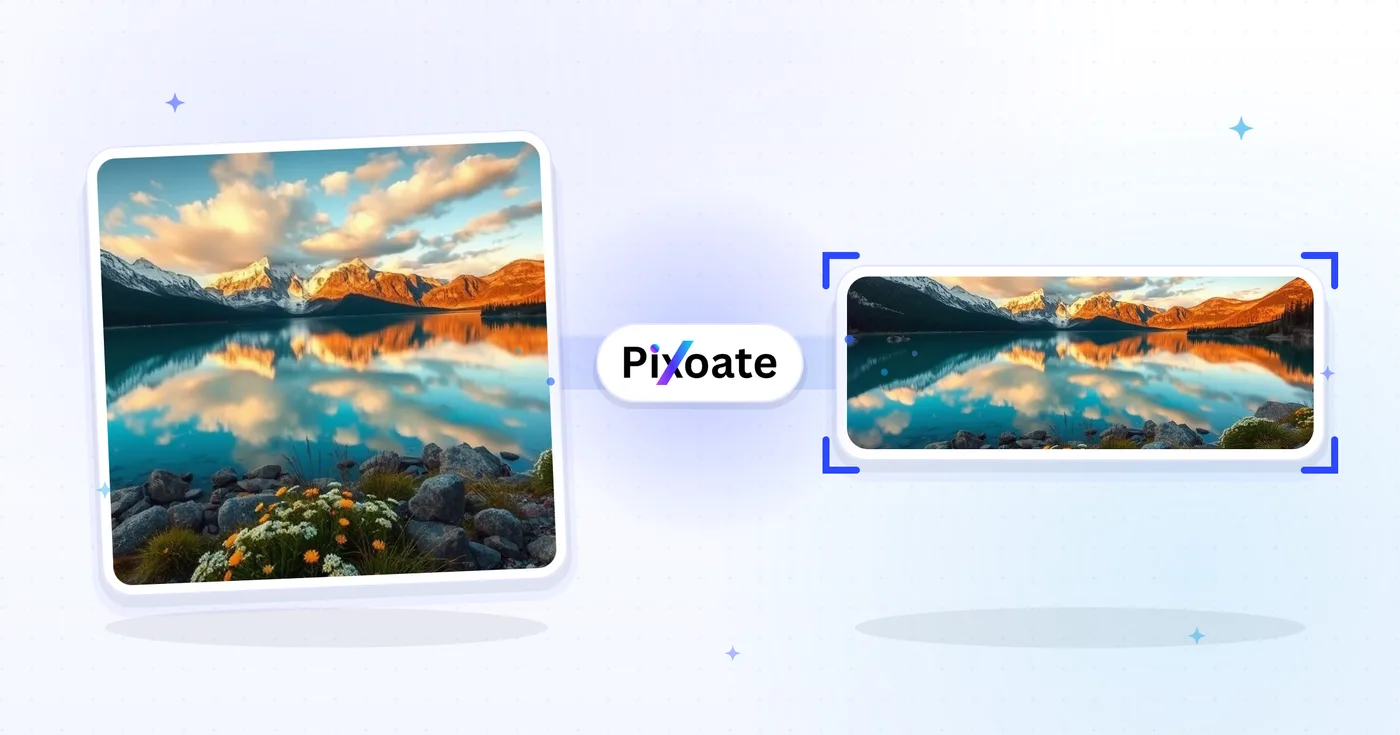
LinkedIn Photo Resizer — Profile 400×400 ja Banner 1584×396
Resize kuva kohteelle your LinkedIn profile kuva (400×400) tai banner (1584×396), tai pick logo, post tai article preset, position kuva ja lataa valittu dimensions.
Pudota kuva – valitse banneri, profiili tai viestin koko
LinkedIn-kuvien koot
Valitse luettelosta henkilökohtainen kansi, yrityksen kansi ja postauksen esiasetukset ja valitse sitten, kuinka kuva sopii kohdekankaalle. Alustavaatimukset voivat muuttua, joten tarkista nykyiset LinkedIn-ohjeet ennen julkaisua.
Mitä voit tehdä sovelluksella LinkedIn-kuvien koonmuuttaja
Tarkista tärkeimmät ominaisuudet ennen kuin aloitat.
- Muuta valokuvien koko 1584×396 LinkedIn-banneriksi
- Kokokuvat profiilikuville ja yritysten logoille
- Sovita kuvitus LinkedIn-viestien ja artikkelien otsikoihin
- Esikatsele turvavyöhykettä ennen vientiä
- Täytä tyhjät reunat valitulla taustavärillä
- Vie JPG-, PNG- tai WebP-muodossa omalla laadullasi
Asetusten viite
8-asetukset
Käytettävissä olevat ohjaimet kohteelle LinkedIn-kuvien koonmuuttaja.
- KäsittelytilaEsiasetukset
- Käsittele yksi syöte tai siirry Premiumin erätilaan käsittelemään useita syötteitä samoilla asetuksilla. Käytettävissä olevat syötetyypit riippuvat työkalusta.Asetukset: Yksittäinen kuvaErä
Koko
- LinkedIn-kootEsiasetukset
- Valitse LinkedIn-sijoituspaikka, johon olet lataamassa kuvaa; kyseisen paikan tarkat pikselimitat (esim. 1584×396 henkilökohtainen banneri, 1200×627 julkaisukuva) otetaan käyttöön automaattisesti.Asetukset: Henkilökohtainen banneriYrityksen banneriProfiilikuvaYrityksen logoNeliönmuotoinen logoLähetä kuvaArtikkelin kansiTapahtuman kansi
Tulos
- SovitaEsiasetukset
- Choose how the photo fills the target size: Cover crops to fill edge-to-edge, Contain keeps the whole image with padded space. To force the exact size instead, untick Maintain aspect ratio; that may distort.Asetukset: KansikuvaSovita sisään
- TaustaVärinvalitsin
- Asettaa täyttövärin tyhjälle tilalle Sovita sisään -tilassa skaalatun kuvan ympärillä. Oletuksena LinkedInin sininen, mutta voit valita minkä tahansa brändivärin. Piilotettu PNG:llä, joka säilyttää tilan läpinäkyvänä.
- MuotoPudotusvalikko
- Valitsee tulostiedoston tyypin: JPG valokuville, PNG läpinäkyvyydelle, WEBP tai AVIF pienemmille tiedostoille, kun isännöit kuvaa itse.Asetukset: JPGPNGWEBPAVIF
- LaatuLiukusäädinAlue: 40–100% · Oletus: 92%
- Säätää JPG-, WEBP- ja AVIF-tulosteen pakkausta; korkeampi arvo pitää tekstin ja logot terävämpinä, matalampi pienentää tiedostokokoa. Ei näy PNG:lle, joka on aina häviötön.
Esikatselu
- Näytä turva-aluePäällä / Pois
- Näkyy Profiilikuva-esiasetuksessa: näyttää päällä sen pyöreän rajauksen, jonka LinkedIn todellisuudessa esittää, ja himmentää pois leikkautuvat neliön kulmat, jotta saat kasvosi tai logosi pysymään sisäpuolella.
Tekoälylaajennus
- Laajenna taustaa tekoälylläYksi napsautus
- Jatka näkymää valittuun kokoon tekoälyllä niin, että valmisteltu lähdekuva säilyy. Ilmaiset lataukset ovat verkkokokoisia. Premium tai krediitit avaavat täyden resoluution. Tuetut kuvasuhteet edellyttävät kuvasuhteen säilyttämistä. Erä-tilassa jokainen jonossa oleva kuva laajennetaan ja toimitetaan valitsemassasi koossa ja muodossa.
Aiheeseen liittyvät työkalut kohteelle LinkedIn-kuvien koonmuuttaja
Työkalut yleisiä seuraavia vaiheita varten LinkedIn-kuvien koonmuuttaja jälkeen.

Somejulkaiseminen
Facebook-koonmuutos
Muuta kuvien kokoa lueteltujen Facebook-kansi-, profiili- ja postausmittojen mukaan sovitus- ja täyttösäätimillä.
Kokeile nyt
Somejulkaiseminen
X- / Twitter-kuvien koonmuuttaja
Muuta kuvien kokoa X-otsikon, profiilin, viestin, kortin ja mainoksen mittojen mukaan.
Kokeile nyt
Yritysgeneraattorit
Käyntikorttien tekijä
Valitse käyntikortin asettelu, määritä sisältö ja värit ja lataa 10 kuvan A4-PDF tulostettavaksi.
Kokeile nytUsein kysytyt kysymykset
Miten LinkedIn-kuvien koonmuuttaja auttaa sinua saamaan sen tehtyä
Se ratkaisee todellisia ongelmia joka päivä – yrityksille, sisällöntuottajille ja jokapäiväisille tehtäville. Etsi itsellesi sopiva käyttötapa ja aloita.
Henkilöbrändi- ja työnhakubannerit
Työnhakijat ja henkilöbrändin rakentajat luovat LinkedIn-bannereita, jotka vahvistavat heidän otsikkoaan, kohdetoimialaansa ja nykyistä saatavuuttaan — ensimmäinen asia, jonka rekrytoija näkee
Perustajien ja johtajien profiilibannerit
Startup-perustajat, toimitusjohtajat ja johtajat julkaisevat bannereita, joissa esitellään yrityksen logo, ajankohtainen tuotelanseeraus ja sijoittajahuomionosoitukset sidosryhmien näkyvyyttä varten
Yrityssivun pääbannerit
Markkinointitiimit suunnittelevat yrityssivun kansikuvia uusimmalla tuotekuvakaappauksella, asiakkaiden logoilla ja Glassdoor-tunnustuksilla muuntaakseen profiilikäynnit seuraajiksi ja hakijoiksi
Konferenssin puhuja- ja kirjailijabannerit
Vaihda kaiutin- tai podcast-banneri nykyiseen kauteen ilman, että rakennat uudelleen joka kerta
Rekrytoijien ja palkkauspäälliköiden bannerit
Rekrytoijat julkaisevat bannereita, joissa mainostetaan avoimia työpaikkoja, työnantajamielikuvan etuja ja tiimikuvia muuntaakseen profiilikäynnit hakemuksiksi ja saapuviksi ehdokasviesteiksi
Myynnin ja liiketoiminnan kehityksen bannerit
BDR:t, account executivet ja myyntijohtajat käyttävät banneria tuotteensa arvolupauksen, asiakascase-logojen ja selkeän toimintakehotuksen korostamiseen liideille
Rajausvarmat LinkedIn-profiilikuvat
Valitse Profiilikuva-esiasetus ja kytke päälle Turva-alue-peite nähdäksesi tarkalleen, mitkä kulmat LinkedInin pyöreä rajaus leikkaa pois, jotta kasvot ja logot eivät koskaan leikkaudu julkaisemisen jälkeen.
Webinaari- ja meetup-tapahtumien kansikuvat
Käytä Tapahtuman kansi -esiasetusta (1776×444) Sovita-täytöllä ja brändinvärisellä taustalla, jotta webinaarisi päivämäärä, puhujan nimi ja logo pysyvät täysin näkyvissä sen sijaan, että LinkedInin tapahtumarajaus leikkaisi ne.
Yksi logo, jokaiseen LinkedIn-sijoitteluun
Vie sama tuotemerkki yrityksen logon (300 × 300) ja neliön logon (60 × 60) esiasetusten kautta vastaavilla taustaväreillä ja tarkista sitten jokainen koko LinkedInissä.
Nopeasti latautuvat LinkedIn-grafiikat
Vie Julkaisukuvan ja Artikkelin kansikuvan koot WebP- tai AVIF-muodossa vähintään 85 %:n laadulla, kun isännöit grafiikkaa itse, jolloin latausajat pysyvät nopeina menettämättä tekstin tai logojen terävyyttä.
Katso jokainen muunnos valmiina
Every kuva crosses slash untouched ja comes out other side finished.























