
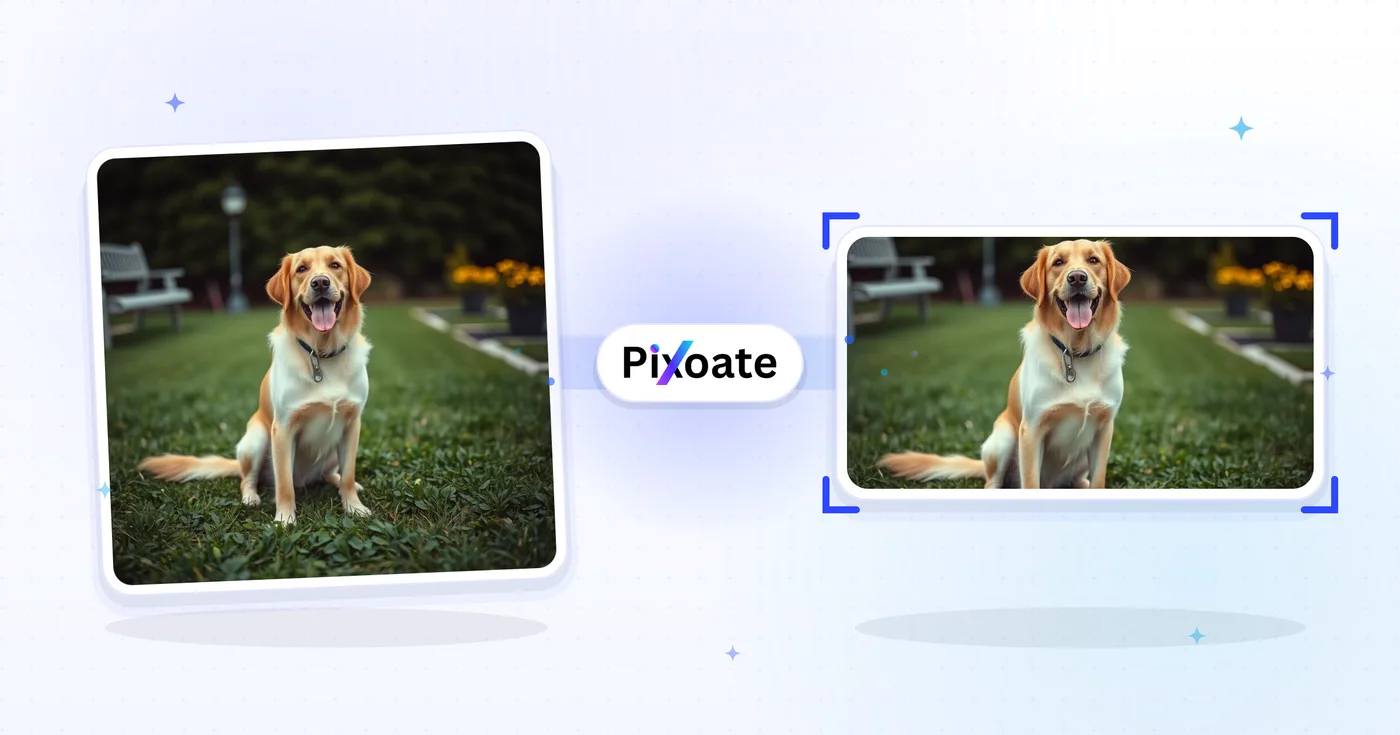
Twitter Image Resizer — Resize Photo kohteelle Twitter ja X Posts
1500 × 500 otsikot, profiilikuvat, 16:9 viestit, yhteenvetokortit ja mainoskoot – lataa tarkat mitat, joita X käyttää tänään.
Pudota kuva – valitse otsikon, viestin tai profiilin koko
X:n (Twitter) kuvakoot
X käyttää 3:1-kansibanneria (1500×500), neliön muotoista profiilikuvaa (400×400) ja pienentää ladattuja kuvia voimakkaasti aikajanalla. Yhden kuvan julkaisut näyttävät parhaalta 16:9-suhteessa (1600×900), kun taas pystysuuntainen 4:5 (1080×1350) vie enemmän pystytilaa mobiilissa. Suuria kuvia sisältävät yhteenvetokortit käyttävät kokoa 1200×628 — sama OG-korttisuhde, jota LinkedIn ja Facebook käyttävät. Tämä työkalu muuttaa minkä tahansa kuvan koon juuri sellaiseksi pikselikooksi, jonka kukin sijoituspaikka tarvitsee.
Mitä voit tehdä sovelluksella X- / Twitter-kuvien koonmuuttaja
Tarkista tärkeimmät ominaisuudet ennen kuin aloitat.
- Muuta X/Twitter-otsikon kooksi 1500 × 500
- Koko profiilikuvat ja 16:9 viestikuvat
- Luo muotokuvaviestejä, yhteenvetokortteja ja mainoskuvia
- Esikatsele turvavyöhykettä tärkeimmän sisällön suojaamiseksi
- Lisää tausta, joka sopii mihin tahansa kuvasuhteeseen
- Lataa JPG-, PNG- tai WebP-muodossa
Asetusten viite
8-asetukset
Käytettävissä olevat ohjaimet kohteelle X- / Twitter-kuvien koonmuuttaja.
- KäsittelytilaEsiasetukset
- Käsittele yksi syöte tai siirry Premiumin erätilaan käsittelemään useita syötteitä samoilla asetuksilla. Käytettävissä olevat syötetyypit riippuvat työkalusta.Asetukset: Yksittäinen kuvaErä
Koko
- X- / Twitter-kootEsiasetukset
- Valitsee tarkan X (Twitter) -sijoituspaikan, jonka kokoon kuva muutetaan — otsikkobanneri (1500×500), profiilikuva (400×400), julkaisukuvat, linkkikortit tai mainokset — ja ottaa kyseisen paikan pikselimitat automaattisesti käyttöön.Asetukset: Otsikko / banneriProfiilikuvaYksittäinen julkaisukuvaNeliömäinen julkaisukuvaPystysuuntainen julkaisukuvaKorttikuva (suuri)Korttikuva (pieni)Mainoksen kuva
Tulos
- SovitaEsiasetukset
- Controls how your image fills the chosen size: Cover fills the frame and crops overflow, Contain fits the whole image and pads gaps. Untick Maintain aspect ratio to force exact dimensions, which may distort proportions.Asetukset: KansikuvaSovita sisään
- TaustaVärinvalitsin
- Asettaa täyttövärin niille palkeille, jotka jäävät kuvan ympärille, kun Sovita sisään -tila jättää tyhjää tilaa. Oletus on musta, ja asetus on piilotettu PNG-vienniltä, joka säilyttää nämä alueet läpinäkyvinä.
- MuotoPudotusvalikko
- Valitsee tulostiedoston muodon: JPG valokuviin, PNG häviöttömään tulokseen läpinäkyvin reunapalkein, WEBP tai AVIF pienempiin nykyaikaisiin tiedostoihin.Asetukset: JPGPNGWEBPAVIF
- LaatuLiukusäädinAlue: 40–100% · Oletus: 92%
- Säätää JPG-, WEBP- ja AVIF-tulosteiden pakkausta; pienemmät arvot tuottavat pienempiä tiedostoja, suuremmat säilyttävät enemmän yksityiskohtia. Piilotettu, kun PNG on valittuna, sillä PNG on aina häviötön.
Esikatselu
- Näytä turva-aluePäällä / Pois
- Profiilikuva-esiasetuksessa asettaa X:n pyöreän profiilikuvarajauksen esikatselun päälle, jotta voit tarkistaa, etteivät kasvot tai logot leikkaudu; ota pois käytöstä nähdäksesi pelkän neliökuvan.
Tekoälylaajennus
- Laajenna taustaa tekoälylläYksi napsautus
- Jatka näkymää valittuun kokoon tekoälyllä niin, että valmisteltu lähdekuva säilyy. Ilmaiset lataukset ovat verkkokokoisia. Premium tai krediitit avaavat täyden resoluution. Tuetut kuvasuhteet edellyttävät kuvasuhteen säilyttämistä. Erä-tilassa jokainen jonossa oleva kuva laajennetaan ja toimitetaan valitsemassasi koossa ja muodossa.
Aiheeseen liittyvät työkalut kohteelle X- / Twitter-kuvien koonmuuttaja
Työkalut yleisiä seuraavia vaiheita varten X- / Twitter-kuvien koonmuuttaja jälkeen.

Somejulkaiseminen
Facebook-koonmuutos
Muuta kuvien kokoa lueteltujen Facebook-kansi-, profiili- ja postausmittojen mukaan sovitus- ja täyttösäätimillä.
Kokeile nyt
Somejulkaiseminen
LinkedIn-kuvien koonmuuttaja
Muuta kuvien kokoa LinkedIn-bannerien, profiilien, julkaisujen tai artikkelien otsakekuvien ilmoitettujen mittojen mukaan.
Kokeile nyt
Somejulkaiseminen
Instagram-koonmuutos
Sovita koko valokuva Instagram-mittoihin käyttämällä tarvittaessa sumennettua tai yksiväristä pehmustetta.
Kokeile nytUsein kysytyt kysymykset
Miten X- / Twitter-kuvien koonmuuttaja auttaa sinua saamaan sen tehtyä
Se ratkaisee todellisia ongelmia joka päivä – yrityksille, sisällöntuottajille ja jokapäiväisille tehtäville. Etsi itsellesi sopiva käyttötapa ja aloita.
Feed-kuvapostaukset, joita ei rajata
Muuta kuvien kokoa X:n uutisvirran mittoihin (1600 × 900), jotta esikatselurajaus näyttää pääkohteen ja tuottaa enemmän klikkauksia, tykkäyksiä ja lainausjulkaisuja kuin huonosti rajatut julkaisut
Bränditilin otsikkokuvan päivitys
Markkinointitiimit päivittävät X-otsikkokuvia (1500 × 500) kausittain nostaakseen esiin tuotelanseerauksia, kampanjoiden aihetunnisteita ja konferenssiosallistumisia vahvistaakseen profiilin brändäystä
Linkkikorttien esikatselukuvat
Muuta blogikirjoitusten ja laskeutumissivujen pääkuvien kokoa X:n linkkikortin mittoihin (1200 × 628), jotta jaetut linkit näyttävät suuren esikatselukortin pienen pikkukuvan sijaan
Tuotelanseerausten ja ilmoitusten visuaalit
Startup-perustajat ja tuotemarkkinoijat muuttavat julkaisugrafiikoiden, GIF-kuvakaappausten ja infografiikoiden kokoa X-julkaisuihin, jotka osuvat trendaaviin aiheisiin ja Product Hunt -yleisöön
Uutis- ja urheilulähetysten suoraseurantagrafiikat
Uutismediat, urheilutilit ja livetapahtumatiimit muuttavat uutissähkegrafiikoiden, ottelutuloskorttien ja live-tulostauluja koskevien päivitysten kokoa, jotta ne näkyvät terävinä X-syötteessä
Lainaustwiittien ja ketjujen pääkuvat
Rakenna pääkuvia pitkien ketjujen aloituksiin ja lainaustwiittauksiin, jotka keräävät enemmän uudelleentwiittauksia kuin pelkät tekstijulkaisut X:n algoritmissa
Ympyrään sopivat profiilikuva-avatarit
Käytä Profiilikuva-esiasetusta (400×400) sisäänrakennetulla suoja-alueen ympyräpeittokuvalla varmistaaksesi, että kasvot tai logo säilyvät X:n ympyränmuotoisessa avatar-rajauksessa ennen lataamista, sen sijaan että arvailisit ja lataisit uudelleen.
Pystysuorat muotokuvajulkaisut mobiiliselaajille
Vie Pystysuuntainen julkaisukuva -esiasetus (1080×1350, 4:5) täyttääksesi enemmän näytöstä mobiilifeedeissä — ihanteellinen sitaattikorteille, muotokuvavalokuvaukselle ja pystysuuntaisille pikkukuville, joiden on erotuttava selailtaessa.
Mainoskampanjan grafiikka valmiina Ads Manageriin
Muuta kampanjagrafiikan kooksi erillinen mainoskuvan esiasetus (1600×900) Contain-sovituksella ja brändiä vastaavalla taustavärillä, jotta maksetut Promoted-julkaisut täyttävät määrityksen ilman venymistä tai ei-toivottuja rajauksia.
Katso jokainen muunnos valmiina
Every kuva crosses slash untouched ja comes out other side finished.























