
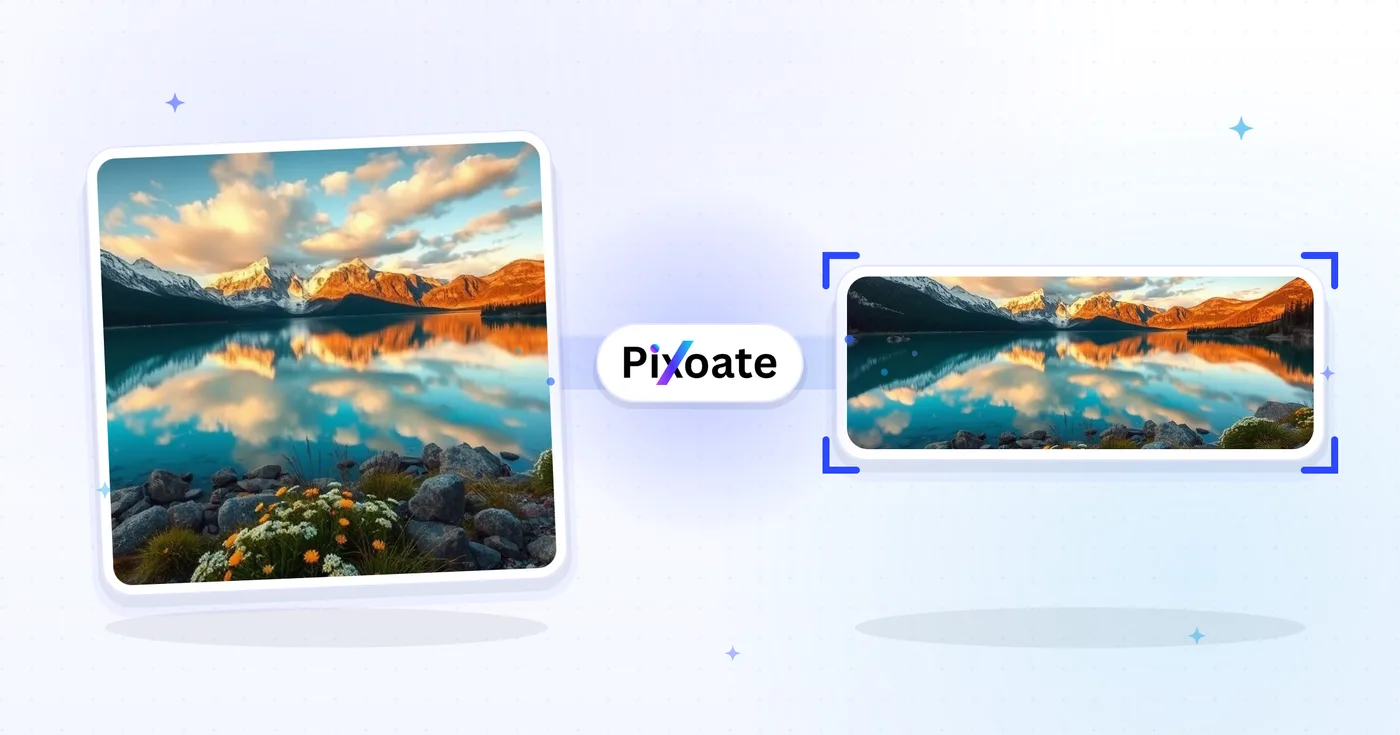
LinkedIn 写真リサイザー — プロファイル 400×400 およびバナー 1584×396
LinkedIn プロフィール写真 (400×400) またはバナー (1584×396) 用に写真のサイズを変更するか、ロゴ、投稿、または記事のプリセットを選択し、画像を配置して、選択したサイズをダウンロードします。
画像をドロップします — バナー、プロフィール、または投稿サイズを選択します
LinkedInの画像サイズ
リストされた個人カバー、会社カバー、投稿プリセットから選択し、画像がターゲット キャンバスにどのように適合するかを選択します。プラットフォームの要件は変更される可能性があるため、公開する前に現在の LinkedIn ガイダンスを確認してください。
LinkedIn画像リサイザー でできること
始める前に、主な機能を確認してください。
- 写真のサイズを 1584×396 の LinkedIn バナーに変更する
- プロフィール写真や会社ロゴの画像サイズ
- アートワークを LinkedIn の投稿と記事のヘッダーに合わせる
- エクスポートする前にセーフ ゾーンをプレビューする
- 空のエッジを選択した背景色で塗りつぶします
- 好みの品質で JPG、PNG、または WebP としてエクスポート
設定リファレンス
8 設定
LinkedIn画像リサイザー で使用可能なコントロール。
- 処理モードプリセット
- 1件ずつ処理するか、Premium の一括処理モードに切り替えて複数の入力に同じ設定を適用できます。対応する入力形式はツールによって異なります。オプション: 1枚の画像一括処理
サイズ
- LinkedInのサイズプリセット
- アップロード先のLinkedInの掲載場所を選びます。その枠に必要な正確なピクセル寸法(例:1584×396の個人バナー、1200×627の投稿画像)が、自動で適用されます。オプション: 個人バナー会社のバナープロフィール写真会社ロゴ四角いロゴ投稿画像記事の表紙イベントカバー
出力
- フィットプリセット
- Choose how the photo fills the target size: Cover crops to fill edge-to-edge, Contain keeps the whole image with padded space. To force the exact size instead, untick Maintain aspect ratio; that may distort.オプション: カバー全体を表示
- 背景カラーピッカー
- 「収める」フィットの画像の周囲にできる余白を塗りつぶす色を設定します。初期値はLinkedInのブルーですが、任意のブランドカラーに合わせられます。余白を透過のまま保持するPNGでは表示されません。
- 形式ドロップダウン
- 出力するファイル形式を選びます。写真にはJPG、透過にはPNG、自分で画像をホストしてファイルを軽くしたいならWEBPやAVIFが向いています。オプション: JPGPNGWEBPAVIF
- 品質スライダーレンジ: 40–100% · デフォルト: 92%
- JPG、WEBP、AVIFで書き出す際の圧縮率を調整します。値を上げるとテキストやロゴがくっきりし、下げるとファイルサイズが小さくなります。常に可逆圧縮のPNGでは表示されません。
プレビュー
- セーフゾーンを表示オン/オフ
- 「プロフィール写真」プリセットで表示されます。LinkedIn が実際に表示する円形の切り抜き範囲を重ねて示し、切り落とされる四隅を暗く表示するので、顔やロゴを内側に収められます。
AI 画像拡張
- AIで背景を拡張ワンクリック
- 準備済みの元写真はそのままに、AIでシーンを選択したサイズまで広げます。無料のダウンロードはWebサイズです。Premiumまたはクレジットでフル解像度が利用できます。対応する比率では縦横比の維持が必要です。一括処理では、キュー内のすべての画像が拡張され、選択したサイズと形式で出力されます。
LinkedIn画像リサイザー の関連ツール
LinkedIn画像リサイザー の後の一般的な次のステップのためのツール。


よくある質問
LinkedIn画像リサイザーでできること
ビジネス、クリエイター、日常業務など、実際の問題を毎日解決します。自分に合ったユースケースを見つけて始めましょう。
パーソナルブランド・就活用バナー
求職者やパーソナルブランドを築く人は、見出し、志望業界、現在の就業状況を際立たせるLinkedInバナーを作成します。これはリクルーターが最初に目にするものです
創業者・経営層のプロフィールバナー
スタートアップの創業者や CEO、経営陣は、会社のロゴ、現在のプロダクトローンチ、投資家からの評価を打ち出すバナーを公開し、ステークホルダーへの認知を高めます
会社ページのヒーローバナー
マーケティングチームは、最新の製品スクリーンショット、顧客ロゴ、Glassdoorの評価を盛り込んだ会社ページのカバー写真をデザインし、プロフィールへの訪問をフォロワーや応募者へと転換しています
カンファレンス登壇者・著者バナー
毎回レイアウトを再構築することなく、現在のシーズンのスピーカーまたはポッドキャスト バナーを交換します
採用担当者・採用マネージャー向けバナー
採用担当者は募集中のポジション、雇用主ブランドの魅力、チーム写真を宣伝するバナーを公開し、プロフィールの閲覧を応募や候補者からのDMへとつなげられます
営業・事業開発用バナー
BDR、アカウントエグゼクティブ、営業リーダーは、このバナーを使って自社製品の価値提案、事例顧客のロゴ、見込み客への明確なコールトゥアクションを強調しています
切り抜きに強い LinkedIn プロフィール写真
「プロフィール写真」プリセットを選び、セーフゾーンのオーバーレイをオンにすれば、LinkedInの円形トリミングがどの角を切り取るかを正確に確認できるので、公開後に顔やロゴが切れてしまうことがなくなります。
ウェビナー・ミートアップのイベントカバー
Event cover プリセット(1776×444)を Contain fit とブランドカラーの背景とともに使えば、ウェビナーの日付、登壇者名、ロゴが LinkedIn のイベントトリミングで切られることなく、完全に表示された状態を保てます。
1つのロゴを、あらゆるLinkedIn配置に
同じブランド マークを会社ロゴ (300×300) と正方形のロゴ (60×60) プリセットを使用して背景色と一致させてエクスポートし、LinkedIn で各サイズを確認します。
高速表示のLinkedInグラフィック
グラフィックを自分でホスティングする場合は、投稿画像や記事カバーのサイズを品質 85% 以上の WebP または AVIF で書き出すと、テキストやロゴの鮮明さを損なわずに読み込み速度を高速に保てます。
変換結果を一つずつ確認
すべての写真はスラッシュをそのまま通過し、反対側が完成して出てきます。























