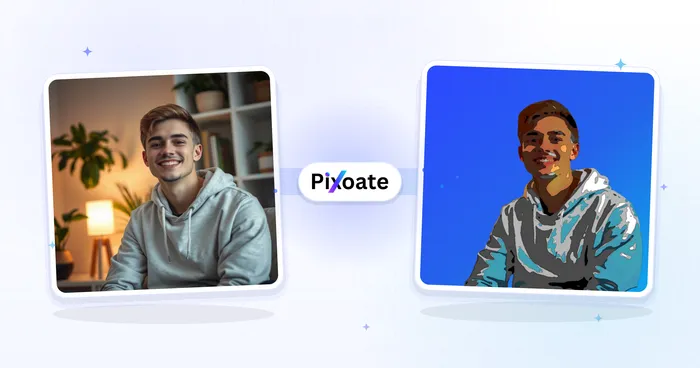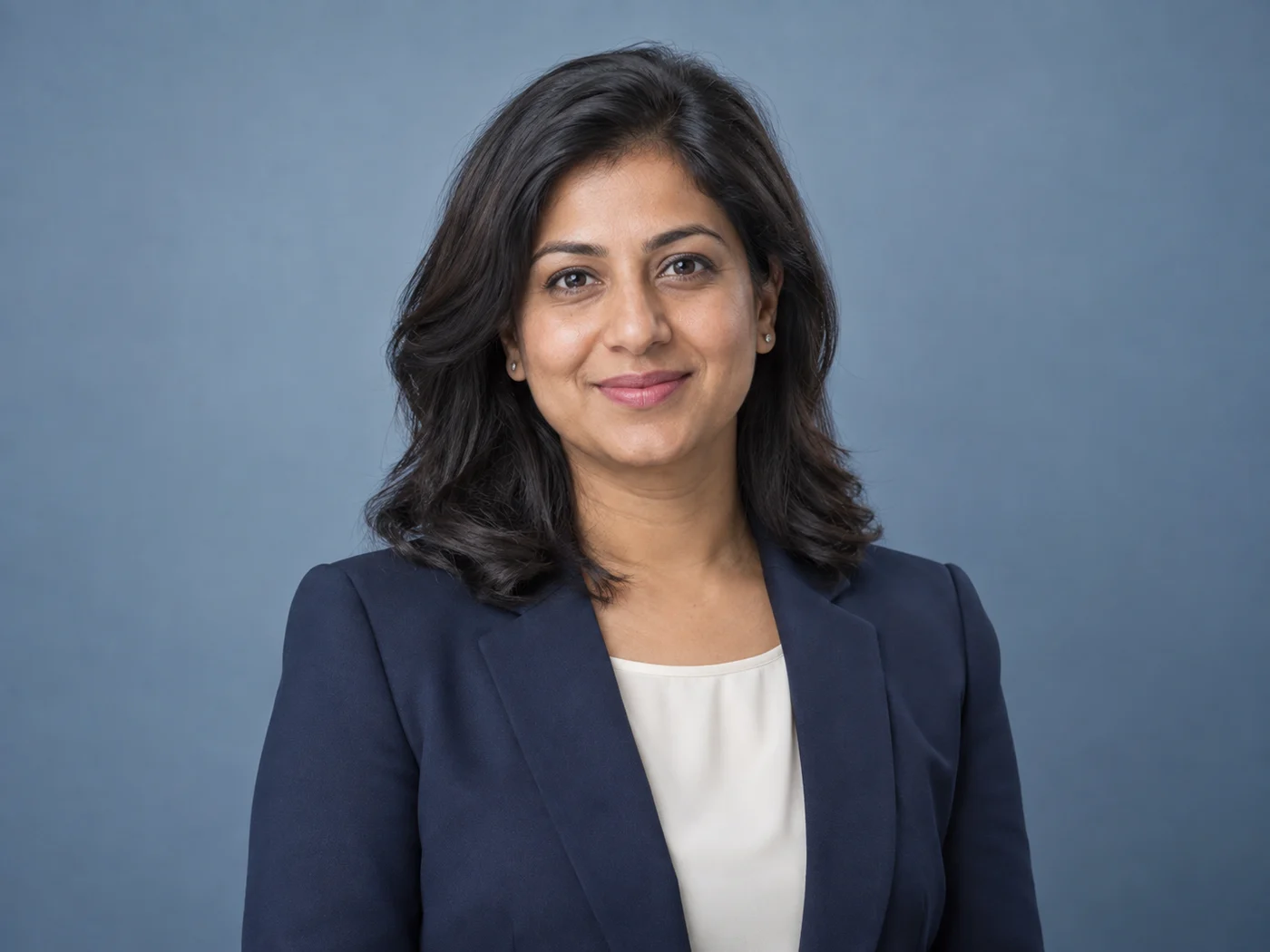
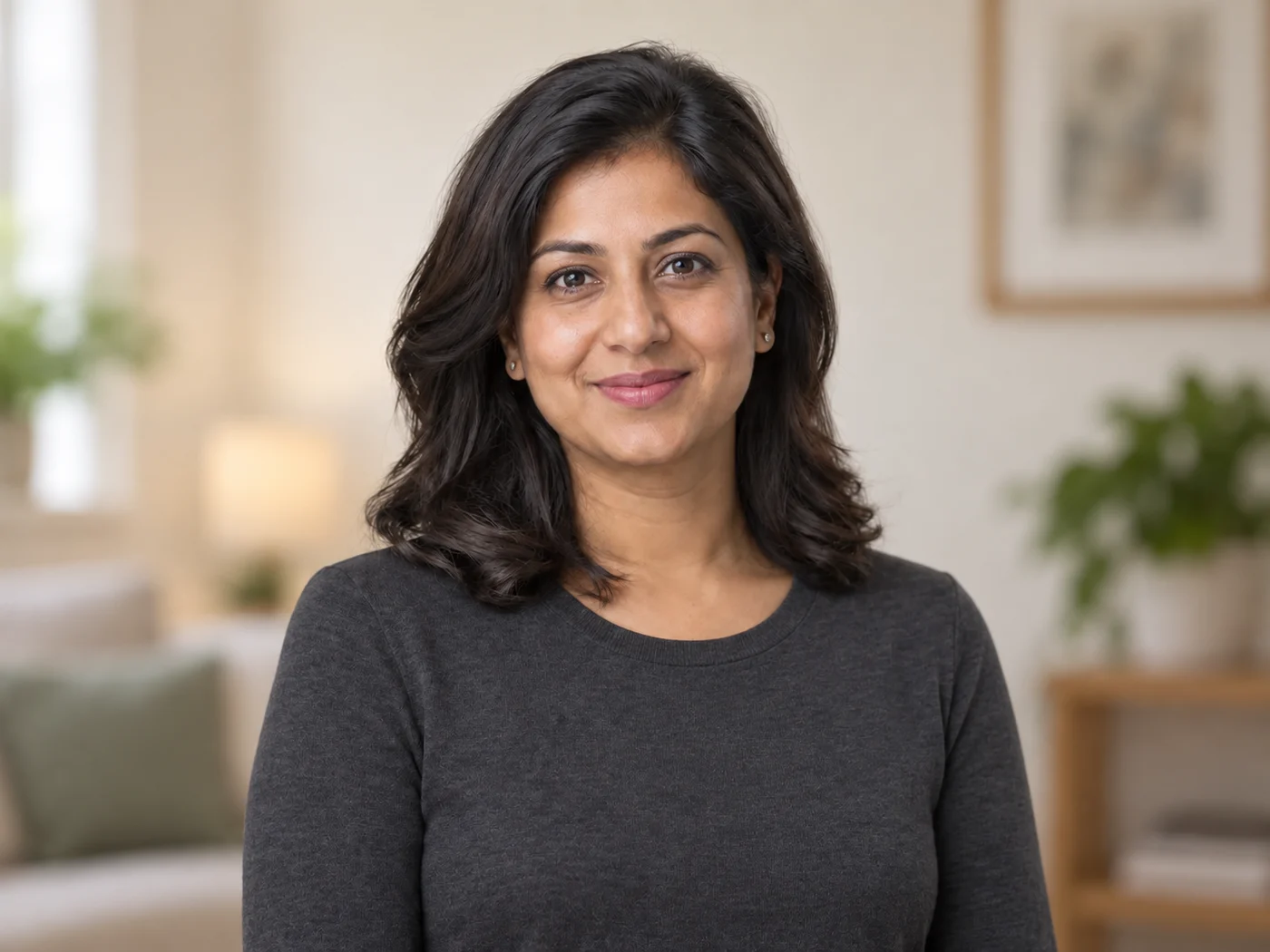
自撮りをプロフェッショナルなヘッドショットに変換
No time or budget for a studio? A phone selfie becomes a polished head-and-shoulders shot with a studio background and even lighting — ready in seconds.
- プロフェッショナルな胸から上のフレーミング
- スタジオ背景置き換え+均一なライティング
- Free daily allowance · no signup · clean, full-quality results on every plan
Works with JPG, PNG, WEBP · Free up to 20 MB, Premium 50 MB


Drop a selfie — get a studio-style headshot back
最高のヘッドショットを作るコツ
• 頭部と肩が見える正面向きの写真を使ってください
• 柔らかく均一なライティングが最もプロフェッショナルな仕上がりになります
• 自然で本物らしいヘッドショットにはレタッチを低めに設定してください
LinkedInヘッドショットジェネレーターについて
ヘッドショットジェネレーターはAI顔検出を使って、プロのヘッドショットの構図通りに顔が上3分の1に来るバランスの良い胸から上のポートレートにフレーミングします。元の背景から切り抜き、クリーンなスタジオグレーの背景を合成し、ライティングを均一化してシャープでプロフェッショナルな仕上がりに — LinkedIn、履歴書、社内ディレクトリ、登壇者プロフィールに最適。
使い方
1. 自撮りやポートレートをアップロード
2. AIがプロフェッショナルなヘッドショットにフレーミング
3. 背景を置き換えてライティングを均一化
4. レタッチを調整してダウンロード
こんな用途に最適
• LinkedInプロフィール写真
• 履歴書、CVおよび就職応募
• 社内ディレクトリとチームページ
• 登壇者プロフィールとカンファレンスプロフィール
What you can do with LinkedInヘッドショットジェネレーター
Everything this tool helps you accomplish — no learning curve, no setup.
- 自撮りをプロフェッショナルなヘッドショットに変換
- Add a clean studio background
- Get polished head-and-shoulders framing
- Even out lighting for a work-ready look
- Prepare a headshot for LinkedIn and resumes
- Pick a background color or design
Settings information
5 settings
Every control in LinkedInヘッドショットジェネレーター, explained — what it does and when to use it.
調整
- レタッチの強さSliderRange: 0–1 · デフォルト: 0.7
- 顔をどのくらいレタッチするかを「ナチュラル」から「洗練」まで調整します — 飾らないプロフェッショナルなLinkedIn向けの印象にするには、低めに保ってください。
背景
- 背景プリセット
- Switches the backdrop source between a flat studio color and a designed background picked from the built-in library.オプション: Studio colorデザイン
- 背景色プリセット
- Curated studio backdrop colors painted behind you after the subject is cut out — Light Gray is the default professional choice.オプション: ライトグレーホワイトソフトブルーウォームベージュブランドブルー木炭
- カスタムColor picker
- Pick any custom backdrop color with a color picker if none of the studio presets matches your brand or profile style.
- デザインGallery
- 「デザイン」を選ぶと、ライブラリからデザイン済みの背景を選んで顔写真の背景に適用できます。一部のデザインはプレミアム限定です。
LinkedInヘッドショットジェネレーターが終わったら、次はこちらを
LinkedInヘッドショットジェネレーターと相性のよい厳選ツール。ファイルをそのままに、作業を続けられます。
アバタージェネレーター
Selfie not avatar-ready? Face-aware cropping, a fresh background and natural enhancement turn it into a clean avatar for social, gaming or team profiles — in seconds.
今すぐ試す顔ビューティー加工
Harsh light and uneven tone? Skin is smoothed and evened in one tap while eyes, hair and edges stay sharp — a natural retouch in seconds.
今すぐ試す背景を削除
Stop tracing edges by hand — get a clean transparent PNG with hair-level edge detail in seconds. Free cut-outs download clean at up to 2048px, no signup — Premium exports at the original resolution.
今すぐ試すAI 写真高画質化
Noise, blur, bad lighting? One click removes noise, sharpens detail, fixes color and upscales — phone photos come back crisp and vivid in seconds.
今すぐ試す肌トラブル除去
Breakout in your best photo? Blemishes, spots and dark marks are healed automatically while natural skin texture stays intact — done in seconds.
今すぐ試す画像をKB単位で圧縮
Form says 'max 100KB'? Compress JPG, PNG or WebP to any exact target — 20KB, 50KB, 100KB — without visible quality loss, in seconds. Free to start, no credit card.
今すぐ試すよくある質問
自撮りをアップロードすると、ヘッドショットジェネレーターが顔を上から3分の1の位置に置いて胸から上の構図を整え、背景をすっきりしたスタジオ背景に差し替え、ライティングを均一にします。プレビューでレタッチの強さを調整したら、ヘッドショットをダウンロードできます。
usageはい。プロフェッショナルな構図、ニュートラルなスタジオ背景、均一なライティングは、LinkedIn、履歴書、社員名簿、登壇者紹介向けに設計されています。レタッチを控えめにすると、最も自然な仕上がりになります。
features正面を向いて、頭と肩が写り、柔らかく均一なライティングの写真を使いましょう。自然な表情と、頭上に少しの余白があると、最も自然でプロフェッショナルなヘッドショットになります。
tipsYes, it is free to use every day with no signup, and free headshots download clean — nothing stamped on them. Premium lifts the daily cap and adds batch processing. Your photo is processed securely and deleted automatically after the headshot is generated.
privacyいいえ。写真に写っている服装はそのまま残します。背景をスタジオ風の背景に差し替え、ライティングを整え、レタッチを施します。そのため、見せたい服装をすでに着ている写真をアップロードしてください。
featuresはい。6種類のスタジオ背景色プリセットから選ぶか、カスタムカラーを設定できるので、ニュートラルなグレー、定番のブルー、あるいは自社ブランドカラーをポートレートの背景に配置できます。
featuresNeutral light grey and white read as the most corporate and work for almost any industry — they keep attention on your face. Soft blue looks approachable and is popular for sales, HR and client-facing roles, while charcoal gives a confident, dramatic studio feel. If your company has a brand color, use the custom color picker to match it exactly. When in doubt, the default light grey is the safest professional choice.
tipsはい。プレビューにあるレタッチ強度スライダーは、軽く自然な補正から、より強く洗練された仕上がりまで調整できます。本人らしさを保った自然でリアルな顔写真にしたい場合は低めに(LinkedIn や会社名簿におすすめ)、雑誌のような仕上がりにしたい場合のみ上げてください。すべての変更はダウンロード前にライブでプレビューされます。
featuresNo. Upload a clear selfie and the AI headshot generator produces a professional headshot for your LinkedIn profile in seconds — head-and-shoulders framing, a studio background and even lighting, the same look a studio session delivers. Use a front-facing photo in the outfit you want to appear in and keep the retouch strength low for authenticity. Free headshots download clean; Premium lifts the daily cap and adds batch processing.
usageYes — Pixoate supports batch and bulk processing. Switch to Batch mode, add up to 100 photos, set your options once, and every photo is processed with the same settings before you download a single ZIP. Bulk processing is a Premium feature; the output uses the same quality and settings as single mode.
featuresYes — with bulk processing you configure the settings a single time and they apply to every item in the batch, up to 100 photos. There is no need to repeat the setup per item, and Temporary uploaded and generated files are processed securely and deleted automatically.
usageLinkedInヘッドショットジェネレーターでできること
ビジネス、クリエイター、日々の作業で毎日役立つ、実際の課題を解決します。あなたに合う使い方を見つけて、数秒で始めましょう。
LinkedInプロフィール写真
何気ない自撮りを、すっきりとしたスタジオ背景のプロフェッショナルなLinkedInヘッドショットに変換
履歴書・求人応募
写真スタジオなしで、履歴書、職務経歴書、就職活動にふさわしい洗練された顔写真を作成
社員名簿・チーム紹介ページ
会社紹介ページやチームページ用に、一貫した構図と背景でチームのヘッドショットを統一
登壇者紹介・カンファレンスプロフィール
カンファレンスの登壇者紹介、パネルディスカッション、イベントプロフィール用のプロフェッショナルなヘッドショットを作成
Brand-Color Team Headshots for Startups
Use the custom background color picker to match your exact brand hex behind every teammate's headshot, so the About page and team directory look cohesively branded without booking a real studio.
不動産業者のプロフィール写真
ソフトブルーとウォームベージュの背景プリセットは、エージェントの紹介文や物件掲載サイトで、親しみやすく信頼できる印象を与えます。買い手が信頼する、真実味のある自然な仕上がりにするため、レタッチの強度は低めに保ちましょう。
フリーランス・コンサルタントのポートフォリオ写真
背景をチャコールやブランドブルーに差し替えれば、自信あふれるプレミアムなポートレートになります。Upwork・個人サイト・ピッチ資料などで使い回せます。
卒業生・大学名簿向け写真
白またはライトグレーの背景は、提出されたすべての写真に同じニュートラルな背景を与えるため、全員が異なるセルフィーをアップロードしても、卒業生名簿や教員ページが統一感のある見た目になります。
Pixoate