
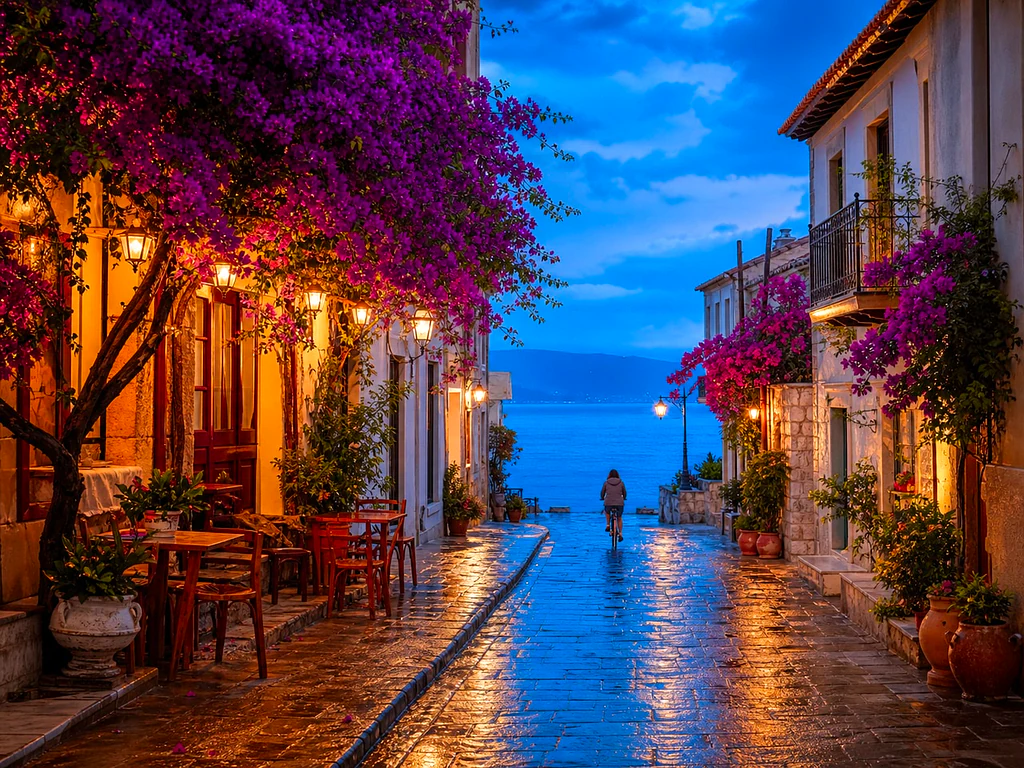
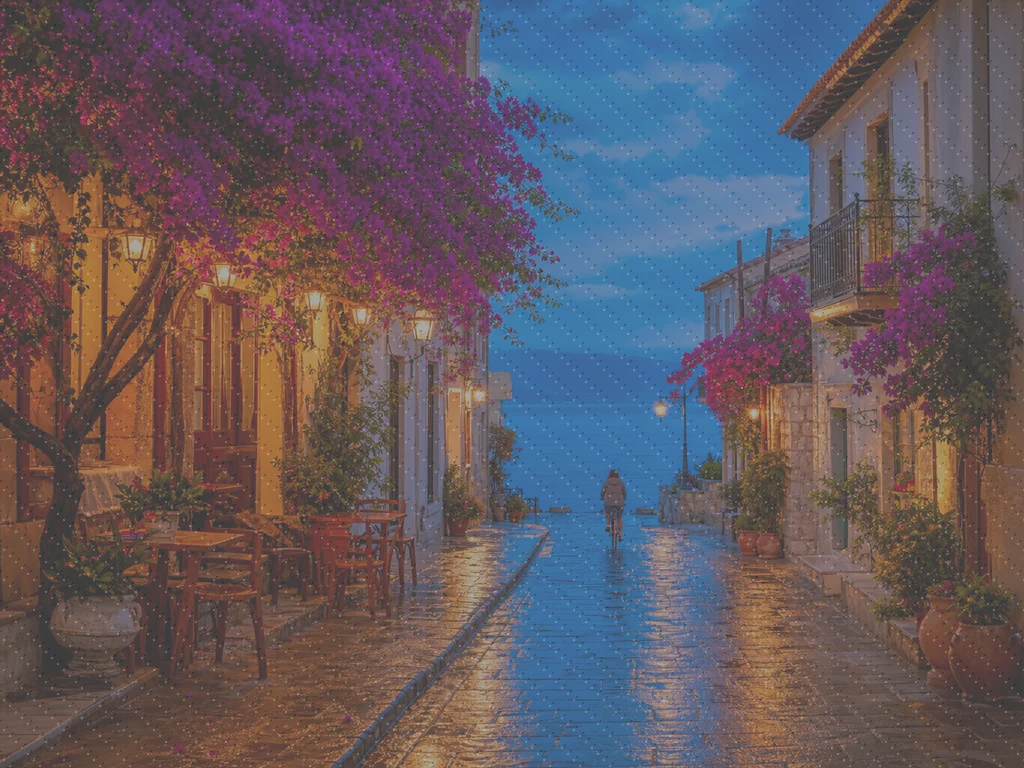
Fix dull, blurry photos in one click
Noise, blur, bad lighting? One click removes noise, sharpens detail, fixes color and upscales — phone photos come back crisp and vivid in seconds.
- One click: denoise, sharpen, auto color and upscale
- 古い、暗い、ザラついた、少しぼやけた写真に最適
- Fast, private processing · Files deleted automatically
Works with JPG, PNG, WEBP · Secure processing

Dull · blurryDrop a dull or blurry photo — get a crisp, vivid version back
ベストな結果を得るためのコツ
• ポートレートには控えめな強度が最も自然です
• 暗い写真やノイズの多い写真には強めの設定を使ってください
• ファイルは処理後に自動的に削除されます
AI 写真高画質化について
Our photo enhancer combines several fixes into one click: AI noise reduction, edge-aware sharpening, automatic brightness, contrast and color correction, and a resolution boost. It turns dull, dark or low-res phone photos into crisp, vivid images without any manual editing.
使い方
1. 写真をアップロード
2. AI denoises, sharpens and fixes color
3. 好みに合わせて強さを調整
4. 高画質化した写真をダウンロード
こんな用途に最適
• くすんだ、平坦に見えるスマホ写真
• 暗い、光量不足、ノイズの多い写真
• 古い写真や低解像度の画像
• 商品写真、出品写真、SNS写真
What you can do with AI 写真高画質化
Everything this tool helps you accomplish — no learning curve, no setup.
- Enhance photos for social media and listings
- Remove noise and grain from dark shots
- Sharpen blurry or soft phone photos
- Fix dull lighting and flat color
- Turn low-res snaps into crisp, vivid images
- Control how strong the enhancement looks
Settings information
1 setting
Every control in AI 写真高画質化, explained — what it does and when to use it.
調整
- 補正の強さスライダーレンジ: 0–1 · デフォルト: 0.7
- Scales the whole one-click clean-up (noise reduction, sharpening, auto color and detail boost) from Subtle to Strong — keep it low for natural portraits, raise it for dark or grainy photos.
AI 写真高画質化が終わったら、次はこちらを
AI 写真高画質化と相性のよい厳選ツール。ファイルをそのままに、作業を続けられます。
AI画像アップスケーラー
Photo too small to print or post? Upscale it 2×, 3×, or 4× while edges stay crisp and fine detail holds — done in seconds.
今すぐ試す肌トラブル除去
Breakout in your best photo? Blemishes, spots and dark marks are healed automatically while natural skin texture stays intact — done in seconds.
今すぐ試す顔ビューティー加工
Harsh light and uneven tone? Skin is smoothed and evened in one tap while eyes, hair and edges stay sharp — a natural retouch in seconds.
今すぐ試す写真カラー化
Old family photos stuck in grey? Realistic, natural color is added to vintage prints and scans in seconds — faces, clothes and scenery come back to life.
今すぐ試す背景を削除
Stop tracing edges by hand — get a clean transparent PNG with hair-level edge detail in seconds, ready for product listings, portraits, and creative work.
今すぐ試す画像をKB単位で圧縮
Form says 'max 100KB'? Compress JPG, PNG or WebP to any exact target — 20KB, 50KB, 100KB — without visible quality loss, in seconds. Free to start, no credit card.
今すぐ試すよくある質問
It runs four fixes at once: noise reduction to clean grain from low-light shots, sharpening to recover soft or slightly out-of-focus detail, automatic brightness, contrast and color correction for flat or dull lighting, and AI upscaling for more resolution. You get a crisper, brighter, more vivid photo with no sliders to learn.
usage手ブレや軽いピンボケによる、わずかなぼやけや甘さは、エッジをシャープにして再構築することではっきりと軽減されます。激しいモーションブラーで完全に失われたディテールまで作り出すことはできませんが、日常でよくある「少しぼやけた」スマホ写真の多くは、目に見えてシャープになります。
qualityUpscale only makes the image larger. Enhance is the all-in-one "make this look better" button — it denoises, sharpens, color-corrects and upscales together. Use Upscale when you only need a bigger size, and Enhance for overall quality.
featuresYou can enhance photos free to preview; create a free account to download, and every free result downloads clean — nothing stamped on it. Premium lifts the daily cap, adds batch processing and the heavier AI upscaling.
pricingいいえ。写真はセキュアなサーバー上での処理のためだけにアップロードされ、その後は自動的に削除されます。お客様の画像を当社が保存したり共有したりすることは一切ありません。
privacyYes — it is an AI image enhancer for any raster image: photos, screenshots, scanned pictures and graphics. The same one‑click pipeline (denoise, sharpen, color‑correct and upscale) improves image quality whatever the source.
featuresThe strength slider scales all four fixes in the one-click pipeline together — noise reduction, edge sharpening, automatic brightness/contrast/color correction and the upscaling boost. Subtle keeps the result close to the original for a natural touch-up, while Strong pushes every fix harder for a more dramatic clean-up.
featuresポートレートでは、強度を Subtle(控えめ)寄りに保つと、肌や顔のディテアが過度にシャープになりすぎず自然に仕上がります。暗い写真、ノイズの多い写真、古い低解像度の写真では、強度を Strong(強め)寄りにすると、AI がノイズを除去し失われたディテールを復元する余地が十分に得られます。プレビューはリアルタイムで更新されるので、スライダーの両端を見比べられます。
tipsUpload the photo and the AI enhances image quality in one click — it denoises, sharpens, corrects brightness, contrast and color, and boosts resolution, with no layers or manual tools to learn. If the first pass looks too strong or too subtle, drag the enhancement strength slider and the preview updates before you download. Subtle suits portraits; stronger settings suit dark or grainy shots.
usageYes — Pixoate supports batch and bulk processing. Switch to Batch mode, add up to 100 photos, set your options once, and every photo is processed with the same settings before you download a single ZIP. Bulk processing is a Premium feature; the output uses the same quality and settings as single mode.
featuresYes — with bulk processing you configure the settings a single time and they apply to every item in the batch, up to 100 photos. There is no need to repeat the setup per item, and Temporary uploaded and generated files are processed securely and deleted automatically.
usageAI 写真高画質化でできること
ビジネス、クリエイター、日々の作業で毎日役立つ、実際の課題を解決します。あなたに合う使い方を見つけて、数秒で始めましょう。
古い家族写真をよみがえらせる
スキャンした古い家族写真や色あせた写真では、Enhancement strengthスライダーをStrong寄りにすると、ノイズを取り除き、経年、低解像度、粗いオリジナルスキャンで失われたディテールを取り戻せます。
出品前に商品写真をシャープに
Run product photos through with a Subtle strength setting to clean up minor phone-camera softness and color dullness without over-processing, keeping listings looking accurate and trustworthy.
暗所で撮ったイベント・コンサート写真をクリーンアップ
コンサート、パーティー、薄暗い会場で撮った暗くてざらついた写真を、ワンクリックでノイズ除去・明るさ調整・シャープ化できます。最も劇的なノイズ除去には強度を「強」寄りに設定してください。
不動産物件写真を仕上げる
One-click denoise, sharpen and color correction turns flat or dim interior and exterior phone photos into crisper, more inviting listing images without a full photo-editing workflow.
ドキュメント用にスキャンやスクリーンショットを準備
写真だけでなく汎用の画像補正ツールとしても機能するため、スキャンした文書やホワイトボードの写真、スクリーンショットを通せば、共有や保存の前にテキストを鮮明にし、圧縮ノイズを取り除けます。






















