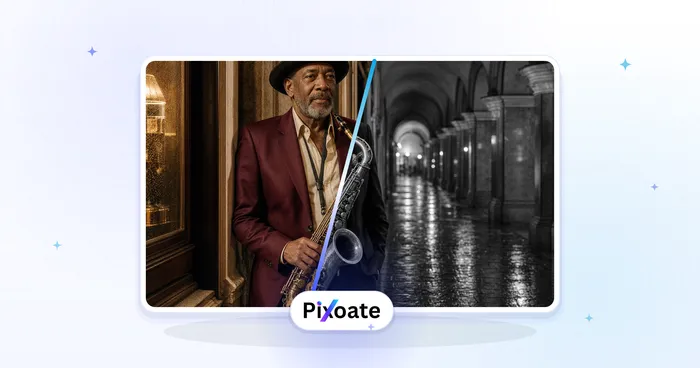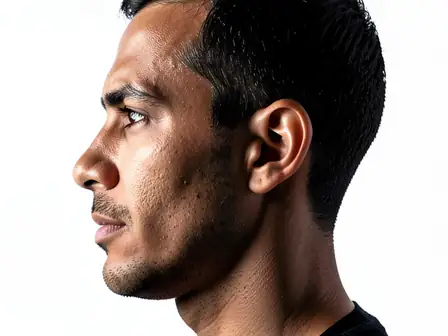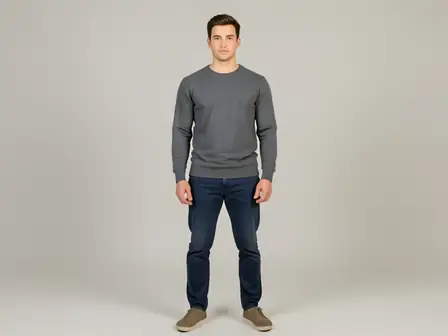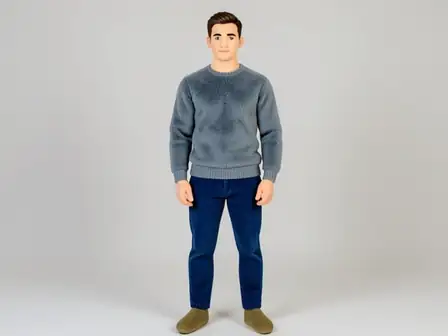
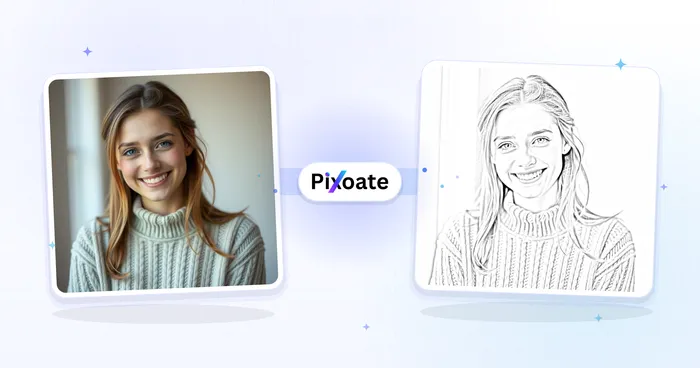
The same source image before and after applying 3D 얼굴 Refine.
3D 얼굴 Refine photo effect applied to the same source image
Original source image before the 3D 얼굴 Refine photo effect

3D 얼굴 다듬기 - 온라인에서만 로컬 깊이 대비 추가

확인된 얼굴 윤곽에 절제된 입체 대비를 더하되, 인물 사진의 형태와 매끄러움, 색상은 유지합니다.

3D 얼굴 Refine 효과를 위한 사진 업로드

3D 얼굴 Refine 효과로 수행할 수 있는 작업

시작하기 전에 사용 가능한 효과 기능을 검토하세요.

  • Apply the 3D 얼굴 Refine effect to any photo
  • Fine-tune the effect strength to taste
  • Preview your photo live as you edit
  • Download your edited photo in high quality
  • Apply 3D 얼굴 Refine to many photos at once

이용 방법

3D Face Refine maps the full shape of the face in detail and double-checks it against the separately located eyes, nose, and mouth. Compact, softly blended areas slightly brighten the center forehead, nose bridge, upper cheeks, and chin while gently deepening the lower-cheek planes. The adjustment changes brightness only, borrows no texture from nearby areas, and reaches exactly zero before the eyes, lips, hair, clothing, or background. It does not reshape the face or invent highlights, freckles, pores, or shadows outside those verified regions.

처리 중

3D 얼굴 Refine는 AI 액션을 사용합니다. 이 효과가 처리되기 전에 별도의 허용량이 표시됩니다.

다음에 가장 적합

이마 전체, 양쪽 눈, 볼, 코, 입, 턱, 턱이 모두 보이는 선명한 정면 인물 사진.

다음과 같은 경우에는 덜 적합합니다. 옆얼굴, 잘린 얼굴 면, 강한 색상의 무대 조명, 딱딱한 그림자, 모션 블러, 얼굴이 매우 작은 단체 사진.

3D 얼굴 Refine 사용 방법

  • 정체성이나 기하학적 구조를 변경하지 않고 평면 조명을 받은 인물 사진에 얼굴 깊이를 약간 더 명확하게 만듭니다.
  • 원래의 모공, 턱수염 디테일, 메이크업, 표정, 머리카락, 의복 및 배경을 유지하면서 얼굴 평면을 다듬습니다.
  • Apply the same conservative brightness-only depth treatment independently to multiple clear faces.

3D 얼굴 Refine 효과에 관해 자주 묻는 질문

3D 얼굴 보정 을 사용하면 얼굴 모양이 바뀌거나 부드러워지나요?
No. It does not reshape or blur anything. It changes brightness by only a few small steps inside compact verified areas of the face, leaving the original texture and every other pixel intact.
정밀하게 조정하기에 사진이 충분히 선명하지 않으면 어떻게 되나요?
정밀 조정에는 변경할 영역이 선명하게 보여야 합니다. 해당 영역이 잘렸거나 흐리거나 너무 작거나, 다른 방향을 향하거나 가려져서 안정적으로 찾을 수 없으면 Pixoate가 대신 AI로 사진 전체에 같은 변경을 적용하므로 결과를 얻을 수 있습니다. AI 버전은 다른 곳의 작은 디테일까지 바꿀 수 있으니 다운로드하기 전에 원본과 비교하세요.

더 많은 초상화 및 미용 효과

추천 효과를 움직이는 모습으로 보기

가장 추천하는 효과가 이 줄 맨 앞에 먼저 표시되고, 나머지 효과는 그 뒤에 이어집니다.