이용 방법
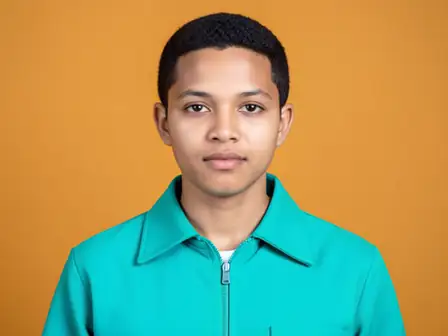
Upload a photo where someone blinked. AI draws natural open eyes on each clear face to suit the face and the light, then places only the face back onto your photo, so hair, clothing and background stay as you shot them.


Rescue the shot where someone blinked by opening their eyes with AI.
시작하기 전에 사용 가능한 효과 기능을 검토하세요.
Upload a photo where someone blinked. AI draws natural open eyes on each clear face to suit the face and the light, then places only the face back onto your photo, so hair, clothing and background stay as you shot them.
Upload a photo, adjust the Open Closed Eyes intensity, compare its processed preview with the source, and download the finished result.
Use the intensity control to balance the Open Closed Eyes treatment with the detail and character of your original photo.
A reduced Open Closed Eyes preview keeps adjustments responsive. Free downloads are clean and web-size; Premium or a credit unlocks the original resolution.
Open Closed Eyes uploads are processed on secure servers and automatically removed under the normal Pixoate retention policy.
Upload a photo where someone blinked. AI draws natural open eyes on each clear face to suit the face and the light, then places only the face back onto your photo, so hair, clothing and background stay as you shot them.
Open Closed Eyes uses an AI action. Any separate allowance is shown before this effect starts processing.
wedding portraits, family photos, team shots and solo portraits where one frame is perfect apart from a blink, with faces sharp and turned towards the camera.
다음과 같은 경우에는 덜 적합합니다. side profiles, faces covered by hands or sunglasses, very small faces, and large group shots, where some blinks may stay closed.
포토 효과 이후 일반적인 다음 단계를 위한 도구입니다.
가장 추천하는 효과가 이 줄 맨 앞에 먼저 표시되고, 나머지 효과는 그 뒤에 이어집니다.