TikTok 커버 이미지 크기 조정기 - 9:16 동영상, 사진 및 프로필 크기
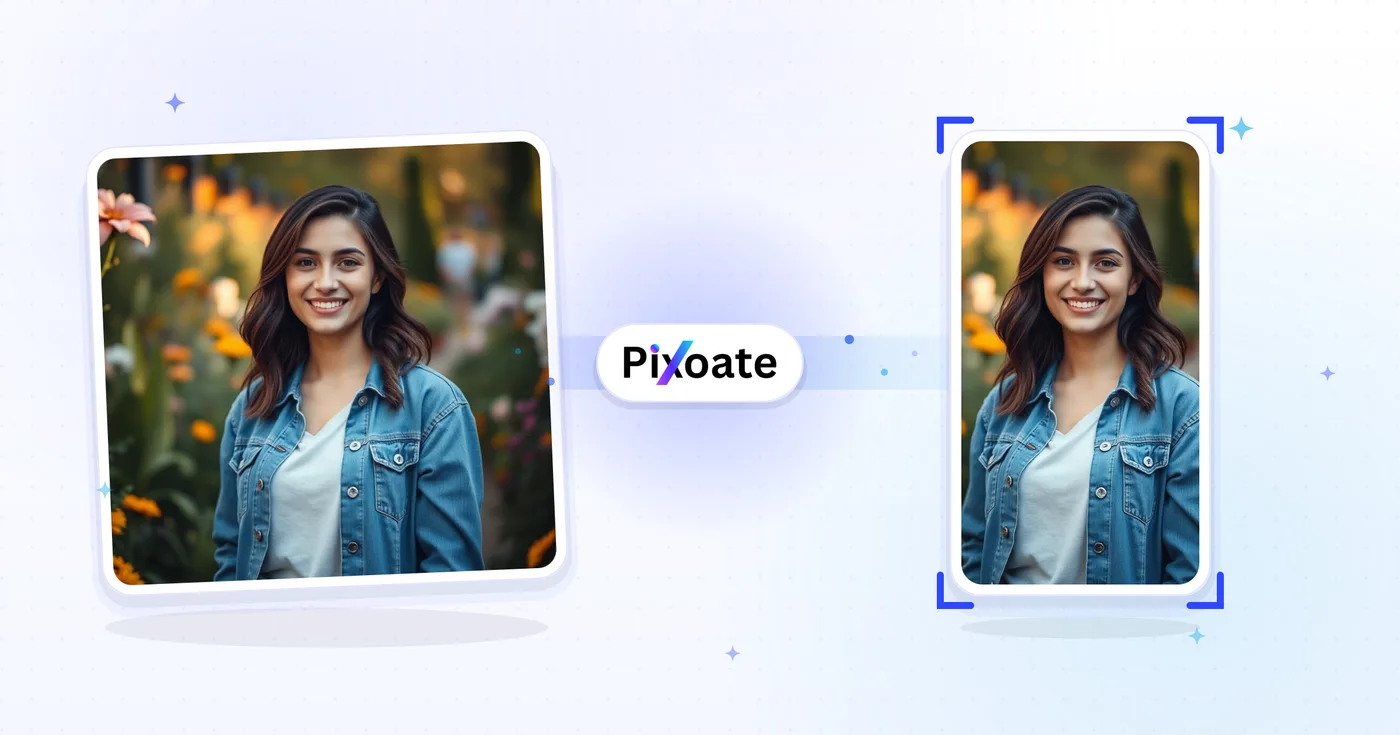
TikTok의 정확한 크기에 맞게 이미지 크기를 변경하세요: 9:16 동영상 / 커버(1080×1920), 사진 캐러셀, 프로필 사진, 썸네일. 품질 조절과 함께 채우기, 맞추기, 늘이기를 지원합니다.
TikTok용으로 크기를 조절할 이미지를 놓으세요
TikTok 이미지 크기
TikTok은 9:16 세로 콘텐츠를 중심으로 구성됩니다. 동영상 커버는 1080×1920으로 업로드해야 하며, 그보다 짧으면 양옆에 여백이 생기고 그보다 넓으면 잘립니다. 프로필 사진은 정사각형(최소 200×200)입니다. 사진 캐러셀은 동영상과 동일한 9:16 프레임을 따릅니다. 이 도구는 어떤 이미지든 각 게재 위치에 필요한 정확한 픽셀 크기로 조정합니다.
TikTok 커버 크기 조정 도구 사용을 끝내셨나요? 다음 도구도 사용해 보세요
TikTok 커버 크기 조정 도구와 잘 어울리는 엄선된 도구들입니다. 파일을 잃지 않고 작업을 이어가세요.
Instagram 크기 조절
잘라내지 않고 사진 전체를 Instagram에 맞춰 보세요. 정사각형에 맞추느라 가장자리를 잃는 대신 스마트 여백(블러 또는 원하는 색상)을 추가합니다. 무료, 가입 불필요, 워터마크 없음.
지금 사용해 보기YouTube 썸네일 다운로더
YouTube URL 또는 동영상 ID를 붙여넣어 HD, SD, HQ, MQ, 기본 등 사용 가능한 모든 썸네일 크기를 다운로드하세요.
지금 사용해 보기Pinterest 핀 크기 조절기
모든 Pinterest 형식에 맞게 이미지 크기를 변경하세요: 2:3 표준 핀, 긴 핀, 정사각형, 스토리 핀, 프로필 및 보드 커버.
지금 사용해 보기이미지를 KB 단위로 압축
JPG, PNG, WebP 등을 눈에 띄는 화질 저하 없이 20KB, 50KB, 100KB 등 원하는 정확한 목표 크기로 압축하세요. 여러 이미지를 한 번에 일괄 압축할 수 있으며 무료입니다.
지금 사용해 보기이미지 자르기
JPG, PNG, WebP, GIF, SVG 이미지를 실시간 미리보기로 자르세요. 정확한 픽셀 단위나 원하는 가로세로 비율로 자를 수 있습니다. 무료, 가입 불필요, 워터마크 없음.
지금 사용해 보기사진 필터 & 효과
예술적 스타일, 빈티지 필터, 모던 효과, 특수 변환 등 23가지 이상의 전문 효과로 사진을 변환하세요.
지금 사용해 보기Frequently Asked Questions
TikTok 동영상 커버는 1080 × 1920 픽셀(9:16, 세로 전체 화면)입니다. 안전 영역은 가운데 1080 × 1440 영역으로, 그 위나 아래에 있는 것은 For You 피드에서 사용자 이름, 캡션, 액션 버튼에 가려질 수 있습니다.
social이미지를 업로드하고 TikTok 커버 프리셋(1080 × 1920)을 선택한 뒤, 안전 영역 표시 안으로 드래그하여 초점을 맞추고 세로형 PNG 또는 JPEG를 다운로드하세요. 안전 영역 가이드는 텍스트와 얼굴이 TikTok의 UI 오버레이에 가려지지 않도록 해줍니다.
usage하단 280픽셀(캡션, 사용자 이름, 음악 정보가 표시되는 곳)과 오른쪽 가장자리(좋아요, 댓글, 공유 버튼이 있는 곳)는 비워 두세요. 헤드라인은 상단 중앙에 배치해야 가장 잘 보입니다.
tips네. 사전 설정은 TikTok 프로필 사진(200 × 200), 동영상 커버(1080 × 1920), 피드 내 광고 커버(720 × 1280), TopView 광고 커버(1080 × 1920) 등 TikTok 광고 플랫폼이 요구하는 모든 크기를 포함합니다.
features80~90% 품질의 JPEG는 사진 위주의 커버에 가장 적합합니다(작은 파일일수록 더 빠르게 업로드됩니다). 커버에 선명한 텍스트, 그라데이션 또는 투명 영역이 있어 JPEG 압축으로 눈에 띄는 손상이 생길 수 있는 경우에는 PNG가 더 좋습니다.
technicalYour image is uploaded to our server over HTTPS to perform the resize, then automatically deleted right after processing — we never store it long-term or share it with anyone, so unreleased content, brand visuals and influencer drafts stay confidential.
privacyCover scales your image to fill the whole frame and crops any overflow — best when your subject is centered. Contain shrinks the image to fit entirely inside the frame and fills the leftover space with your chosen background color — best when you can't afford to lose any edges. Stretch forces the image to the exact preset dimensions, which can distort the aspect ratio, so use it only when the source is already close to 9:16.
featuresOpen the background color picker in Settings — it's only visible when the Contain fit leaves empty space around your image. Pick a brand color or a solid black/white bar instead of the default so the letterboxing looks intentional rather than accidental.
features형식 드롭다운에서 JPG, PNG, WEBP, AVIF 중에서 선택하세요. 품질 85-90의 JPG(품질 슬라이더로 조절 가능)는 사진 커버에 가장 안전한 기본값입니다. 선명한 텍스트나 로고가 있는 커버에는 PNG를 선택하세요. PNG는 항상 무손실이라 품질 슬라이더가 비활성화됩니다.
technicalOn circular-crop presets like TikTok's Profile picture, a toggle button lets you show or hide a circular safe-zone guide over the square canvas. Turn it on to check that faces and logos stay inside the circle TikTok actually displays, since the corners of the square get cropped away.
usagePick the Video/Cover preset (1080×1920), use Contain fit if your source photo isn't already 9:16, set the background color to match your brand or a plain black bar, and export as JPG at quality 90 for a crisp, undistorted cover.
tipsThe Photo carousel preset exports at 1080 x 1920 pixels — identical to the Video/Cover preset — because TikTok displays carousel (slideshow) posts in the same full-screen 9:16 frame as video. Pick Photo carousel when you're resizing images for a multi-photo slideshow post rather than a single video thumbnail; the output dimensions are the same either way, it's just a clearer label for your export queue.
featuresTikTok lets you upload a short looping video as your profile picture instead of a static photo, and it expects a slightly larger frame — 207 x 207 pixels — for that first frame, compared to 200 x 200 for a static Profile picture. Because the preset name contains 'profile' and the frame is square, the same circular safe-zone guide used on the static Profile picture preset also appears here, so you can confirm your subject survives TikTok's circular avatar crop before exporting.
featuresTikTok's app chrome — the username, caption text and side icons — sits over a black background, so when Contain fit leaves empty space around your image, black bars (#000000) blend in and look intentional rather than like an accidental white letterbox. Open the background color swatch in Settings any time to switch it to white, your brand color, or any custom hex value instead.
featuresThumbnail exports the same 9:16 vertical frame as Video/Cover but at a lower 720×1280 resolution, which is enough for a draft cover, an internal review copy, or anywhere a smaller file matters more than maximum sharpness. Square thumbnail instead crops to a 1:1 1080×1080 frame, matching the square preview TikTok links show when embedded on other sites, in link-preview cards, or in third-party grid layouts that can't display a 9:16 image.
featuresHow TikTok Cover Resizer helps you get it done
Real problems it solves every day — for businesses, creators, and everyday tasks. Find the use case that fits you and start in seconds.
크리에이터 영상 커버 브랜딩
TikTok 크리에이터는 일관된 글꼴, 색상, 헤드라인으로 통일감 있는 동영상 커버를 디자인하여, 프로필 그리드가 무작위 썸네일이 아닌 정성껏 꾸민 브랜드처럼 보이게 합니다
레스토랑 & 식품 브랜드 커버
레스토랑, 카페, 식품 브랜드는 팔로워가 요리 동영상을 보고 바이오의 메뉴 링크를 방문하도록 유도하기 위해 히어로 음식 사진을 TikTok 커버 크기로 변경합니다
뷰티 & 스킨케어 튜토리얼 커버
뷰티 크리에이터와 스킨케어 브랜드는 적절한 TikTok 크기로 비포/애프터 튜토리얼 커버를 디자인하여, For You 피드 스크롤에서 클릭률을 극대화합니다
피트니스 및 운동 영상 커버
피트니스 크리에이터, 코치, 홈트레이닝 브랜드는 운동 제목, 소요 시간, 난이도를 담은 TikTok 커버를 디자인해 사용자가 무엇을 하게 될지 미리 알 수 있게 합니다
전자상거래 제품 데모 커버
D2C 브랜드는 제품 데모 커버를 TikTok 규격으로 조절해 전환을 이끄는 TikTok Shop, 인피드 광고, 오가닉 제품 영상에 활용합니다
교육 & 하우투 영상 커버
에듀테크 크리에이터, 어학 강사, 스킬 공유 교육자는 시청자가 재생을 누르기도 전에 강의 제목과 핵심 내용이 보이도록 명확한 TikTok 커버를 디자인합니다
Music Release & Podcast Clip Covers
Musicians and podcasters export a Video/Cover (1080x1920) image announcing a new single or episode, then use Photo carousel for slides teasing the tracklist, all cropped to the same 9:16 frame.
Property Walkthrough Reel Covers
Real estate agents resize listing photos to TikTok's Video/Cover preset with Contain fit so a wide-angle living-room shot isn't cropped, keeping the whole room visible before the walkthrough video plays.
SaaS Feature Launch Covers
Product marketers use Contain fit with a branded background color to fit a full desktop screenshot inside the 9:16 frame without cropping the UI, for feature-announcement and demo clips.
Conference & Event Recap Carousels
Event organizers use the Photo carousel preset to resize a set of session photos into a matching 9:16 slideshow post recapping a conference or meetup for attendees who missed it.
TikTok Shop Product Video Covers
TikTok Shop sellers resize product photography into the Video/Cover frame for shoppable video posts and use Photo carousel for multi-angle product showcases, keeping storefront video covers native to TikTok's vertical feed instead of looking like a cropped e-commerce photo.
Pixoate