
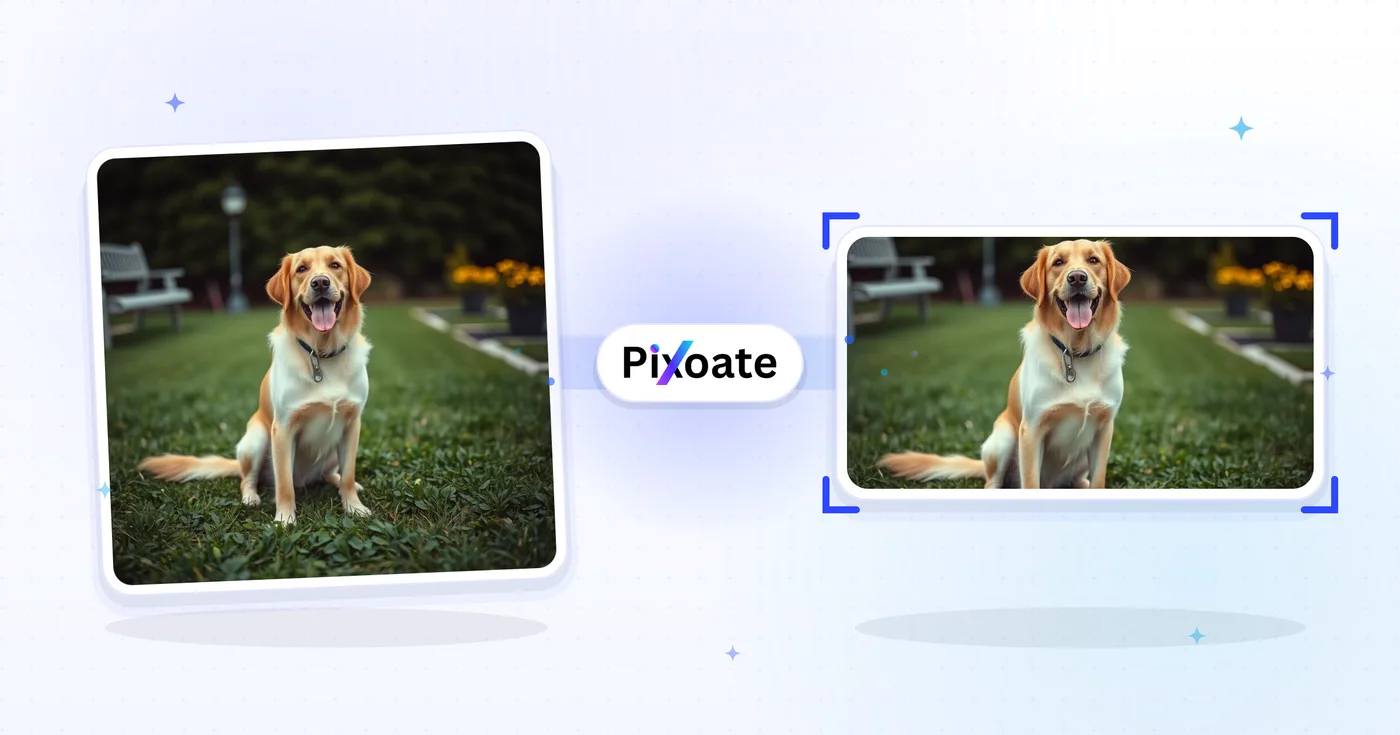
소셜 미디어 사진 크기 조정 기능입니다. 대상 플랫폼의 프로필, 배너, 게시물 또는 썸네일 프리셋을 선택해 사진을 맞추고 원하는 크기로 다운로드하세요.
1500×500 헤더, 프로필 사진, 16:9 게시물, 요약 카드, 광고 크기 — 현재 X에서 사용하는 정확한 크기를 다운로드하세요.
이미지 삭제 - 헤더, 게시물, 프로필 크기 선택
X(Twitter) 이미지 크기
X는 3:1 헤더 배너(1500×500)와 정사각형 프로필 사진(400×400)을 사용하며, 업로드된 이미지를 타임라인에서 공격적으로 크기 조정합니다. 단일 이미지 게시물은 16:9(1600×900)에서 가장 보기 좋고, 세로 4:5(1080×1350)는 모바일에서 화면을 세로로 더 많이 차지합니다. 큰 이미지를 사용하는 요약 카드는 1200×628을 쓰는데, 이는 LinkedIn과 Facebook이 사용하는 것과 동일한 OG 카드 비율입니다. 이 도구는 각 배치에 필요한 정확한 픽셀 크기로 어떤 이미지든 조정해 줍니다.
X / Twitter 이미지 크기 조정기로 할 수 있는 일
시작하기 전에 주요 기능을 검토하세요.
- X/Twitter 헤더 크기를 1500×500으로 조정하세요.
- 프로필 사진 및 16:9 게시물 이미지 크기
- 인물 사진 게시물, 요약 카드, 광고 이미지 만들기
- 주요 콘텐츠를 보호하기 위한 안전 지대 미리보기
- 모든 화면 비율에 맞게 배경을 추가하세요.
- JPG, PNG 또는 WebP로 다운로드
설정 참고
8 설정
X / Twitter 이미지 크기 조정기에 사용 가능한 제어 기능입니다.
- 처리 방식프리셋
- 입력 하나를 처리하거나 Premium 일괄 처리 모드에서 여러 입력에 같은 설정을 적용하세요. 입력할 수 있는 자료의 종류는 도구마다 다릅니다.옵션: 단일 이미지일괄 처리
크기
- X / Twitter 크기프리셋
- 크기를 맞출 X(Twitter) 게재 위치를 정확히 고릅니다 — 헤더 배너(1500×500), 프로필 사진(400×400), 게시물 이미지, 링크 카드, 광고 중에서 선택하면 해당 위치의 픽셀 크기가 자동으로 적용됩니다.옵션: 헤더/배너프로필 사진단일 게시물 이미지정사각형 게시물 이미지세로형 게시물 이미지카드 이미지 (큰 크기)카드 이미지 (작은 크기)광고 이미지
출력
- 맞춤프리셋
- Controls how your image fills the chosen size: Cover fills the frame and crops overflow, Contain fits the whole image and pads gaps. Untick Maintain aspect ratio to force exact dimensions, which may distort proportions.옵션: 커버맞춤
- 배경색상 선택기
- 맞춤(Contain) 방식이 이미지 주위에 여백을 남길 때 그 레터박스 공간을 채울 색을 설정합니다. 기본값은 검정이며, 해당 영역을 투명하게 유지하는 PNG 출력에서는 표시되지 않습니다.
- 형식드롭다운
- 출력 파일 형식을 선택합니다. 사진에는 JPG, 여백을 투명하게 남기는 무손실 출력에는 PNG, 용량이 작은 최신 파일에는 WEBP나 AVIF를 고르세요.옵션: JPGPNGWEBPAVIF
- 품질슬라이더범위: 40–100% · 기본값: 92%
- JPG, WEBP, AVIF 출력의 압축률을 조정합니다. 값이 낮으면 파일이 작아지고, 높으면 디테일이 더 많이 남습니다. PNG는 항상 무손실이므로 PNG를 선택하면 표시되지 않습니다.
미리보기
- 안전 영역 표시켜기 / 끄기
- '프로필 사진' 프리셋에서 X의 원형 아바타 자르기 영역을 미리보기에 겹쳐 보여 주므로 얼굴이나 로고가 잘리지 않는지 확인할 수 있습니다. 끄면 잘리지 않은 정사각형 이미지를 볼 수 있습니다.
AI 이미지 확장
- AI로 배경 확장원클릭
- 준비된 원본 사진은 그대로 두고 AI로 장면을 선택한 크기까지 이어서 확장합니다. 무료 다운로드는 웹 크기입니다. Premium 또는 크레딧으로 전체 해상도를 이용할 수 있습니다. 지원되는 비율은 가로세로 비율을 유지해야 합니다. 일괄 처리에서는 대기열의 모든 이미지가 확장되어 선택한 크기와 형식으로 제공됩니다.
X / Twitter 이미지 크기 조정기 관련 도구
X / Twitter 이미지 크기 조정기 이후 일반적인 다음 단계를 위한 도구입니다.


자주 묻는 질문
X / Twitter 이미지 크기 조정기가 작업을 완수하도록 돕는 방법
비즈니스, 크리에이터, 일상 업무의 실제 문제를 매일 해결합니다. 귀하에게 적합한 사용 사례를 찾아 시작해보세요.
잘리지 않는 피드 내 이미지 게시물
사진을 X 피드 크기(1600 × 900)로 크기 변경하여 미리보기 자르기에서 핵심 피사체가 보이도록 하면, 잘못 잘린 게시물보다 더 많은 클릭, 좋아요, 인용 트윗을 이끌어낼 수 있습니다
브랜드 계정 헤더 새로고침
마케팅 팀이 시즌마다 X 헤더 이미지(1500 × 500)를 새로 단장해 제품 출시, 캠페인 해시태그, 콘퍼런스 참가를 부각하며 프로필 브랜딩을 강화합니다
링크 카드 미리보기 이미지
블로그 게시물과 랜딩 페이지의 히어로 이미지를 X 링크 카드 크기(1200 × 628)로 변경하여, 공유된 링크가 작은 썸네일 대신 큰 미리보기 카드로 표시되도록 하세요
제품 출시 및 발표용 비주얼
스타트업 창업자와 제품 마케터가 출시 그래픽, GIF 스크린샷, 인포그래픽의 크기를 조정해, 인기 토픽과 Product Hunt 사용자에게 도달하는 X 게시물을 만듭니다
뉴스 및 스포츠 실시간 중계 그래픽
언론사, 스포츠 계정, 실시간 행사 팀이 속보 그래픽, 경기 결과 카드, 실시간 스코어보드 업데이트의 크기를 조정해 X 피드에서 선명하게 표시되도록 합니다
인용 트윗 및 스레드 대표 이미지
긴 스레드의 첫 게시물과 인용 트윗 답글을 위한 히어로 이미지를 만드세요. X 알고리즘에서 텍스트만 있는 게시물보다 더 많은 리트윗을 이끌어냅니다
원형에 안전한 프로필 사진 아바타
프로필 사진 프리셋(400×400)을 내장된 안전 영역 원형 오버레이와 함께 사용하면, 추측해서 다시 업로드하지 않고도 다운로드 전에 얼굴이나 로고가 X의 원형 아바타 잘라내기에서 살아남는지 확인할 수 있습니다.
모바일 이용자를 위한 세로형 포트레이트 게시물
세로 게시물 이미지 프리셋(1080×1350, 4:5)을 내보내 모바일 타임라인에서 화면을 더 많이 채우세요. 스크롤 중에 눈에 띄어야 하는 인용 카드, 인물 사진, 세로 썸네일에 이상적입니다.
광고 관리자에 바로 쓸 수 있는 프로모션 광고 소재
유료 프로모션 게시물이 늘어남이나 원치 않는 자르기 없이 규격을 충족하도록, 캠페인 소재를 Contain 맞춤과 브랜드에 맞는 배경색과 함께 전용 광고 이미지 프리셋(1600×900) 크기로 조정하세요.
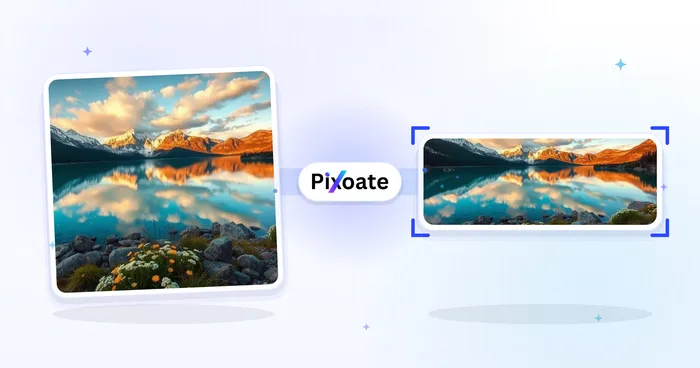
각 변화를 확인하세요
모든 사진이 원본 그대로 슬래시를 지나 반대편에서 완성된 결과물로 나옵니다.























