
AI Photo Enhancer — Gratis AI Image Enhancer Online
Fungerer med JPG, PNG, WEBP
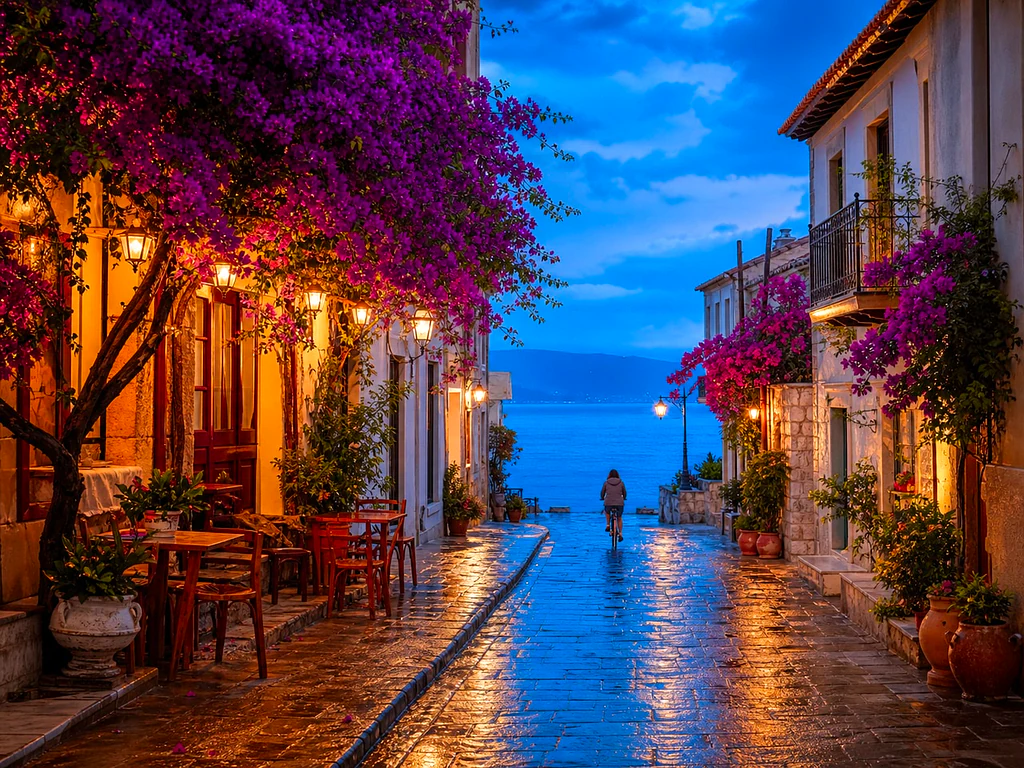
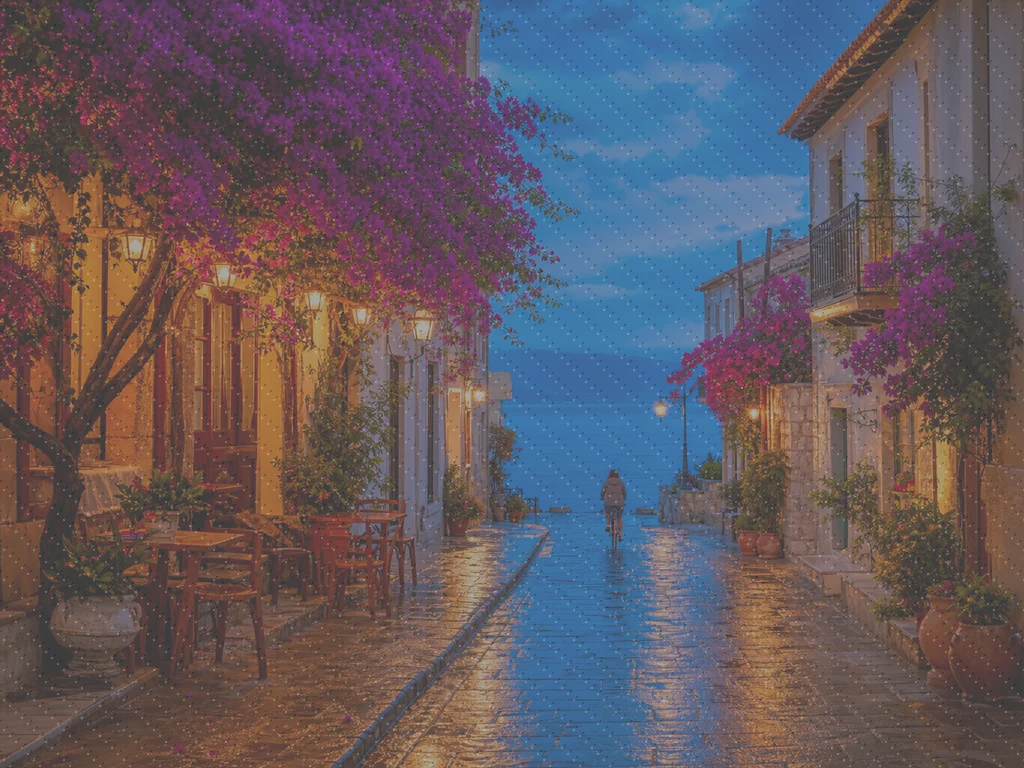
Bildet er mørkt, kornete eller litt ute av fokus, og det er den eneste kopien som finnes. Forbedre den med ett klikk og sammenlign før du beholder den.
- One click: denoise, sharpen, auto color and a 2x boost for small photos
- Flott for gamle, mørke, kornete eller litt uskarpe bilder
- Redd den eneste kopien du har av et bilde som betyr noe
Slipp et kjedelig eller uskarpt bilde – få en skarp, levende versjon tilbake
Tips for det beste resultatet
• Lav styrke ser mest naturlig ut på portretter
• Bruk sterkere innstillinger på mørke eller kornete bilder
• Start fra den største originalen du har – en allerede komprimert kopi begrenser hva som kan gjenopprettes
Om AI-bildeforbedreren
Our photo enhancer combines several fixes into one click: noise reduction, edge-aware sharpening, automatic brightness, contrast and color correction, and a 2x enlargement for small photos. It turns dull, dark or low-res phone photos into crisp, vivid images without any manual editing.
Slik fungerer det
1. Last opp bildet ditt
2. The enhancer denoises, sharpens and fixes color
3. Juster styrken etter ønske
4. Last ned det forbedrede resultatet
Perfekt for
• Matte eller flate mobilbilder
• Mørke, dårlig opplyste og kornete bilder
• Gamle eller lavoppløselige bilder
• Produkt-, annonse- og sosiale medier-bilder
Hva du kan gjøre med AI-bildeforbedrer
Se gjennom hovedfunksjonene før du begynner.
- Redd et bilde når det ikke er sjanse for en ny opptak
- Fjern støy og korn fra mørke skudd
- Skarp uskarpe eller myke telefonbilder
- Fiks kjedelig belysning og flat farge
- Gjør lavoppløselige snaps til skarpe, levende bilder
- Kontroller hvor sterk forbedringen ser ut
Innstillingsreferanse
2 innstillinger
Tilgjengelige kontroller for AI-bildeforbedrer.
- BehandlingsmodusForhåndsinnstillinger
- Behandle ett element, eller bytt til Premiums gruppemodus for å behandle flere elementer med de samme innstillingene. Hvilke typer inndata som er tilgjengelige, avhenger av verktøyet.Alternativer: Enkelt bildeMassebehandling
Juster
- ForbedringsstyrkeSkyveknappRekkevidde: 0–1 · Standard: 0.7
- Skalerer hele ett-klikks-oppryddingen (støyreduksjon, skarphet, automatisk farge- og detaljforsterkning) fra subtil til sterk – hold den lav for naturlige portretter, hev den for mørke eller kornete bilder.
Relaterte verktøy for AI-bildeforbedrer
Verktøy for vanlige neste trinn etter AI-bildeforbedrer.

Bildeforbedring
AI-bildeoppskalering
Oppskaler et bilde med 2×, 3× eller 4× og se gjennom det forbedrede resultatet før nedlasting.
Prøv det nå
Portrett & Headshot Studio
Fjerning av urenheter
Reduser synlige flekker, flekker og mørke merker mens du vurderer effekten på omkringliggende hudtekstur.
Prøv det nå
Portrett & Headshot Studio
Forskjønn ansikt
Påfør justerbar hudutjevning og tonekorreksjon mens du gjennomgår ansiktsdetaljer og kanter.
Prøv det nåOfte stilte spørsmål
Slik hjelper AI-bildeforbedrer deg med å få jobben gjort
Virkelige problemer den løser hver dag – for bedrifter, skapere og hverdagslige oppgaver. Finn brukssaken som passer deg og start.
Forbedre skannede familiebilder
Skru Forbedringsstyrke-glidebryteren mot Sterk på skannede eller falmede gamle familiebilder for å fjerne støy og gjenopprette detaljer tapt til alder, lav oppløsning eller en billig originalskann.
Skjerp produktbilder før annonsering
Kjør produktbilder gjennom med en subtil styrkeinnstilling for å rydde opp i mindre mykhet og matte farger på telefonkameraet uten å overbearbeide, slik at oppføringene ser nøyaktige og pålitelige ut.
Rydd opp i mørke arrangements- og konsertbilder
Mørke, kornete bilder fra konserter, fester eller dunkle lokaler blir støyredusert, lysere og skarpere med ett klikk — skyv styrken mot Sterk for den mest dramatiske støyfjerningen.
Finpuss bilder til eiendomsannonser
Ett-klikks forsvaging, skarphet og fargekorrigering gjør flate eller svake innvendige og utvendige telefonbilder til skarpere, mer innbydende oppføringsbilder uten en full arbeidsflyt for fotoredigering.
Klargjør skanninger og skjermbilder for dokumenter
Siden den fungerer som en generell bildeforbedrer, ikke bare for fotografier, kan du kjøre skannede dokumenter, tavlebilder eller skjermbilder gjennom den for å skjerpe tekst og rydde opp i komprimeringsartefakter før du deler eller arkiverer.
Veiledninger for dette verktøyet
- How to Improve Shopify Product Images in Bulk for Better ListingsImprove Shopify product images in bulk with Pixoate. Review backgrounds, detail, resolution and file size to create a clearer, more consistent catalogue.
- How to Improve Etsy Product Photos for Handmade and Custom ItemsImprove Etsy photos of handmade and custom products with Pixoate. Show texture, finishing and personalisation clearly without changing the real item.
Se hver forvandling lande
Hvert bilde krysser skråstreken uberørt og kommer ut på den andre siden ferdig.























