
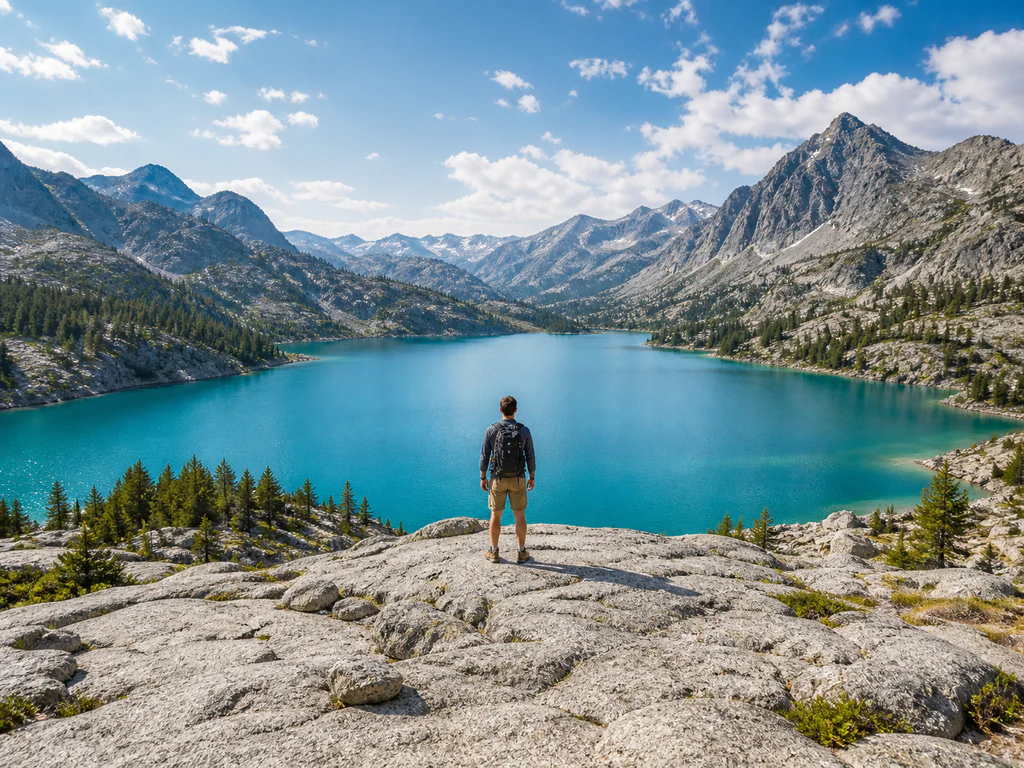
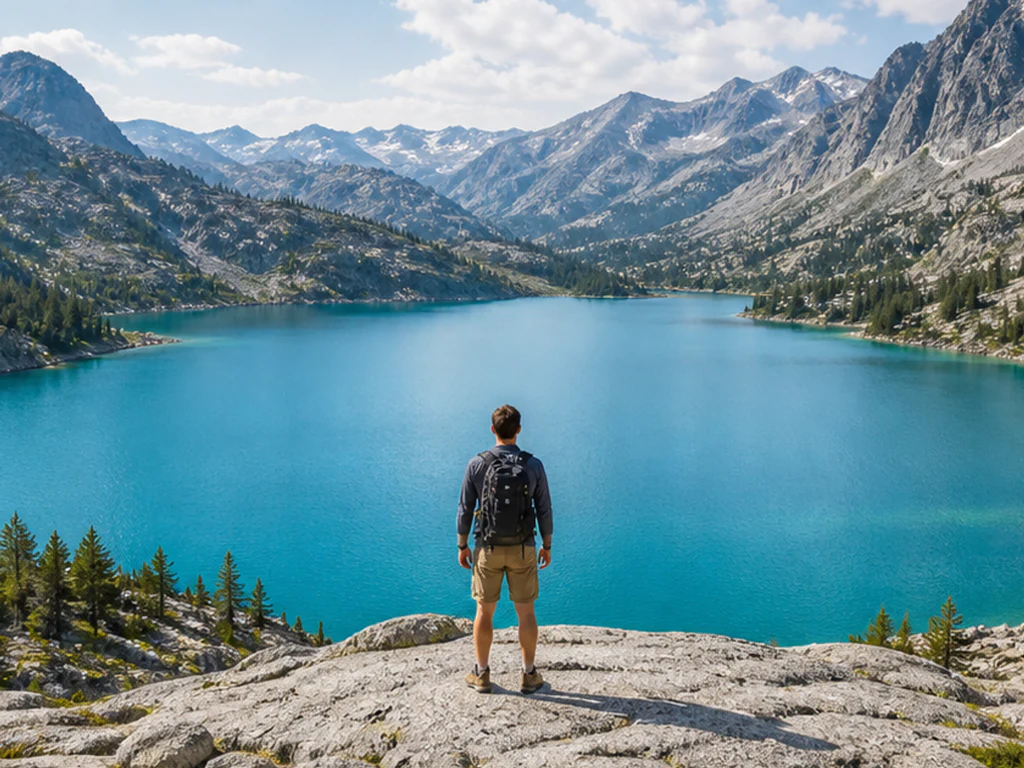
AI Image Expander — Extend and Uncrop Images Online
One click, no prompt to write · AI results can vary
Upload a photo, choose the shape you need, and see the final canvas before you generate. The AI continues your scene outward while your original photo stays exactly as it is.
- Live preview of the exact canvas you will get
- Square, story, widescreen, and portrait ratios
- Nothing is cropped, stretched, or letterboxed
Choose the photo you want to expand
JPG, PNG, WebP, HEIC, and other supported image formats up to 50 MB.
ਤੁਸੀਂ ਏਆਈ ਚਿੱਤਰ ਫੈਲਾਉਣ ਵਾਲਾ ਨਾਲ ਕੀ ਕਰ ਸਕਦੇ ਹੋ
ਸ਼ੁਰੂ ਕਰਨ ਤੋਂ ਪਹਿਲਾਂ ਮੁੱਖ ਸਮਰੱਥਾਵਾਂ ਦੀ ਸਮੀਖਿਆ ਕਰੋ।
- ਸੰਪਾਦਿਤ ਚਿੱਤਰ ਦੀ ਸਮੀਖਿਆ ਕਰੋ ਅਤੇ ਡਾਊਨਲੋਡ ਕਰੋ
- ਕੋਈ ਸਥਾਪਨਾ ਨਹੀਂ — ਸਿੱਧਾ ਆਪਣੇ ਬ੍ਰਾਊਜ਼ਰ ਵਿੱਚ ਸੰਪਾਦਨ ਕਰਨਾ ਸ਼ੁਰੂ ਕਰੋ
- ਉੱਚ ਰੈਜ਼ੋਲੂਸ਼ਨ ਵਿੱਚ ਡਾਊਨਲੋਡ ਨਤੀਜੇ
- JPG, PNG ਅਤੇ WebP ਫਾਈਲਾਂ ਨਾਲ ਕੰਮ ਕਰਦਾ ਹੈ
ਸੈਟਿੰਗਾਂ ਦਾ ਹਵਾਲਾ
1 ਸੈਟਿੰਗ
ਏਆਈ ਚਿੱਤਰ ਫੈਲਾਉਣ ਵਾਲਾ ਲਈ ਉਪਲਬਧ ਨਿਯੰਤਰਣ।
ਆਕਾਰ
- ਆਸਪੈਕਟ ਅਨੁਪਾਤਪ੍ਰੀਸੈਟ
- ਤਿਆਰ ਕੈਨਵਸ ਦੀ ਸ਼ਕਲ ਚੁਣੋ। ਪ੍ਰੀਵਿਊ ਉਸੇ ਸਟੀਕ ਕੈਨਵਸ ਵਿੱਚ ਤੁਹਾਡੀ ਫ਼ੋਟੋ ਅਤੇ ਏਆਈ ਵੱਲੋਂ ਬਣਾਏ ਜਾਣ ਵਾਲੇ ਛਾਂਦਾਰ ਖੇਤਰ ਨੂੰ ਦਿਖਾਉਂਦਾ ਹੈ, ਤਾਂ ਜੋ ਇੱਕ ਜਨਰੇਸ਼ਨ ਖਰਚਣ ਤੋਂ ਪਹਿਲਾਂ ਫਰੇਮਿੰਗ ਵੇਖ ਸਕੋ।ਚੋਣਾਂ: ਵਰਗ 1:1ਚੌੜਾ 16:9ਸਟੋਰੀ 9:16ਪੋਰਟਰੇਟ 4:5ਲੈਂਡਸਕੇਪ 5:4ਪੋਰਟਰੇਟ 3:4ਲੈਂਡਸਕੇਪ 4:3
ਏਆਈ ਚਿੱਤਰ ਫੈਲਾਉਣ ਵਾਲਾ ਲਈ ਸੰਬੰਧਿਤ ਟੂਲ
ਏਆਈ ਚਿੱਤਰ ਫੈਲਾਉਣ ਵਾਲਾ ਤੋਂ ਬਾਅਦ ਆਮ ਅਗਲੇ ਪੜਾਵਾਂ ਲਈ ਟੂਲ।

ਏਆਈ ਚਿੱਤਰ ਸਟੂਡੀਓ
ਏਆਈ ਚਿੱਤਰ Extender
AI ਦੇ ਨਾਲ ਇਸ ਦੀਆਂ ਸੀਮਾਵਾਂ ਤੋਂ ਬਾਹਰ ਇੱਕ ਚਿੱਤਰ ਦਾ ਵਿਸਤਾਰ ਕਰੋ। ਅਸਲੀ ਫਰੇਮ ਨੂੰ ਕੱਟੇ ਬਿਨਾਂ ਫੋਟੋਆਂ ਨੂੰ ਵਰਗ, ਪੋਰਟਰੇਟ, ਕਹਾਣੀ, ਜਾਂ ਵਾਈਡਸਕ੍ਰੀਨ ਲੇਆਉਟ ਵਿੱਚ ਬਦਲੋ।
ਹੁਣੇ ਅਜ਼ਮਾਓ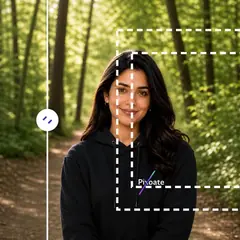
ਏਆਈ ਚਿੱਤਰ ਸਟੂਡੀਓ
ਏਆਈ Uncrop ਚਿੱਤਰ
ਮੂਲ ਫ਼ੋਟੋ ਦੇ ਆਲੇ-ਦੁਆਲੇ ਸੰਭਾਵੀ ਥਾਂ ਮੁੜ ਬਣਾਕੇ ਏਆਈ ਨਾਲ ਚਿੱਤਰ ਦਾ ਕੱਟਿਆ ਹਿੱਸਾ ਵਧਾਓ। ਵਰਗਾਕਾਰ, ਪੋਰਟਰੇਟ, ਸਟੋਰੀ ਜਾਂ ਲੈਂਡਸਕੇਪ ਬਣਤਰਾਂ ਬਣਾਓ।
ਹੁਣੇ ਅਜ਼ਮਾਓ
ਫ਼ੋਟੋ ਸੰਪਾਦਨ ਅਤੇ ਸਹੂਲਤਾਂ
ਲੈਂਡਸਕੇਪ & ਪੋਰਟਰੇਟ Converter
ਫ਼ੋਟੋ ਨੂੰ ਲੈਂਡਸਕੇਪ ਤੋਂ ਪੋਰਟਰੇਟ ਜਾਂ ਪੋਰਟਰੇਟ ਤੋਂ ਲੈਂਡਸਕੇਪ ਵਿੱਚ ਤਬਦੀਲ ਕਰੋ ਤੇਜ਼ ਬੈਕਗ੍ਰਾਊਂਡ ਫਿੱਲਾਂ ਜਾਂ ਏਆਈ-ਤਿਆਰ ਕੀਤਾ ਸਨਰੀ ਦੇ ਨਾਲ, ਬਿਨਾਂ ਮੂਲ ਫੋਟੋ ਨੂੰ ਕਟਾਈ ਕੀਤੇ।
ਹੁਣੇ ਅਜ਼ਮਾਓਅਕਸਰ ਪੁੱਛੇ ਜਾਂਦੇ ਸਵਾਲ
ਹਰ ਰੂਪਾਂਤਰ ਲਾਗੂ ਹੁੰਦਾ ਵੇਖੋ
ਹਰ ਫੋਟੋ ਸਲੈਸ਼ ਨੂੰ ਬਿਨਾਂ ਛੂਹ ਕੇ ਪਾਰ ਕਰਦੀ ਹੈ ਅਤੇ ਦੂਜੇ ਪਾਸੇ ਤੋਂ ਬਾਹਰ ਆਉਂਦੀ ਹੈ।























