


Slør billedbaggrund online — Gratis fotobaggrundssløring
Fungerer med JPG, PNG, WEBP og mere
Slør en billedbaggrund online til portrætter, hovedbilleder eller produktbilleder, mens dit motiv forbliver skarpt. Prøv en gratis eller anvend den samme sløring på en batch med Premium.
- Pixelpræcise kanter — selv hår og fine detaljer
- Få en gennemsigtig PNG, klar til at indsætte i ethvert design
- Ingen manuel maskering, og ingen glorie at rydde op bagefter
Slip et billede her - dit motiv forbliver skarpt, baggrunden sløres
Vælg dine indstillinger, før du uploader
Vælg dine indstillinger, før du tilføjer en fil. De anvendes, når behandlingen starter.
Motor
Tips til baggrundsfjernelse
• Skarpe, godt oplyste fotos giver de skarpeste kanter
• Optaget baggrund er fint — lav kontrast mellem motiv og baggrund er det, der forårsager problemer
• Zoom ind på hår og tynde kanter før du downloader, ikke efter
• Gem som PNG — en JPG kan ikke indeholde gennemsigtighed og fylder den med hvid
Om AI-baggrundsfjernelse
En klipning med en hvid glorie eller optygget hår er værre end ingen klipning - nogen skal ordne det i hånden, før det kan bruges. Denne holder hår og fine kanter og eksporterer en gennemsigtig PNG klar til produktlister, profilbilleder og marketinggrafik.
Sådan fungerer det
1. Upload det foto, du skal klippe ud
2. Tjek kanterne — hår og tynde detaljer først
3. Tilføj en farve, et foto eller en sløret baggrund, hvis du har brug for en
4. Download den gennemsigtige PNG
Perfekt til
• Produktbilleder en markedsplads bliver ved med at afvise
• Portrætter, hvor rummet bag dig er distraherende
• E-handelsfortegnelser, der kræver én sammenhængende baggrund
• Socialt medieindhold, der skal sidde på enhver farve
• Designarbejde, hvor emnet falder ind på et nyt layout
Hvad du kan gøre med Slør baggrund
Gennemgå de vigtigste funktioner, før du begynder.
- Slør baggrunden bag dit motiv
- Få en portræt dybde-af-felt fokus effekt
- Hold dit motiv sprødt, mens du blødgør resten
- Anvend en dybdeskarphedseffekt på portrætbilleder
- Forbered portrætbilleder til sociale layouts
Relaterede værktøjer til Slør baggrund
Værktøjer til almindelige næste trin efter Slør baggrund.

Baggrund Studie
Fjern baggrund
Fjern baggrunden fra et foto, og hent en gennemsigtig PNG. Gennemgå hår og kanter, før du bruger resultatet.
Prøv det nu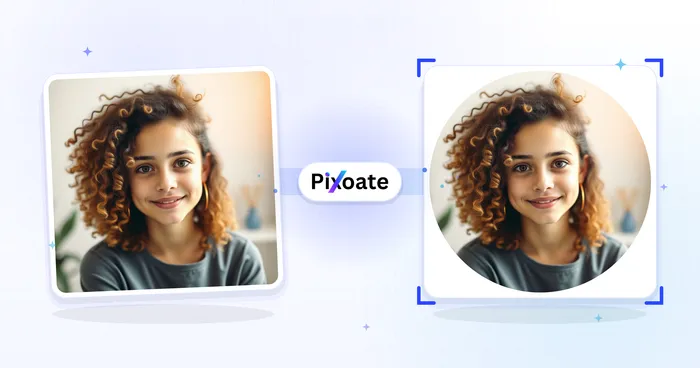
Portræt & professionelt portræt Studie
Profilbillede Maker
Opret et profilbillede med en sløret baggrund, en ensfarvet baggrund eller en brugerdefineret baggrund.
Prøv det nu
Baggrund Studie
Baggrundsskifter
Replace a background with a photo, color, gradient or library design. Choose from 21,000+ backgrounds.
Prøv det nuOfte stillede spørgsmål
Sådan hjælper Slør baggrund dig med at få det gjort
Virkelige problemer, den løser hver dag - for virksomheder, skabere og hverdagsopgaver. Find den use case, der passer til dig, og start.
Profilbilleder i portrættilstand
Giv telefon- eller webcambilleder et dybdeskarpheds-look i DSLR-stil - motivet forbliver skarpt, mens baggrunden blødt sløres - til professionelle LinkedIn, CV og sociale avatarer uden et portrætkamera.
Distraktionsfri produkt- og listeoptagelser
Blødgør et rodet rum eller en travl hylde bag et produkt, så varen skiller sig ud, og bevar konteksten uden støjen til markedsplads-, katalog- og sociale handelsbilleder.
Watch hver transformation land
Hver foto crosses den slash untouched og comes out den anden side finished.























