
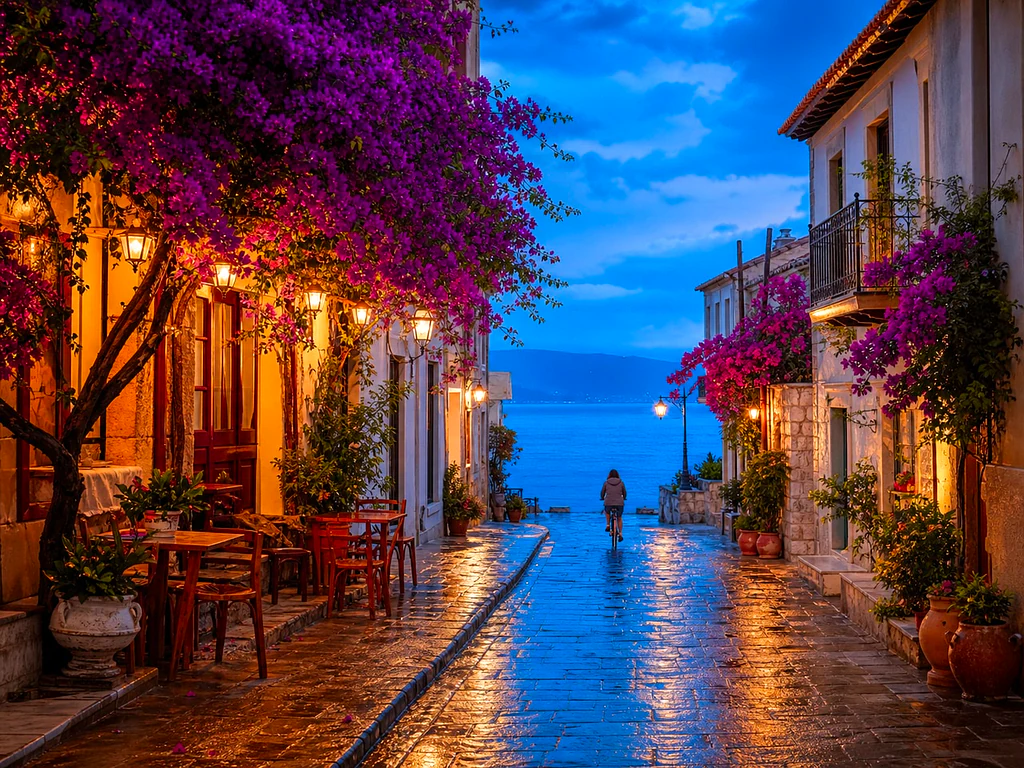
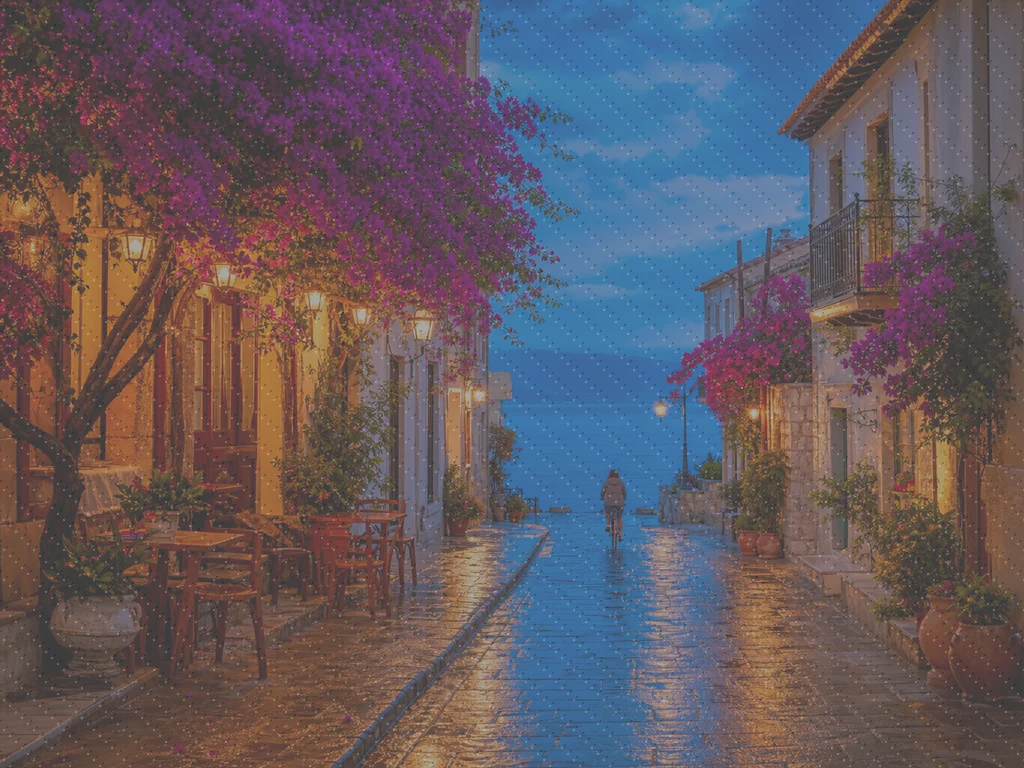
AI Photo Enhancer — Gratis AI Image Enhancer Online
Virker med JPG, PNG, WEBP
Billedet er mørkt, kornet eller lidt ude af fokus, og det er den eneste kopi, der findes. Forbedre den med et enkelt klik og sammenlign, før du beholder den.
- One click: denoise, sharpen, auto color and a 2x boost for small photos
- Perfekt til gamle, mørke, kornede eller let slørede fotos
- Red den eneste kopi, du har af et billede, der betyder noget
Slip et kedeligt eller sløret billede - få en sprød, levende version tilbage
Tips til det bedste resultat
• Lav styrke ser mest naturlig ud på portrætter
• Brug kraftigere indstillinger på mørke eller kornede fotos
• Start fra den største original, du har — en allerede komprimeret kopi begrænser, hvad der kan gendannes
Om AI-fotoforbedring
Our photo enhancer combines several fixes into one click: noise reduction, edge-aware sharpening, automatic brightness, contrast and color correction, and a 2x enlargement for small photos. It turns dull, dark or low-res phone photos into crisp, vivid images without any manual editing.
Sådan fungerer det
1. Upload dit foto
2. The enhancer denoises, sharpens and fixes color
3. Justér styrken efter smag
4. Download det forbedrede resultat
Perfekt til
• Matte eller flade mobilbilleder
• Mørke, dårligt belyste og kornede billeder
• Gamle billeder eller billeder i lav opløsning
• Produkt-, annonce- og sociale medie-fotos
Hvad du kan gøre med AI-fotoforbedring
Gennemgå de vigtigste funktioner, før du begynder.
- Redd et billede, når der ikke er nogen chance for et genoptagelse
- Fjern støj og korn fra mørke skud
- Skarp slørede eller bløde telefonbilleder
- Fix kedelig belysning og flad farve
- Gør lavopløselige snaps til skarpe, levende billeder
- Kontroller, hvor stærk forbedringen ser ud
Indstillingsreference
2 indstillinger
Tilgængelige kontroller til AI-fotoforbedring.
- BehandlingstilstandForudindstillinger
- Behandl ét input, eller skift til Premium-batchtilstand for at behandle flere input med de samme indstillinger. De tilgængelige inputtyper afhænger af værktøjet.Indstillinger: Enkelt billedeFlere filer
Juster
- ForbedringsstyrkeSkyderRækkevidde: 0–1 · Standard: 0.7
- Skalerer hele oprydningen med et enkelt klik (støjreduktion, skarphed, automatisk farve- og detaljeboost) fra subtil til stærk – hold den lav til naturlige portrætter, hæv den for mørke eller kornete billeder.
Relaterede værktøjer til AI-fotoforbedring
Værktøjer til almindelige næste trin efter AI-fotoforbedring.

Foto Enhancement
AI-billedopskalering
Opskaler et billede med 2×, 3× eller 4×, og gennemgå det forbedrede resultat før download.
Prøv det nu
Portræt & professionelt portræt Studie
Fjernelse af urenheder
Reducer synlige pletter, pletter og mørke mærker, mens du gennemgår effekten på omgivende hudtekstur.
Prøv det nu
Portræt & professionelt portræt Studie
Forskøn ansigt
Anvend justerbar hududjævning og tonekorrektion, mens du gennemgår ansigtsdetaljer og kanter.
Prøv det nuOfte stillede spørgsmål
Sådan hjælper AI-fotoforbedring dig med at få det gjort
Virkelige problemer, den løser hver dag - for virksomheder, skabere og hverdagsopgaver. Find den use case, der passer til dig, og start.
Forbedre scannede familiebilleder
Skub Enhancement-styrkeskyderen mod Strong på scannede eller falmede gamle familiefotos for at fjerne støj og genskabe detaljer, der er gået tabt på grund af alder, lav opløsning eller en billig originalscanning.
Gør produktfotos skarpere før annoncering
Kør produktfotos igennem med en subtil styrkeindstilling for at rydde op i mindre telefonkameraets blødhed og matte farver uden overbearbejdning, så fortegnelserne ser nøjagtige og troværdige ud.
Ret op på begivenheds- og koncertbilleder med lav belysning
Mørke, kornede fotos fra koncerter, fester eller svagt oplyste steder bliver renset for støj, gjort lysere og skarpere med ét klik — skru styrken op mod Stærk for den mest dramatiske støjfjernelse.
Finpuds fotos til ejendomsannoncer
Et enkelt klik forsvinder, skærper og farvekorrektion gør flade eller dæmpede indvendige og udvendige telefonfotos til skarpere, mere indbydende listebilleder uden en fuld fotoredigeringsworkflow.
Klargør scanninger og skærmbilleder til dokumenter
Fordi det fungerer som en generel billedforbedrer og ikke kun til fotos, kan du køre scannede dokumenter, whiteboardfotos eller skærmbilleder igennem det for at skærpe tekst og fjerne komprimeringsartefakter, før du deler eller arkiverer.
Vejledninger til dette værktøj
- How to Improve Shopify Product Images in Bulk for Better ListingsImprove Shopify product images in bulk with Pixoate. Review backgrounds, detail, resolution and file size to create a clearer, more consistent catalogue.
- How to Improve Etsy Product Photos for Handmade and Custom ItemsImprove Etsy photos of handmade and custom products with Pixoate. Show texture, finishing and personalisation clearly without changing the real item.
Watch hver transformation land
Hver foto crosses den slash untouched og comes out den anden side finished.























