
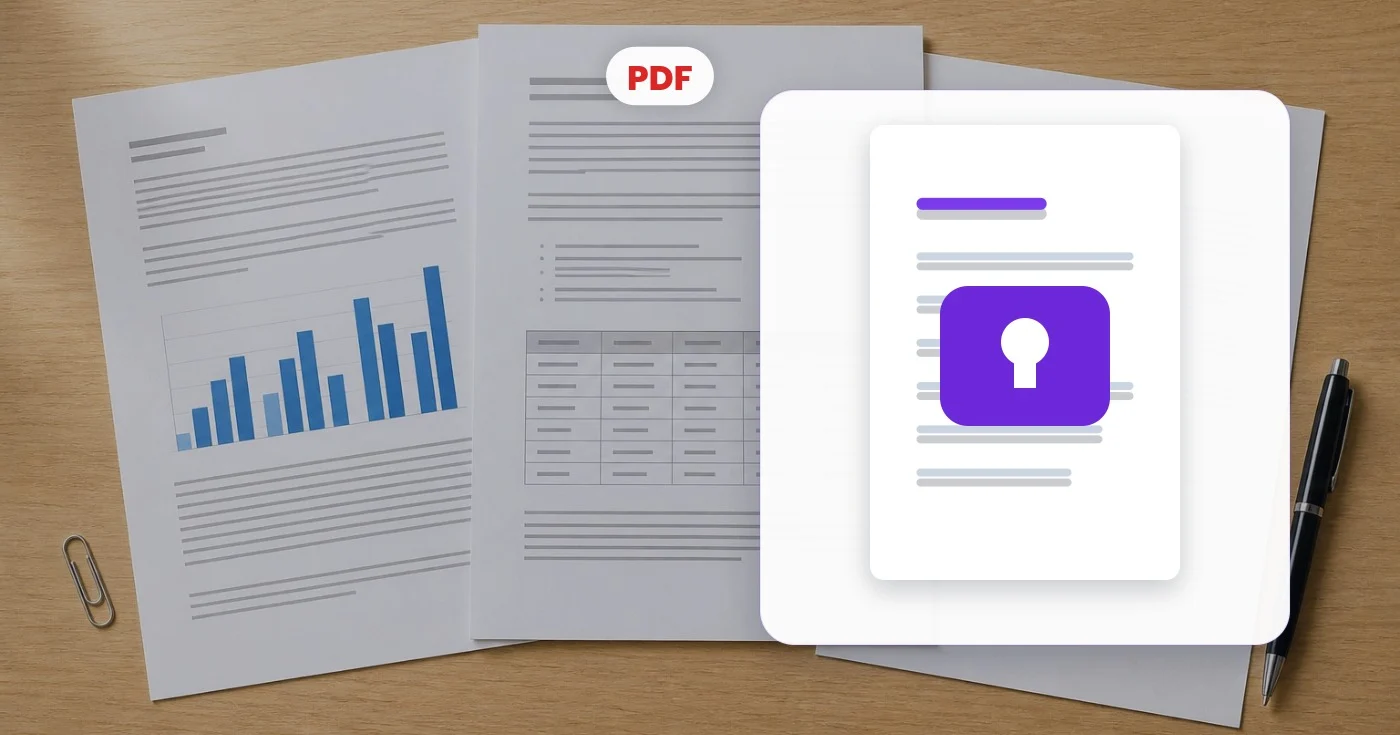
Lås PDF op — Fjern en kendt adgangskode
Indtast en PDF-adgangskode, du allerede kender, og download en dekrypteret kopi, der åbnes uden den. Lås en fil gratis op, eller bearbejd flere PDF-filer med Premium batch-tilstand.
Slip din adgangskodebeskyttede PDF her - få en kopi tilbage, der åbnes uden en
Hvad du kan gøre med Lås PDF op
Gennemgå de vigtigste funktioner, før du begynder.
- Fjern den åbne adgangskode fra en PDF, du ejer
- Download en kopi, der åbner uden adgangskode
- Lås op for en beskyttet fil, du kender koden til
- Stop med at indtaste adgangskoden igen, hver gang du åbner den
- Del et dokument uden adgangskodebarrieren
Indstillingsreference
3 indstillinger
Tilgængelige kontroller til Lås PDF op.
- BehandlingstilstandForudindstillinger
- Behandl ét input, eller skift til Premium-batchtilstand for at behandle flere input med de samme indstillinger. De tilgængelige inputtyper afhænger af værktøjet.Indstillinger: Én PDFFlere filer
Lås / lås op
- Nuværende adgangskodeTekstinput
- Den adgangskode, der lige nu åbner denne PDF; indtast den én gang, så åbner den hentede kopi uden at spørge om adgangskode.
- Skift synlighedTil/fra
- Øjeikon, der viser eller skjuler den indtastede adgangskode, så du kan bekræfte, at den matcher filens rigtige adgangskode, før du låser op.
Relaterede værktøjer til Lås PDF op
Værktøjer til almindelige næste trin efter Lås PDF op.
PDF & dokumenter
PDF-adgangskode
Tilføj adgangskodekryptering til en PDF-fil, eller fjern en kendt adgangskode fra en fil, du er autoriseret til at ændre.
Prøv det nu
PDF & dokumenter
Vandmærk PDF
Tilføj tekst såsom FORTROLIGT eller KLADDE på tværs af PDF-sider med justerbar skrifttype, farve, opacitet og vinkel.
Prøv det nu
PDF & dokumenter
Signér PDF
Tegn, skriv eller upload en signatur, placer den på en PDF-side og download den signerede kopi.
Prøv det nuOfte stillede spørgsmål
Sådan hjælper Lås PDF op dig med at få det gjort
Virkelige problemer, den løser hver dag - for virksomheder, skabere og hverdagsopgaver. Find den use case, der passer til dig, og start.
Stop med at indtaste adgangskoden på filer, du bruger dagligt
Kontoudtog, lønsedler og forsikringsdokumenter er ofte låst med en kendt adgangskode. Lås din egen kopi op én gang for alle, så den åbner øjeblikkeligt i enhver PDF-læser uden at skulle indtaste adgangskoden hver gang.
Forbered dokumenter til udskrivning og sammenfletning
Mange printere, sammenlægningsværktøjer og dokumentsystemer afviser krypterede PDF'er. Fjern adgangskoden først, så filen kan printes, sammenlægges, komprimeres eller arkiveres som en helt almindelig PDF.
Arkivér oplåste kopier af dokumenter, du ejer
Adgangskodebeskyttede arkiver bliver et problem år senere, når adgangskoden er halvt glemt. Gem dekrypterede kopier af dine egne dokumenter i din sikre backup, så de forbliver læsbare for altid.
Del et dokument med personer, der ikke burde behøve adgangskoden
Når en leverandør sender dig en beskyttet fil, som hele dit team har brug for, kan du låse den op én gang (med tilladelse) i stedet for at dele adgangskoden med alle.
Watch hver transformation land
Hver foto crosses den slash untouched og comes out den anden side finished.























