Color Picker & Wheel
Color harmonies
カラーピッカー&パレット抽出ツール - 画像から色を取得
どんな写真でもアップロードし、クリックしてピクセルの色(HEX/RGB/HSL)を取得したり、主要なカラーパレットを自動抽出したりできます。JSONまたはCSS変数としてダウンロードできます。
パレットを抽出する画像をドロップ
PNG、JPG、WEBP、GIF
カラーピッカーの利用は完了しましたか?次はこちらもお試しください
カラーピッカーと相性の良い厳選ツール。ファイルを失うことなく作業を続けられます。
EXIFビューア&リムーバー
あらゆる写真に隠れたEXIF、GPS、IPTC、XMPのメタデータを検査したり、すべてのメタデータを削除したプライバシー保護済みのコピーをダウンロードしたりできます。
今すぐ試す写真フィルター・エフェクト
23種類以上のプロ仕様の効果で写真を変身させましょう。芸術的なスタイル、ビンテージフィルター、モダンな効果、特別な変換が揃っています。
今すぐ試す画像オーバーレイ
ドラッグでの位置調整とブレンドコントロールを使って、ある画像を別の画像の上に重ね合わせ。目を引く合成画像を作成できます。
今すぐ試す画像にテキストを追加
JPG、PNG、SVG、WEBP、GIF画像にお好みのテキストを追加できます。複数のテキストボックス、カスタマイズ可能なフォント、色、配置に対応しています。
今すぐ試すファビコンジェネレーター
1枚の画像から、あらゆるサイズのファビコン(16、32、48、Apple用180、Android用192・512)とsite.webmanifestを生成。ZIP形式でダウンロードできます。
今すぐ試す画像からステッカー
AI背景除去とカスタマイズ可能な白いふち取りで、どんな写真もプリント風ステッカーに変換。WhatsApp、Telegram、iMessageにぴったりです。
今すぐ試すFrequently Asked Questions
JPG、PNG、WebP、GIFのいずれかをアップロードし、表示された画像の好きな場所をクリックしてください——カーソル下の正確なピクセルが抽出され、HEX、RGB、HSLで表示され、各形式をワンクリックでコピーできます。ブランドカラーの一致、写真からの色見本の採取、デザインモックアップからのアクセントトーンの取得などに最適です。
usageどのピクセルをクリックしても、このカラーピッカーツールがそのHEXカラーコード(例:#FF6B35)をRGBやHSLと並べて表示します — スタイルシートやデザイントークン、HTML属性にそのまま貼り付けられる、HTML/CSSと同じカラーコードです。Copyを押せばワンクリックでHEXコードを取得できます。
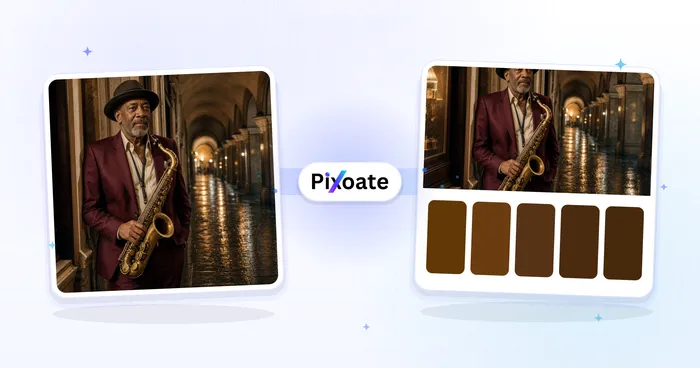
usage画像は長辺が320ピクセルになるようダウンサンプリングされ、各ピクセルはチャンネルごとの上位4ビットでバケットに振り分けられます。最も多く含まれるバケットは完全な8ビットカラーに平均化され、頻度順にソートされて、パレットとして返されます。結果は通常、画像を視覚的に要約する5〜24色の主要な色になります。
technicalはい。ダウンロードボタンは2つの形式を生成します。:rootセレクターに貼り付けられる状態のCSS変数ブロック(--color-1、--color-2…)と、各色のhex、RGB成分、重み付けのパーセンテージを含むJSONファイルです。どちらの形式も、デザイントークン、Tailwindの設定、パレットライブラリにすっきりと組み込めます。
featuresいいえ。カラーの抽出とパレットの生成は、HTMLのcanvas APIを使ってすべてブラウザ内で行われます。画像はデバイス上に留まるため、未公開の商品写真、下書きのモックアップ、NDA下のブランド素材にも安全に使えます。
privacyブランドアイデンティティの制作では、5〜8色がちょうどよい範囲です。アクセントの選択肢を薄めることなく、主要なテーマを捉えられます。データの可視化では、十分な数のカテゴリー色を確保できるよう10〜16色をおすすめします。スライダーで5〜24の範囲から選べます。
tipsアルファ値が128未満のピクセルは無視されるため、透明な背景が「背景」の色でパレットを汚すことはありません。これにより、画像カラーピッカーは、商品の切り抜き、ステッカーアート、切り出した被写体に特に適しています。
technicalHEX(#RRGGBB)は最もコンパクトで、CSS、Figma、Sketchが標準で使う形式です。RGBは0〜255の3つの成分値を表示し、画像データをプログラムで扱うときに便利です。HSL(色相・彩度・明度)は色の調整を直感的に行えます。色相をずらせば色系統が変わり、明度を調整すれば明るめ・暗めの色合いを作れます。
technicalはい。無料で、アカウント登録は不要、画像サイズや抽出できるパレット数に制限もありません。インストールするものは何もなく、ツール全体が1つのウェブページで完結します。
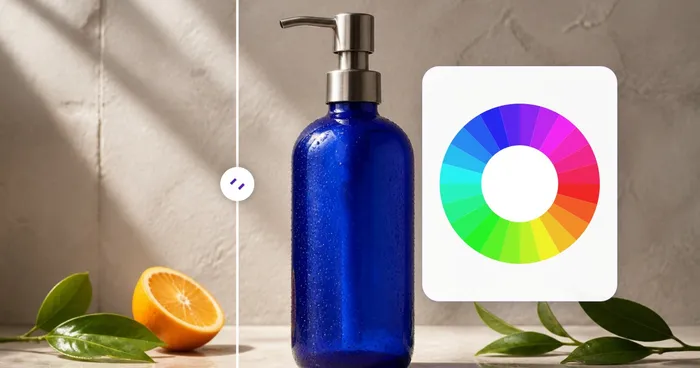
pricing画像は不要です。上部のカラーピッカー&ホイールはそれだけで使えます。彩度/明度の四角と色相スライダーをドラッグするか、HEX・RGB・HSLの値を入力して正確な色を決められます。画像のアップロードは任意で、写真から色をスポイト抽出したい場合のみです。
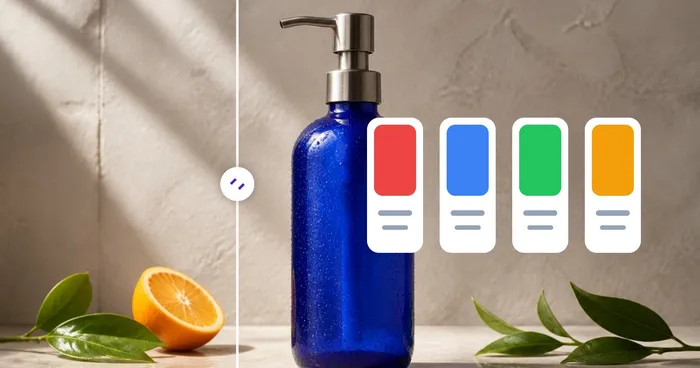
usageベースカラーを選ぶと、カラーハーモニーパネルがカラーホイール理論を用いて、補色・類似色・トライアド・スプリットコンプリメンタリー・テトラード・モノクロマティックの配色を即座に組み立てます。任意のスウォッチをクリックすると、そのHEXコードをコピーできます。
featuresIn the standalone Color Picker & Wheel, dial in your color and the panel shows its contrast ratio against pure white and pure black along with the WCAG rating — AAA, AA, AA Large, or Fail. Use this before finalizing a text or button color so it stays readable and meets WCAG 2.1 accessibility guidelines.
featuresYes. The standalone Color Picker & Wheel shows the closest matching named CSS color next to whatever HEX, RGB or HSL value you've dialed in, which is handy for quickly describing a shade in a brief, ticket or design spec without guessing.
featuresClick Random in the Color Picker & Wheel to jump to a new color, then use the Color harmonies panel below it to see complementary, analogous, triadic and other coordinated palettes built from that color — a quick way to find a starting point when you're designing from scratch rather than sampling an existing image.
tipsUse the Size dropdown above the palette to choose 5, 8, 10, 16 or 24 dominant colors — the palette recalculates instantly as you change it. Combine a small size like 5 for a clean brand palette with the picked-color eyedropper to grab one or two exact accent shades the automatic extraction might average away.
tipsYes — the standalone Color Picker & Wheel shows your current color's contrast ratio against pure white and pure black right under the swatch, labelled AAA, AA, AA Large or Fail per the WCAG thresholds (7:1, 4.5:1, 3:1). Use it to check a text/background pairing meets accessibility standards before you lock in a design color.
featuresThe Color Picker & Wheel automatically matches whatever color you've dialed in — via the picker, HEX box, or RGB/HSL fields — to its closest standard CSS color name, shown as 'Closest name' next to the swatch. It's a quick way to describe a color verbally or find its nearest web-safe equivalent.
featuresYes — every click or tap on the uploaded image adds a new swatch to your Picked Colors list rather than replacing the last one, so you can build up a custom set of exact pixel colors from different parts of a photo. Remove any single swatch with its × button, or clear the whole list with Clear picked.
usageYes — the Random button (shuffle icon) in the Color Picker & Wheel jumps to a new hue, saturation and brightness combination in one click, useful for breaking creative block or exploring a palette you wouldn't have typed in manually. HEX, RGB, HSL and the harmony swatches below all update together.
featuresOn a touchscreen, drag your finger across the image to preview the color under it in a live floating swatch, then lift your finger to add that exact pixel to your Picked Colors list — no separate confirm tap needed. The same palette-size dropdown and export buttons work identically on mobile.
usageHow Color Picker helps you get it done
Real problems it solves every day — for businesses, creators, and everyday tasks. Find the use case that fits you and start in seconds.
ブランドアイデンティティ監査
既存のロゴやマーケティング素材から正確な HEX 値を取り出し、スタイルガイドに反映できます。ポジショニング資料やピッチ用に、競合のブランドカラーに合わせることも可能です。
Web デザインのパレット作成
写真やムードボードから主要な色を抽出し、CSS変数として書き出してスタイルシートに貼り付けられます。5〜8色というちょうどよい数で、メインカラーやアクセントカラー、ニュートラルカラーまでカバーでき、デザインシステムの土台になります。
ECサイトの商品掲載
商品写真の背景色をストアのテーマに合わせましょう。スニーカーやドレスの写真から主要なアクセントカラーを抽出し、商品ページの目立たせたい部分のハイライトとして使えます。
インテリアやファッションのインスピレーション
気に入った部屋やコーディネートを撮影して、カラーパレットを抽出しましょう。既存の配色に合う塗料、ファブリック、アクセサリー選びに活用でき、視覚的なインスピレーションを使えるカラースウォッチに変えられます。
データビジュアライゼーション用カラースキーム
イメージしたい画像から、10〜16色のカテゴリ別パレットを生成できます(例:柔らかなチャートには水彩画、暖色から寒色へのグラデーションには夕焼けなど)。ありきたりな色を選ぶより、ずっと良い仕上がりになります。
ゲーム・UIアセットのワークフロー
スプライトアートやUIモックアップからインデックスカラーパレットを抽出し、ピクセルアートツールやゲームエンジンに取り込めます。パレットのJSONエクスポートはAsepriteやPhotoshop、ほとんどのアセットパイプラインと連携します。
WCAG Contrast Checks Before You Ship
Dial in a text and background color pair in the standalone Color Picker & Wheel and read their contrast ratio against white and black instantly, so you catch an AA/AAA accessibility failure before it reaches production.
Dial-In Custom Paint & Print Colors
Skip the photo entirely — type an exact HEX, RGB or HSL value, or drag the saturation/hue controls, to nail down a specific paint mix, spot color, or brand tone, then check its closest named color for easy communication with a supplier.
Multi-Point Swatch Boards From One Photo
Click several spots on a single reference photo — a sky, a dress, a flower — to build a curated multi-color swatch set instead of relying on the auto-extracted dominant palette, then export it as JSON or CSS for a client mood board.
Instant Brand Color Harmony Sets
Enter one brand HEX code and the Color harmonies panel generates ready-to-use complementary, triadic and split-complementary swatch sets in seconds — perfect for a social media template or ad variant palette without hiring a designer.
Extract a Design Token Palette from a Competitor Screenshot
Upload a screenshot of a competitor's website or app instead of a photo, and the dominant-palette extractor pulls out its exact background, accent and text colors as HEX codes you can export as CSS variables — a fast way to reverse-engineer a color scheme for a comp or pitch deck.
Pixoate