テーブルから JSON / SQL への変換ツール - CSV、TSV、Markdown 対応のオンラインツール

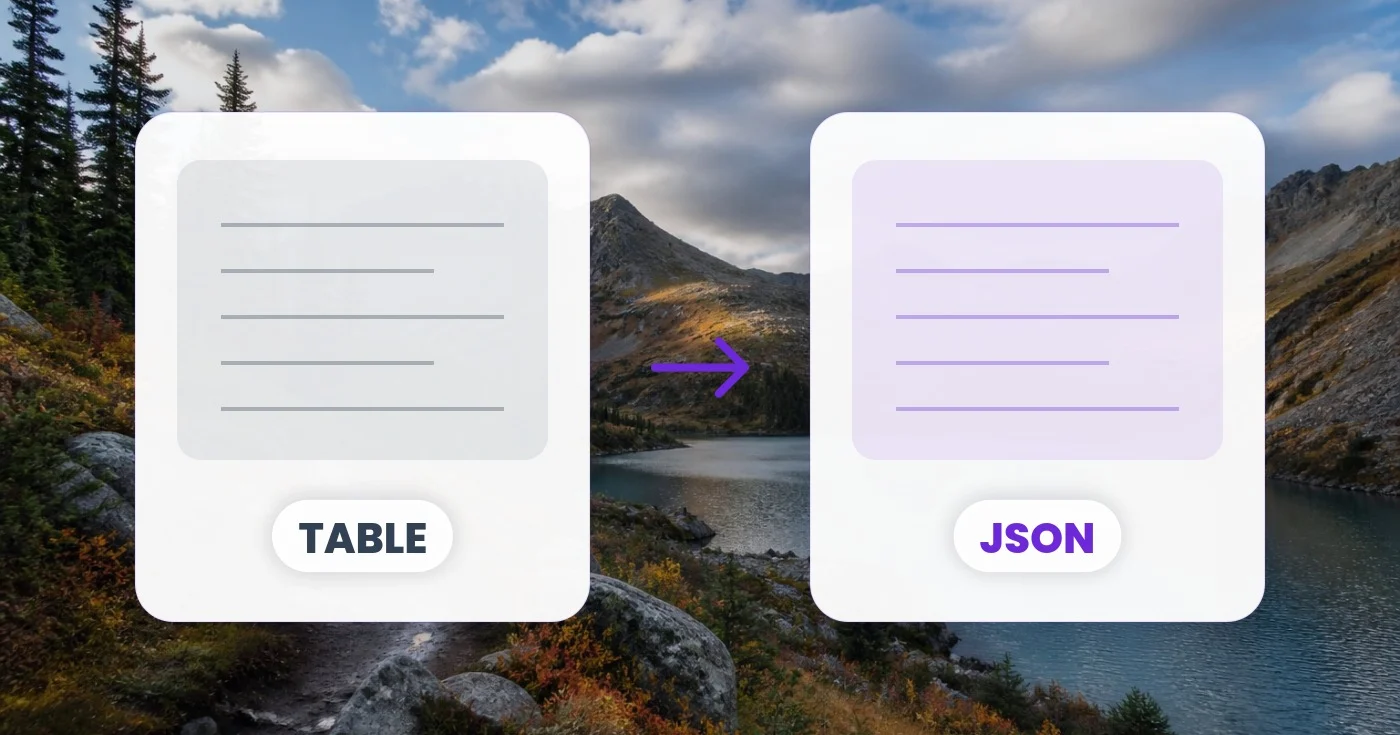
CSV、TSV、セミコロン区切り、パイプ区切り、または Markdown の表を貼り付けて、ブラウザ内で JSON、JSONL、SQL の INSERT 文へ即座に変換できます。

CSV、TSV、セミコロン区切り、パイプ区切り、または | markdown | の | 表 | をここに貼り付け…

または .csv / .tsv ファイルをドロップ

ファイルは処理後に自動削除されますHTTPSで安全に処理

Frequently Asked Questions

CSV を入力パネルに貼り付ける(または .csv ファイルをドロップする)と、ツールが区切り文字を自動で検出し、ヘッダー行をキーとして各行を JSON オブジェクトに解析し、結果を即座に表示します。出力フォーマットを JSON 配列、JSONL、SQL の INSERT に切り替えれば、必要な形をぴったり得られます。

usage

はい。パーサーはRFC 4180に従っており、二重引用符で囲まれたフィールドには、カンマ、改行、さらには引用符そのもの(""としてエスケープ)まで含められ、解析が壊れることはありません。そのため「Smith, John」のような値は、2つではなく1つのセルとして保たれます。

technical

このツールは、空でない最初の行にあるタブ、カンマ、セミコロン、パイプの数を数え、最も多いものを選びます。特殊なファイルや判別しにくいファイルの場合は、自動検出を無効にして、タブ(TSV)、カンマ、セミコロン、パイプ、Markdown表を手動で選択できます。

technical

出力形式を SQL INSERT に切り替えて、テーブル名を入力します。ツールは列名を有効な識別子に整え(スペースやハイフンなどをアンダースコアに置き換え)、適切にエスケープされた文字列リテラルや数値、空のセル用の NULL を含む INSERT 文を 1 行ごとに生成します。データベースの初期投入やデータ移行に最適です。

features

JSONL(JSON Lines)は、1行に1つのJSONオブジェクトを配置し、それらを囲む配列を持ちません。BigQuery、Snowflake、Logstash、Elasticsearch、そしてほとんどの機械学習パイプラインにデータをストリーミングする際の標準フォーマットです。各行を個別に取り込む場合はJSONLを選んでください。

features

はい。整数や小数のパターンに一致する値はJSONの数値として出力され、「true」/「false」のリテラルはブール値に、空のセルはnullになります。すべてを文字列として扱いたい場合は、変換前に値をそれに合わせて準備してください。

technical

はい。区切り文字として「Markdownの表」を選び、標準的なパイプ区切りのMarkdownの表(ヘッダー行、区切り行、本文の行)を貼り付けてください。区切り行は自動的にスキップされ、セルの余分な空白は取り除かれます。

usage

いいえ。解析と変換はすべてブラウザ内で実行されます。そのため、給与データのエクスポート、顧客リスト、財務記録など、第三者のサーバーに決して触れさせてはならない機密性の高いスプレッドシートにも安全に使えます。

privacy

When checked, the tool treats your table's first row as column names and uses them as the JSON object keys (or generates col_1, col_2... for SQL if you leave it blank). Uncheck it if your data has no header row — a plain list of rows — and the tool will instead output raw JSON arrays or auto-name columns col_1, col_2, etc. for SQL INSERT statements.

features

Switch Output to SQL INSERT and a Table name field appears where you can type your target table's name, such as customers or order_items. The tool automatically sanitizes whatever you enter — replacing spaces and symbols with underscores and prefixing a leading digit — so the generated SQL always has a valid identifier even if your input is messy.

usage

Uncheck 'First row is header' if your export has no column names, set Output to SQL INSERT, and type your real table name in the Table name field. The tool will auto-generate col_1, col_2... column names, coerce numbers and booleans automatically, and produce one properly-escaped INSERT statement per row that you can paste straight into your database client.

tips

JSON (arrays) drops the field names and outputs each row as a plain list of values in column order — for example ["Alice", 34, "Berlin"] instead of {"name":"Alice","age":34,"city":"Berlin"}. It still respects the 'First row is header' checkbox, using that row only to know how many columns to expect rather than as keys. Choose it when the receiving code (a charting library, a positional database driver, or a spreadsheet import) reads values by position rather than by field name; otherwise stick with JSON (objects).

features

Try sample fills the input panel with a short three-row name/age/city table (tab-separated) so you can immediately see how the delimiter detection, header row and each output format behave before you paste real data. Once there's content in the box, a Clear button appears — next to the Input label in the editor view, and again as a full-width button in the Settings panel — that wipes the textarea back to empty in one click instead of selecting and deleting the text manually.

usage

How Table to JSON helps you get it done

Real problems it solves every day — for businesses, creators, and everyday tasks. Find the use case that fits you and start in seconds.

For Developers

CSVからAPIへの移行

取引先から受け取った旧来のCSVエクスポートを、JSONを期待する最新のREST APIにPOSTする必要がある。数秒で変換し、fetchのボディにコピーして、構造を確認できます。つなぎのスクリプトは不要です。

For Developers

データベースのシーディング

テストデータのCSVから、そのまま実行できるSQLのINSERT文を生成します。マイグレーションファイルやpsqlシェルにそのまま貼り付けられます。出力は文字列、数値、null、真偽値を正しく処理します。

For Developers

BigQuery / Snowflake へのデータ取り込み

クラウドデータウェアハウスは、CSVよりもJSONLの方が高速に取り込めます。スプレッドシートをJSONLに変換して、BigQuery、Snowflake、Redshiftのステージングに直接アップロードしましょう。

Publishing

Markdownドキュメントの表

Markdownドキュメントから貼り付けた内容を、プログラムで処理できるJSONに変換します。人が読めるMarkdownの表から、FAQ項目、ナビゲーションのエントリ、料金プランのデータを生成できます。

Productivity

フォーム送信の分析

Google FormsやTypeformの回答をCSVで書き出してJSONに変換し、分析に活用したりAPI経由でCRMに取り込んだりできます。ヘッダー行がそのままフィールド名になります。

For Developers

静的サイトのデータ生成

表データをNext.jsのgetStaticPropsやAstroのコンテンツコレクション、Hugoのデータファイルに取り込めます。JSONLは、1行を1ページに対応させるコンテンツコレクションにとくに便利です。

For Developers

QA Test Fixture Generation

Paste a spreadsheet of test scenarios and export JSON fixtures or JSONL straight into a Jest, Pytest or Playwright test suite, skipping the hand-written mock-data file entirely.

For E-commerce

Supplier Catalog Bulk Import

Convert a supplier's price-list CSV into SQL INSERT statements for your products table, or JSON for a Shopify/WooCommerce bulk-import app, using the Table name field to target the exact table your store expects.

Productivity

No-Code Zapier & Airtable Sync

Turn an exported spreadsheet into the JSON array or object shape a Zapier webhook, Airtable automation or Make.com scenario expects, without writing a transformation script.

Finance

銀行取引明細の照合

Convert an exported bank or card-statement CSV into JSON for a personal-finance dashboard, or into SQL INSERT statements to load transactions straight into a ledger database.

Publishing

Static Site Data File Generation

Convert a spreadsheet of team bios, pricing tiers or product listings into a JSON data file that Hugo, Jekyll, Astro or Eleventy templates loop over directly, skipping the hand-written data/*.json file a JAMstack build usually requires.