
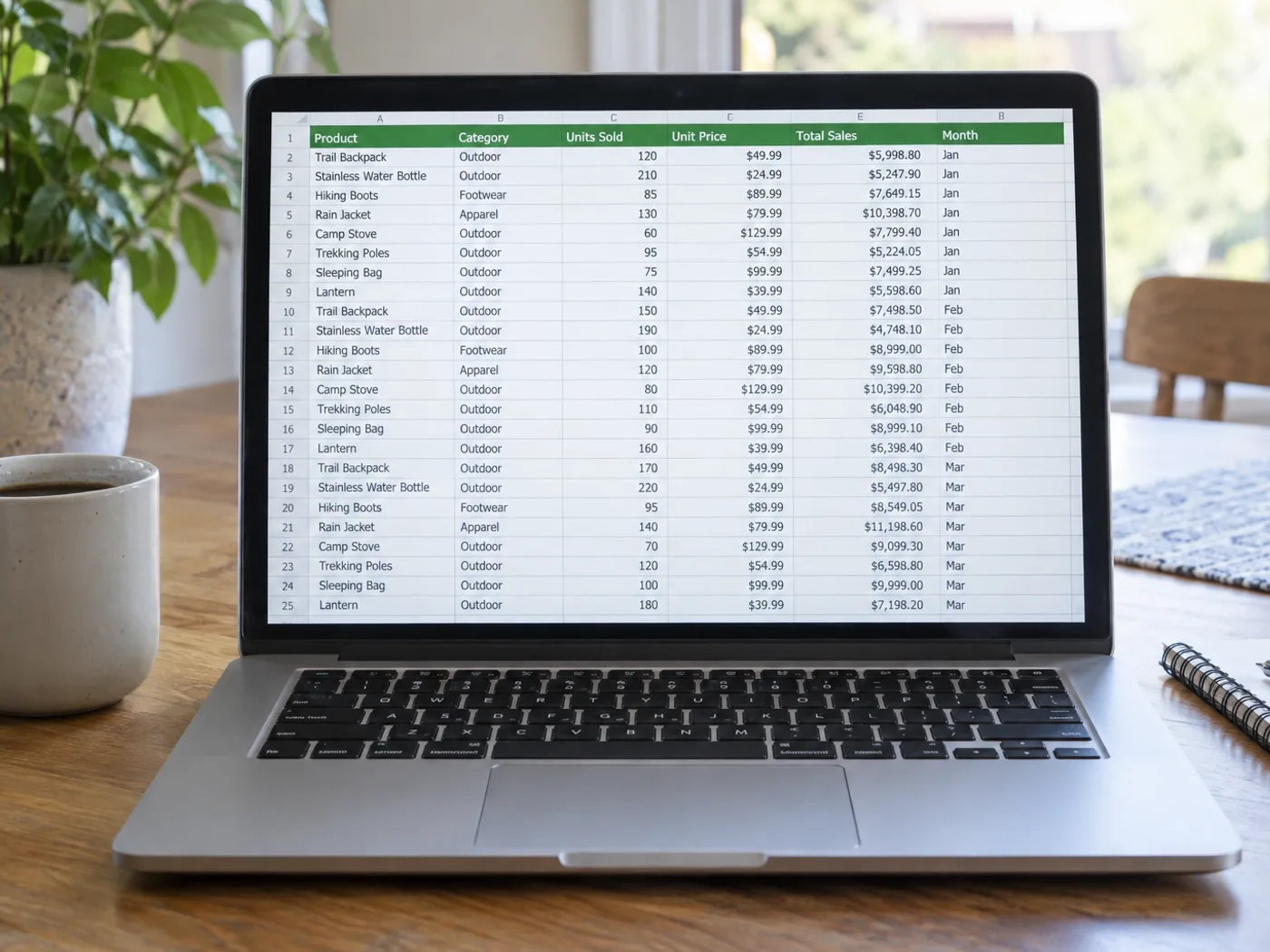
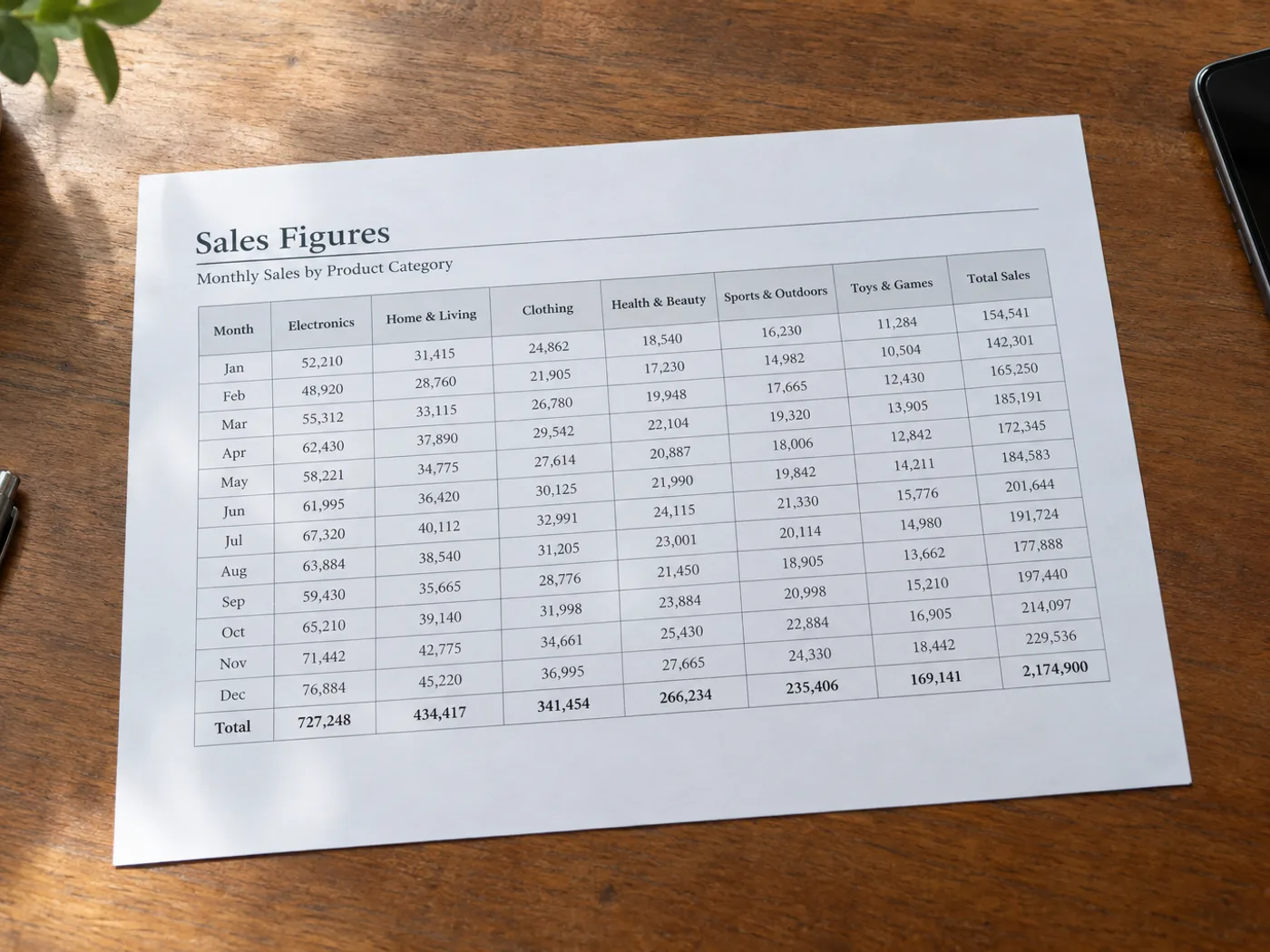
Illustrative preview
画像から Excel へのコンバーター — JPG を Excel スプレッドシートに変換
JPG、PNG、WEBP など
レビュー用に、写真またはスクリーンショットから編集可能な XLSX ワークブックにテーブルを抽出します。
- 撮影またはスクリーンショットした表を編集可能なセルに変換
- ダウンロードする前に、抽出された行を確認して修正します。
- Download the rows as an XLSX workbook ready for Excel
アップロード
ここにファイルをドロップするか、クリックして参照してください
すべての画像形式(JPG、PNG、WEBP、HEIC、TIFFなど) · PDF
画像からExcel でできること
始める前に、主な機能を確認してください。
- テーブルの写真を編集可能な .xlsx スプレッドシートに変換します
- 表のスクリーンショットを行と列に変換する
- 印刷データをデジタル化して Excel で分析する
- 手動で再入力せずに数値を抽出
- 選択した言語で表のテキストを認識します
設定リファレンス
3 設定
画像からExcel で使用可能なコントロール。
- 処理モードプリセット
- 1件ずつ処理するか、Premium の一括処理モードに切り替えて複数の入力に同じ設定を適用できます。対応する入力形式はツールによって異なります。オプション: 単一ファイル一括処理
設定
- エンジンドロップダウン
- 表の認識エンジンを選びます。「デフォルト」はほとんどのレシートや請求書に対応し、「Table AI (beta)」はヘッダーが結合された複雑なレイアウトに向き、エンジン1 とエンジン2 はシンプルな表でもっとも力を発揮します。オプション: デフォルトテーブル AI (ベータ版)エンジン1エンジン2
- 言語ドロップダウン
- 元の文書の主な言語を選びます。選べる言語は認識エンジンによって異なり、非対応の言語は表示されません。初期設定は英語です。抽出したテキストに認識ミスがないか確認してください。オプション: 日本語 Englishフランス語ドイツ人スペイン語イタリアポルトガル語オランダ語ロシア人日本語 English韓国人中国語(簡体)中国語(繁体)ログインヒンディー語ベンガル語プンジャビウルドゥーベトナムタイポーランドスウェーデン語デンマーク語ノルウェー語フィンランド語トルコ語ウクライナ語インドネシア語タミル語テルグ語マラーティー語ネパール語ペルシア語ギリシャ語ヘブライ語
Find the conversion for your document
画像からExcel の関連ツール
画像からExcel の後の一般的な次のステップのためのツール。



よくある質問
画像からExcelでできること
ビジネス、クリエイター、日常業務など、実際の問題を毎日解決します。自分に合ったユースケースを見つけて始めましょう。
手書きの在庫表をデジタル化する
Shopkeepers and warehouse managers photograph handwritten stock counts and turn them into Excel sheets ready for reordering, audits and POS imports.
経費レポートのための領収書管理
レストラン、タクシー、旅行のレシートを撮影し、明細をそのままExcelに流し込んで、月次の経費精算、フリーランスの請求、確定申告に活用できます。
銀行取引明細のデジタル化
撮影または印刷された銀行明細をExcelへ変換し、数式があらかじめ組まれた状態で、家計管理、フリーランスの経理、小規模事業者の帳簿付けに活用できます。
レストランの日次在庫表
レストランのオーナーは毎晩バックヤードの在庫表を撮影し、翌日の発注、廃棄分析、仕入先との照合に使えるきれいなExcelファイルを手に入れられます。
紙のアンケート・フォームの回答
紙のアンケート回答、顧客フィードバックフォーム、イベント申込書をExcelへ変換し、手入力なしで分析、グラフ化、CRM連携を行えます。
出席簿と成績表
教師は、手書きの出席簿や成績簿を撮影して、通知表や保護者面談に使える Excel シートに変換できます。
建設工事の数量明細書(BOQ)
現場技術者は、サプライヤーから受け取った印刷された数量明細書(BOQ)や見積書を撮影し、予算の照合、変更指示の管理、最終請求のためにExcelに変換できます。
不動産の類似物件価格比較
エージェントは、競合の物件資料を撮影してExcelに変換し、比較市場分析、ブローカーによる価格査定、顧客向けの価格レポートに活用します。
パーソナルトレーナー向けワークアウト記録シート
Photograph a client's handwritten workout log or gym check-in sheet and turn it into an Excel file for tracking progress, sets and reps across weeks without re-typing every session.
寄付誓約・資金調達トラッカー
非営利団体は紙の寄付誓約カードやガラの寄付シートを撮影してExcelブックに変換し、寄付の追跡、お礼状の作成、銀行預金との合計照合に使えます。
検査結果を分析可能なスプレッドシートへ
Researchers and lab techs photograph printed instrument readouts or results tables and export them as Excel after checking the values in the review grid, then set number formats before charts, t-tests and pivot tables.
スポーツリーグの順位表・スコアシート
試合後に印刷されたスコアボード・トーナメント表・リーグ順位表を撮影し、Excelに変換すれば、すべてのスコアを手入力し直すことなくシーズンの成績を更新できます。
このツールのガイド
- How to Convert an Image to Excel with Editable Rows and ColumnsConvert an image to Excel with editable rows and columns. Use Pixoate to extract table data, then check prices, dates and product codes before sharing.
- How to Turn Supplier Price List Photos into Excel for Comparing CostsTurn supplier price list photos into editable Excel tables with Pixoate. Compare unit costs, pack sizes and dates without retyping every line.
変換結果を一つずつ確認
すべての写真はスラッシュをそのまま通過し、反対側が完成して出てきます。























