
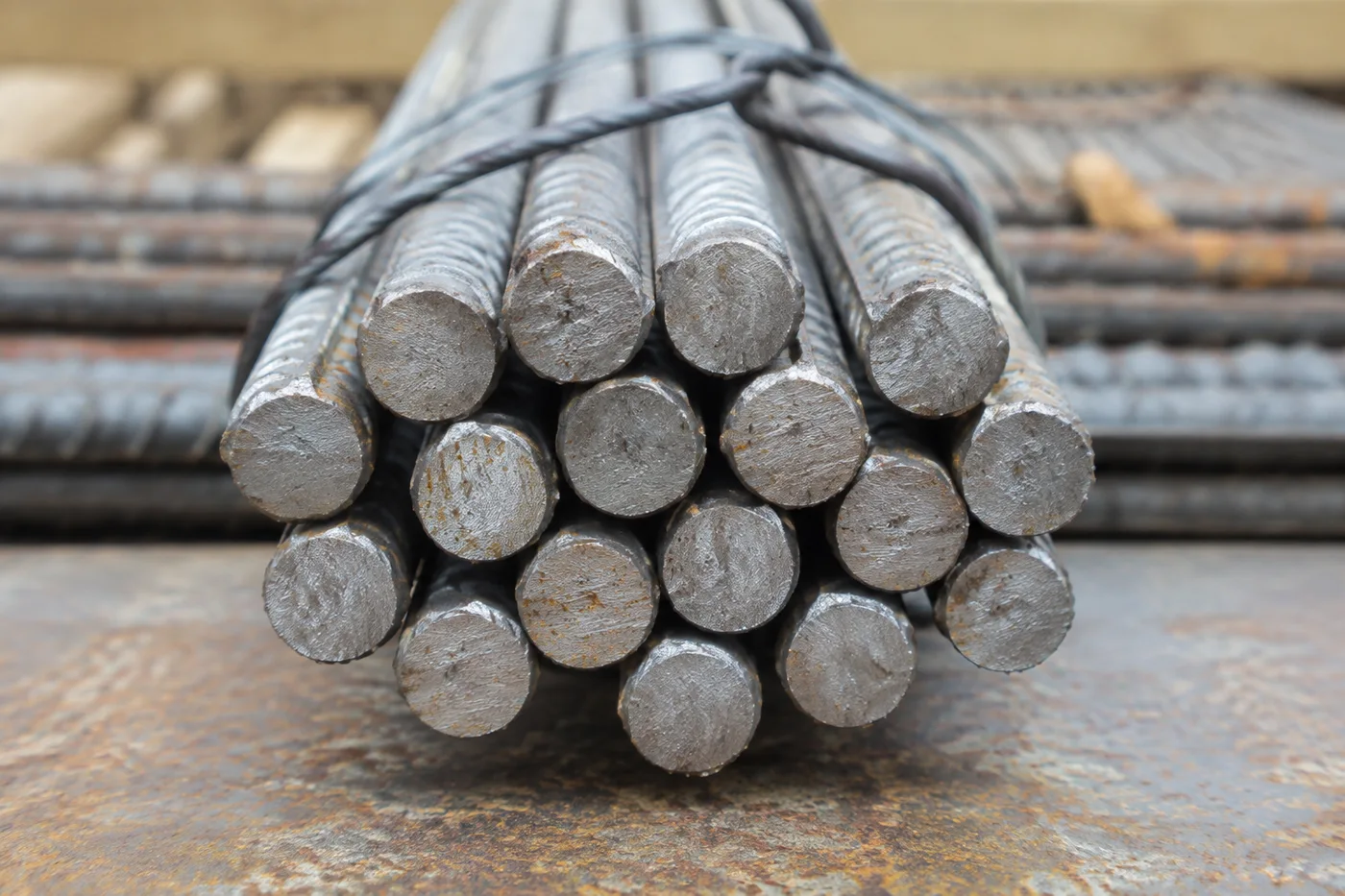
사진 속 철근 개수 계산 — AI 철근 및 강철 막대 카운터
이미지 형식 JPG, PNG, WEBP 지원 · 무료 플랜에서는 최대 20 MB, 프리미엄 플랜에서는 최대 50 MB까지 처리할 수 있어요
Photograph the bundle end-on, upload the photo and review the tally markers against the photo. Built for deliveries, steel-yard stock counts and load-out checks.
- 사진을 검토한 다음 보이는 봉을 세어 보세요
- Upload a photo and get an automatic count
- Review the markers to catch rods counted twice or missed
- 무료 이용 · 회원가입 불필요 · 워터마크 없음
이미지 업로드
정확하게 세기 위한 팁
• 봉 전체가 프레임 안에 들어오도록 밝기가 고른 사진을 사용하세요
• Keep your rods visible and avoid overlapping items
• 점과 히트맵으로 유지된 감지 결과를 표시 — 집계를 검토하고 수정하세요
철근 및 봉 카운터 기능에 대한 정보
The rebar & rod counter counts visible rods from your photo and marks detections for review. Counting starts automatically once the photo and item are ready. Visibility, overlap and similar-looking items can affect the total. Built for construction sites, steel yards and fabricators.
작동 방식
1. 봉 사진을 촬영하세요
2. Upload your photo to count rods automatically
3. Review the markers and correct the tally if needed
4. 집계 시트에 추가하고 개수를 CSV로 내보내세요
이런 분께 안성맞춤
• 철근 납품 검토 초안
• 철강 야적장 재고 계수
• 파이프 및 튜브 묶음 계수
• 제작품 출고 점검
철근 및 봉 카운터로 할 수 있는 일
시작하기 전에 주요 기능을 검토하세요.
- 철근, 강철 막대 및 철근을 끝까지 계산합니다.
- 지원되는 사진 1장에서 번들 집계
- 집계된 철근 마커를 하나하나 검토하고 집계를 수정하세요
- 검토한 배송 물품을 주문서와 대조 확인하기
- 대량 감사에서 여러 번들을 일괄 계산합니다.
- 밀집된 집계를 더 정확히 하려면 선택 사항으로 봉을 표시하세요
설정 참고
14 설정
철근 및 봉 카운터에 사용 가능한 제어 기능입니다.
업로드
- 단일 사진 / 일괄 감사프리셋
- 단일 사진 수 또는 프리미엄 대량 감사를 선택하세요. 모든 결과를 검토하세요.옵션: 단일 사진일괄 감사
개수
- 포함된 마커슬라이더범위: 0–1 · 기본값: 0.21
- 21%부터 시작합니다. 약한 표시까지 포함하려면 더 많이 표시 쪽으로, 강한 표시만 보려면 가장 강한 표시만 쪽으로 슬라이드하세요.
- 오버레이 스타일프리셋
- 점, 히트맵, 둘 다 또는 깨끗한 미리보기를 선택하세요.옵션: 둘 다도트열없음
고급
- 결과 오버레이드롭다운
- Choose how count markers appear in the on-screen preview; the download keeps its own markers.옵션: 점 + 히트맵점만히트맵만
집계
- 집계에 추가원클릭
- Add this count to the tally sheet under the name of the object that was counted. Signed-in accounts add finished counts automatically unless that is turned off under Account settings; in bulk mode every photo also has its own Add to tally button.
- 라벨텍스트 입력
- Rename a tally row. Edits and removals wait until you choose Save changes, so you can fix several rows at once.
- 개수숫자입력
- Correct a row's count; totals, the chart and exports follow once the change is saved.
- Save changes원클릭
- Apply every edited or removed tally row in one step, or choose Discard changes to leave the sheet as it was.
Chart
- By object프리셋
- The chart is the same in every counting tool and covers the tallies of all of them. By object draws a separate line chart for each tally name, such as pipes and people. By tool draws a chart for each counting tool.옵션: By objectBy tool
- 기간프리셋
- Choose how far back the chart looks. Days without a count appear as zero.옵션: 7 days30 days90 days12 months
History
- Counting setup갤러리
- Keep comparable counts together. A first setup is created for you, so the first count can be saved straight away.
- Observed at텍스트 입력
- The date and time of the count, shown as a date and a time field.
- 음표텍스트 입력
- Starts with every detected object and its count, one per line, such as Pipes - 11. Edit it before saving.
- Save count원클릭
- Save the count to your account history. Open a saved count later to correct it or download its source photo.
철근 및 봉 카운터 관련 도구
철근 및 봉 카운터 이후 일반적인 다음 단계를 위한 도구입니다.
자주 묻는 질문
철근 및 봉 카운터가 작업을 완수하도록 돕는 방법
비즈니스, 크리에이터, 일상 업무의 실제 문제를 매일 해결합니다. 귀하에게 적합한 사용 사례를 찾아 시작해보세요.
출입구 철근 납품 검수
묶음의 절단면을 정면으로 촬영해 AI 지원 잠정 집계를 얻은 다음, 실제 철근을 직접 검토하고 집계를 수정하며, 서명하기 전에 평소의 입고 절차를 따르세요. 사진만으로 판단하지 마세요.
지름별 청구 내역
직경별로 나눠 세려면 매번 세기 전에 ‘예시’ 설정에서 봉 크기 하나씩 예시 봉을 표시하고, 집계를 송장 초안으로 사용하기 전에 회차마다 직접 검토하고 수정하세요.
철강 야적장 출하 점검
표시된 결과는 발송 전표와 대조하는 초안으로 사용하고, 상차 승인 전에 실제 다발을 수동으로 점검하여 누락이나 중복을 수정하세요.
다중 배송지 감사
Bulk audit를 열어 모든 delivery 사진에서 Distinct objects 모드를 실행한 뒤 각 결과를 검토하고, 필요한 경우 집계를 수정하세요.
철강 야적장 재고 감모 및 도난 감사
검토하고 수정한 사진 집계는 정기 야적 재고 점검의 참고 자료 중 하나로 사용하세요. 차이가 발견되면 실물 기록과 승인된 절차로 조사해야 하며, AI 이미지만으로는 재고 손실이나 도난을 입증할 수 없습니다.
각 변화를 확인하세요
모든 사진이 원본 그대로 슬래시를 지나 반대편에서 완성된 결과물로 나옵니다.























