Manual typing is fragile
Long identifiers are difficult to compare by eye, especially while standing beside a vehicle or working from a phone.
This tool transcribes identifiers. It does not verify title, ownership, history, recalls, theft status, or vehicle condition.
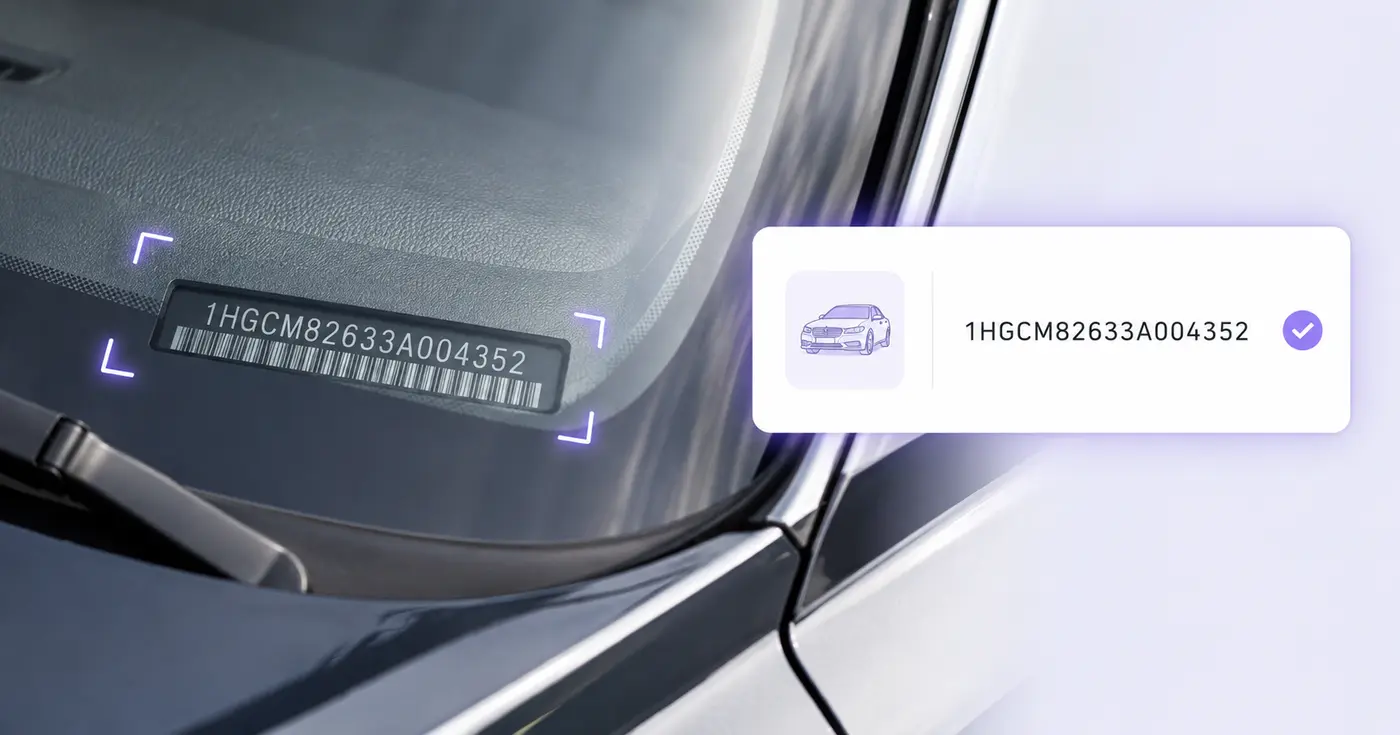
A VIN is only 17 characters, but one wrong character can point to the wrong vehicle. Photograph the dashboard plate, door label, or document and verify the extracted identifier before it enters your inventory.
The real problem
VINs mix letters and numbers in windshield glare, narrow labels, and paperwork. A single O-for-zero or missing character breaks lookups and contaminates inventory data.
Long identifiers are difficult to compare by eye, especially while standing beside a vehicle or working from a phone.
A document, dashboard plate, and door label may need reconciliation instead of blind acceptance of the first number found.
Seventeen well-formed characters do not prove ownership, condition, title status, or that every underlying record is correct.
How Pixoate helps
Pixoate reads the VIN as text and can use the browser barcode detector on supported devices. It normalizes common spacing, checks the modern 17-character format and check digit, and shows an actionable warning until the value is internally consistent.
Photograph the windshield plate, certification label, registration, or scannable code straight on and without glare.
Compare the extracted VIN with the source and correct length, spaces, or disallowed I, O, and Q characters.
Keep the VIN with the vehicle description, stock number, plate, location, and capture date.
Build a simple intake list for newly arrived vehicles before entering another management system.
Capture the exact vehicle identifier at check-in for parts, service, and customer records.
Record assigned vehicles during inspections, handoffs, parking audits, or insurance updates.
Modern road-vehicle VINs use 17 characters and exclude I, O, and Q. Pixoate also verifies the ninth-position check digit against the other characters.
The visible text is read first. When the browser Barcode Detector and the code format are supported, a barcode value fills the VIN field only if the text reading left it empty; either result must be checked against the vehicle.
Not in this workflow. It captures the identifier and user-visible vehicle details without sending the VIN to a third-party decoding or history service.
No. Format and check-digit validation catch transcription inconsistencies; they do not verify ownership, title, theft reports, recalls, history, odometer status, or condition.
Common sources include the driver-side windshield plate, driver-door certification label, registration, title, and service paperwork. Compare sources when accuracy matters.
The value is highlighted because O is not valid in a modern VIN. You can edit the cell and compare the character with the source image before saving.
차대번호 스캐너 이후 일반적인 다음 단계를 위한 도구입니다.
OCR 및 데이터 추출
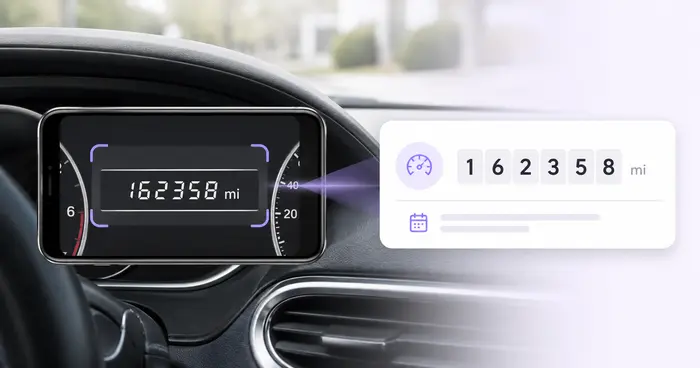
계기판 사진에서 주행거리를 읽고 수치를 확인한 뒤, 차량과 운행 정보를 추가해 수정 가능한 기록으로 저장하거나 내보내세요.
지금 사용해 보기OCR 및 데이터 추출
장비 라벨 사진에서 시리얼 번호, 모델, 제조사와 태그를 추출해 수정 가능한 자산 목록을 만들고 CSV로 내보내세요.
지금 사용해 보기OCR 및 데이터 추출
이미지, 스캔, 송장, 영수증, 양식 또는 ID의 사용자 정의 필드를 스프레드시트, 회계 및 API를 위한 깔끔한 JSON으로 추출합니다.
지금 사용해 보기모든 사진이 원본 그대로 슬래시를 지나 반대편에서 완성된 결과물로 나옵니다.