How to Turn Fleet Odometer Photos into a Reviewed Mileage Log
Turn fleet odometer photos into reviewed mileage records with Pixoate. Check vehicle identity, reading units and dates before updating your log.
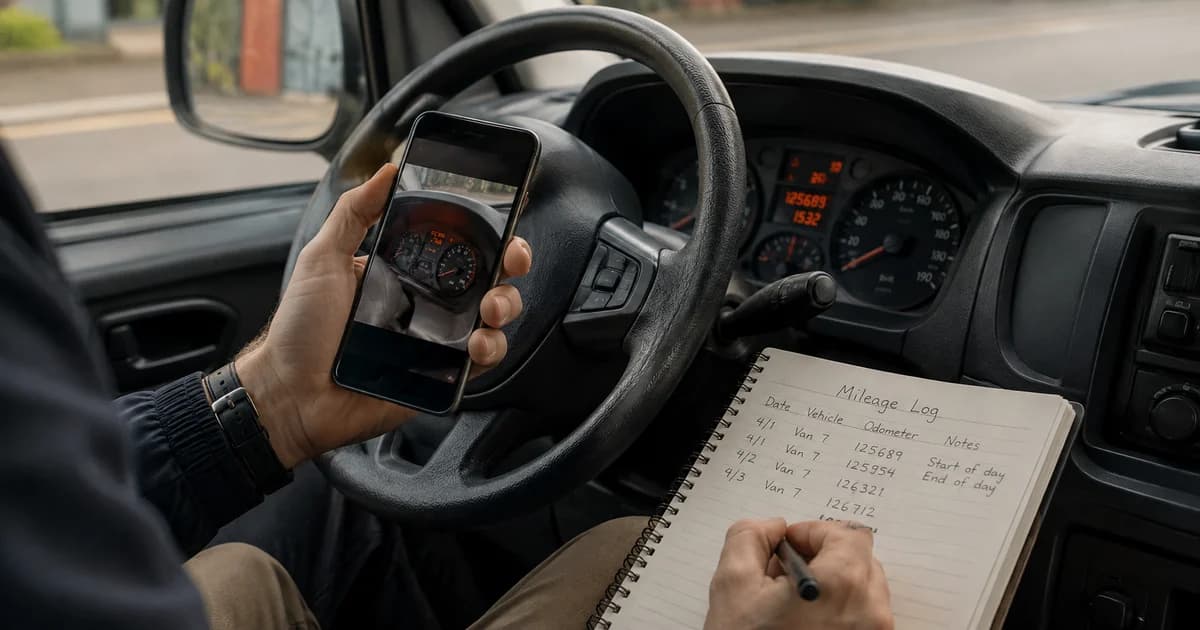
A driver's dashboard photo can save an office from retyping a reading, but only if the record is matched to the right vehicle and display. Trip distance, total mileage and a service countdown are different values.
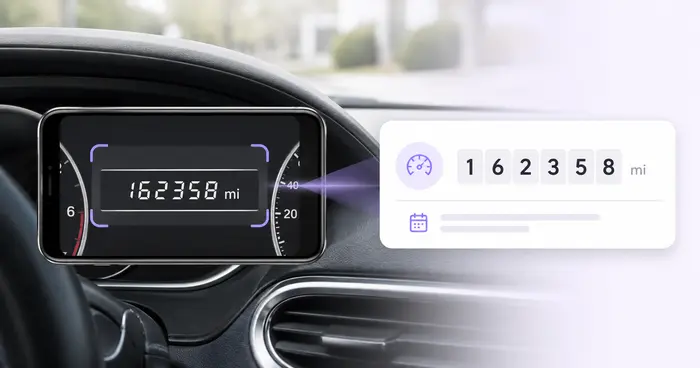
Pixoate Odometer Scanner reads supported dashboard photos into an editable log. Review the recognised number and add the vehicle and observation context before using it in fleet records.
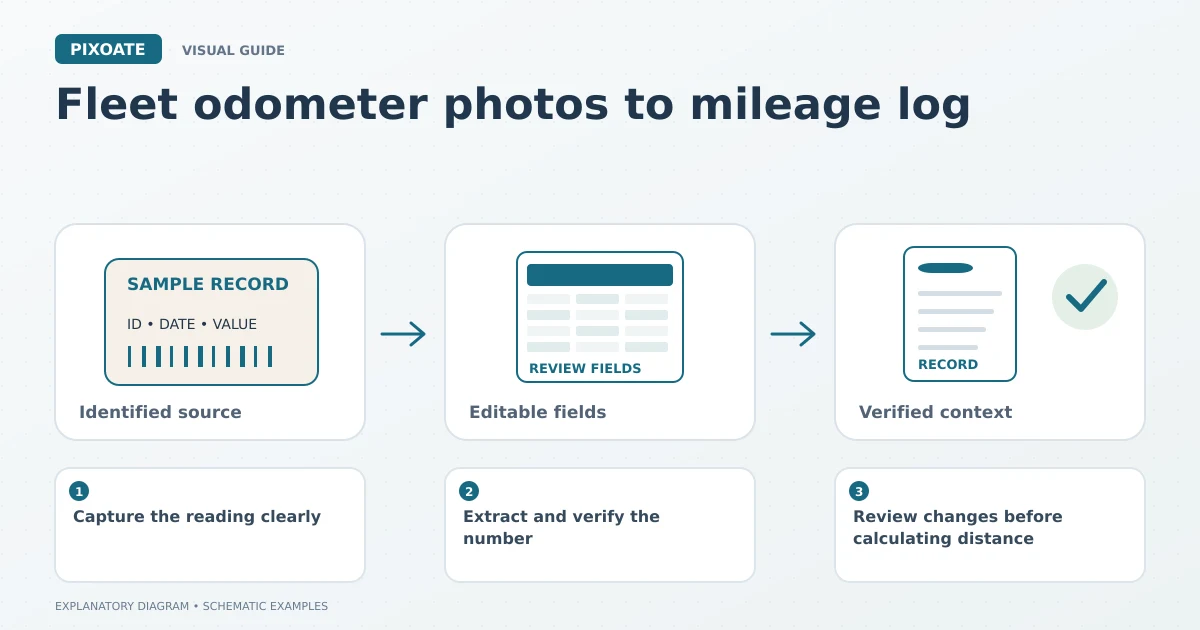
Original explanatory graphic. The scenes and sample records are schematic illustrations, not screenshots or measured tool results.
Capture the reading clearly
Use a photograph taken safely while the vehicle is stationary. Keep the relevant display readable and identify whether it shows the total odometer or another value.
Record the date and vehicle reference through your normal process. A photo forwarded later may no longer carry reliable capture context, so do not invent the observation time from when it reached the office.
Extract and verify the number
Upload the image, review the recognised digits and confirm the unit. Miles and kilometres must remain explicit when vehicles or records move between different operating contexts.
Add the available vehicle and trip details, then save or export the reviewed log. Compare any uncertain character with the source instead of accepting a plausible-looking value.
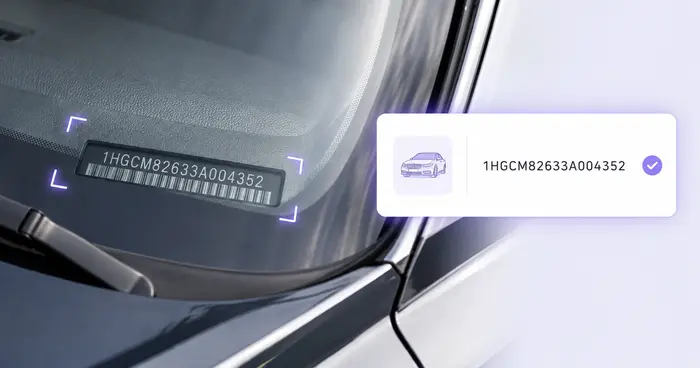
Use VIN Scanner where a separate vehicle identifier needs extraction. A VIN identifies the vehicle; it does not tell the scanner which dashboard display you intended to record.
Review changes before calculating distance
Match readings to the same vehicle and the same type of display. Investigate an unexpected decrease, duplicate observation or unusually large change before using it in a calculation.
| Potential problem | Useful check |
|---|---|
| Trip meter photographed | Confirm the display label and source. |
| Unit changed between records | Preserve and reconcile the units explicitly. |
| Photo assigned to another vehicle | Verify vehicle identity and source reference. |
| Missing or unclear digit | Obtain a better reading rather than guessing. |
The tool does not verify a vehicle's history or determine the purpose of every journey. Any reimbursement, tax or maintenance decision needs the appropriate additional records and rules.
Can I import the results into a fleet system?
Use the supported export and match it to the receiving system's requirements. Review a small sample and preserve identifiers carefully. Extraction is separate from an automatic fleet-system integration.
Can custom paperwork fields be captured too?
Extract Data can read selected fields from supported document images. Keep those records connected to the reviewed vehicle entry.
Begin with one clear odometer photo in Pixoate. A dependable log combines the visible reading with verified vehicle, unit and date information.