
AI Photo Enhancer — Gratis AI Image Enhancer Online
Fungerar med JPG, PNG, WEBP
Fotot är mörkt, kornigt eller något oskarpt, och det är den enda kopian som finns. Förbättra den med ett klick och jämför innan du behåller den.
- One click: denoise, sharpen, auto color and a 2x boost for small photos
- Perfekt för gamla, mörka, korniga eller lätt suddiga foton
- Rädda den enda kopian du har av ett foto som betyder något
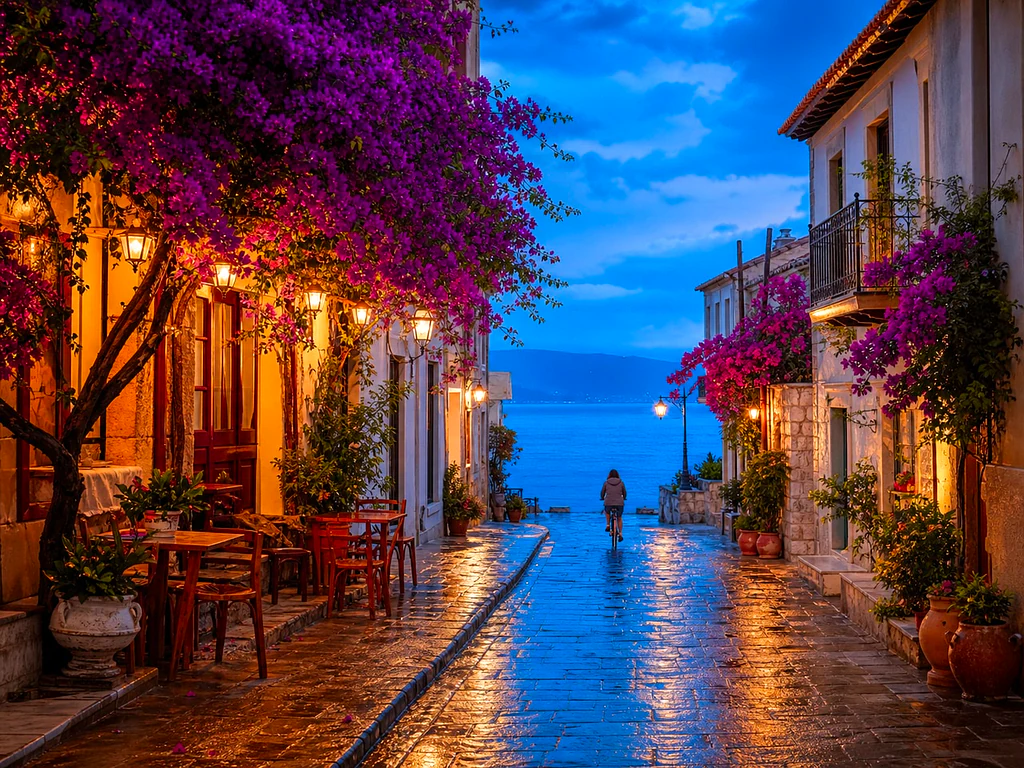
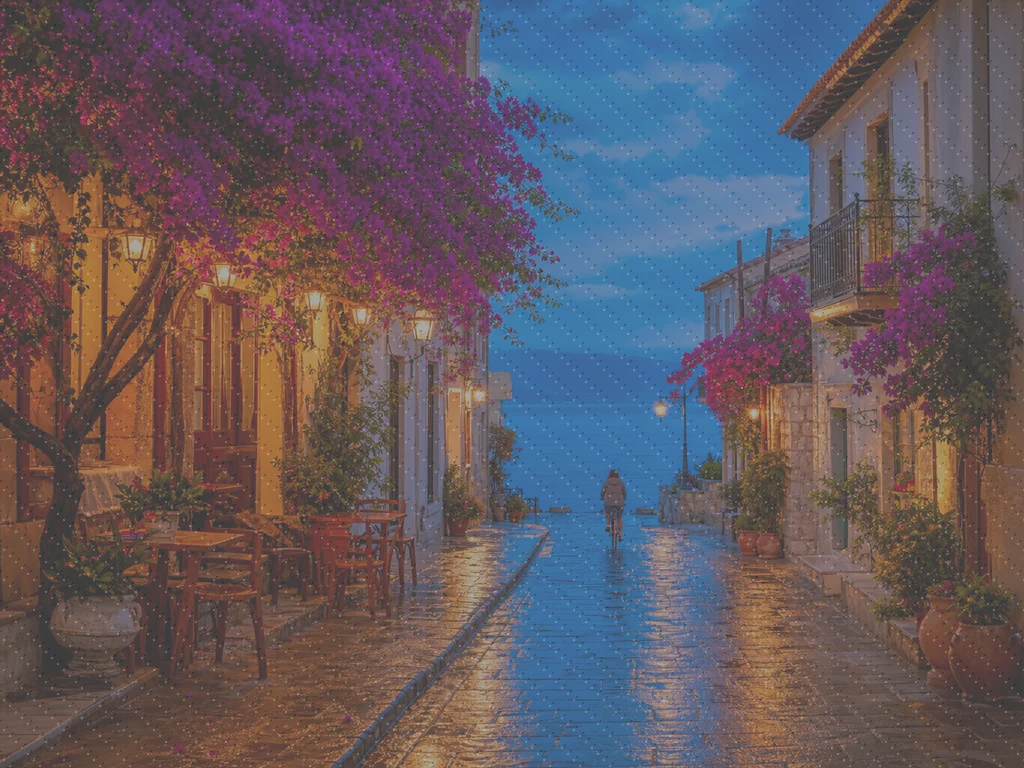
Släpp ett tråkigt eller suddigt foto — få en skarp, levande version tillbaka
Tips för bästa resultat
• Subtil styrka ser mest naturlig ut på porträtt
• Använd starkare inställningar på mörka eller korniga foton
• Utgå från det största originalet du har — en redan komprimerad kopia begränsar vad som kan återställas
Om AI-fotoförbättraren
Our photo enhancer combines several fixes into one click: noise reduction, edge-aware sharpening, automatic brightness, contrast and color correction, and a 2x enlargement for small photos. It turns dull, dark or low-res phone photos into crisp, vivid images without any manual editing.
Så fungerar det
1. Ladda upp ditt foto
2. The enhancer denoises, sharpens and fixes color
3. Justera styrkan efter smak
4. Ladda ner det förbättrade resultatet
Perfekt för
• Tråkiga eller platta mobilfoton
• Mörka, svagt belysta och korniga bilder
• Gamla bilder eller bilder med låg upplösning
• Produkt-, annons- och sociala medier-foton
Vad du kan göra med AI-fotoförbättrare
Granska de viktigaste funktionerna innan du börjar.
- Rädda ett foto när det inte finns någon chans till en ny fotografering
- Ta bort brus och korn från mörka bilder
- Skärp suddiga eller mjuka mobilfoton
- Fixa matt belysning och platta färger
- Förvandla lågupplösta snaps till skarpa, levande bilder
- Styr hur stark förbättringen ser ut
Inställningsreferens
2 inställningar
Tillgängliga kontroller för AI-fotoförbättrare.
- BearbetningslägeFörinställningar
- Bearbeta en inmatning eller byt till Premiums batchläge för att bearbeta flera med samma inställningar. Vilka typer av inmatning som stöds beror på verktyget.Alternativ: Enstaka bildBunt
Justera
- FörbättringsstyrkaReglageIntervall: 0–1 · Standard: 0.7
- Skalar hela enklicksuppstädningen (brusreducering, skärpa, automatisk färg och detaljförstärkning) från Svag till Stark — håll den låg för naturliga porträtt, höj den för mörka eller korniga foton.
Relaterade verktyg för AI-fotoförbättrare
Verktyg för vanliga nästa steg efter AI-fotoförbättrare.

Fotoförbättring
AI-bilduppskalare
Uppskala en bild med 2×, 3× eller 4× och granska det förbättrade resultatet före nedladdning.
Prova nu
Porträtt & Headshot Studio
Hudfläcksborttagare
Minska synliga fläckar, fläckar och mörka märken samtidigt som du ser över effekten på omgivande hudstruktur.
Prova nu
Porträtt & Headshot Studio
Försköna ansikte
Applicera justerbar hudutjämning och tonkorrigering medan du granskar ansiktsdetaljer och kanter.
Prova nuVanliga frågor
Så hjälper AI-fotoförbättrare dig att få det gjort
Verkliga problem den löser varje dag - för företag, kreatörer och vardagliga uppgifter. Hitta det användningsfall som passar dig och börja.
Förbättra skannade familjefoton
Dra Förbättringsstyrka-reglaget mot Stark på skannade eller urblekta gamla familjefoton för att rensa brus och återställa detaljer som gått förlorade på grund av ålder, låg upplösning eller en billig originalskanning.
Skärp produktfoton innan annonsering
Kör produktfoton med styrkeinställningen Svag för att rensa bort mindre skärpeförlust och färgtrötthet från mobilkameran utan att överbearbeta, så att annonserna ser exakta och trovärdiga ut.
Snygga till evenemangs- och konsertbilder tagna i svagt ljus
Mörka, kornига foton från konserter, fester eller svagt upplysta lokaler brusreduceras, ljusas upp och skärps med ett klick — dra styrkan mot Stark för den mest dramatiska brusrensningen.
Putsa objektsbilder för fastighetsannonser
Brusreducering, skärpa och färgkorrigering med ett klick förvandlar platta eller mörka mobilfoton av interiör och exteriör till skarpare, mer inbjudande annonsbilder — utan ett helt fotoredigeringsarbetsflöde.
Förbered skanningar och skärmdumpar för dokument
Eftersom det fungerar som en allmän bildförbättrare, inte bara för foton, kan du köra skannade dokument, whiteboard-foton eller skärmdumpar genom det för att skärpa text och rensa bort komprimeringsartefakter innan du delar eller arkiverar.
Guider för det här verktyget
- How to Improve Shopify Product Images in Bulk for Better ListingsImprove Shopify product images in bulk with Pixoate. Review backgrounds, detail, resolution and file size to create a clearer, more consistent catalogue.
- How to Improve Etsy Product Photos for Handmade and Custom ItemsImprove Etsy photos of handmade and custom products with Pixoate. Show texture, finishing and personalisation clearly without changing the real item.
Titta på varje transformationsland
Varje foto korsar snedstrecket orört och kommer ut på andra sidan färdigt.























