
منتقي الألوان وعجلة الألوان
تناغمات الألوان
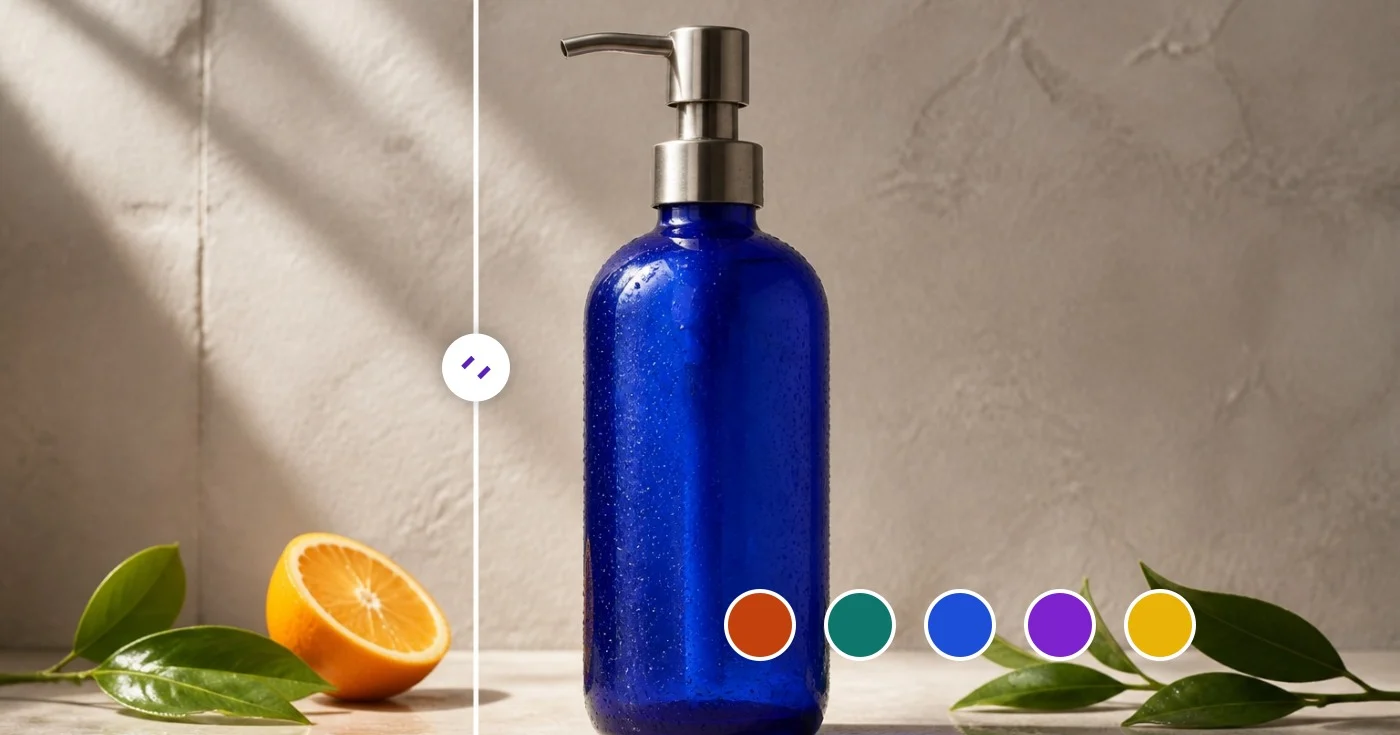
منتقي الألوان من الصورة - احصل على رموز الألوان HEX وRGB
حدد بكسل لقراءة قيم HEX وRGB وHSL، أو قم بتصدير لوحة الألوان السائدة كمتغيرات JSON أو CSS.
القى صوره اضغطى اى بيكسلى من اجل شفرتها او استخرجى كامله
PNG، JPG، WEBP، GIF
ما يمكنك فعله باستخدام أداة انتقاء الألوان
قم بمراجعة القدرات الرئيسية قبل البدء.
- إختر أي لون من صورة مثل HEX، RGB أو HSL
- إستخراج اللون المهيمن من الصورة
- لون العلامة التجارية من الشاشة أو الشعار
- رموز لون النسخ لتصميماتك
- قم بتصدير اللوحة كمتغيرات JSON أو CSS
- بناء مخطط لون من صورة مرجعية
مرجع الإعدادات
9 إعدادات
عناصر التحكم المتاحة لـ أداة انتقاء الألوان.
- وضع المعالجةالإعدادات الجاهزة
- عالج مدخلًا واحدًا، أو انتقل إلى وضع الدفعات في Premium لمعالجة عدة مدخلات بالإعدادات نفسها. تعتمد أنواع المدخلات المتاحة على الأداة.الخيارات: صورة واحدةدفعة
منتقي الألوان وعجلة الألوان
- عشوائيلعق واحد
- ينتقل إلى لون عشوائي جديد بنقرة واحدة للحصول على إلهام سريع؛ وتتحدّث معه قيم HEX وRGB وHSL ولوحات التناغم اللوني كلها دفعة واحدة.
- التشبع والسطوعالمنزلقيتراوح: 0–100%
- اسحب المؤشّر عبر المربع لضبط مدى زهاء اللون (من اليسار إلى اليمين) ودرجة فتوحه أو دكانته (من الأعلى إلى الأسفل).
- درجة اللونالمنزلقيتراوح: 0–360 · افتراضي: 211
- حرّك المؤشّر على شريط الطيف لاختيار درجة اللون الأساسية، متنقّلًا من الأحمر إلى الأصفر فالأخضر فالأزرق فالأرجواني ثم عودةً إلى الأحمر.
- HEXمدخلات نصية
- اكتب أو الصق أي قيمة لون — كود HEX أو صيغة rgb() أو hsl() أو اسم لون CSS — للانتقال مباشرةً إلى ذلك اللون بالتحديد.
- RGBعدد المدخلاتيتراوح: 0–255
- اضبط قنوات الأحمر والأخضر والأزرق كلًا على حدة من 0 إلى 255 عندما تحتاج إلى مطابقة قيمة RGB محددة من دليل تصميم.
- HSLعدد المدخلاتيتراوح: 0–360
- اضبط درجة اللون (0–360) والتشبّع والإضاءة (0–100) كأرقام — مفيد لجعل اللون أفتح أو أهدأ قليلًا دون تغيير درجته.
اللوحة اللونية السائدة
- الحجمهبوط
- يحدد عدد الألوان السائدة المستخرجة من الصورة المرفوعة (الافتراضي 8)؛ اختر عددًا صغيرًا للحصول على لوحة ألوان نظيفة لعلامتك التجارية أو عددًا كبيرًا لإظهار الدرجات الثانوية.الخيارات: 58101624
- اللون المختارمختار كولور
- انقر أو اضغط على أي موضع في الصورة المرفوعة لأخذ عيّنة من ذلك البكسل تحديدًا؛ وتضيف كل عملية اختيار عيّنة لونية بقيم HEX وRGB وHSL، يمكن حذفها فرديًا أو دفعة واحدة.
الأدوات ذات الصلة بـ أداة انتقاء الألوان
أدوات للخطوات التالية الشائعة بعد أداة انتقاء الألوان.
الإبداع والتصميم
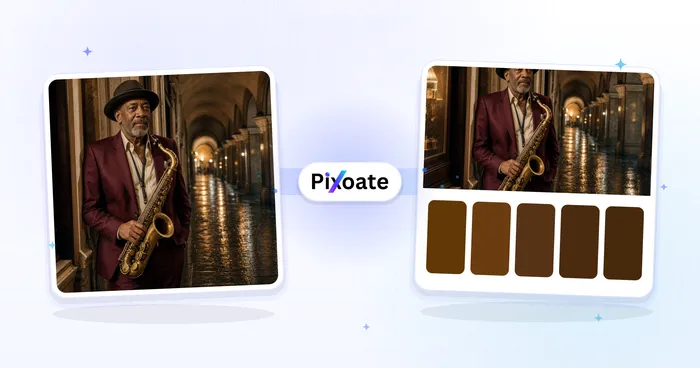
مولّد لوحة الألوان
أنشئ 3 إلى 8 لوحات ألوان مع أوضاع التناغم، وقم بقفل الألوان ومشاركتها، ثم قم بتصدير متغيرات PNG أو CSS أو JSON.
جرّبه الآن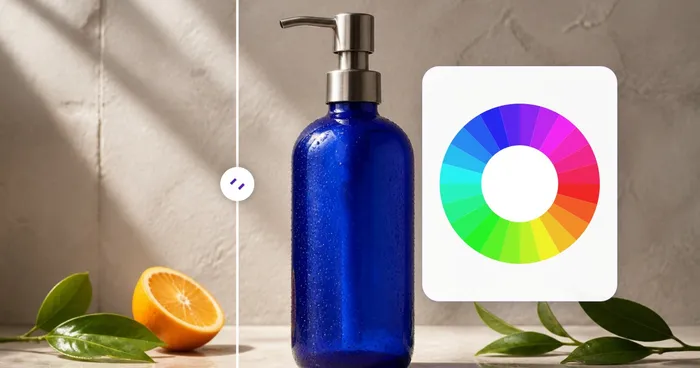
الإبداع والتصميم
عجلة الألوان
استخدم عجلة الألوان التفاعلية للعثور على التناغمات التكميلية والمتماثلة والثلاثية والرباعية والمربعة مع رموز HEX القابلة للنسخ.
جرّبه الآن
الإبداع والتصميم
معاني الألوان
استكشف معاني الألوان وعلم النفس والرمزية والسياق الثقافي وأمثلة العلامات التجارية والأزواج المقترحة لأي قيمة HEX.
جرّبه الآنالأسئلة الشائعة
كيف تساعدك أداة انتقاء الألوان على إنجاز مهمتك
فهو يحل المشكلات الحقيقية كل يوم، للشركات والمبدعين والمهام اليومية. ابحث عن حالة الاستخدام التي تناسبك وابدأ.
تدقيق هوية العلامة التجارية
استخرج قيم HEX الدقيقة من شعار موجود أو أصل تسويقي لإدراجها في دليل الهوية البصرية لديك. طابق ألوان علامات المنافسين لعرض تموضع أو عرض ترويجي.
بناء لوحات ألوان لتصميم الويب
استخرج الألوان الغالبة من صورة أو لوحة إلهام، وصدّرها كمتغيرات CSS، ثم أضفها إلى ملف التنسيقات لديك. تغطي النقطة المثالية المكوّنة من 5 إلى 8 ألوان الألوان الأساسية والمميِّزة والمحايدة لتشكّل بذرة نظام تصميم كامل.
قوائم منتجات التجارة الإلكترونية
طابِق ألوان خلفية صور المنتجات مع سمة متجرك. اختر اللون المميز السائد من صورة حذاء رياضي أو فستان، واستخدمه كلون إبراز بارز لإعلان المنتج.
إلهام التصميم الداخلي والأزياء
صوّر غرفة أو زِيًّا يعجبك واستخرج لوحة الألوان. استخدمها لاختيار الطلاء أو الأقمشة أو الإكسسوارات التي تكمّل النظام اللوني القائم — لتحويل الإلهام البصري إلى عينات ألوان قابلة للتطبيق.
مخططات تصوّر البيانات
أنشئ لوحة ألوان تصنيفية من 10 إلى 16 لوناً مستوحاة من صورة تريد استحضار أجوائها (مثل لوحة بالألوان المائية لرسم بياني ناعم، أو غروب للتدرجات من الدافئ إلى البارد). أفضل من اختيار درجات لونية عشوائية.
سير عمل أصول الألعاب وواجهات المستخدم
استخرج لوحة الألوان المفهرسة من رسوم السبرايت أو نماذج واجهات المستخدم لإدخالها في أداة فن البكسل أو محرك ألعاب. يتكامل تصدير لوحة الألوان بصيغة JSON مع Aseprite وPhotoshop ومعظم مسارات الأصول.
فحوصات تباين WCAG قبل الإطلاق
اضبط زوج ألوان النص والخلفية في أداة منتقي الألوان وعجلة الألوان المستقلة واقرأ نسبة التباين بينهما مقابل الأبيض والأسود فورًا، لتكتشف فشل إمكانية الوصول AA/AAA قبل أن يصل إلى الإنتاج.
ضبط ألوان طلاء وطباعة مخصّصة
تجاوز الصورة تمامًا — اكتب قيمة HEX أو RGB أو HSL دقيقة، أو اسحب أدوات التشبّع/التدرّج اللوني، لتحديد خلطة طلاء معيّنة أو لون منقطي أو درجة علامة تجارية، ثم تحقّق من أقرب لون مسمّى إليها لتسهيل التواصل مع مورّد.
لوحات عينات ألوان متعددة النقاط من صورة واحدة
انقر على عدة مواضع في صورة مرجعية واحدة — سماء، فستان، زهرة — لبناء مجموعة عينات ألوان متعددة منسّقة بدلاً من الاعتماد على اللوحة السائدة المستخرجة تلقائيًا، ثم صدّرها كملف JSON أو CSS للوحة مزاجية للعميل.
مجموعات انسجام ألوان العلامة التجارية الفورية
أدخل رمز HEX للعلامة التجارية لحساب العينات التكميلية والثلاثية والمقسمة التكميلية للمراجعة في قالب اجتماعي أو لوحة إعلانات.
استخراج لوحة رموز تصميم من لقطة شاشة منافس
ارفع لقطة شاشة لموقع منافس أو تطبيقه بدلاً من صورة، ويستخرج مستخرج اللوحة المهيمنة ألوانه الدقيقة للخلفية واللون المميّز والنصّ كرموز HEX يمكنك تصديرها كمتغيّرات CSS — طريقة سريعة لعكس هندسة نظام ألوان لتصميم أو عرض تقديمي.
شاهد كل تحويل عند اكتماله
تعبر كل صورة خط المقارنة من دون تعديل وتظهر في الجهة الأخرى مكتملة.























