
مُحسِّن الصور بالذكاء الاصطناعي — مُحسِّن الصور بالذكاء الاصطناعي مجانًا عبر الإنترنت
يعمل مع JPG، PNG، WEBP
تكون الصورة داكنة أو محببة أو خارج نطاق التركيز قليلاً، وهي النسخة الوحيدة الموجودة. قم بتحسينه بنقرة واحدة وقارنه قبل الاحتفاظ به.
- One click: denoise, sharpen, auto color and a 2x boost for small photos
- مثالي للصور القديمة أو الداكنة أو المُحبّبة أو المشوّشة قليلاً
- قم بإنقاذ النسخة الوحيدة التي لديك من الصورة المهمة
ألقي صورة مملة أو غير واضحة - إحصل على نسخة متحركة
نصائح للحصول على أفضل نتيجة
• القوة الخفيفة تبدو أكثر طبيعية على الصور الشخصية
• استخدم إعدادات أقوى مع الصور الداكنة أو المحببة
• ابدأ بأكبر نسخة أصلية لديك — فالنسخة المضغوطة بالفعل تحد مما يمكن استرداده
عن محسّن الصور بالذكاء الاصطناعي
Our photo enhancer combines several fixes into one click: noise reduction, edge-aware sharpening, automatic brightness, contrast and color correction, and a 2x enlargement for small photos. It turns dull, dark or low-res phone photos into crisp, vivid images without any manual editing.
كيف يعمل
1. ارفع صورتك
2. The enhancer denoises, sharpens and fixes color
3. اضبط شدّة التأثير حسب ذوقك
4. نزّل النتيجة المحسّنة
مثالي لـ
• صور الهاتف الباهتة أو المسطّحة المظهر
• اللقطات الداكنة وضعيفة الإضاءة والمحببة
• الصور القديمة أو منخفضة الدقة
• صور المنتجات والإعلانات ووسائل التواصل الاجتماعي
ما يمكنك فعله باستخدام محسّن الصور بالذكاء الاصطناعي
قم بمراجعة القدرات الرئيسية قبل البدء.
- قم بإنقاذ الصورة عندما لا تكون هناك فرصة لإعادة التصوير
- إزالة الضوضاء والحبوب من الطلقات المظلمة
- ضبابية الشاربين أو صور الهاتف الناعمة
- إضاءة مملة و لون مسطح
- تُحوّلُ صورَ متدنيةَ إلى صورِ نظيفَة
- التحكم في مدى قوة التعزيز
مرجع الإعدادات
إعدادان
عناصر التحكم المتاحة لـ محسّن الصور بالذكاء الاصطناعي.
- وضع المعالجةالإعدادات الجاهزة
- عالج مدخلًا واحدًا، أو انتقل إلى وضع الدفعات في Premium لمعالجة عدة مدخلات بالإعدادات نفسها. تعتمد أنواع المدخلات المتاحة على الأداة.الخيارات: صورة واحدةدفعة
ضبط
- قوة التحسينالمنزلقيتراوح: 0–1 · افتراضي: 0.7
- يُقَدِّمُ كامل التنظيف البقعة الواحدة (الحد من الضوضاء، شحذ، لون السيارات، وازدحام تفصيلي) مِنْ Subtle إلى قوي - يُبقيه منخفضاً للصور الطبيعية، ويرفعه للصور المظلمة أو الحزينة.
الأدوات ذات الصلة بـ محسّن الصور بالذكاء الاصطناعي
أدوات للخطوات التالية الشائعة بعد محسّن الصور بالذكاء الاصطناعي.

تحسين الصورة
أداة تكبير الصور بالذكاء الاصطناعي AI
قم بترقية الصورة بمقدار 2× أو 3× أو 4× وراجع النتيجة المحسنة قبل التنزيل.
جرّبه الآن
استوديو الصور الشخصية والبورتريه
مزيل العيوب
قلل من العيوب والبقع والعلامات الداكنة المرئية أثناء مراجعة التأثير على نسيج الجلد المحيط.
جرّبه الآن
استوديو الصور الشخصية والبورتريه
تجميل الوجه
قم بتطبيق تنعيم البشرة وتصحيح لونها القابل للتعديل أثناء مراجعة تفاصيل الوجه وحوافه.
جرّبه الآنالأسئلة الشائعة
كيف تساعدك محسّن الصور بالذكاء الاصطناعي على إنجاز مهمتك
فهو يحل المشكلات الحقيقية كل يوم، للشركات والمبدعين والمهام اليومية. ابحث عن حالة الاستخدام التي تناسبك وابدأ.
تحسين الصور العائلية الممسوحة ضوئيًا
ادفع شريط Enhancement strength نحو Strong في صور العائلة القديمة الممسوحة أو الباهتة لإزالة التشويش واستعادة التفاصيل المفقودة بسبب القِدم أو انخفاض الدقة أو مسح أصلي رديء.
زيادة حدّة صور المنتجات قبل العرض
تشغيل صور المنتج من خلال مع مجموعة صغيرة من القوة لتنظيف تساهل صغير في أجهزة الهاتف واللون دون التجهيز المفرط، مع إبقاء القوائم تبدو دقيقة وجديرة بالثقة.
تنظيف لقطات الفعاليات والحفلات في الإضاءة المنخفضة
تُزال الضوضاء عن الصور المظلمة المحببة من الحفلات الموسيقية أو الحفلات أو الأماكن خافتة الإضاءة، وتُضاء وتُحدّد بنقرة واحدة — ادفع القوة نحو مستوى قوي للحصول على أقوى تنظيف للضوضاء.
تحسين صور إعلانات العقارات
تتحول التصويبات ذات البقعة الواحدة و الحادة و اللون إلى صور مسطحة أو دُم داخلها و هواتف داخلية وخارجية إلى مُختلِقة، وأكثر دعوة إلى تسجيل الصور دون تدفق كامل للتصوير الضوئي.
تجهيز المستندات الممسوحة ولقطات الشاشة للمستندات
لأنها تعمل كأداة تحسين صور عامّة، لا للصور فقط، مرّر عبرها المستندات الممسوحة أو صور السبّورة أو لقطات الشاشة لشحذ النص وتنظيف تشوّهات الضغط قبل المشاركة أو الأرشفة.
أدلة هذه الأداة
- How to Improve Shopify Product Images in Bulk for Better ListingsImprove Shopify product images in bulk with Pixoate. Review backgrounds, detail, resolution and file size to create a clearer, more consistent catalogue.
- How to Improve Etsy Product Photos for Handmade and Custom ItemsImprove Etsy photos of handmade and custom products with Pixoate. Show texture, finishing and personalisation clearly without changing the real item.
شاهد كل تحويل عند اكتماله
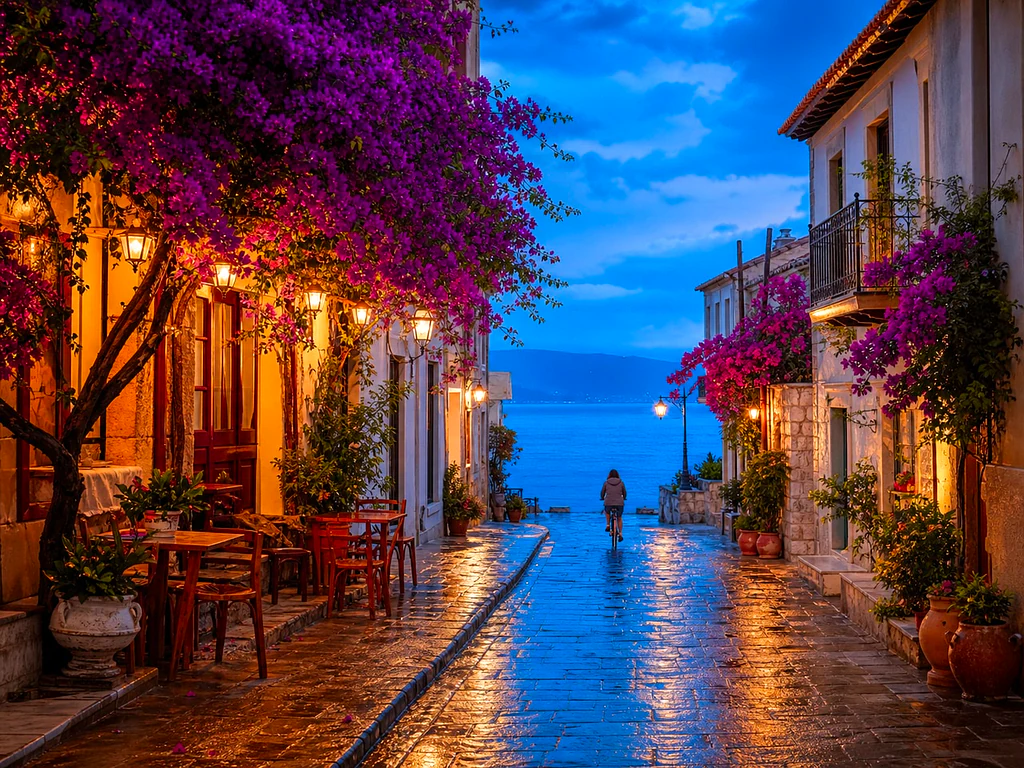
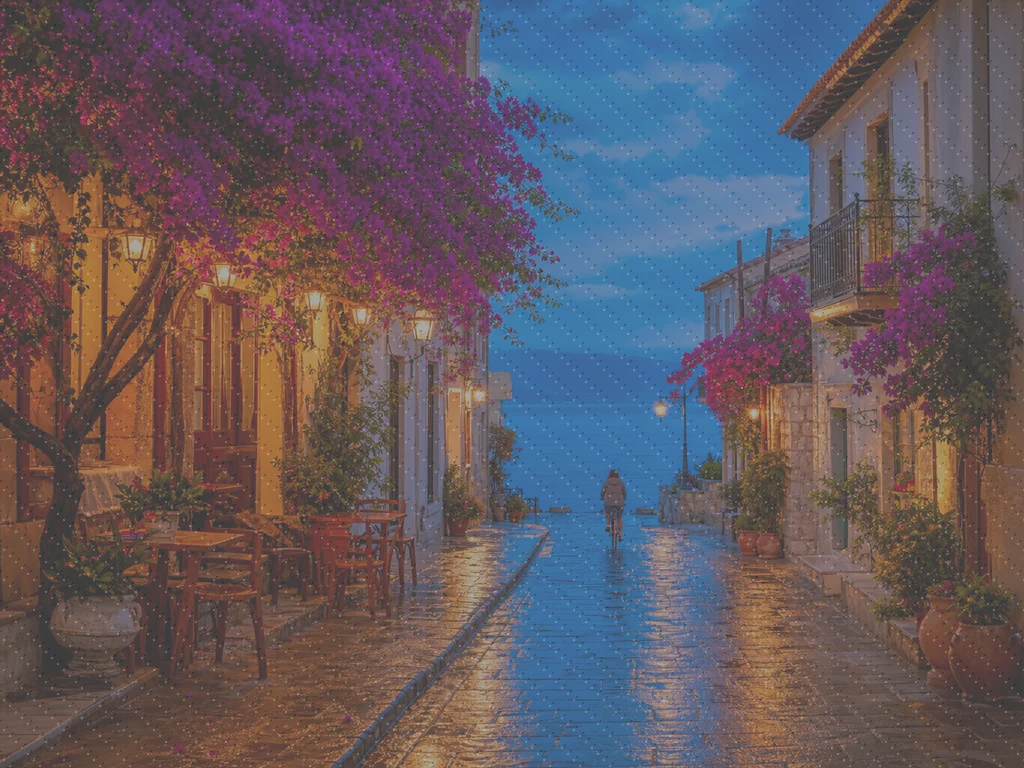
تعبر كل صورة خط المقارنة من دون تعديل وتظهر في الجهة الأخرى مكتملة.























