
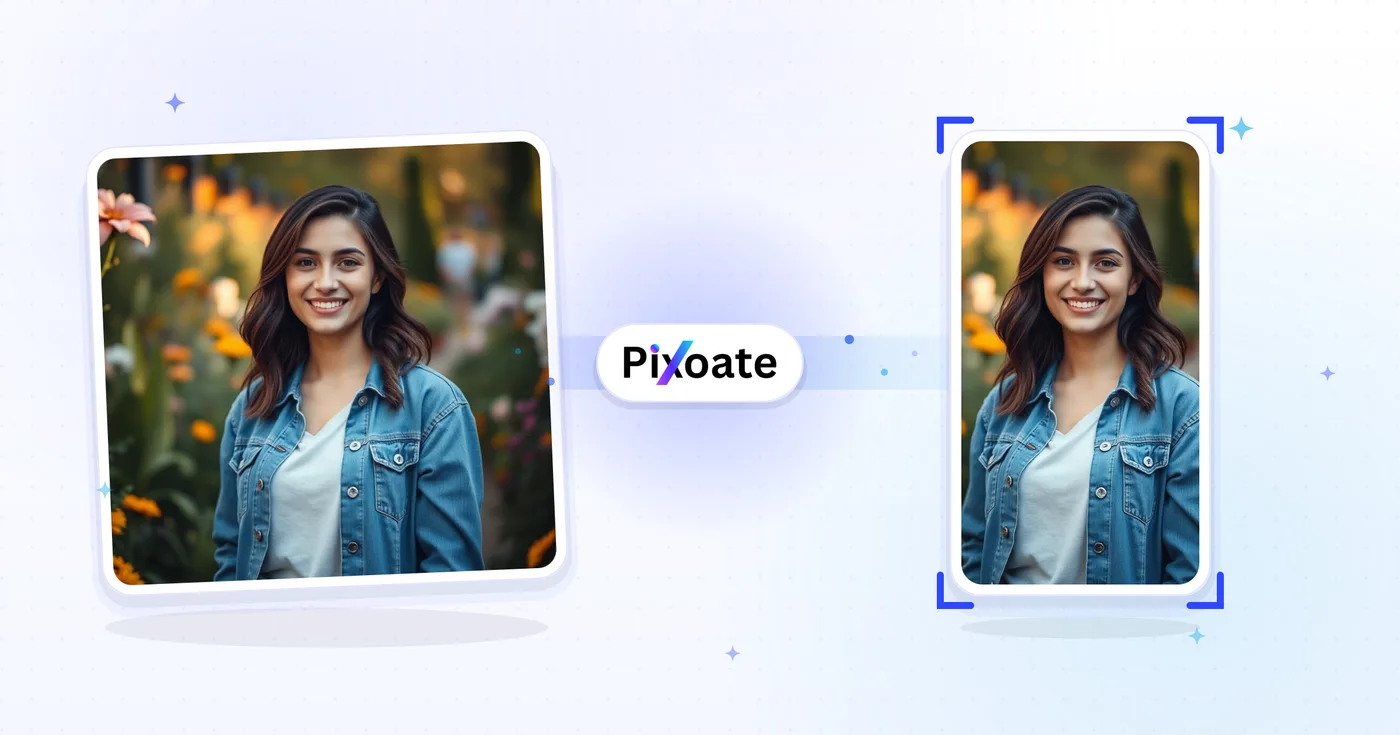
TikTok Cover Resizer - تغيير حجم الصورة لـ TikTok إلى 1080×1920
أغلفة 9:16 (1080×1920)، وصور دائرية، وصور للملف الشخصي، وصور مصغرة - بأحجام TikTok الدقيقة دون التخمين.
إسقاط صورة - غطاء نقدي أو ملف
أحجام صور TikTok
يُبنى TikTok حول المحتوى العمودي بنسبة 9:16. ينبغي رفع أغلفة الفيديو بأبعاد 1080×1920 — فأي شيء أقصر تُضاف إليه أشرطة جانبية وأي شيء أعرض يُقصّ. أما صور الملف الشخصي فهي مربعة (200×200 كحد أدنى). وتتبع عروض الصور المتتالية نفس إطار 9:16 الخاص بالفيديو. تغيّر هذه الأداة حجم أي صورة إلى أبعاد البكسل الدقيقة التي يحتاجها كل موضع.
ما يمكنك فعله باستخدام أداة تغيير حجم غلاف TikTok
قم بمراجعة القدرات الرئيسية قبل البدء.
- Resize video covers to 9:16 TikTok (1080 x1920)
- صور الحجم لـ (تيك توك)
- صور نظيفة للقطع والأبهام
- تمهيد المنطقة الآمنة لإبقاء الأسر خالية
- باد أو ملء الحواف مع لون الخلفية
- احفظه بتنسيق JPG أو PNG أو WebP
مرجع الإعدادات
8 إعدادات
عناصر التحكم المتاحة لـ أداة تغيير حجم غلاف TikTok.
- وضع المعالجةالإعدادات الجاهزة
- عالج مدخلًا واحدًا، أو انتقل إلى وضع الدفعات في Premium لمعالجة عدة مدخلات بالإعدادات نفسها. تعتمد أنواع المدخلات المتاحة على الأداة.الخيارات: صورة واحدةدفعة
الحجم
- أحجام TikTokالإعدادات الجاهزة
- يحدد موضع النشر الدقيق على TikTok الذي تريد تغيير الحجم لأجله، من غلاف الفيديو 1080×1920 وصولًا إلى صورة الملف الشخصي 200×200، ليطابق الناتج حجم البكسل الذي يتطلبه ذلك الموضع.الخيارات: فيديو / غلافسيارة فوتوصورة موجزفيديو موجزصورة مصغرةصورة مصغرة مربعة
الناتج
- ملاءمةالإعدادات الجاهزة
- Chooses how the image fills the frame: Cover fills and crops overflow, Contain fits the whole image with background bars. Untick Maintain aspect ratio to force exact dimensions, which may distort.الخيارات: غلافاحتواء
- الخلفيةمختار كولور
- يحدد لون التعبئة خلف الأشرطة عندما يترك وضع «الاحتواء» مساحة فارغة (الأسود افتراضيًا في هذه الأداة)؛ ويختفي عند اختيار صيغة PNG لأن مخرجات PNG تبقي تلك المناطق شفافة.
- التنسيقهبوط
- يختار نوع ملف التنزيل: JPG للأغلفة الفوتوغرافية، وPNG للنصوص الحادة أو الشفافية، وWEBP أو AVIF لملفات حديثة أصغر حجمًا.الخيارات: JPGPNGWEBPAVIF
- الجودةالمنزلقيتراوح: 40–100% · افتراضي: 92%
- يتحكّم في الضغط لمخرجات JPG وWEBP وAVIF — فالقيم الأعلى تبدو أوضح لكنها تنتج ملفات أكبر — ولا يظهر مع PNG لأنه دائمًا بلا فقدان.
معاينة
- إظهار المنطقة الآمنةتشغيل / إيقاف
- يبدّل ظهور دليل دائري فوق المعاينة (مفعّل افتراضيًا) يحدّد المساحة التي يعرضها TikTok فعليًا، ولا يظهر إلا مع إعدادَي صورة الملف الشخصي المربّعة وفيديو الملف الشخصي.
توسيع بالذكاء الاصطناعي
- وسّع الخلفية بالذكاء الاصطناعيلعق واحد
- وسّع المشهد إلى الحجم المحدد بالذكاء الاصطناعي مع الحفاظ على الصورة المصدر المُجهّزة. التنزيلات المجانية بحجم الويب. ويفتح Premium أو الأرصدة الدقة الكاملة. تتطلب النسب المدعومة الحفاظ على نسبة العرض إلى الارتفاع. في وضع الدفعات، تُوسَّع كل صورة في قائمة الانتظار وتُسلَّم بالحجم والصيغة اللذين اخترتهما.
الأدوات ذات الصلة بـ أداة تغيير حجم غلاف TikTok
أدوات للخطوات التالية الشائعة بعد أداة تغيير حجم غلاف TikTok.

النشر على الشبكات الاجتماعية
تغيير حجم Instagram
قم بملاءمة صورة كاملة مع أبعاد Instagram باستخدام حشوة غير واضحة أو ذات ألوان ثابتة عند الحاجة.
جرّبه الآن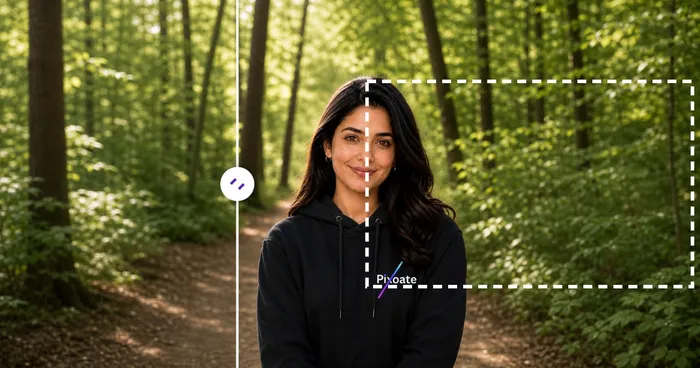
النشر على الشبكات الاجتماعية
أداة تنزيل الصور المصغّرة لـ YouTube
الصق رابط فيديو أو معرّف YouTube لعرض صوره المصغرة المتاحة وتنزيلها.
جرّبه الآن
النشر على الشبكات الاجتماعية
أداة تغيير حجم دبوس Pinterest
قم بتغيير حجم الصور لأبعاد دبابيس Pinterest وملفات التعريف وغطاء اللوحة المدرجة، بما في ذلك الإعدادات المسبقة 2:3 والمربع.
جرّبه الآنالأسئلة الشائعة
كيف تساعدك أداة تغيير حجم غلاف TikTok على إنجاز مهمتك
فهو يحل المشكلات الحقيقية كل يوم، للشركات والمبدعين والمهام اليومية. ابحث عن حالة الاستخدام التي تناسبك وابدأ.
تصميم أغلفة فيديوهات صنّاع المحتوى
صانعي تيك توك يصممون أغطية فيديو متماسكة بعلامات و ألوان و عناوين متماسكة
أغلفة علامات المطاعم والأطعمة التجارية
تغيّر المطاعم والمقاهي والعلامات التجارية للأطعمة حجم صور الطعام الرئيسية إلى أبعاد غلاف TikTok لدفع المتابعين لمشاهدة مقاطع فيديو الأطباق وزيارة رابط القائمة في النبذة التعريفية
أغلفة دروس التجميل والعناية بالبشرة
يصمّم صُنّاع محتوى التجميل وعلامات العناية بالبشرة أغلفة دروس قبل/بعد بأبعاد TikTok الصحيحة لتعظيم معدل النقر من تصفّح خلاصة For You
أغلفة فيديوهات اللياقة والتمارين
يصمم صنّاع محتوى اللياقة والمدربون وعلامات تمارين المنزل أغلفة TikTok مع عناوين التمارين ومدتها ومستويات صعوبتها كي يعرف المستخدمون ما هم على وشك الالتزام به
أغلفة عروض منتجات التجارة الإلكترونية
قم بتغيير حجم غلاف المنتج إلى أبعاد TikTok حتى يتوقف TikTok Shop والإعلانات ضمن الخلاصة عن اقتصاصه
أغلفة الفيديوهات التعليمية والإرشادية
يصمم صنّاع محتوى التعليم التقني ومعلمو اللغات ومعلمو المهارات أغلفة TikTok واضحة يظهر فيها عنوان الدرس والفكرة الأساسية قبل أن يضغط المستخدم على التشغيل
أغلفة إصدارات الموسيقى ومقاطع البودكاست
يصدّر الموسيقيون ومقدمو البودكاست صورة فيديو/غلاف (1080x1920) تعلن عن أغنية أو حلقة جديدة، ثم يستخدمون عرض الصور المتتابع لشرائح تشوّق لقائمة المقطوعات، وكلها مقصوصة على نفس إطار 9:16.
أغلفة مقاطع جولات العقارات
يعيد وكلاء العقارات تحجيم صور الإعلانات إلى إعداد Video/Cover في TikTok مع ملاءمة Contain حتى لا تُقتصّ لقطة غرفة المعيشة بزاوية واسعة، مع إبقاء الغرفة كاملة مرئية قبل تشغيل فيديو الجولة.
أغلفة إطلاق ميزات SaaS
يستخدم مسوّقو المنتجات ملاءمة Contain مع لون خلفية يحمل هوية العلامة لإدراج لقطة شاشة كاملة لسطح المكتب داخل إطار 9:16 دون اقتصاص الواجهة، لمقاطع الإعلان عن الميزات والعروض التوضيحية.
شرائح دوّارة لملخص المؤتمرات والفعاليات
يستخدم منظمو الفعاليات إعداد دوّار الصور المسبق لتغيير حجم مجموعة من صور الجلسات إلى منشور عرض شرائح متطابق بنسبة 9:16 يلخّص مؤتمرًا أو لقاءً للحاضرين الذين فوّتوه.
أغلفة فيديو منتجات متجر TikTok
يعيد بائعو متجر TikTok تحجيم تصوير المنتجات إلى إطار "فيديو/غلاف" لمنشورات الفيديو القابلة للتسوّق ويستخدمون "شريط الصور" لعروض المنتجات من زوايا متعدّدة، مما يبقي أغلفة فيديو المتجر متناغمة مع تغذية TikTok العمودية بدلاً من أن تبدو صورة تجارة إلكترونية مقصوصة.
شاهد كل تحويل عند اكتماله
تعبر كل صورة خط المقارنة من دون تعديل وتظهر في الجهة الأخرى مكتملة.























