
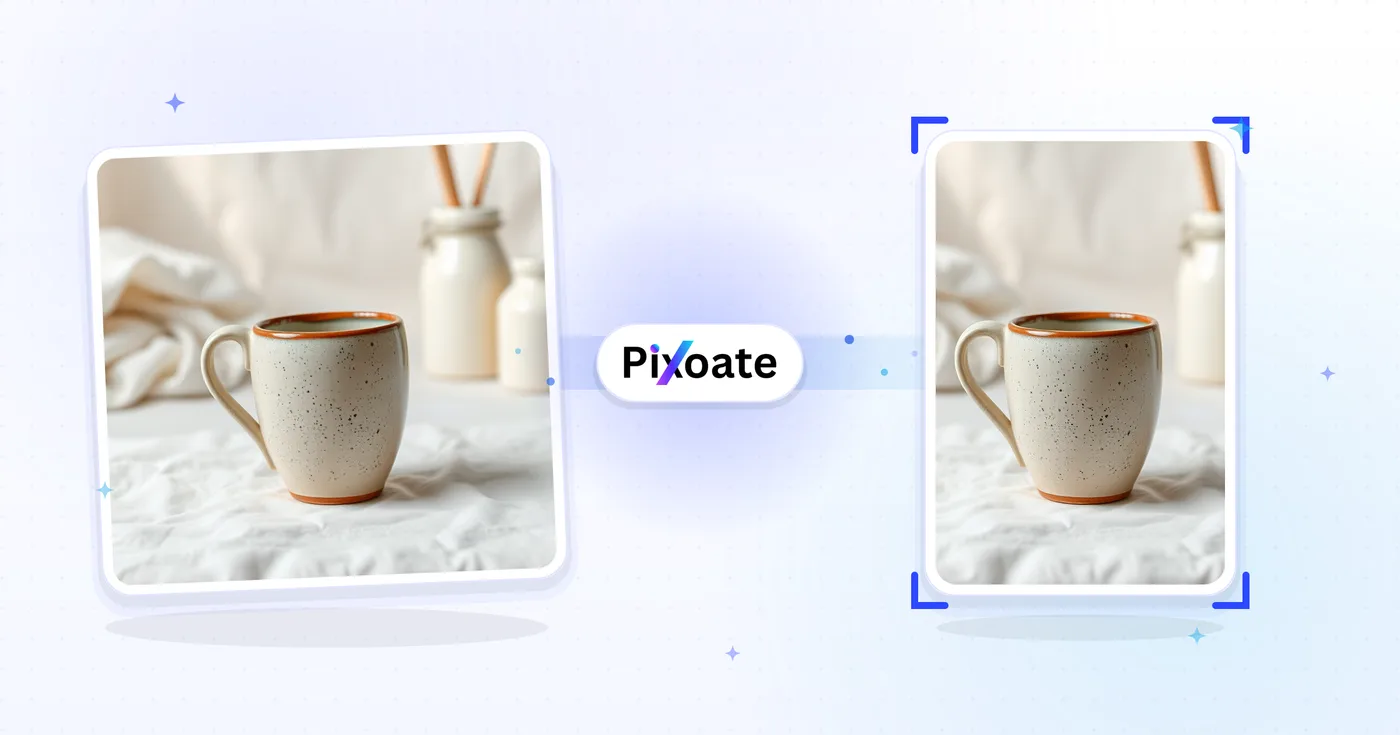
Pinterest Pin Resizer — Tilpas størrelsen på et billede til Pinterest Pins
Standard 2:3-nåle, lange stifter, firkanter, historienåle, profilbilleder og tavleomslag - de nøjagtige størrelser, som Pinterest foretrækker.
Slip et billede - vælg dit pinformat
Pinterest-pin-størrelser
Pinterest foretrækker pins i portrætorientering. Det anbefalede billedformat er 2:3 (1000×1500) — højere pins beskæres i feedet, og lavere får mindre skærmplads. Lange pins (op til 2,1:1) opnår ofte det bedste engagement, når designet understøtter lodret læsning. Story-pins bruger lodret 9:16-video/-billede. Dette værktøj tilpasser ethvert billede til den nøjagtige pixelstørrelse, hver placering kræver.
Hvad du kan gøre med Pinterest-pin-størrelsesværktøj
Gennemgå de vigtigste funktioner, før du begynder.
- Tilpas billeder til 2:3 standard Pinterest-nålen
- Lav lange stifter, firkantede stifter og historiestifter
- Størrelsesgrafik til profil- og tavlomslag
- Tjek den sikre zone, så intet vigtigt bliver beskåret
- Tilføj en baggrund for at udfylde billeder uden forhold
- Download i JPG, PNG eller WebP
Indstillingsreference
8 indstillinger
Tilgængelige kontroller til Pinterest-pin-størrelsesværktøj.
- BehandlingstilstandForudindstillinger
- Behandl ét input, eller skift til Premium-batchtilstand for at behandle flere input med de samme indstillinger. De tilgængelige inputtyper afhænger af værktøjet.Indstillinger: Enkelt billedeFlere filer
Størrelse
- Pinterest-størrelserForudindstillinger
- Vælger den Pinterest-placering, du vil tilpasse størrelsen til; hver forudindstilling anvender præcise pixelmål, f.eks. Standard pin 1000×1500 (2:3), Story pin 1080×1920 og Board cover 600×600.Indstillinger: StandardnålFirkantet stiftLang pindHistorienålVideopin (kvadratisk)ProfilbilledeCoverbillede til profilBræddedæksel
Resultat
- TilpasForudindstillinger
- Controls how your image fills the pin size: Cover crops the edges and Contain fits the whole image with padding. Untick Maintain aspect ratio to fill the size exactly, which can distort proportions.Indstillinger: ForsideTilpas
- BaggrundFarvevælger
- Indstiller fyldfarven til den udfyldning, der lægges omkring dit billede i Contain-tilstand; standarden er Pinterest-rød, og den er skjult ved PNG-output, som holder udfyldningen transparent.
- FormatRullemenu
- Vælger outputfiltypen: JPG til fotografiske pins, PNG til skarp tekst eller gennemsigtighed, WEBP eller AVIF til mindre filer med tilsvarende kvalitet.Indstillinger: JPGPNGWEBPAVIF
- KvalitetSkyderRækkevidde: 40–100% · Standard: 92%
- Indstiller komprimeringskvaliteten for JPG-, WEBP- eller AVIF-output — højere værdier ser skarpere ud, men giver større filer; skjult, når PNG er valgt.
Forhåndsvisning
- Vis sikker zoneTil/fra
- Viser eller skjuler en cirkulær beskæringsguide over forhåndsvisningen i forindstillingen Profilbillede, så du kan holde ansigter og logoer inden for den cirkel, Pinterest rent faktisk viser.
AI-udvidelse
- Udvid baggrunden med AIEt enkelt klik
- Fortsæt scenen ud til den valgte størrelse med AI, mens det forberedte kildebillede bevares. Gratis downloads er i webstørrelse. Premium eller kreditter låser op for fuld opløsning. Understøttede formater kræver, at billedformatet bevares. I Batch udvides hvert billede i køen og leveres i den størrelse og det format, du har valgt.
Relaterede værktøjer til Pinterest-pin-størrelsesværktøj
Værktøjer til almindelige næste trin efter Pinterest-pin-størrelsesværktøj.

Udgivelse på sociale medier
Instagram-tilpasning
Tilpas et fuldt billede til Instagram-dimensioner ved hjælp af sløret eller ensfarvet polstring, når det er nødvendigt.
Prøv det nu
Udgivelse på sociale medier
TikTok-forsideskalering
Ændr størrelsen på billeder til de angivne TikTok-omslag, karrusel-, profil- og miniaturedimensioner, inklusive 1080×1920.
Prøv det nu
Foto Editing & Utilities
Komprimér billede til KB
Komprimer JPG-, PNG- eller WebP-filer mod en valgt størrelse såsom 20KB, 50KB eller 100KB, og gennemse derefter resultatet.
Prøv det nuOfte stillede spørgsmål
Sådan hjælper Pinterest-pin-størrelsesværktøj dig med at få det gjort
Virkelige problemer, den løser hver dag - for virksomheder, skabere og hverdagsopgaver. Find den use case, der passer til dig, og start.
Pins til promovering af blogindlæg og artikler
Bloggere, content marketers og SEO-teams tilpasser hero-billeder og citatgrafik til lodrette pins på 1000 × 1500 for at drive Pinterest-trafik til lange artikler og listicles
Pins til opskrifts- og madbloggere
Madbloggere og opskriftsudviklere designer høje lodrette pins (1000 × 1500) af færdige retter med tekstoverlay for at få flere Pinterest-gemninger og skabe trafik til opskriftswebsteder
Inspirationstavler til bryllupper og events
Bryllupsplanlæggere, brude og eventdesignere skaber stifter i størrelse til Pinterest moodboards, der dækker spillesteder, kjoler, indretning og farvepaletter fra ægte kundebryllup
Pins til Etsy- og håndlavede produkter
Etsy-sælgere og skabere af håndlavede produkter tilpasser livsstils-produktbilleder til Pinterest-pinmål for at trække trafik til butikken fra Pinterest-søgning og kategorigennemsyn
Pins om boligrenovering og indretning
Indretningsarkitekter, gør-det-selv-bloggere og renoveringsprofiler udgiver høje før/efter-pins af køkken-, badeværelses- og hele boligforvandlinger, der vinder repins
Pins med outfit- og stilinspiration
Tilpas størrelsen på billeder i fuld outfit til udvalgte Pinterest-nålemål for stil og porteføljeindhold
Brandede sæt til profil- og board-cover
Brug forudindstillingerne Tavleforside (600×600) og Profilforside (800×450) med Indeholdt tilpasning og en matchende brand-hex-baggrundsfarve for at give en hel Pinterest-virksomhedsprofil et konsistent, poleret udseende.
Lange how-to- og infografik-pins
Lang pin-forudindstillingen (op til 2,1:1, 1000×2100) giver trin-for-trin-vejledninger, opskriftskort og infografik med flere trin den ekstra lodrette plads, som standardpins ikke kan rumme, hvilket Pinterest belønner med stærkere engagement.
Idea Pins og firkantede videominiaturer
Ændr størrelsen på video-covers til Story pin- (1080×1920) eller Video pin square-forindstillingen (1080×1080), så idea pins og videoindhold vises uden beskæring eller letterboxing i Pinterest-appen.
Cirkelsikre profilbilleder til virksomhedssider
Vælg Profile picture-forudindstillingen, og hold safe-zone-overlayet slået til for at bekræfte, at dit logo eller portrætbillede forbliver centreret inden for den cirkulære beskæring, Pinterest anvender på hvert profilbillede.
E-handels produktpins til Shopify- og Etsy-sælgere
Ændr størrelsen på produktfotos til Standard pin- (1000×1500) eller Square pin-forindstillingen (1000×1000) med Contain-tilpasning og en hvid eller brand-farvet baggrund, så hver produktpin ser ensartet og katalogklar ud, når den linkes tilbage til en Shopify- eller Etsy-annonce.
Watch hver transformation land
Hver foto crosses den slash untouched og comes out den anden side finished.























