
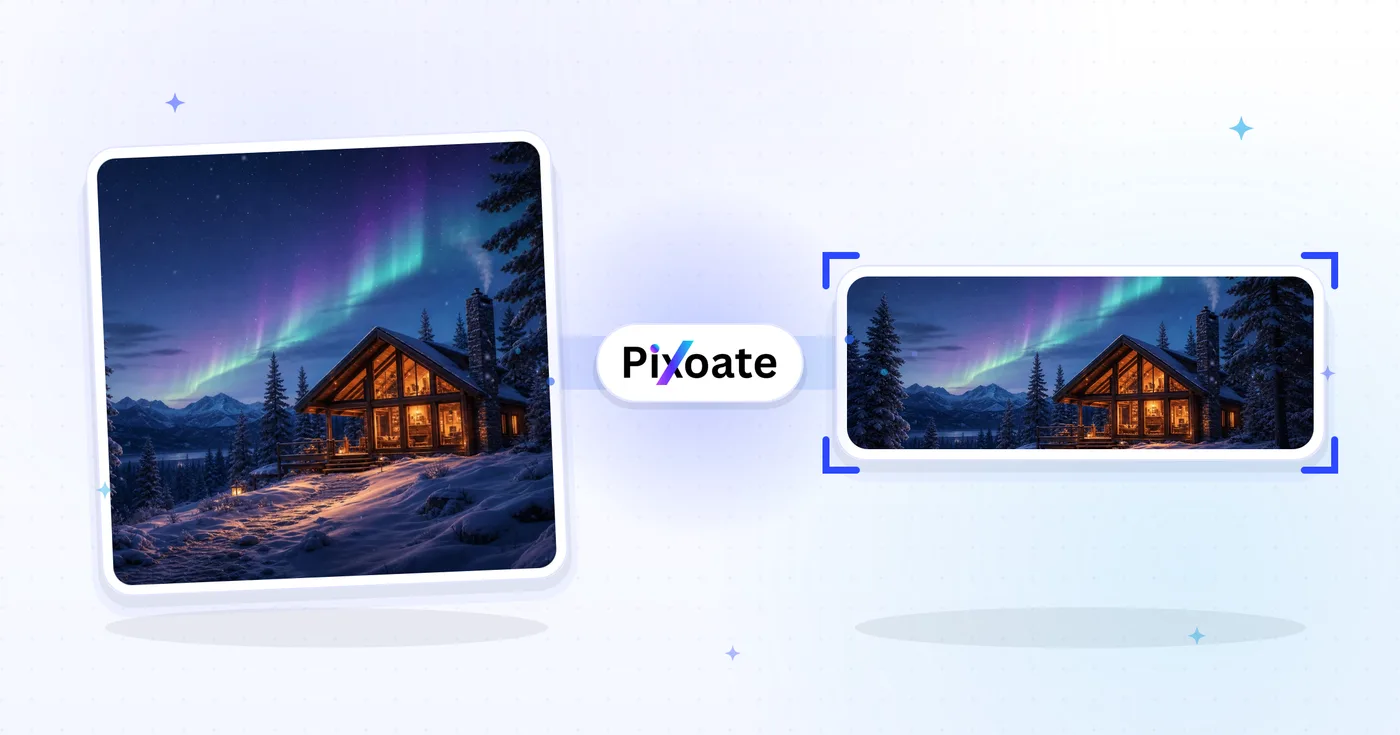
Twitch 배너 크기 조정기 — Twitch 배너 및 패널 크기 조정
배너(1200×480), 프로필, 오프라인 화면, 구독 배지, 패널, 오버레이 — 각각 Twitch에서 기대하는 정확한 크기로 내보냅니다.
이미지 드롭 - 배너, 패널 또는 배지 선택
Twitch 에셋 크기
Twitch has more image placements than any other platform. The channel banner is 1200×480, profile picture is square (256×256 minimum), and the offline screen — the most-seen asset on dormant channels — is 1920×1080. Sub badges are tiny (18×18 at 1x, plus a 72×72 hi-DPI variant). Stream overlays for OBS use 1920×1080 to match the canvas. This tool resizes any image to the exact pixel size each placement needs.
Twitch 배너 크기 조정기로 할 수 있는 일
시작하기 전에 주요 기능을 검토하세요.
- Twitch 배너 크기를 1200×480으로 조정하세요.
- 프로필 사진 및 오프라인 화면 크기 조정
- 구독 배지, 패널 및 스트림 오버레이 만들기
- 업로드하기 전에 안전지대 미리보기
- 배경색으로 여유 공간 채우기
- 원하는 품질로 JPG, PNG 또는 WebP로 내보내기
설정 참고
8 설정
Twitch 배너 크기 조정기에 사용 가능한 제어 기능입니다.
- 처리 방식프리셋
- 입력 하나를 처리하거나 Premium 일괄 처리 모드에서 여러 입력에 같은 설정을 적용하세요. 입력할 수 있는 자료의 종류는 도구마다 다릅니다.옵션: 단일 이미지일괄 처리
크기
- Twitch 크기프리셋
- 크기를 맞출 Twitch 게재 위치를 정확히 고릅니다. 1200×480 채널 배너부터 18×18 구독 배지까지 지원하며, 미리보기가 해당 픽셀 크기로 즉시 전환됩니다.옵션: 채널 배너프로필 사진프로필 배너오프라인 화면동영상 플레이어 배너스트림 오버레이패널 이미지구독자 배지(1x)구독자 배지(4x)
출력
- 맞춤프리셋
- Chooses how the image fills the preset frame: Cover crops overflow and Contain pads with the Background tab fill so nothing is cut. Untick Maintain aspect ratio to force an exact fit, which may distort.옵션: 커버맞춤
- 배경색상 선택기
- 맞춤(Contain) 방식을 쓸 때 여백 영역을 채울 색을 설정합니다. 기본값은 Twitch 퍼플이라 레터박스가 채널 테마와 자연스럽게 어울립니다. 여백을 투명하게 유지하는 PNG에서는 표시되지 않습니다.
- 형식드롭다운
- 다운로드 파일 형식을 선택합니다. 사진에는 JPG, 또렷한 배지와 투명 여백에는 PNG, 용량이 작은 최신 형식에는 WEBP 또는 AVIF가 좋습니다.옵션: JPGPNGWEBPAVIF
- 품질슬라이더범위: 40–100% · 기본값: 92%
- JPG, WEBP, AVIF 내보내기에서 파일 크기와 이미지 품질의 균형을 맞춥니다. 값이 낮으면 파일이 작아지고 높으면 디테일이 더 남으며, PNG에서는 이 슬라이더가 표시되지 않습니다.
미리보기
- 안전 영역 표시켜기 / 끄기
- '프로필 사진' 프리셋에서 원형 아바타 자르기 영역을 미리보기에 겹쳐 보여 주므로 얼굴이나 로고가 원형으로 잘려도 온전한지 확인할 수 있습니다. 끄면 잘리지 않은 정사각형을 볼 수 있습니다.
AI 이미지 확장
- AI로 배경 확장원클릭
- 준비된 원본 사진은 그대로 두고 AI로 장면을 선택한 크기까지 이어서 확장합니다. 무료 다운로드는 웹 크기입니다. Premium 또는 크레딧으로 전체 해상도를 이용할 수 있습니다. 지원되는 비율은 가로세로 비율을 유지해야 합니다. 일괄 처리에서는 대기열의 모든 이미지가 확장되어 선택한 크기와 형식으로 제공됩니다.
Twitch 배너 크기 조정기 관련 도구
Twitch 배너 크기 조정기 이후 일반적인 다음 단계를 위한 도구입니다.
자주 묻는 질문
Twitch 배너 크기 조정기가 작업을 완수하도록 돕는 방법
비즈니스, 크리에이터, 일상 업무의 실제 문제를 매일 해결합니다. 귀하에게 적합한 사용 사례를 찾아 시작해보세요.
게임 스트리머 채널 브랜딩
Twitch 스트리머는 플레이하는 게임, 스폰서, Discord 초대 링크를 보여주는 프로필 배너를 디자인해 처음 방문하는 사람도 채널이 어떤 곳인지 바로 이해할 수 있게 합니다
스트리밍 일정이 담긴 오프라인 배너
스트리머가 마케팅 광고판 역할도 하는 오프라인 배너를 디자인합니다. 채널이 방송 중이 아닐 때 일정, 스폰서 로고, Discord 초대 링크, 소셜 계정을 보여줍니다
e스포츠 팀 & 프로 선수 배너
프로 e스포츠 선수와 팀 계정은 팬과 대회 주최 측이 후원 정보를 찾을 수 있도록 스폰서 로고, 대회 우승 기록, 로스터 정보를 담은 배너를 디자인합니다
스트리밍 채널 패널 이미지
스트림 아래에 배치되는 채널 패널 이미지(소개, 일정, 후원, Discord, 굿즈, 스폰서)를 만들어, 프로필 페이지가 완성된 브랜드 스토리를 전하도록 하세요
버라이어티 및 IRL 스트리머 브랜딩
IRL 스트리머, 버라이어티 크리에이터, Just Chatting 호스트는 단일 게임 프랜차이즈에 초점을 맞추는 대신 채널의 라이프스타일 분위기를 반영한 배너를 디자인합니다
자선 스트림 및 이벤트 배너
자선 스트림, 마라톤, 특별 이벤트에서 후원 로고, 모금 총액, 보상 등급을 담은 이벤트 전용 배너를 디자인하고, 스트리밍 주말 내내 업데이트하세요
OBS를 위한 스폰서 오버레이 키트
유료 스폰서십을 진행하는 브랜드와 스트리머는 스폰서 로고를 OBS에 맞게 배치한 스트림 오버레이(1920x1080) 에셋을 제작하고, 게임 화면 위에서 투명 영역이 깔끔하게 유지되도록 PNG로 전달합니다.
토크쇼 및 팟캐스트 동시 송출 키트
Twitch에 동시 송출하는 팟캐스터는 오프라인 화면과 동영상 플레이어 배너(둘 다 1920x1080)를 쇼 노트용 패널 이미지와 함께 사용하여 채널을 전형적인 게임 레이아웃 대신 토크쇼 분위기로 연출합니다.
신규 제휴사를 위한 첫 하위 배지 등급
신규 Twitch 어필리에이트는 Sub badge(1x)와 Sub badge(4x) 프리셋으로 첫 충성도 등급을 디자인하고, 일반 및 고해상도 시청자를 위해 18x18과 72x72 두 크기로 선명한 PNG를 내보냅니다.
크로스 플랫폼 스트리머 브랜딩
YouTube와 Kick에도 콘텐츠를 올리는 스트리머는 채널 배너와 패널 이미지를 다른 플랫폼의 아트워크와 시각적으로 통일해, 교차 게시되는 클립과 프로필 링크가 하나의 브랜드처럼 느껴지게 합니다.
자선 마라톤 스트림 키트
자선 마라톤 주최자는 기부 목표와 수혜자를 표시하는 어울리는 오프라인 화면, 스트림 오버레이, 패널 이미지 세트를 만들어, 24-48시간 모금 방송에 스트리머의 평소 브랜딩과 구별되는 전문적이고 통일감 있는 느낌을 줍니다.
각 변화를 확인하세요
모든 사진이 원본 그대로 슬래시를 지나 반대편에서 완성된 결과물로 나옵니다.























