
Gjør håndskrevne varetellinger brukbare i lagerarbeidsboken
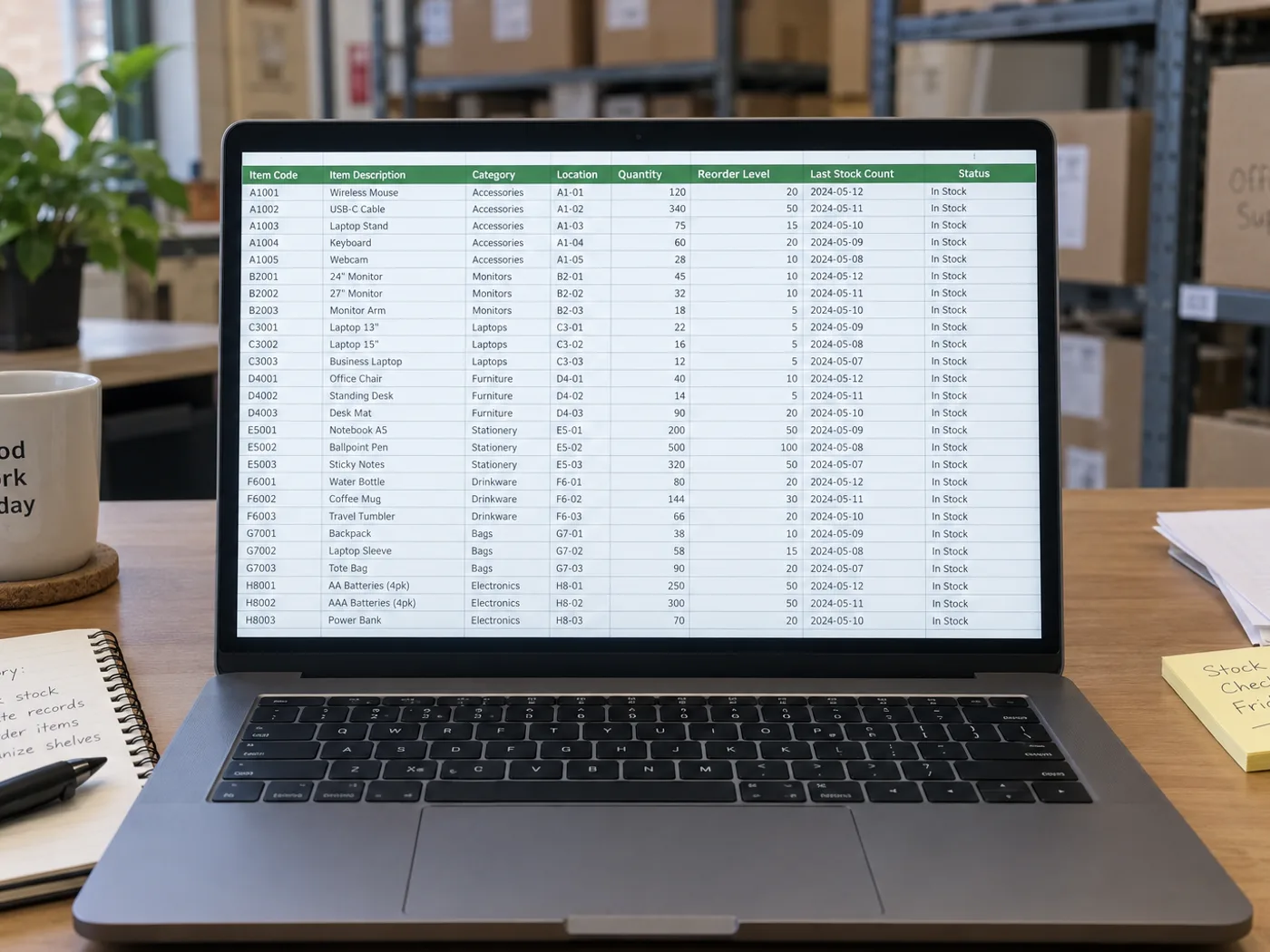
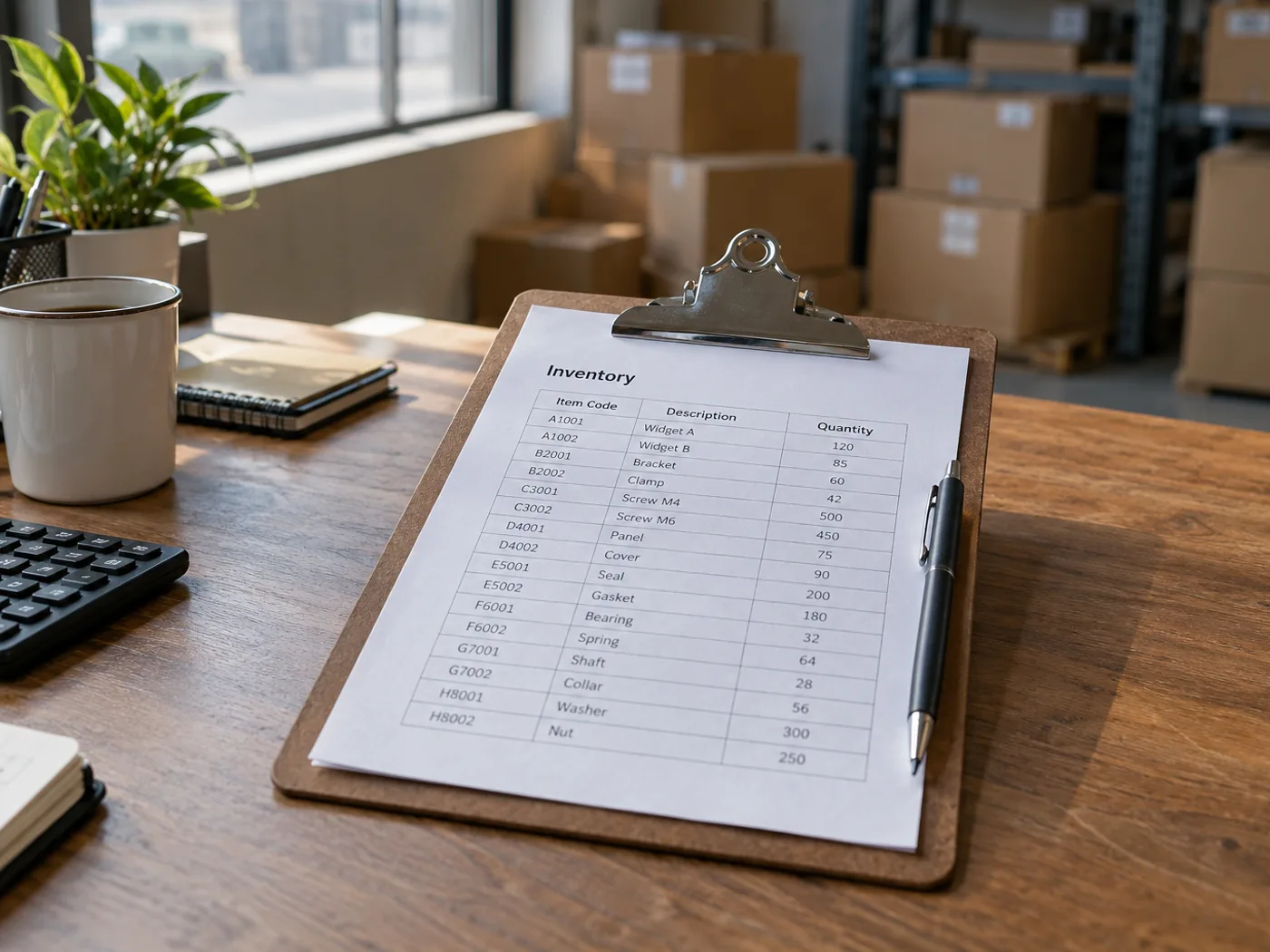
Gjør et fotografert lageropptellingsark om til Excel uten å skrive inn hver synlige oppføring på nytt. Kontroller SKU-staving, telleenheter og håndskrevne rettelser før du slår sammen de hentede radene med lagerarbeidsboken.
Klargjøring av tellelister for lager
Gjør om ett ferdig antallsark om gangen, og kontroller deretter lagerplassreferanser og antall før du sammenligner fysisk opptelling med lagerbeholdningen i systemet.
Vurdering av kjøkken- og butikkbeholdning
Hent ut registrerte antall til en arbeidsbok, og hold kartonger, enkelte enheter og vekter atskilt når du planlegger påfylling.
Sjekk koder og antall enheter før du sammenligner lagerbeholdningen
- Fotografer opptellingsarket flatt, og ta med overskriftene for SKU, plassering og antall.
- Kontroller utydelig håndskrift, og sjekk om hvert antall gjelder stykker, esker eller en annen enhet.
- Last ned XLSX og avstem de avkryssede radene med de eksisterende lagerregistrene dine.
Håndskrevne antall, gjentatte SKU-er og lageroppdateringer
- Teller konvertering av lagerliste til Excel objekter på et bilde?
- Nei. Den leser et ark som allerede inneholder registrerte antall. Bruk et verktøy for objekttelling når bildet viser produkter i stedet for skrevne lagerrader.
- Kan håndskrevne lagerbeholdninger hentes ut?
- Tydelig håndskrift kan være leselig, men gjennomstrekede eller overlappende tall må kontrolleres manuelt. Bekreft det riktige sluttantallet i originalarket.
- Vil uthenting fra et ark oppdatere lagersystemet mitt?
- Nei. Du får en arbeidsbok til gjennomgang. Importering eller oppdatering av lagerbeholdningen er fortsatt en separat handling i lagersystemet ditt.
- Hvordan bør gjentatte SKU-er i ulike lagerrom håndteres?
- Behold plasseringskolonnen for hver rad. Ikke slå sammen gjentatte varekoder før du har bestemt om lagerplassene skal summeres eller følges opp hver for seg.


























