
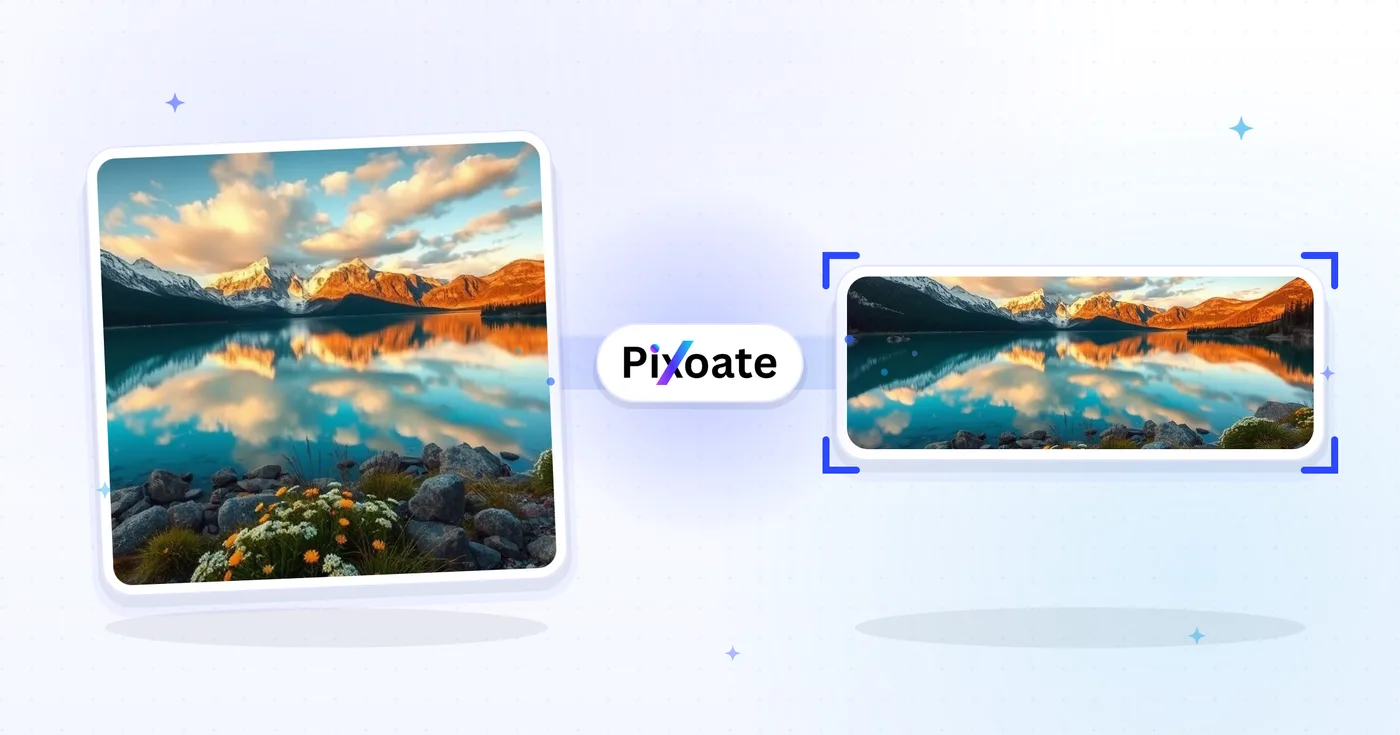
Ändra storlek på LinkedIn-bilder — profil 400×400 och banner 1584×396
Ändra storlek på ett foto för din LinkedIn-profilbild (400×400) eller banner (1584×396), eller välj en logotyp, ett inlägg eller en artikelförinställning, placera bilden och ladda ner de valda måtten.
Släpp en bild — välj banner-, profil- eller inläggsstorlek
LinkedIn-bildstorlekar
Välj bland de angivna personliga omslags-, företagsomslags- och inläggsförinställningarna och välj sedan hur bilden passar målytan. Plattformskraven kan ändras, så bekräfta den aktuella LinkedIn-vägledningen innan du publicerar.
Vad du kan göra med Storleksändrare för LinkedIn-bilder
Granska de viktigaste funktionerna innan du börjar.
- Ändra storlek på foton till en LinkedIn-banner på 1584×396
- Anpassa bildstorlek för profilbilder och företagslogotyper
- Anpassa grafik till LinkedIn-inlägg och artikelheaders
- Förhandsgranska säkerhetszonen innan du exporterar
- Fyll tomma kanter med en vald bakgrundsfärg
- Exportera som JPG, PNG eller WebP i den kvalitet du vill ha
Inställningsreferens
8 inställningar
Tillgängliga kontroller för Storleksändrare för LinkedIn-bilder.
- BearbetningslägeFörinställningar
- Bearbeta en inmatning eller byt till Premiums batchläge för att bearbeta flera med samma inställningar. Vilka typer av inmatning som stöds beror på verktyget.Alternativ: Enstaka bildBunt
Storlek
- LinkedIn-storlekarFörinställningar
- Välj vilken LinkedIn-placering du laddar upp till; de exakta pixelmåtten för den platsen (t.ex. 1584×396 för personlig banner, 1200×627 för inläggsbild) tillämpas automatiskt.Alternativ: Personlig bannerFöretagsbannerProfilbildFöretagslogotypFyrkantig logotypPublicera bildArtikelomslagEvenemangsomslag
Resultat
- AnpassaFörinställningar
- Choose how the photo fills the target size: Cover crops to fill edge-to-edge, Contain keeps the whole image with padded space. To force the exact size instead, untick Maintain aspect ratio; that may distort.Alternativ: OmslagAnpassa
- BakgrundFärgväljare
- Ställer in fyllnadsfärgen för tomrummet runt en bild anpassad med Contain. Standard är LinkedIn-blått, men den kan matcha vilken varumärkesfärg som helst. Döljs för PNG, som håller ytan transparent.
- FormateraRullgardinsmeny
- Väljer filtypen för resultatet: JPG för foton, PNG för transparens, WEBP eller AVIF för mindre filer när du själv står för bildhostingen.Alternativ: JPGPNGWEBPAVIF
- KvalitetReglageIntervall: 40–100% · Standard: 92%
- Styr komprimeringen för utdata i JPG, WEBP och AVIF; högre håller text och logotyper skarpare, lägre krymper filstorleken. Visas inte för PNG, som alltid är förlustfri.
Förhandsvisning
- Visa säker zonPå / Av
- Visas för förinställningen Profile picture: lägger den runda beskärning som LinkedIn faktiskt visar ovanpå bilden och tonar ned de fyrkantiga hörnen som klipps bort, så att du kan hålla ansiktet eller logotypen innanför.
AI-utökning
- Utöka bakgrunden med AIEtt klick
- Fortsätt scenen till vald storlek med AI och behåll samtidigt det förberedda källfotot. Gratis nedladdningar är i webbstorlek. Premium eller krediter låser upp full upplösning. Stödda proportioner kräver att bildförhållandet bibehålls. I Bunt förlängs varje bild i kön och levereras i den storlek och det format du valt.
Relaterade verktyg för Storleksändrare för LinkedIn-bilder
Verktyg för vanliga nästa steg efter Storleksändrare för LinkedIn-bilder.

Social publicering
Facebook-storleksändring
Ändra storlek på bilder för angivna Facebook-omslags-, profil- och inläggsmått med passnings- och fyllningskontroller.
Prova nu
Social publicering
Bildstorleksändrare för X / Twitter
Ändra storlek på bilder för angivna X-rubriker, profiler, inlägg, kort och annonsdimensioner.
Prova nu
Affärsgeneratorer
Visitkortsskapare
Välj en layout för visitkort, ställ in innehåll och färger och ladda ner en 10-upp A4 PDF för utskrift.
Prova nuVanliga frågor
Så hjälper Storleksändrare för LinkedIn-bilder dig att få det gjort
Verkliga problem den löser varje dag - för företag, kreatörer och vardagliga uppgifter. Hitta det användningsfall som passar dig och börja.
Banderoller för personligt varumärke och jobbsökande
Jobbsökare och de som bygger ett personligt varumärke skapar LinkedIn-banners som förstärker deras rubrik, målbransch och nuvarande tillgänglighet – det första en rekryterare ser
Profilbanners för grundare och chefer
Startup-grundare, vd:ar och chefer publicerar banners som visar upp företagets logotyp, aktuell produktlansering och investerarerkännanden för synlighet bland intressenter
Hjältebanners för företagssidor
Marknadsföringsteam utformar omslagsbilder för företagssidor med den senaste produktskärmdumpen, kundlogotyper och Glassdoor-utmärkelser för att omvandla profilbesök till följare och sökande
Banderoller för konferenstalare och författare
Byt ut en högtalare eller podcast-banner för den aktuella säsongen utan att bygga om layouten varje gång
Banners för rekryterare och rekryterande chefer
Rekryterare publicerar banners som annonserar lediga tjänster, arbetsgivarvarumärkets fördelar och teamfoton för att omvandla profilvisningar till ansökningar och inkommande meddelanden från kandidater
Banners för försäljning och affärsutveckling
BDR:er, account executives och säljchefer använder bannern för att lyfta fram produktens värdeerbjudande, kundlogotyper från fallstudier och en tydlig uppmaning till handling för potentiella kunder
Beskärningssäkra LinkedIn-profilbilder
Välj förinställningen Profilbild och slå på överlägget Säker zon för att se exakt vilka hörn LinkedIns cirkulära beskärning klipper bort, så att ansikten och logotyper aldrig kapas efter att du publicerat.
Omslag för webbinarier och meetup-event
Använd förinställningen Evenemangsomslag (1776×444) med anpassningen Rymma och en varumärkesfärgad bakgrund så att ditt webbinariedatum, talarnamn och logotyp förblir fullt synliga i stället för att beskäras av LinkedIns evenemangsbeskärning.
En logotyp, varje LinkedIn-placering
Exportera samma varumärke genom företagets logotyp (300×300) och fyrkantig logotyp (60×60) med en matchande bakgrundsfärg, granska sedan varje storlek i LinkedIn.
Snabbladdning av LinkedIn-grafik
Exportera bildstorlekar för inläggsbilder och artikelomslag som WebP eller AVIF med 85 %+ kvalitet när du själv står värd för grafiken, så att laddningstiderna hålls snabba utan att förlora skärpan på text eller logotyper.
Titta på varje transformationsland
Varje foto korsar snedstrecket orört och kommer ut på andra sidan färdigt.























