
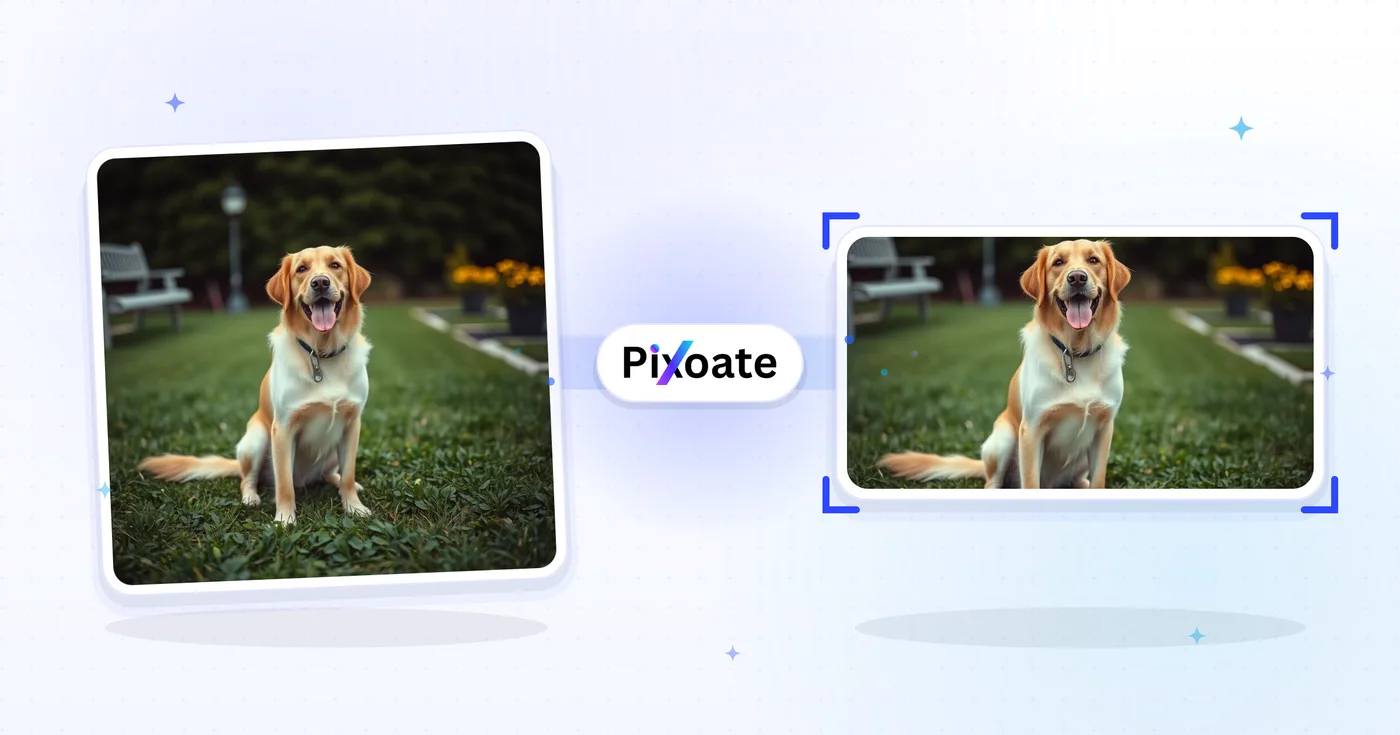
Twitter Image Resizer — Ändra storlek på ett foto för Twitter och X-inlägg
1500×500-headers, profilbilder, 16:9-inlägg, sammanfattningskort och annonsstorlekar — ladda ner exakt de mått X använder idag.
Släpp en bild — välj header-, inläggs- eller profilstorlek
Bildstorlekar för X (Twitter)
X använder en omslagsbanner i 3:1 (1500×500), en kvadratisk profilbild (400×400) och ändrar storleken på uppladdade bilder kraftigt i flödet. Inlägg med en enda bild ser bäst ut i 16:9 (1600×900), medan stående 4:5 (1080×1350) tar mer vertikalt utrymme på mobilen. Sammanfattningskort med stora bilder använder 1200×628 — samma OG-kortformat som LinkedIn och Facebook använder. Det här verktyget ändrar storlek på vilken bild som helst till exakt den pixelstorlek varje placering kräver.
Vad du kan göra med Bildstorleksändrare för X / Twitter
Granska de viktigaste funktionerna innan du börjar.
- Ändra storlek på din header för X/Twitter till 1500×500
- Anpassa storlek på profilbilder och 16:9-inläggsbilder
- Skapa porträttinlägg, sammanfattningskort och annonsbilder
- Förhandsgranska säkerhetszonen för att skydda viktigt innehåll
- Lägg till en bakgrund som passar valfritt bildförhållande
- Ladda ner som JPG, PNG eller WebP
Inställningsreferens
8 inställningar
Tillgängliga kontroller för Bildstorleksändrare för X / Twitter.
- BearbetningslägeFörinställningar
- Bearbeta en inmatning eller byt till Premiums batchläge för att bearbeta flera med samma inställningar. Vilka typer av inmatning som stöds beror på verktyget.Alternativ: Enstaka bildBunt
Storlek
- Storlekar för X / TwitterFörinställningar
- Väljer exakt vilken X-placering (Twitter) du vill anpassa storleken för — header-banner (1500×500), profilbild (400×400), inläggsbilder, länkkort eller annonser — och tillämpar automatiskt den placeringens pixelmått.Alternativ: Rubrik/bannerProfilbildEnstaka inläggsbildKvadratisk inläggsbildVertikal inläggsbildKortbild (stor)Kortbild (liten)Annonsbild
Resultat
- AnpassaFörinställningar
- Controls how your image fills the chosen size: Cover fills the frame and crops overflow, Contain fits the whole image and pads gaps. Untick Maintain aspect ratio to force exact dimensions, which may distort proportions.Alternativ: OmslagAnpassa
- BakgrundFärgväljare
- Ställer in fyllnadsfärgen bakom letterbox-ytan när anpassningen Contain lämnar tomrum runt bilden. Standard är svart, och alternativet döljs för PNG-utdata, som håller de ytorna transparenta.
- FormateraRullgardinsmeny
- Väljer filtypen för resultatet: JPG för foton, PNG för förlustfritt resultat med transparenta kantfält, WEBP eller AVIF för mindre, moderna filer.Alternativ: JPGPNGWEBPAVIF
- KvalitetReglageIntervall: 40–100% · Standard: 92%
- Justerar komprimeringen för JPG-, WEBP- och AVIF-filer; lägre värden ger mindre filer, högre värden behåller mer detaljer. Döljs när PNG är valt eftersom PNG alltid är förlustfritt.
Förhandsvisning
- Visa säker zonPå / Av
- I förinställningen Profilbild läggs X:s runda avatarbeskärning över förhandsvisningen så att du kan kontrollera att ansikten eller logotyper inte kapas; stäng av för att se den vanliga fyrkantiga bilden.
AI-utökning
- Utöka bakgrunden med AIEtt klick
- Fortsätt scenen till vald storlek med AI och behåll samtidigt det förberedda källfotot. Gratis nedladdningar är i webbstorlek. Premium eller krediter låser upp full upplösning. Stödda proportioner kräver att bildförhållandet bibehålls. I Bunt förlängs varje bild i kön och levereras i den storlek och det format du valt.
Relaterade verktyg för Bildstorleksändrare för X / Twitter
Verktyg för vanliga nästa steg efter Bildstorleksändrare för X / Twitter.

Social publicering
Facebook-storleksändring
Ändra storlek på bilder för angivna Facebook-omslags-, profil- och inläggsmått med passnings- och fyllningskontroller.
Prova nu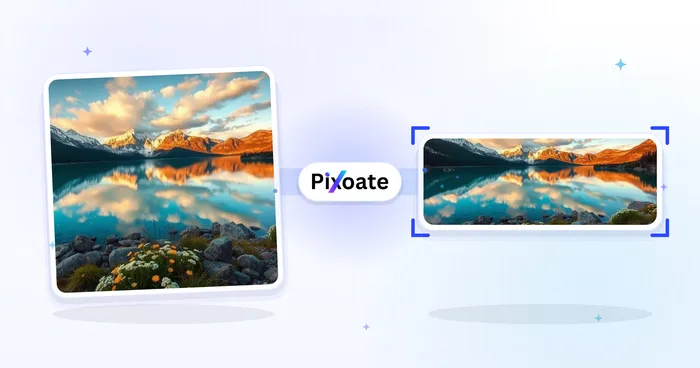
Social publicering
Storleksändrare för LinkedIn-bilder
Resize images for LinkedIn banners, profiles, posts or article headers using the listed dimensions.
Prova nu
Social publicering
Instagram storleksändring
Anpassa ett helt foto till Instagram-dimensioner med suddig eller enfärgad stoppning när det behövs.
Prova nuVanliga frågor
Så hjälper Bildstorleksändrare för X / Twitter dig att få det gjort
Verkliga problem den löser varje dag - för företag, kreatörer och vardagliga uppgifter. Hitta det användningsfall som passar dig och börja.
In-Feed-bildinlägg som inte beskärs
Ändra storlek på foton till X:s flödesmått (1600 × 900) så att förhandsvisningens beskärning visar huvudmotivet, vilket ger fler klick, gilla-markeringar och citat-tweets än felbeskurna inlägg
Uppdatering av varumärkeskontots omslagsbild
Marknadsföringsteam uppdaterar X-omslagsbilder (1500 × 500) säsongsvis för att lyfta fram produktlanseringar, kampanjhashtaggar och konferensdeltagande för starkare profilvarumärke
Förhandsbilder för länkkort
Ändra storlek på hjältebilder för blogginlägg och landningssidor till X:s länkkortsmått (1200 × 628) så att delade länkar visas som ett stort förhandsvisningskort istället för en liten miniatyr
Visuellt material för produktlanseringar och tillkännagivanden
Startup-grundare och produktmarknadsförare ändrar storlek på lanseringsgrafik, GIF-skärmdumpar och infografik för X-inlägg som når trendande ämnen och Product Hunt-publiken
Grafik för live-bevakning av nyheter och sport
Nyhetsmedier, sportkonton och live-eventteam ändrar storlek på nyhetsgrafik, matchresultatkort och liveuppdateringar av resultattavlor så att de visas skarpt i X-flödet
Citattweets och hero-bilder för trådar
Skapa huvudbilder för långa trådöppnare och citatsvar som ger fler retweets än inlägg med enbart text i X-algoritmen
Cirkelsäkra profilbildsavatarer
Använd förinställningen Profilbild (400×400) med det inbyggda cirkulära säkerhetszonsöverlägget för att bekräfta att ett ansikte eller en logotyp klarar X:s cirkulära avatarbeskärning innan du laddar ner, i stället för att gissa och ladda upp igen.
Vertikala porträttinlägg för mobilsurfare
Exportera förinställningen Vertikal inläggsbild (1080×1350, 4:5) för att fylla mer av skärmen i mobila flöden — idealisk för citatkort, porträttfotografi och vertikala miniatyrer som behöver sticka ut vid scrollning.
Marknadsförd annonsdesign klar för Ads Manager
Ändra storlek på kampanjmaterial till den dedikerade Annonsbild-förinställningen (1600×900) med Contain-anpassning och en varumärkesmatchad bakgrundsfärg så att betalda Marknadsförda inlägg uppfyller specifikationen utan sträckning eller oönskade beskärningar.
Titta på varje transformationsland
Varje foto korsar snedstrecket orört och kommer ut på andra sidan färdigt.























