
使用流程
Upload one portrait and choose the effect strength. AI applies a light photographic finish with instructions to preserve the same person, expression, and composition. Compare the result with your original before downloading.
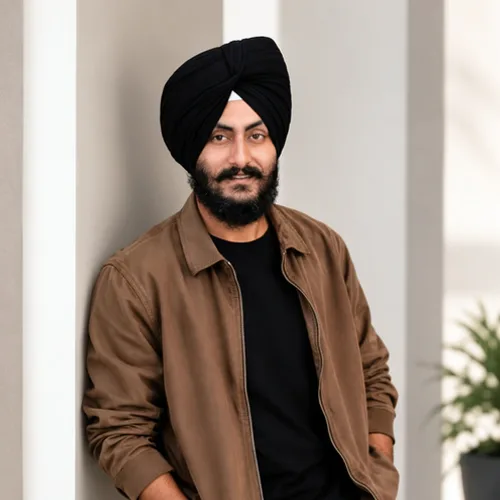

轻松微调人像的光线、色彩和对比度。
在开始之前查看可用的效果功能。
Upload one portrait and choose the effect strength. AI applies a light photographic finish with instructions to preserve the same person, expression, and composition. Compare the result with your original before downloading.
上传照片,调整人像照片润色强度,将处理后的预览与源进行比较,然后下载最终结果。
使用强度控制来平衡 人像照片润色 处理与原始照片的细节和特征。
缩小的 人像照片润色 预览可保持调整响应。免费下载是干净的并且是网页大小的; Premium 或积分解锁原始分辨率。
人像照片润色 上传内容在安全服务器上处理,并根据正常的 Pixoate 保留策略自动删除。
Upload one portrait and choose the effect strength. AI applies a light photographic finish with instructions to preserve the same person, expression, and composition. Compare the result with your original before downloading.
人像照片润色使用 AI 动作。任何单独的余量都会在该效果开始处理之前显示。
clear, well-focused portraits that need a subtle lighting or color adjustment.
不太适合: blurred faces, very dark photos, distant subjects, and images without a clear portrait.























