
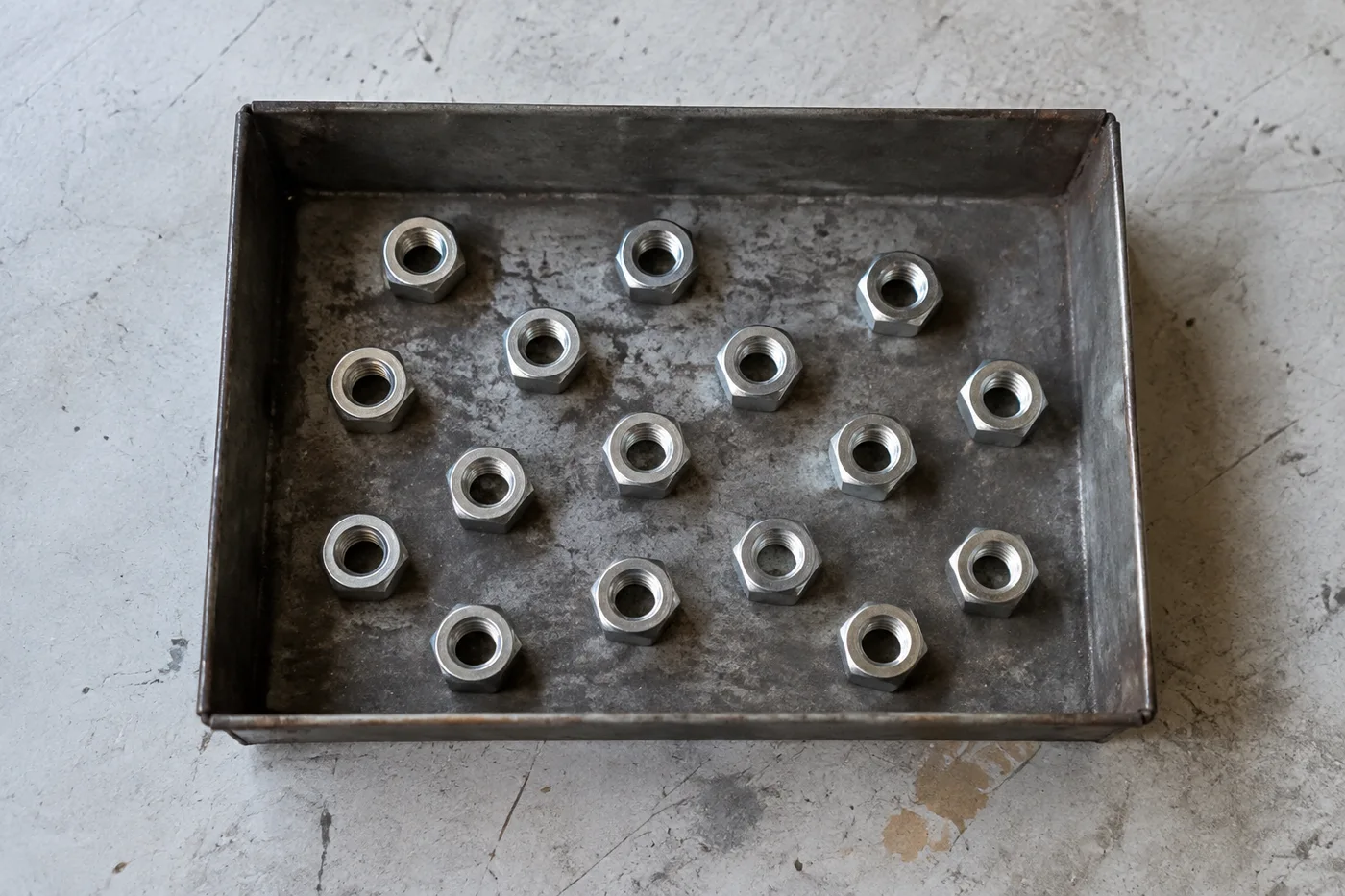
计算图像中的对象 — 来自照片的 AI 对象计数器
适用于 JPG、PNG、WEBP
Counting a shelf, tray or pallet by hand means losing your place and starting over. Upload the photo, enter what to count, and check every marker before you trust the total.
- Upload a photo, optionally name what to count, then review the markers
- Automatic counting without drawing example boxes
- Review the markers to catch items counted twice or missed
- 直接在标注结果上核对每个计数检测目标
Upload a photo and enter what to count
精准计数的小贴士
• 使用光线均匀的俯拍照片,并让物品完整入框
• Keep items visible and avoid overlapping objects
• 点和热图显示保留的检测 - 检查并更正计数
关于物品计数工具
The object counter uses the selected item name to count visible objects and marks detections for review. Counting starts automatically after you enter what to count. Mixed categories and part-versus-whole scenes can have more than one valid interpretation, so check all result markers before using the total for inventory or quality-control work.
工作原理
1. 上传一张物品照片
2. Optionally name what to count; counting starts automatically either way
3. Review the result markers and correct the tally as needed
4. 添加到统计表,并将盘点结果导出为 CSV
适用场景
• 零售库存:袋装、盒装和瓶装商品
• 硬币、珠子、药丸、种子、螺丝和零件
• 库存和存货盘点
• 实验室和质量管控计数
按行业量身打造的专用清点工具
同一套 AI 引擎,针对企业每天需要清点的各类物品逐页精细调校。
使用 物体计数器 可以做什么
在开始之前查看主要功能。
- 计数照片中的物体,而不是手工计数
- 清点硬币、药片、电池、零件和珠子
- 可选:标记一个示例,只统计指定物品
- 通过叠加标记核对计数检测结果
- 对大量照片进行批量核验
- 微调灵敏度,忽略微小杂点
设置参考
15 个设置
物体计数器 的可用控件。
上传
- 单张照片 / 批量审计预设
- 选择单张照片计数或高级批量审核。检查每一个结果。选项: 单张照片批量审计
数量
- 已计入的标记滑块范围: 0–1 · 默认: 0.21
- Starts at 21%; slide toward Show more to include weaker markers or Only strongest to hide them.
- 叠加样式预设
- 选择点、热图、两者或干净的预览。选项: 两者点热感无
- 要统计的对象文字输入
- Enter the item to count, then press Enter or leave the field to start automatically. Review every result marker.
高级
- 结果叠加层下拉框
- Choose how count markers appear in the on-screen preview; the download keeps its own markers.选项: 圆点 + 热力图仅圆点仅热力图
统计
- 添加到统计一键
- Add this count to the tally sheet under the name of the object that was counted. Signed-in accounts add finished counts automatically unless that is turned off under Account settings; in bulk mode every photo also has its own Add to tally button.
- 标签文字输入
- Rename a tally row. Edits and removals wait until you choose Save changes, so you can fix several rows at once.
- 数量数字输入框
- Correct a row's count; totals, the chart and exports follow once the change is saved.
- Save changes一键
- Apply every edited or removed tally row in one step, or choose Discard changes to leave the sheet as it was.
Chart
- By object预设
- The chart is the same in every counting tool and covers the tallies of all of them. By object draws a separate line chart for each tally name, such as pipes and people. By tool draws a chart for each counting tool.选项: By objectBy tool
- 时段预设
- Choose how far back the chart looks. Days without a count appear as zero.选项: 7 days30 days90 days12 months
History
- Counting setup图库
- Keep comparable counts together. A first setup is created for you, so the first count can be saved straight away.
- Observed at文字输入
- The date and time of the count, shown as a date and a time field.
- 音符文字输入
- Starts with every detected object and its count, one per line, such as Pipes - 11. Edit it before saving.
- Save count一键
- Save the count to your account history. Open a saved count later to correct it or download its source photo.


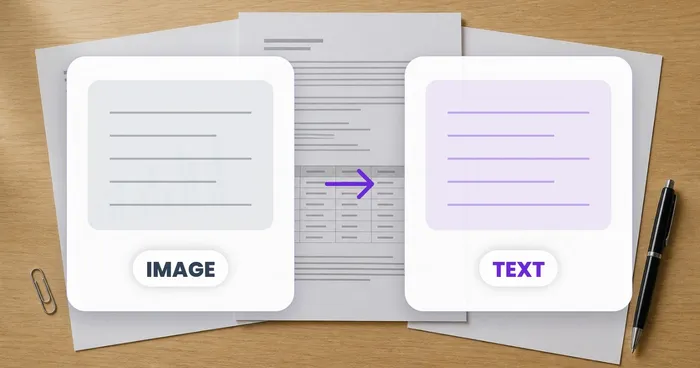
常见问题
物体计数器 如何助您完成任务
它每天为企业、创作者和日常任务解决实际问题。找到适合您的用例并开始。
已核验的仓库周期盘点结果
使用批量审核对队列中的每个货架照片运行不同对象模式,查看每个结果,并在导出周期计数之前更正每个货架的计数。
面向手作者与 Etsy 卖家的小零件库存
在“示例”设置中标记您需要的珠子、螺钉或组件 - 1-3 个示例,每种零件类型一个 - 然后运行计数。检查匹配标记是否存在背景错误,然后将更正的结果添加到计数表中。
教室与实验室用品清点
为骰子、筹码、试管或实验套件生成 AI 辅助草稿统计,核对并修正标记后再导出补货清点表。
可分享给团队的库存盘点报告
将完成的库存盘点保存到你的账户,生成带品牌标识的 PDF 报告,并分享只读链接,让经理或团队成员无需重新上传任何内容即可查看盘点结果。
已包装成品的批量质检计数
在“示例”设置中标记 1-3 个示例单位后运行“相似物品”模式 - 镜头中每种包装类型一个。在发货前检查每个标记并纠正遗漏或重复的内容。
乐高、卡牌和模型等收藏爱好的清点
在“示例”设置中标记 1-3 个示例件(您要计数的每种件类型一个),然后运行计数。检查结果标记并更正计数,而不是从零开始手动计数。
本工具指南
- A Shelf Can Look Full While the Products Customers Want Run LowA full-looking shelf can hide gaps in the products people want. Explore Pixoate visible-object counts and the context needed for a useful stock review.
- How to Count Shop Inventory from Shelf PhotosCount visible shelf stock, review object markers and export a tally. Learn how to handle hidden items, mixed products and inventory discrepancies.























