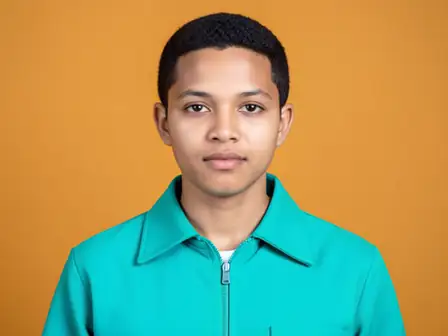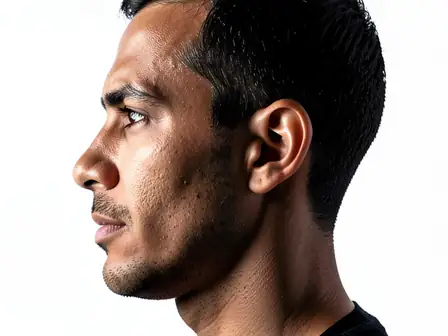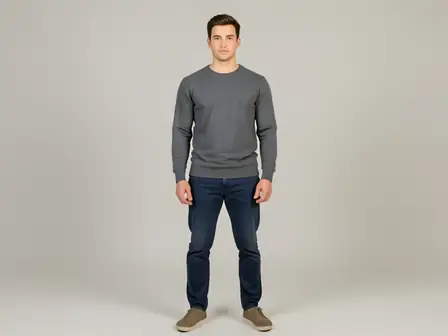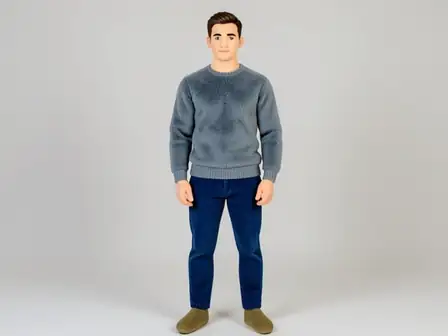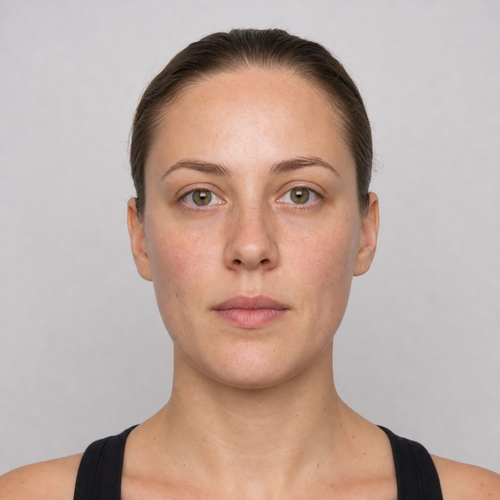
The same source image before and after applying 视频脸部修饰.
视频脸部修饰 photo effect applied to the same source image
Original source image before the 视频脸部修饰 photo effect

视频面部修饰——在单帧静图中美化面部

在一张上传的静态图片上预览保守的脸部修图效果——仅处理单帧静态画面,不进行视频追踪。

上传视频脸部修饰效果照片

您可以利用 视频脸部修饰 效果做什么

在开始之前查看可用的效果功能。

  • Apply the 视频脸部修饰 effect to any photo
  • Fine-tune the effect strength to taste
  • Preview your photo live as you edit
  • Download your edited photo in high quality
  • Apply 视频脸部修饰 to many photos at once

使用流程

Video Face Retouch applies a gentle, conservative polish to a still frame you have pulled out of a video. To be clear about what this is: it works on one uploaded image. It does not open video files and it does not follow a face from frame to frame. Each face is checked on its own, skin is separated from hair, beard, clothing and background, and the eyes, brows, nose and lips are protected before anything changes. Only three bounded areas on the forehead and both cheeks are touched, at a deliberately reduced strength, so a frame still cuts together with the ones around it. Pores, fine detail and age are kept, and everything else is copied straight into a lossless PNG. In a group shot every face is handled separately.
处理中

视频脸部修饰使用 AI 动作。任何单独的余量都会在该效果开始处理之前显示。

最适合

sharp, evenly lit still frames with a complete near-front face and an uncovered forehead, eyebrows, eyes, cheeks, nose, lips, jaw and chin — one person or a whole group.

不太适合: video files, which are not accepted, plus side profiles, tilted or cropped faces, glasses, hair or hands covering features, very small faces in a wide shot, motion-blurred frames, and skin that is already even.

使用方法视频脸部修饰

  • 先在一张有代表性的静态帧上预览自然克制、受视频风格启发的润饰效果,再到其他位置选择设置。
  • 平衡额头和双颊的细微差异,不改变身份特征、表情、年龄特征、头发、服装或周围环境。
  • 导出无损润饰后的静态图片;所有非皮肤特征及三个已验证区域外的每个像素均保持完全一致。

关于 视频脸部修饰 效果的常见问题与解答

Video Face Retouch 会处理上传的视频吗?
不会。该照片效果功能只接受一张静态图片,不会进行解码、跨帧面部跟踪或时间平滑。它会如实预览自然克制的润饰效果,而不会假装分别生成的帧能保持一致。
为什么不能像虚拟布置编辑房间那样应用 Video Face Retouch?
虚拟布景会有意合成大范围可替换的房间区域。脸部在像素层面承载身份特征,独立生成还会导致画面帧间闪烁。因此,这种静态图像效果会验证三个局部皮肤区域、限制修正幅度,并完全保留其余部分。只有无法验证脸部时,才会改用 AI 对整张照片应用相同修图。

更多肖像与美容效果

查看运动中的特色效果

最强的效果选择在目录的其余部分之前领先于这条腰带。