
محرّر النصوص بالذكاء الاصطناعي
Typing the old and new words keeps the photo's own lettering style as closely as it can. Drawing a rectangle lets you choose the font and color. This version supports straight text, not curved or perspective lettering.
Type the words to change and their replacement, and the text is updated in your photo. Drag a rectangle instead when you want to choose the font and color.
- Change text by naming the old and new words
- Repair the area beneath selected words
- Choose a font and text color for a selected area
ما يمكنك فعله باستخدام محرّر النصوص بالذكاء الاصطناعي
قم بمراجعة القدرات الرئيسية قبل البدء.
- Change text by naming the old and new words
- Repair the area beneath selected words
- Choose a font and text color for a selected area
مرجع الإعدادات
5 إعدادات
عناصر التحكم المتاحة لـ محرّر النصوص بالذكاء الاصطناعي.
نص
- Text to replaceمدخلات نصية
- Type the words as they appear in the photo.
- النص البديلمدخلات نصية
- Enter the exact words to place instead.
- الخطهبوط
- Choose the replacement typeface after selecting an area.الخيارات: خط بلا زوائدبتذييلخط أحادي المسافة
- لون النصمختار كولور
- Set the color of the replacement text after selecting an area.
التحديد
- حدّد منطقة النصرسم على الصورة
- Optional: drag one rectangle around all the old text, leaving space for its replacement.
الأدوات ذات الصلة بـ محرّر النصوص بالذكاء الاصطناعي
أدوات للخطوات التالية الشائعة بعد محرّر النصوص بالذكاء الاصطناعي.
الإبداع والتصميم
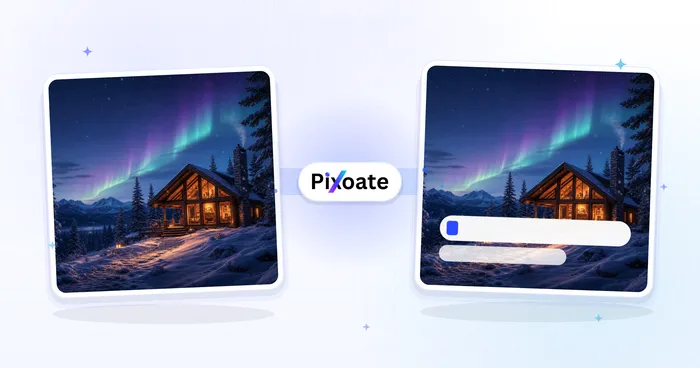
إضافة نص إلى الصورة
أضف نصًا منسقًا بخطوط وألوان ومخططات تفصيلية مخصصة إلى تنسيقات الصور المدعومة، ثم قم بتنزيل الصورة المعدلة.
جرّبه الآن
الإبداع والتصميم
مزيل العلامة المائية
ارفع صورة لاكتشاف العلامات المائية النصية وأختام التاريخ وإزالتها تلقائيًا. قارن النتيجة أو حسّن إزالة العناصر المتراكبة الصعبة قبل التنزيل.
جرّبه الآن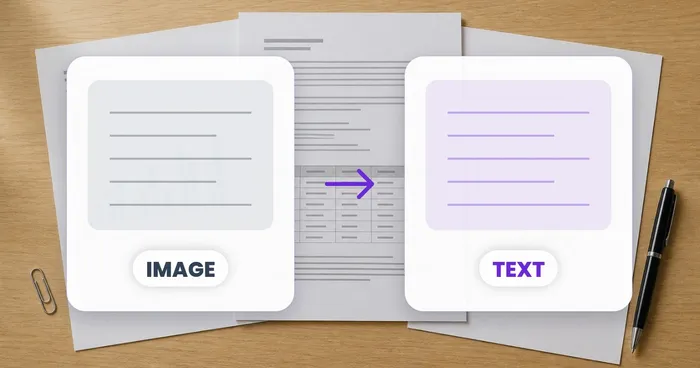
التعرف الضوئي على الحروف واستخراج البيانات
الصورة إلى نص (OCR)
استخرج نصًا قابلاً للتحرير من لقطة الشاشة أو الصورة أو المسح الضوئي بأكثر من 30 لغة مدعومة.
جرّبه الآنالأسئلة الشائعة
شاهد كل تحويل عند اكتماله
تعبر كل صورة خط المقارنة من دون تعديل وتظهر في الجهة الأخرى مكتملة.























