
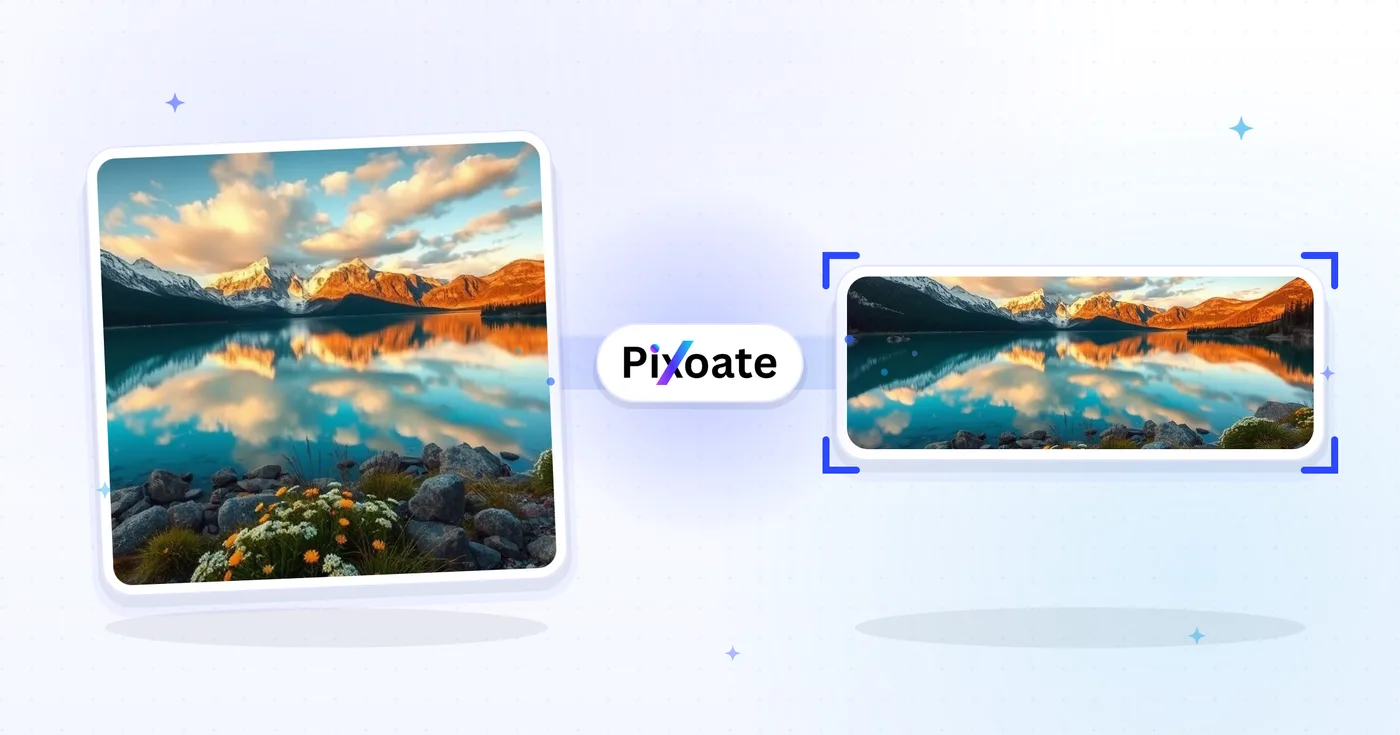
أداة تغيير حجم صور LinkedIn — الملف الشخصي 400×400 والغلاف 1584×396
قم بتغيير حجم الصورة لصورة ملفك الشخصي LinkedIn (400×400) أو الشعار (1584×396)، أو اختر شعارًا أو منشورًا أو مقالة معدة مسبقًا، ثم ضع الصورة وقم بتنزيل الأبعاد المحددة.
إسقاط الصورة - اختيار الملصقات أو الملامح أو حجم الوظيفة
أحجام صور LinkedIn
اختر من الغلاف الشخصي المدرج، وغلاف الشركة، والإعدادات المسبقة للنشر، ثم حدد كيفية تناسب الصورة مع اللوحة القماشية المستهدفة. يمكن أن تتغير متطلبات النظام الأساسي، لذا تأكد من إرشادات LinkedIn الحالية قبل النشر.
ما يمكنك فعله باستخدام أداة تغيير حجم صور LinkedIn
قم بمراجعة القدرات الرئيسية قبل البدء.
- Resize photos to a 1584396 LinkedIn banner
- Size images for profile images and company logos
- الأعمال الفنية المناسبة لـ " لينكدين "
- استعراض المنطقة الآمنة قبل التصدير
- تملأ الحواف الفارغة مع اللون الخلفي المختار
- تصدير كجي بي جي، بي إن جي أو ويب على رتبتك
مرجع الإعدادات
8 إعدادات
عناصر التحكم المتاحة لـ أداة تغيير حجم صور LinkedIn.
- وضع المعالجةالإعدادات الجاهزة
- عالج مدخلًا واحدًا، أو انتقل إلى وضع الدفعات في Premium لمعالجة عدة مدخلات بالإعدادات نفسها. تعتمد أنواع المدخلات المتاحة على الأداة.الخيارات: صورة واحدةدفعة
الحجم
- أحجام LinkedInالإعدادات الجاهزة
- اختر موضع النشر على LinkedIn الذي ترفع إليه؛ وتُطبَّق أبعاد البكسل الدقيقة لذلك الموضع تلقائيًا (مثل لافتة شخصية 1584×396 أو صورة منشور 1200×627).الخيارات: لافتة شخصيةلافتة الشركةصورة موجزشعار الشركةشعار مربعالصورة البريديةالمادةغطاء الحدث
الناتج
- ملاءمةالإعدادات الجاهزة
- Choose how the photo fills the target size: Cover crops to fill edge-to-edge, Contain keeps the whole image with padded space. To force the exact size instead, untick Maintain aspect ratio; that may distort.الخيارات: غلافاحتواء
- الخلفيةمختار كولور
- يحدد لون التعبئة للمساحة الفارغة حول صورة بوضع «الاحتواء»؛ والافتراضي هو أزرق LinkedIn لكن يمكن مطابقته مع أي لون هوية. ويختفي مع PNG الذي يبقي تلك المساحة شفافة.
- التنسيقهبوط
- يحدد نوع ملف الإخراج: JPG للصور الفوتوغرافية، وPNG للشفافية، وWEBP أو AVIF لملفات أصغر عند استضافة الصورة بنفسك.الخيارات: JPGPNGWEBPAVIF
- الجودةالمنزلقيتراوح: 40–100% · افتراضي: 92%
- يتحكّم في الضغط لمخرجات JPG وWEBP وAVIF؛ فالقيم الأعلى تُبقي النصوص والشعارات أوضح، والأقل تقلّص حجم الملف. ولا يظهر مع PNG لأنه دائمًا بلا فقدان.
معاينة
- إظهار المنطقة الآمنةتشغيل / إيقاف
- يظهر مع إعداد «صورة الملف الشخصي»: يعرض فوق الصورة القصّ الدائري الذي يعرضه LinkedIn فعليًا، مع تعتيم الزوايا المربّعة التي سيتم قصّها لتُبقي وجهك أو شعارك داخل الدائرة.
توسيع بالذكاء الاصطناعي
- وسّع الخلفية بالذكاء الاصطناعيلعق واحد
- وسّع المشهد إلى الحجم المحدد بالذكاء الاصطناعي مع الحفاظ على الصورة المصدر المُجهّزة. التنزيلات المجانية بحجم الويب. ويفتح Premium أو الأرصدة الدقة الكاملة. تتطلب النسب المدعومة الحفاظ على نسبة العرض إلى الارتفاع. في وضع الدفعات، تُوسَّع كل صورة في قائمة الانتظار وتُسلَّم بالحجم والصيغة اللذين اخترتهما.
الأدوات ذات الصلة بـ أداة تغيير حجم صور LinkedIn
أدوات للخطوات التالية الشائعة بعد أداة تغيير حجم صور LinkedIn.

النشر على الشبكات الاجتماعية
تغيير حجم Facebook
قم بتغيير حجم الصور لغلاف Facebook المدرج والملف الشخصي وأبعاد المنشورات باستخدام عناصر التحكم في الملاءمة والتعبئة.
جرّبه الآن
النشر على الشبكات الاجتماعية
أداة تغيير حجم الصور على X / Twitter
قم بتغيير حجم الصور لأبعاد رأس X والملف الشخصي والمنشور والبطاقة والإعلان المدرجة.
جرّبه الآن
مولدات الأعمال
صانع بطاقات العمل
اختر تخطيطًا لبطاقة العمل، واضبط المحتوى والألوان، وقم بتنزيل ملف PDF مقاس 10 بوصات بحجم A4 للطباعة.
جرّبه الآنالأسئلة الشائعة
كيف تساعدك أداة تغيير حجم صور LinkedIn على إنجاز مهمتك
فهو يحل المشكلات الحقيقية كل يوم، للشركات والمبدعين والمهام اليومية. ابحث عن حالة الاستخدام التي تناسبك وابدأ.
العلامة الشخصية ولافتات البحث عن وظيفة
يصمّم الباحثون عن عمل وبُناة العلامة الشخصية لافتات LinkedIn التي تعزّز عنوانهم الوظيفي والقطاع المستهدف وتوفّرهم الحالي — وهي أول ما يراه مسؤول التوظيف
لافتات الملف الشخصي للمؤسسين والتنفيذيين
ينشر مؤسّسو الشركات الناشئة والرؤساء التنفيذيون والمدراء التنفيذيون لافتات تُبرز شعار الشركة وإطلاق المنتج الحالي وتقدير المستثمرين لزيادة ظهور الشركة أمام أصحاب المصلحة
لافتات رئيسية لصفحة الشركة
تصمم فرق التسويق صور أغلفة صفحات الشركات باستخدام أحدث لقطات شاشة المنتج وشعارات العملاء وتقديرات Glassdoor لتحويل زيارات الملف الشخصي إلى متابعين ومتقدمين للوظائف
لافتات المتحدثين والمؤلفين في المؤتمرات
قم بتبديل مكبر الصوت أو شعار البودكاست للموسم الحالي دون إعادة بناء التخطيط في كل مرة
لافتات المُوظِّفين ومديري التوظيف
ينشر المُوظِّفون لافتات تعلن عن الوظائف الشاغرة ومزايا العلامة كصاحب عمل وصور الفريق لتحويل مشاهدات الملف الشخصي إلى طلبات توظيف ورسائل مباشرة من المرشّحين
لافتات المبيعات وتطوير الأعمال
يستخدم ممثلو تطوير الأعمال ومديرو الحسابات وقادة المبيعات اللافتة لإبراز عرض القيمة لمنتجهم، وشعارات العملاء في دراسات الحالة، ودعوة واضحة لاتخاذ إجراء موجّهة للعملاء المحتملين
صور ملف شخصي على LinkedIn آمنة من الاقتصاص
اختر الإعداد المسبق Profile picture وفعّل تراكب المنطقة الآمنة لرؤية أي الزوايا سيقتصّها اقتصاص LinkedIn الدائري بالضبط، بحيث لا تُقتطع الوجوه والشعارات أبداً بعد النشر.
أغلفة فعاليات الندوات عبر الإنترنت واللقاءات
استخدم الإعداد المسبق لغلاف الحدث (1776×444) مع ملاءمة "احتواء" وخلفية بلون علامتك التجارية كي يبقى تاريخ الندوة عبر الإنترنت واسم المتحدث والشعار مرئيًا بالكامل بدلًا من أن يقتصّها اقتصاص الأحداث في LinkedIn.
شعار واحد، كل مواضع LinkedIn
قم بتصدير علامة العلامة التجارية نفسها من خلال الإعدادات المسبقة لشعار الشركة (300×300) والشعار المربع (60×60) مع لون خلفية مطابق، ثم قم بمراجعة كل حجم في LinkedIn.
تصاميم LinkedIn سريعة التحميل
صدّر أحجام صور المنشورات وأغلفة المقالات بصيغة WebP أو AVIF بجودة 85% فأكثر عندما تستضيف الرسم بنفسك، للحفاظ على سرعة أوقات التحميل دون فقدان الحدة في النصوص أو الشعارات.
شاهد كل تحويل عند اكتماله
تعبر كل صورة خط المقارنة من دون تعديل وتظهر في الجهة الأخرى مكتملة.























