
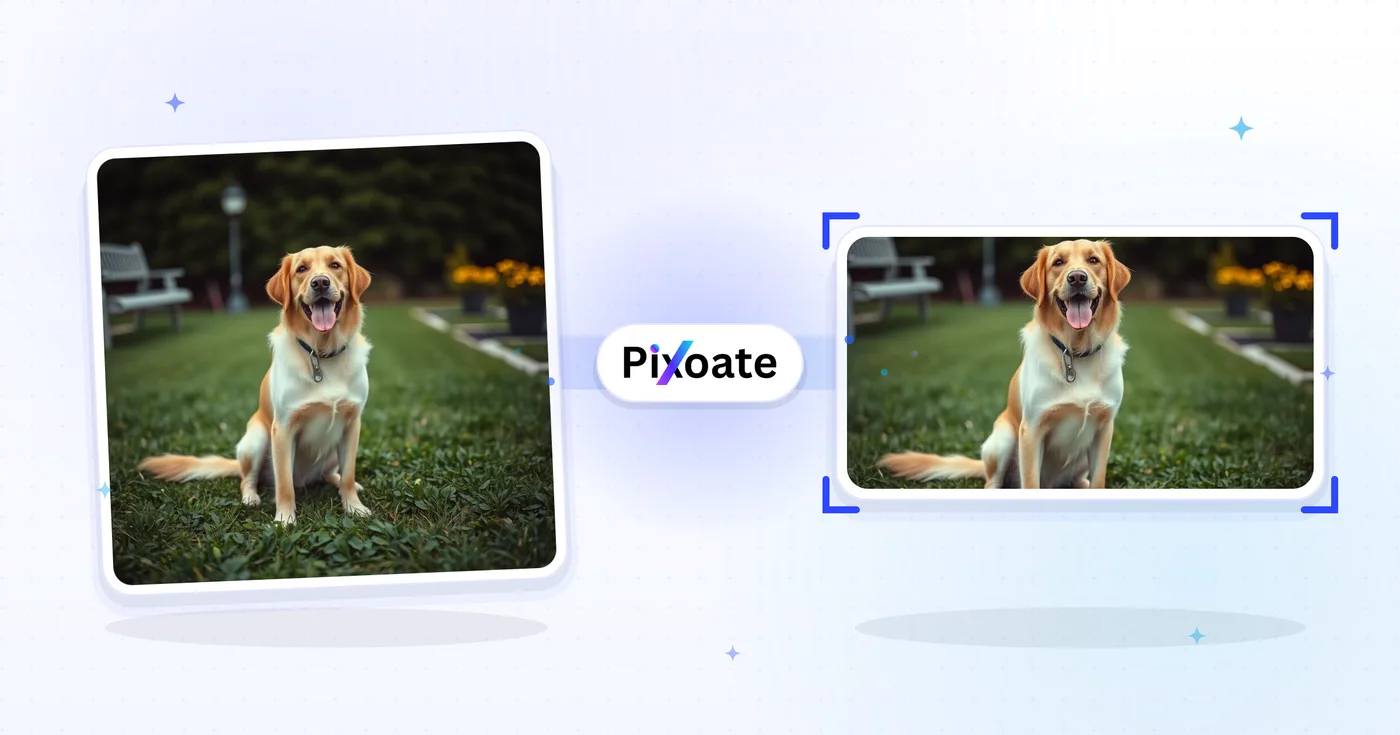
أداة تغيير حجم صور تويتر — تغيير حجم صورة لمنشورات تويتر وإكس
1500 × 500 رأس، وصور الملف الشخصي، ومنشورات 16:9، وبطاقات تلخيصية، وأحجام الإعلانات - قم بتنزيل الأبعاد الدقيقة التي يستخدمها X اليوم.
إسقاط صورة - اختيار الرأس أو الموقع أو الملامح
أحجام الصور على X (Twitter)
يستخدم X لافتة ترويسة بنسبة 3:1 (1500×500)، وصورة ملف شخصي مربّعة (400×400)، ويُغيّر حجم الصور المرفوعة بشدّة في الخط الزمني. تبدو المنشورات ذات الصورة الواحدة في أفضل حالاتها بنسبة 16:9 (1600×900)، بينما تشغل النسبة العمودية 4:5 (1080×1350) مساحة رأسية أكبر على الهاتف. وتستخدم بطاقات الملخّص ذات الصور الكبيرة أبعاد 1200×628 — وهي نفس نسبة بطاقة OG التي يستخدمها LinkedIn وFacebook. تُغيّر هذه الأداة حجم أي صورة إلى مقاس البكسل الدقيق الذي يحتاجه كل موضع.
ما يمكنك فعله باستخدام أداة تغيير حجم الصور على X / Twitter
قم بمراجعة القدرات الرئيسية قبل البدء.
- اعيدوا تصوّركم الـ (إكس) إلى 1500 ×500
- Size profile images and 16:9 post images
- إنشاء وظائف صورية وبطاقات موجزة وصور إعلانية
- استعراض المنطقة الآمنة لحماية المحتوى الرئيسي
- إضافة خلفية تناسب أي جانب
- حمولة من طراز JPG أو PNG أو WebP
مرجع الإعدادات
8 إعدادات
عناصر التحكم المتاحة لـ أداة تغيير حجم الصور على X / Twitter.
- وضع المعالجةالإعدادات الجاهزة
- عالج مدخلًا واحدًا، أو انتقل إلى وضع الدفعات في Premium لمعالجة عدة مدخلات بالإعدادات نفسها. تعتمد أنواع المدخلات المتاحة على الأداة.الخيارات: صورة واحدةدفعة
الحجم
- أحجام X / Twitterالإعدادات الجاهزة
- يحدد موضع النشر الدقيق على X (Twitter) الذي تريد تغيير الحجم لأجله — لافتة الترويسة (1500×500)، أو صورة الملف الشخصي (400×400)، أو صور المنشورات، أو بطاقات الروابط، أو الإعلانات — ويطبّق أبعاد البكسل الخاصة بذلك الموضع تلقائيًا.الخيارات: العنوان/الشعارصورة موجزصورة منشور واحدةصورة منشور مربّعةصورة منشور رأسيةصورة البطاقة (كبيرة)صورة البطاقة (صغيرة)الصورة
الناتج
- ملاءمةالإعدادات الجاهزة
- Controls how your image fills the chosen size: Cover fills the frame and crops overflow, Contain fits the whole image and pads gaps. Untick Maintain aspect ratio to force exact dimensions, which may distort proportions.الخيارات: غلافاحتواء
- الخلفيةمختار كولور
- يحدد لون التعبئة خلف المساحات الفارغة عندما يترك وضع «الاحتواء» فجوات حول صورتك؛ والافتراضي هو الأسود، ويختفي مع مخرجات PNG التي تبقي تلك المناطق شفافة.
- التنسيقهبوط
- يحدد نوع ملف المخرجات: JPG للصور، وPNG لمخرجات بلا فقدان مع أشرطة تعبئة شفافة، وWEBP أو AVIF لملفات حديثة أصغر.الخيارات: JPGPNGWEBPAVIF
- الجودةالمنزلقيتراوح: 40–100% · افتراضي: 92%
- يضبط الضغط لمخرجات JPG وWEBP وAVIF؛ القيم الأقل تعطي ملفات أصغر، والأعلى تحافظ على تفاصيل أكثر. ويختفي عند اختيار PNG لأن PNG بلا فقدان دائمًا.
معاينة
- إظهار المنطقة الآمنةتشغيل / إيقاف
- في إعداد صورة الملف الشخصي، يضع قناع الاقتصاص الدائري لصور X فوق المعاينة لتتأكد من عدم اقتطاع الوجوه أو الشعارات؛ عطّله لرؤية الصورة المربعة العادية.
توسيع بالذكاء الاصطناعي
- وسّع الخلفية بالذكاء الاصطناعيلعق واحد
- وسّع المشهد إلى الحجم المحدد بالذكاء الاصطناعي مع الحفاظ على الصورة المصدر المُجهّزة. التنزيلات المجانية بحجم الويب. ويفتح Premium أو الأرصدة الدقة الكاملة. تتطلب النسب المدعومة الحفاظ على نسبة العرض إلى الارتفاع. في وضع الدفعات، تُوسَّع كل صورة في قائمة الانتظار وتُسلَّم بالحجم والصيغة اللذين اخترتهما.
الأدوات ذات الصلة بـ أداة تغيير حجم الصور على X / Twitter
أدوات للخطوات التالية الشائعة بعد أداة تغيير حجم الصور على X / Twitter.

النشر على الشبكات الاجتماعية
تغيير حجم Facebook
قم بتغيير حجم الصور لغلاف Facebook المدرج والملف الشخصي وأبعاد المنشورات باستخدام عناصر التحكم في الملاءمة والتعبئة.
جرّبه الآن
النشر على الشبكات الاجتماعية
أداة تغيير حجم صور LinkedIn
غيّر حجم الصور لأغلفة LinkedIn أو الملفات الشخصية أو المنشورات أو ترويسات المقالات باستخدام الأبعاد المدرجة.
جرّبه الآن
النشر على الشبكات الاجتماعية
تغيير حجم Instagram
قم بملاءمة صورة كاملة مع أبعاد Instagram باستخدام حشوة غير واضحة أو ذات ألوان ثابتة عند الحاجة.
جرّبه الآنالأسئلة الشائعة
كيف تساعدك أداة تغيير حجم الصور على X / Twitter على إنجاز مهمتك
فهو يحل المشكلات الحقيقية كل يوم، للشركات والمبدعين والمهام اليومية. ابحث عن حالة الاستخدام التي تناسبك وابدأ.
منشورات الصور داخل الخلاصة التي لا يتم اقتصاصها
غيّر حجم الصور إلى أبعاد خلاصة X (1600 × 900) بحيث يُظهر اقتصاص المعاينة الموضوع البؤري، مما يحقق المزيد من النقرات والإعجابات وإعادة التغريد المقتبسة مقارنة بالمنشورات المقتصّة بشكل خاطئ
تحديث ترويسة حساب العلامة التجارية
تُحدّث فرق التسويق صور رأس X (1500 × 500) موسميًا لإبراز إطلاق المنتجات ووسوم الحملات وحضور المؤتمرات من أجل هوية أقوى للملف الشخصي
صور معاينة بطاقات الروابط
غيّر حجم الصور الرئيسية لمنشورات المدونة والصفحات المقصودة إلى أبعاد بطاقة الرابط في X (1200 × 628) بحيث تعرض الروابط المشاركة بطاقة معاينة كبيرة بدلًا من صورة مصغرة صغيرة
صور إطلاق المنتجات والإعلانات
يعيد مؤسّسو الشركات الناشئة ومسوّقو المنتجات تحجيم رسومات الإطلاق ولقطات شاشة GIF والإنفوجرافيك لمنشورات X التي تتصدّر المواضيع الرائجة وتصل إلى جمهور Product Hunt
رسومات التغطية المباشرة للأخبار والرياضة
تعيد المنافذ الإخبارية والحسابات الرياضية وفرق الأحداث المباشرة ضبط أحجام رسومات الأخبار العاجلة وبطاقات نتائج المباريات وتحديثات لوحة النتائج المباشرة لعرضها بوضوح في خلاصة X
تغريدات الاقتباس وصور رأس السلاسل
أنشئ صوراً رئيسية لافتتاحيات السلاسل المطوّلة وردود الاقتباس التي تحقّق عدد إعادات تغريد أعلى من المنشورات النصية فقط على خوارزمية X
صور رمزية للملف الشخصي آمنة ضمن الإطار الدائري
استخدم الإعداد المسبق لصورة الملف الشخصي (400×400) مع طبقة دائرة المنطقة الآمنة المدمجة للتأكد من نجاة وجه أو شعار من اقتصاص الصورة الرمزية الدائري في X قبل التنزيل، بدلًا من التخمين وإعادة الرفع.
منشورات عمودية بتنسيق عمودي لمتصفحي الجوال
صدّر إعداد صورة المنشور العمودي المسبق (1080×1350، 4:5) لملء مساحة أكبر من الشاشة في الخطوط الزمنية على الجوال — مثالي لبطاقات الاقتباس والتصوير العمودي والصور المصغّرة العمودية التي تحتاج إلى البروز أثناء التمرير.
تصميم إعلاني مموَّل جاهز لـ Ads Manager
أعِد تحجيم تصميم الحملة إلى إعداد Ad image المخصّص (1600×900) مع ملاءمة Contain ولون خلفية مطابق للعلامة حتى تستوفي المنشورات المموَّلة المدفوعة المواصفات دون تمدّد أو اقتصاص غير مرغوب.
شاهد كل تحويل عند اكتماله
تعبر كل صورة خط المقارنة من دون تعديل وتظهر في الجهة الأخرى مكتملة.























