The eye skips familiar patterns
Repeated forms and long exhibits make it easy to miss one email, phone number, or identifier.
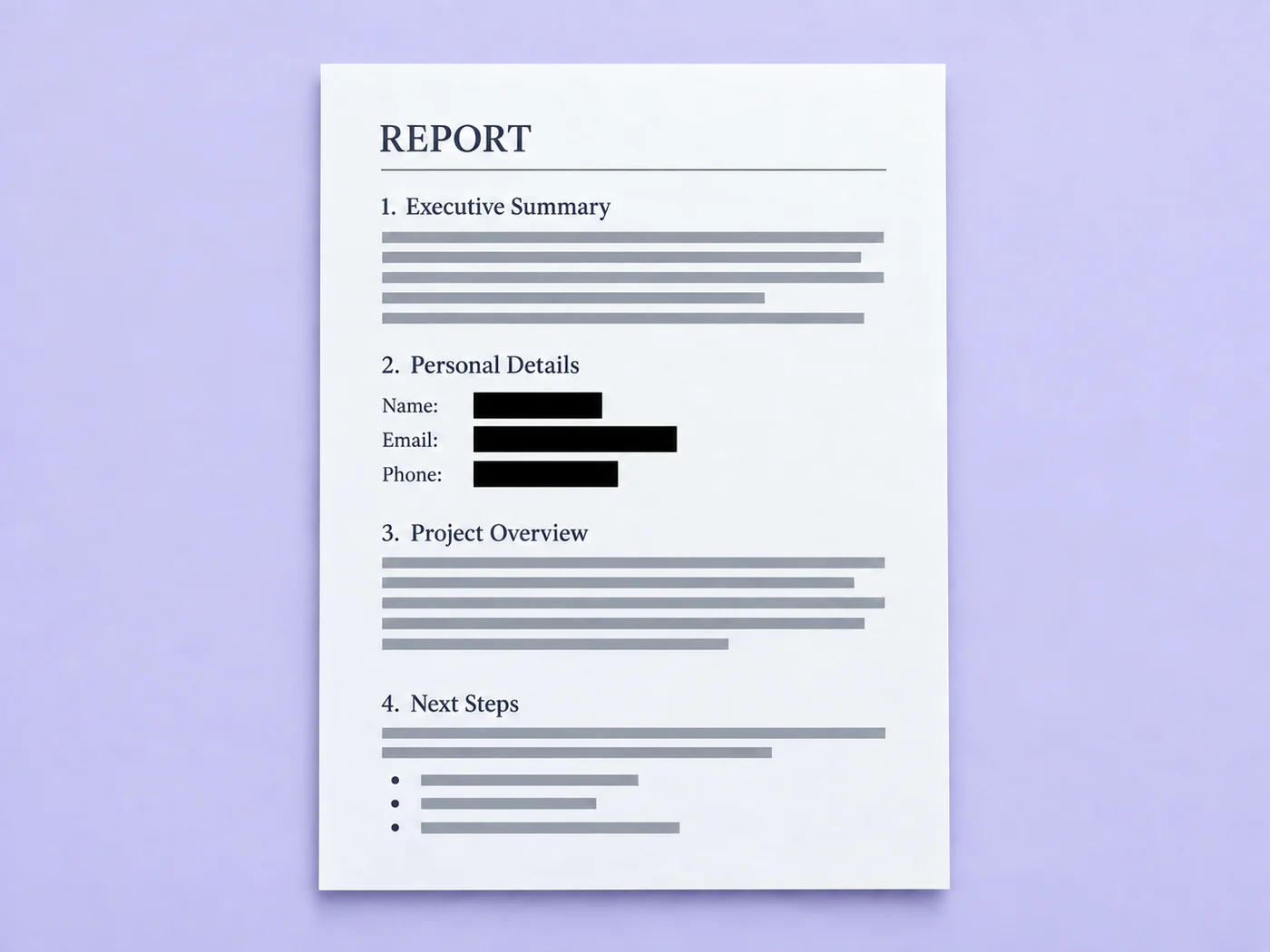
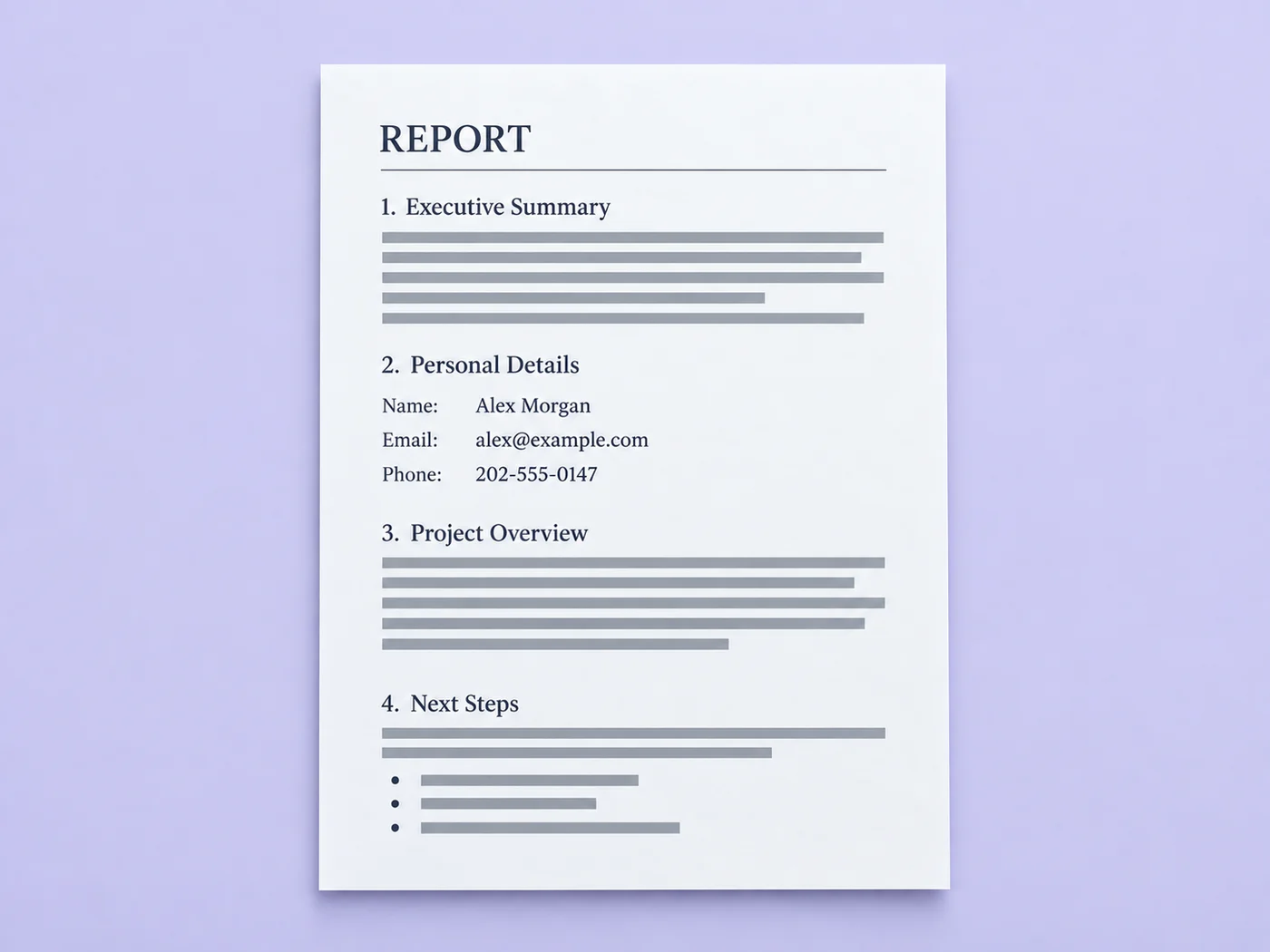
Illustrative preview
Detection is an assistant, not a guarantee. Visually inspect every page before sharing the result.
A black highlight is not a redaction, and searching page by page is easy to get wrong. Pixoate proposes sensitive regions, lets you approve each one, then rebuilds a flattened PDF without the original selectable text layer.
Review is required. Detection can miss unusual formats and cannot reliably infer every name or address. Add critical custom terms and visually inspect every page and the exported PDF.
The real problem
Documents mix ordinary text with phone numbers, account details, emails, and IDs. Manual searching is slow; drawing a translucent box can leave the text underneath recoverable.
Repeated forms and long exhibits make it easy to miss one email, phone number, or identifier.
Annotations may look black while the original text remains selectable, searchable, or recoverable underneath.
A detector may miss unusual formatting or flag harmless text, so silent one-click redaction creates false confidence.
How Pixoate helps
Pixoate runs OCR, proposes boxes for deterministic PII patterns and your custom terms, then makes you review the list. Export rasterizes the reviewed pages and paints the approved regions into the page pixels.
PDF pages are rendered for review; image files stay as a single page.
Turn any suggestion on or off and add custom terms such as a client name or case number.
Download a new flattened PDF, then open it and perform a final visual check before distribution.
Remove common contact and identity patterns before sending a discovery or records copy.
Create review copies that hide personal contact details from forms and applications.
Clean screenshots, statements, and uploaded forms before sharing them internally.
The current detector proposes regions for email addresses, US phone numbers, Social Security number patterns, payment-card number patterns that pass a checksum, and exact custom terms you provide.
No. Names and addresses are context-dependent and cannot be promised reliably by deterministic pattern matching. Add important names, addresses, case numbers, or account identifiers as custom terms and review each page.
The export creates new page images with approved boxes painted into the pixels, then embeds those images into a new PDF. The original selectable text layer is not copied. You should still inspect the exported file before sharing it.
OCR and PII detection can both miss unusual formatting or produce false positives. Review is the safety control that prevents the product from pretending imperfect automation is infallible.
Pixoate creates a new PDF and does not copy the source PDF metadata fields. This does not inspect unrelated data outside the uploaded document.
No. The tool helps prepare a redacted copy; your organization remains responsible for its legal, regulatory, contractual, and records-retention obligations.
PDF 개인정보 자동 가리기 이후 일반적인 다음 단계를 위한 도구입니다.
모든 사진이 원본 그대로 슬래시를 지나 반대편에서 완성된 결과물로 나옵니다.