How to Redact Customer Details from PDFs Before Sharing with Contractors
Redact customer details from PDFs before sharing with contractors. Use Pixoate to prepare documents and review the exported file for unwanted information.
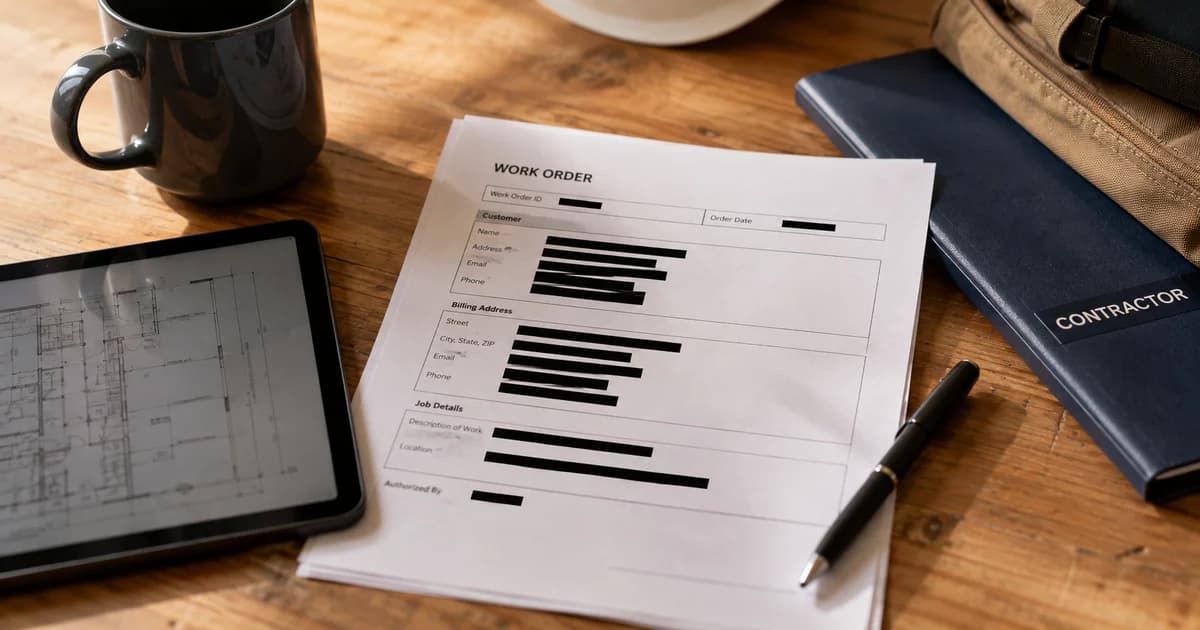
A contractor needs the work instructions, but the same PDF also contains a customer's contact information or unrelated payment details. Sharing the whole file creates unnecessary exposure; covering text visually without reviewing the output can create false confidence.
Pixoate Automatic PDF Redactor identifies supported sensitive text patterns for review and exports a new flattened document. Approve the areas deliberately and inspect the actual exported file before sharing it.
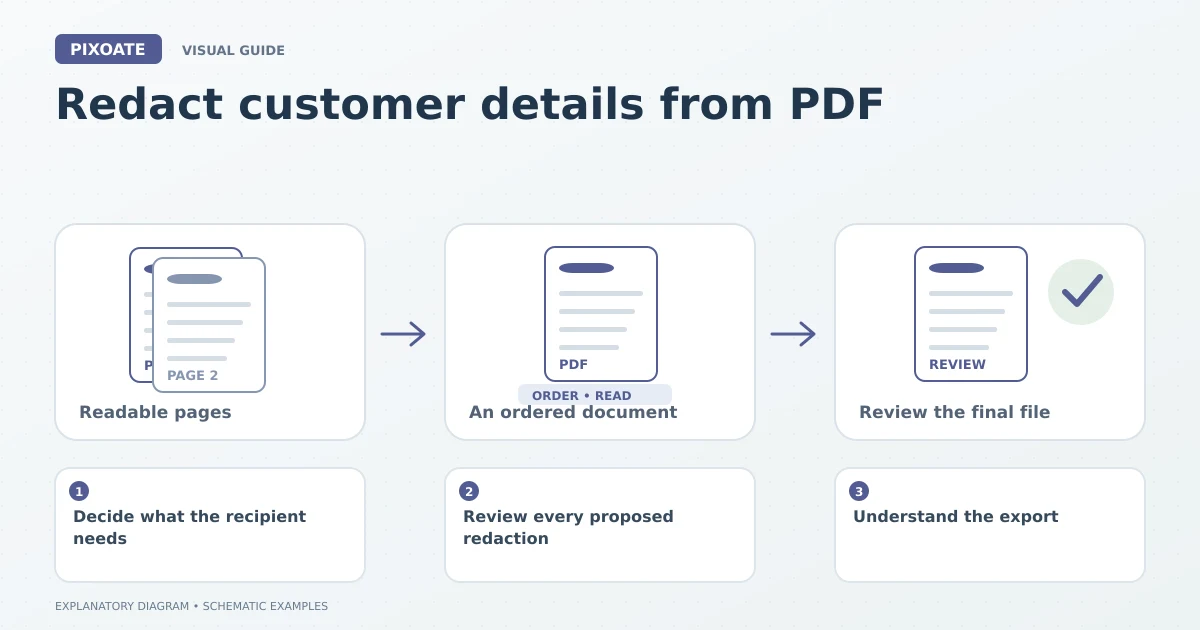
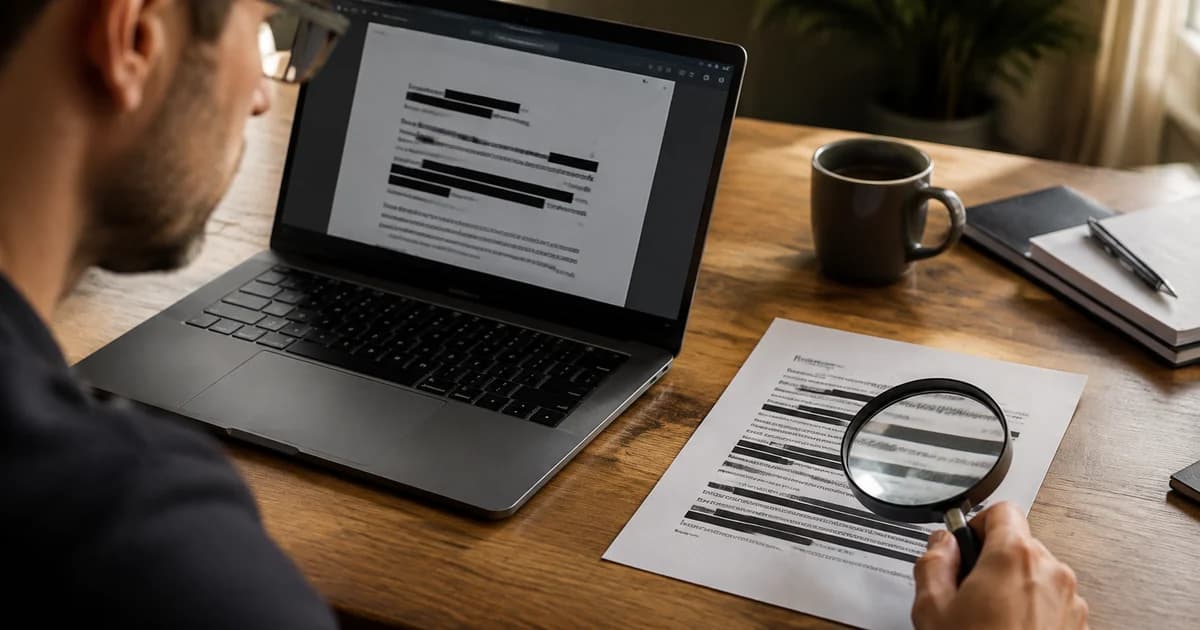
Original explanatory graphic. The scenes and sample records are schematic illustrations, not screenshots or measured tool results.
Decide what the recipient needs
Identify the pages and details relevant to the job. If an unrelated section is unnecessary, split the required PDF pages before preparing the sharing copy.
Keep the original in your established recordkeeping process. Work on a separate copy so the document sent to a contractor does not become confused with the complete source record.
Review every proposed redaction
Upload the supported document and inspect the detected areas. The tool can identify common sensitive text patterns, but a detection result is not a complete understanding of your business's confidentiality needs.
Check names, free-text notes, identifiers and any information that may need manual attention. A value outside a recognised pattern can still be sensitive in the context of the job.
Confirm each proposed box covers the intended content without removing essential instructions. Review small text at a readable zoom and inspect more than the first page.
Understand the export
Pixoate's redaction workflow creates new page images with approved boxes painted into the pixels and embeds them in a new PDF. The original selectable text layer is not copied into that output.
That behaviour is different from merely adding a decorative rectangle in a general editor. Use PDF Editor for appropriate document edits, but choose the dedicated redaction workflow when information must be removed from the sharing copy.
Inspect the file you will send
Open the downloaded result, check every relevant page and verify that the intended information is covered. Confirm that the remaining text is still useful and that the final filename clearly distinguishes the redacted copy.
| Final question | Practical reason |
|---|---|
| Is this the exported sharing copy? | Avoid attaching the original by mistake. |
| Were all relevant pages reviewed? | Sensitive details may repeat later. |
| Does the recipient still have the required instructions? | Excessive redaction can make the job unclear. |
| Was context-sensitive information considered? | Pattern detection does not understand every situation. |
Does automatic detection find everything?
No. Treat it as assistance for a deliberate review, including information specific to the document and recipient.
Start with Pixoate Automatic PDF Redactor, retain the original separately and make the final exported document the object of your sharing review.