How to Redact a PDF and Check That the Redaction Actually Held
Redact a PDF, then test the result: copy and search for hidden text, check properties, bookmarks, previews and earlier versions before you share it.
Written by the Pixoate team. We check how each tool behaves before we describe it, and we date any prices or portal rules we quote.
A redaction that looks right is not necessarily a redaction that holds. A black box on the page proves only that the page looks covered. The question that matters is whether the covered content can still be found in the file, and you can answer it with a few tests that take minutes.
This guide covers how to redact a PDF and then, mainly, how to check that the redaction held: selection and search, repeats of the same detail, document properties, bookmarks and attachments, previews and earlier versions. The tests work on a file from any program, including one you did not make yourself.
Why looking at the page is not enough
Many viewers and markup tools let you draw a filled rectangle over text. The page looks redacted, but the words can remain in the file, still selectable and searchable. A real redaction removes the content, or replaces the page with a picture in which the covered pixels are black.
So the test is on the file, not on the picture. If you have not redacted yet, the next section gives the short version, and the sections after it show how to test.
How to redact a PDF: the short version
- For patterns and words. The automatic PDF redactor proposes boxes over email addresses, US phone numbers, nine-digit Social Security number patterns and card numbers that pass a checksum, and over any terms you type. Every proposal starts switched on, so you switch off the ones that should stay and review the rest. It takes up to 20 pages per run, so split a longer PDF into parts first.
- For an area. In PDF Editor, the Redact tool marks any region, including a photo or a signature. The page is flattened to an image on export, so the content under the box cannot be recovered from it.
- What you get. The automatic redactor builds a new PDF from page images with the approved boxes painted into the pixels. It does not copy the original text layer.
Detection is an assistant, not a promise. It cannot know a nickname or an internal project name unless you add it as a term.
Seven checks for a redacted PDF
Run these on the file you are about to send, not on the original.
- Select everything and paste. Open the file, select all text with Ctrl+A or Cmd+A, and paste it into a plain text editor. The covered words must not appear. If nothing at all comes out, the pages are pictures, which is normal for a flattened export. Then rely on check 7.
- Search for the covered values. Search for a name, an account number or an email address you redacted, and for pieces of it, such as the last four digits. You want no hits.
- Search for repeats. Sensitive details recur: in a header, a footer, a margin note, a caption or a table on page 9. Search for each value in its other forms too, with and without dashes or spaces, and in capitals.
- Open the document properties. Title, author, subject and the program that created the file can name a client or a project. The file name can too. A file made by the automatic redactor is a new document with a generic title, Redacted document, and Pixoate's own creator and producer names, not the fields of your source file.
- Open the side panels. Look at bookmarks, comments, attachments and form fields. A bookmark titled with a client's name or an attached spreadsheet survives a black box on the page. The redactor's export is assembled from page images alone, so it has none of these of its own.
- Look at previews. Some PDFs carry embedded page thumbnails, and file managers and email apps make their own previews. Look at the file as the recipient will see it before you attach it.
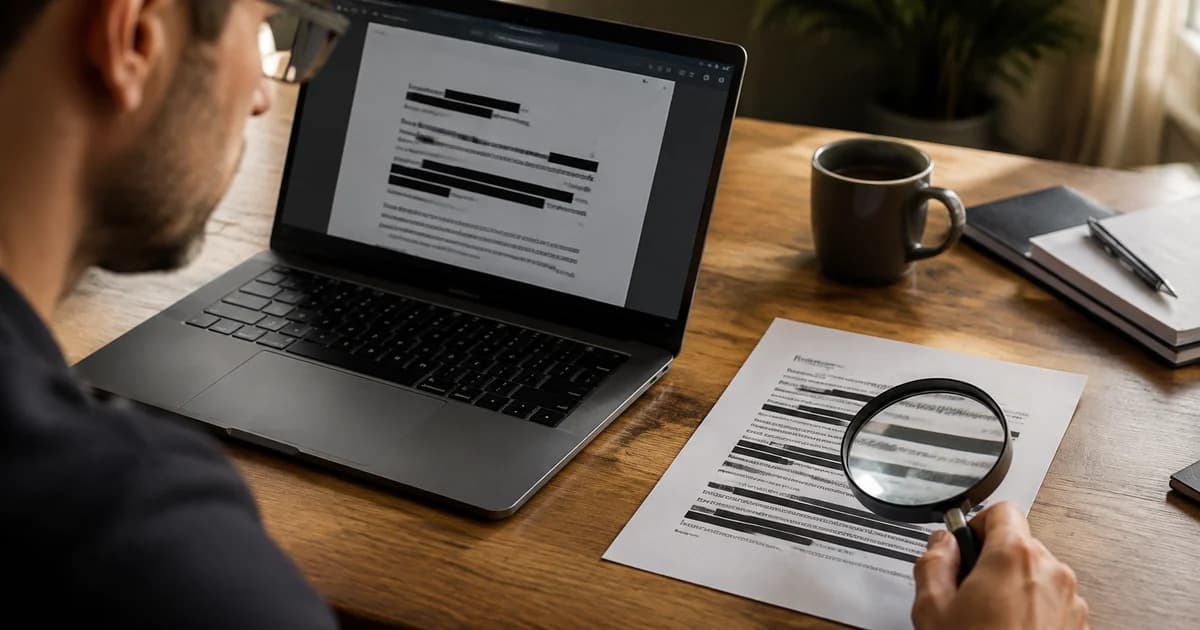
- Read every page at full size. Zoom in on every area that should be covered, far enough that small print is readable. Compare the page count with the original, and expect page sizes to change if a tool refits pages.
A scan or an image-only export always passes checks 1 to 3, because it has no text to find. A search that finds nothing proves nothing there. The visual read in check 7 is the one that counts.
Here is an invented example
A small business shares a five-page supplier dispute file with an adviser, and the customer's name and account number must be hidden. The owner redacts page 1, where both appear, and exports. Select-all and paste returns nothing, which is normal for page pictures, so that check proves little. Then comes the read at full size, and on page 4 the account number turns up again in a small footer. The owner also finds that the file name still contains the customer's surname.
Neither slip was visible in the first glance at page 1. The fix is to go back to the original, add the number as a custom term so every occurrence is proposed, redact again, rename the export and read all five pages once more. The checks cost about ten minutes and caught two things a quick look would have missed.
Earlier versions and copies
Some editors save changes by appending them to the file, so an older version of a page can stay inside. If you redacted by saving over the original in such a program, do not trust the result. Export or print the redacted pages to a new file, then run the checks again on that new file.
The risk also sits outside the PDF. The original may be in your downloads folder, an email draft, a synced folder or a chat history, and a message that quotes the same number is outside any PDF. Keep the original somewhere private, and send only the redacted copy. The automatic redactor names its download redacted- followed by the date, which makes the copy easy to tell apart.
When a check fails
- The words are found. Do not send the file. Go back to the original and redact again with the covered regions switched on, then repeat the checks on the new export.
- The original was covered by drawn boxes in another program. Run the pages through a redaction that rebuilds them as pictures, then test the result.
- The detail sits on a page the recipient does not need. Delete the page instead of covering it. Organize PDF builds a new file without it, and the guide to deleting pages from a PDF covers the checks.
- A detail the detector missed. Add it as a custom term, or redact the area by hand, and export again.
Redaction has honest limits. A tool can hide what it is told to hide, but it cannot judge what a reader could work out from what remains: a job title and a date can identify a person without any name. Before you send, ask whether someone who knows the context could still guess the answer. If so, remove more, or share a summary instead of the document.
Your organization decides what must be removed under its own rules. This guide describes how to check a file and is not legal advice. If your rules limit where sensitive documents may be uploaded, follow them.
Related guides
More everyday file jobs are collected in our photo and PDF task guides.
Frequently asked questions
Does a search that finds nothing prove the redaction worked?
No. An export made of page pictures has no text to find, so every search returns nothing, whether or not something sensitive is still visible. The proof is reading each page at full size.
Can someone recover text from under a black box?
If the box was drawn as a shape over live text, yes: select the area and copy. If the page was rebuilt as a picture with the boxes painted into its pixels, the text is no longer in the file.
Should I redact the original or a copy?
A copy. Keep the original private and send only the redacted file. The redacted export cannot be turned back into the original text, so you want the source available if you need to start again.
Why did the page size of my redacted PDF change?
The automatic redactor rebuilds each page as an image and scales it to fit within the size of a US Letter sheet. Check the page count and read the pages at full size before you send the file.
Run the seven checks on your own copy, and if any of them turn something up, redact the document again with the automatic redactor and repeat the tests.