
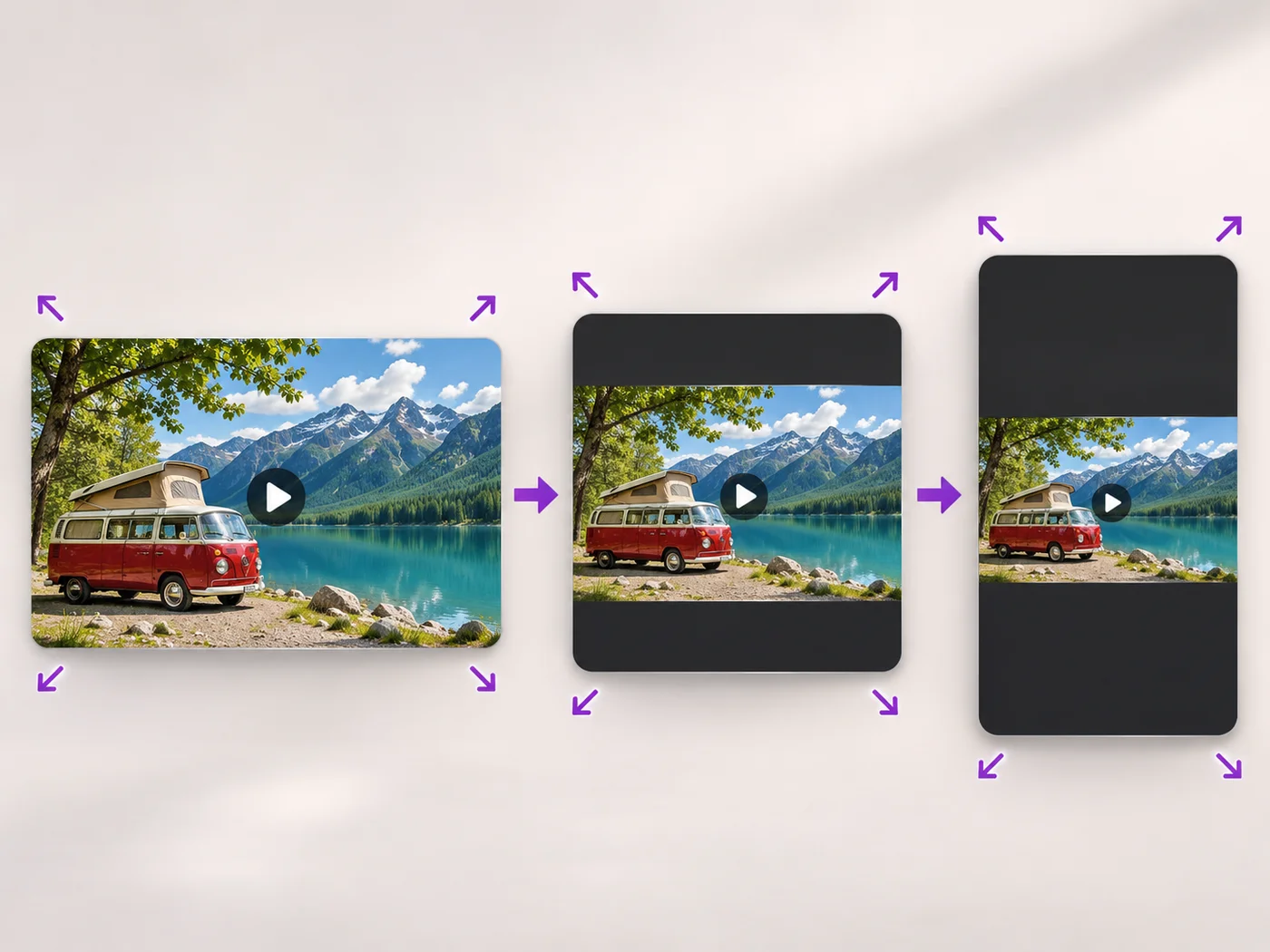
Illustrative preview
Resize Video Online — Change Video Size or Shape
MP4, MOV, WebM · Free short clips at web size · No watermark
Scale a video down to a smaller size, or set an exact width and height and choose whether to add bars, fill the frame or stretch.
- Quick sizes from extra small to Full HD
- Exact width and height for any site
- Keep the whole video with bars, fill the frame or stretch
Upload your video
MP4, MOV, WebM · Checking your upload limit…
Files are uploaded for processing. Uploads and finished videos are automatically deleted within 24 hours.
How to resize a video
- Upload your video.
- Pick a size, or choose Custom size and enter a width and height.
- For a custom size, choose how the video fits the new shape.
- Press Resize video and download your MP4.
The right size for every place you post
Smaller videos upload faster and fit size limits, and some sites ask for an exact width and height. For vertical, square and landscape social formats with backgrounds, use the portrait and landscape video converter.
Questions about this tool
How do I make a video smaller?
Choose Small or Extra small under Output size and press Resize video. For a smaller file at the same size, use the video compressor.
Can I change the aspect ratio of a video?
Yes. Choose Custom size, enter the new width and height, and pick Keep the whole video to add bars, Fill the frame to crop the edges, or Stretch.
Can I make a video bigger than the original?
Free exports are at web size and paid plans export up to Full HD. Making a small video larger does not add detail.
Is the video resizer free?
Yes, with no watermark. Free exports are short clips at web size; paid plans export longer videos in Full HD and accept larger uploads.
동영상 크기 조절 관련 도구
동영상 크기 조절 이후 일반적인 다음 단계를 위한 도구입니다.
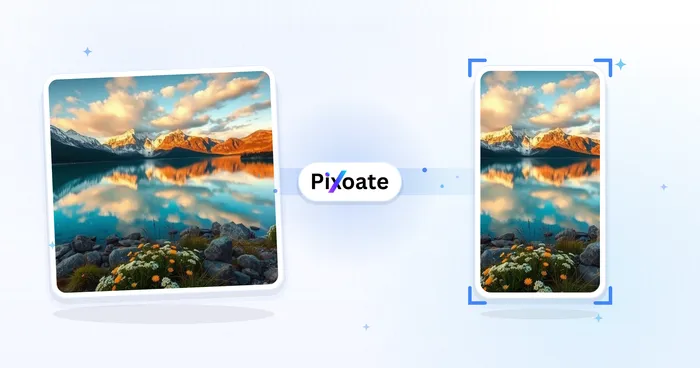
소셜 게시
세로·가로 동영상 변환기
세로, 가로, 정사각형 및 원하는 크기 사이에서 영상을 변환하세요. 전체 화면 유지, 자르기, 배경 추가가 가능하며 워터마크 없이 MP4로 무료 다운로드할 수 있습니다.
지금 사용해 보기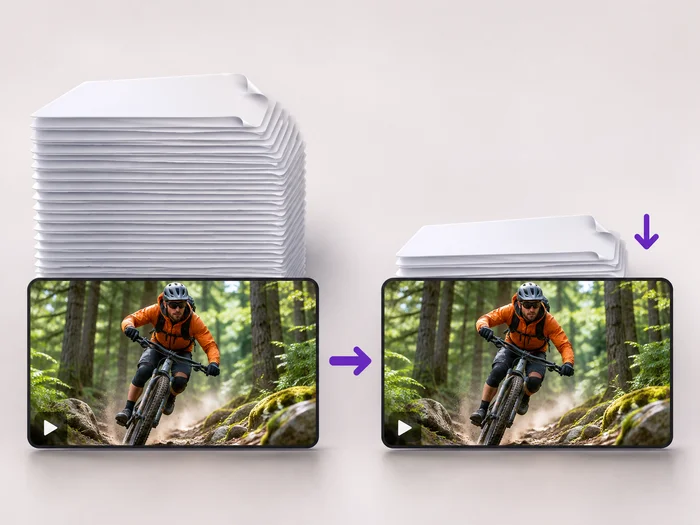
동영상 도구
동영상 압축기
Make a video file smaller so it fits email, chat and upload limits. Choose how much to shrink it and keep the picture sharp.
지금 사용해 보기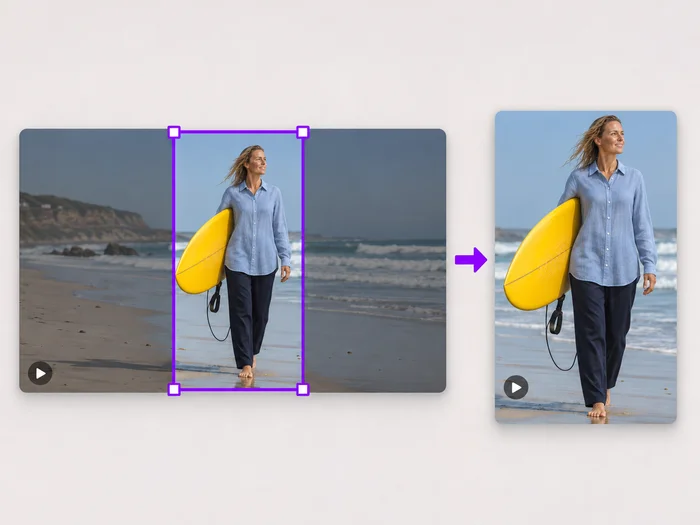
동영상 도구
동영상 화면 자르기
Drag a box over your video to cut away edges, black bars or anything in the background. Lock it to square, vertical or wide for social posts.
지금 사용해 보기각 변화를 확인하세요
모든 사진이 원본 그대로 슬래시를 지나 반대편에서 완성된 결과물로 나옵니다.























