
For creators, teams and anyone sharing video
Free Online Video Tools — Trim, Compress, Merge and Edit Video
The video fix you need right now — shorter, smaller, joined or captioned — done in your browser.
Edit videos
Trim, merge, crop, rotate, flip, resize and compress, or add text and effects.
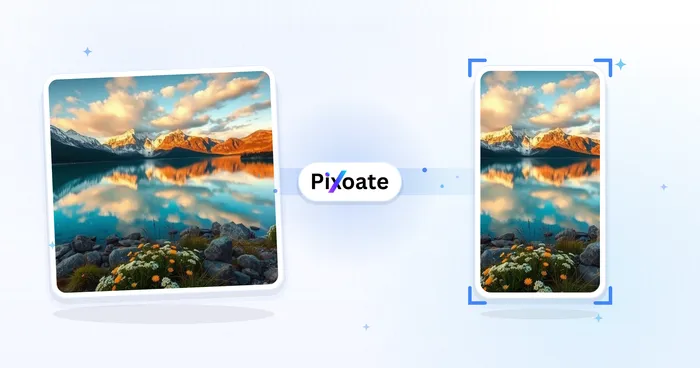
세로·가로 동영상 변환기
세로, 가로, 정사각형 및 원하는 크기 사이에서 영상을 변환하세요. 전체 화면 유지, 자르기, 배경 추가가 가능하며 워터마크 없이 MP4로 무료 다운로드할 수 있습니다.
지금 사용해 보기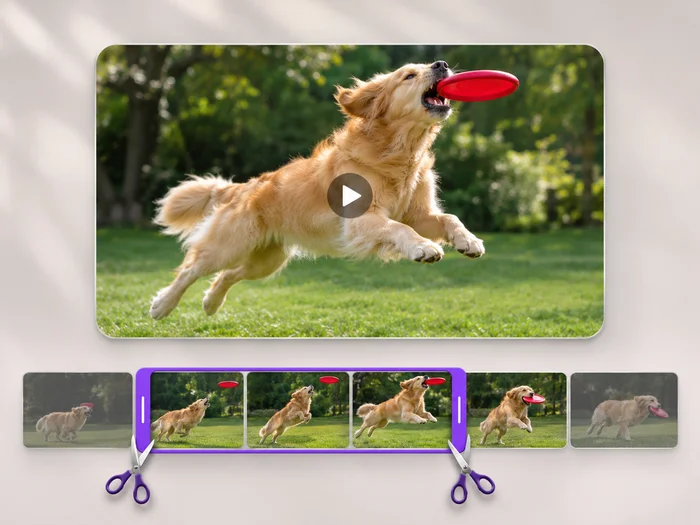
동영상 길이 자르기
Cut the start, the end or a section from the middle of your video. Preview the exact part you keep, then download an MP4 without a watermark.
지금 사용해 보기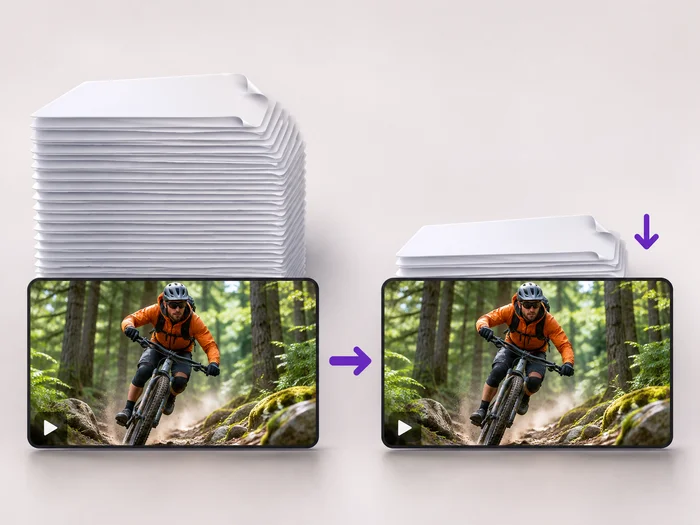
동영상 압축기
Make a video file smaller so it fits email, chat and upload limits. Choose how much to shrink it and keep the picture sharp.
지금 사용해 보기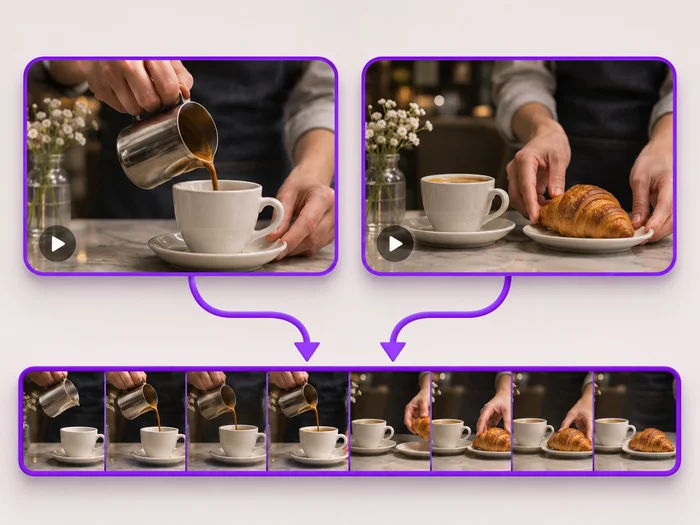
동영상 합치기
Join clips into one MP4 in the order you choose. Clips of different shapes are fitted onto one frame, so nothing is stretched.
지금 사용해 보기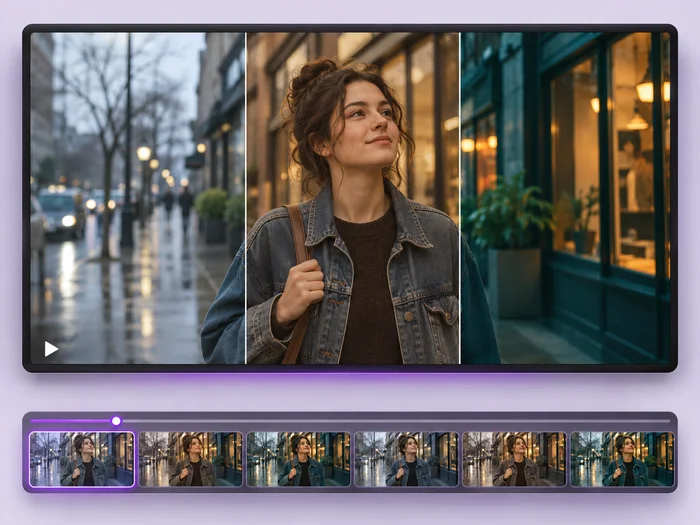
동영상 효과
Give a video a new look: color filters, brightness and contrast, blur, speed changes and fade in or out. See every change live before you export.
지금 사용해 보기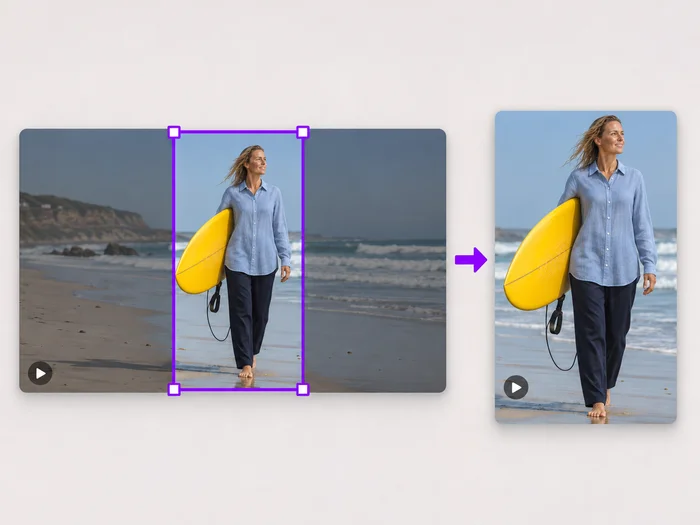
동영상 화면 자르기
Drag a box over your video to cut away edges, black bars or anything in the background. Lock it to square, vertical or wide for social posts.
지금 사용해 보기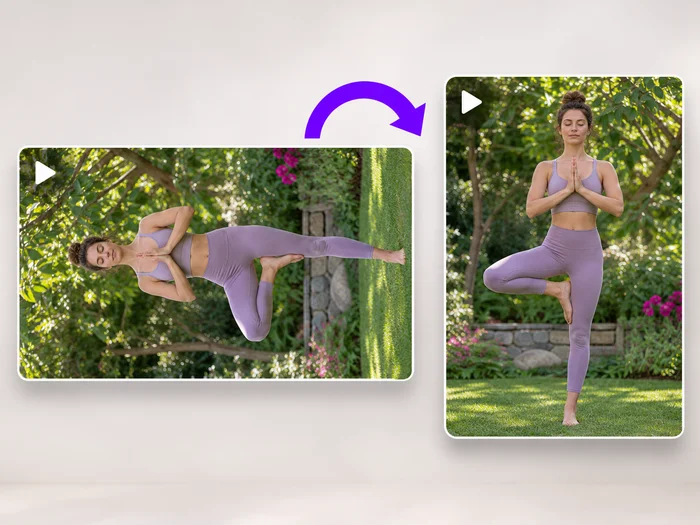
동영상 회전
Turn a video 90 degrees left or right, or 180 degrees, so it plays the right way up on every phone and computer.
지금 사용해 보기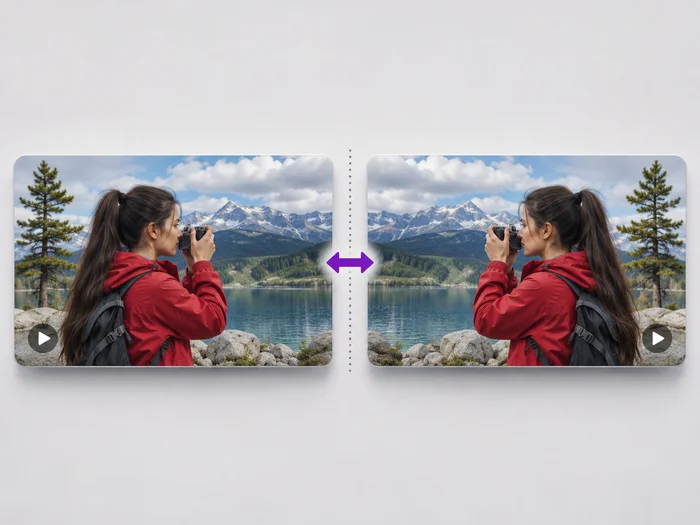
동영상 뒤집기
Undo the mirror effect of a front camera, or flip a video upside down. See the flipped video before you download it.
지금 사용해 보기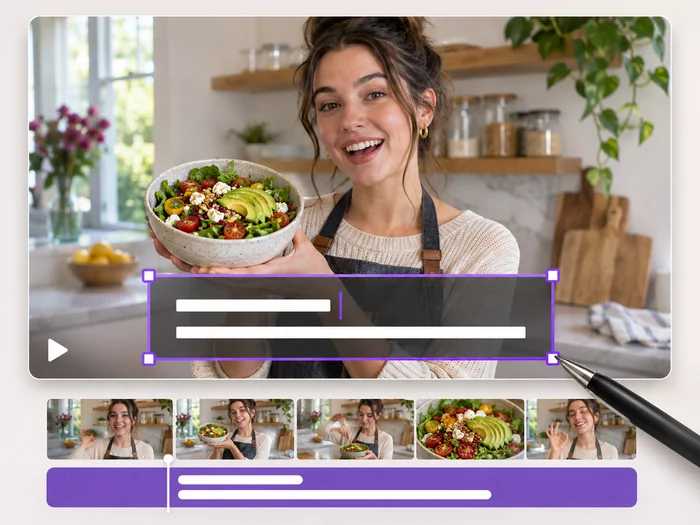
동영상에 텍스트 추가
Write on your video in many fonts, with colors, outlines and backgrounds. Drag the text where you want it and see it on the video before you export.
지금 사용해 보기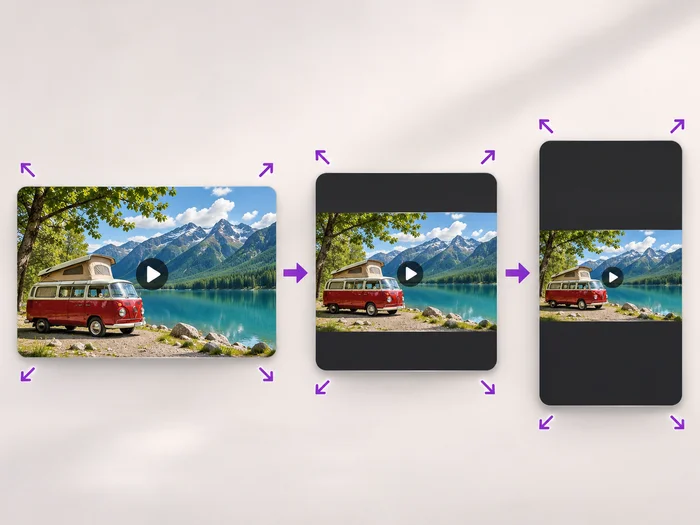
동영상 크기 조절
Scale a video down to a smaller size, or set an exact width and height and choose whether to add bars, fill the frame or stretch.
지금 사용해 보기
동영상 편집기
Make every common edit in one go: cut, crop, rotate, flip, add text and effects, change speed, then resize or compress. Preview it all before you export.
지금 사용해 보기각 변화를 확인하세요
모든 사진이 원본 그대로 슬래시를 지나 반대편에서 완성된 결과물로 나옵니다.























