
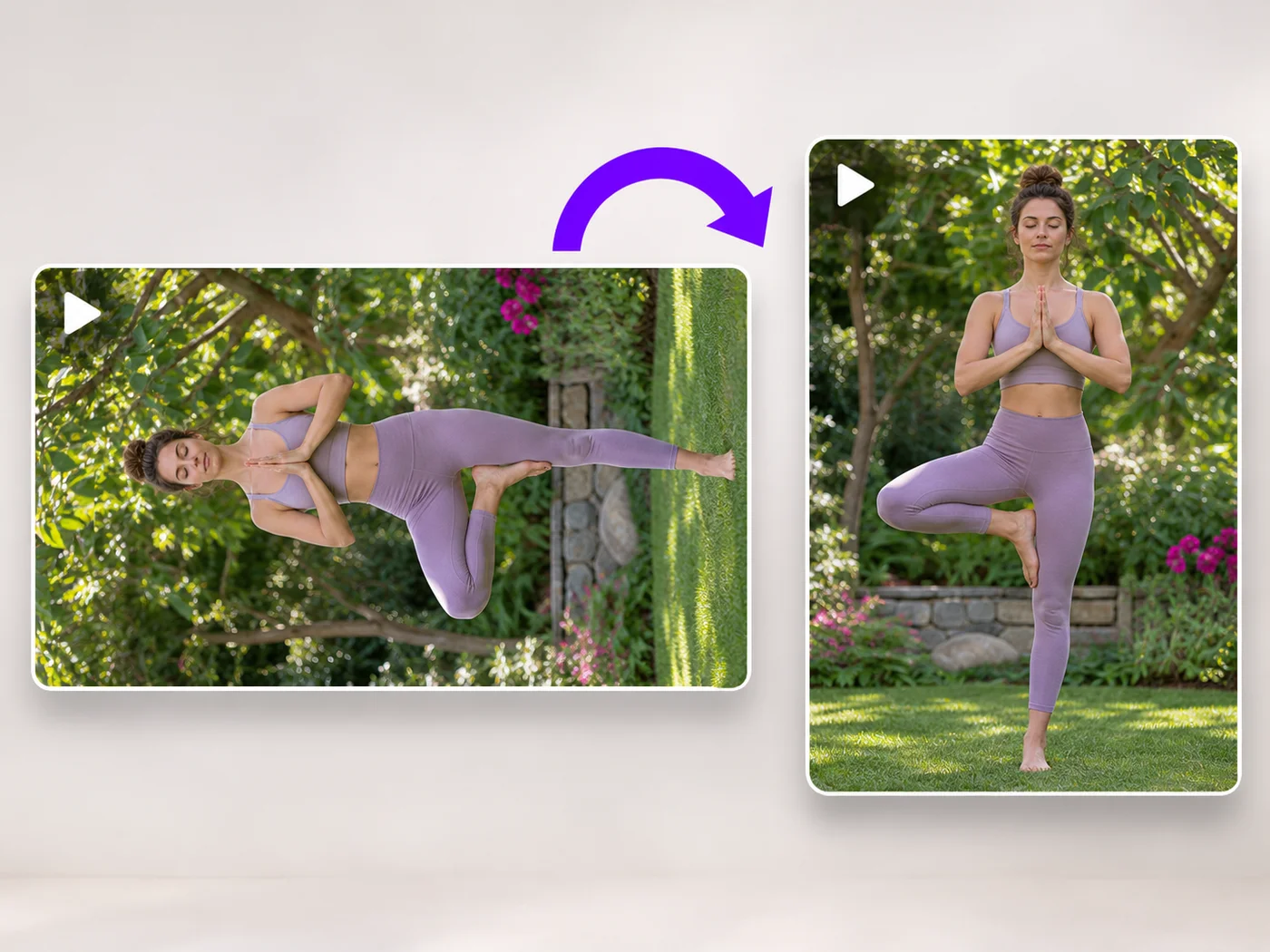
Illustrative preview
Rotate Video Online — Fix Sideways and Upside-Down Videos
MP4, MOV, WebM · Free short clips at web size · No watermark
Turn a video 90 degrees left or right, or 180 degrees, so it plays the right way up on every phone and computer.
- Rotate left, right or upside down
- See the rotated video before you download
- Works with MP4, MOV and WebM
Upload your video
MP4, MOV, WebM · Checking your upload limit…
Files are uploaded for processing. Uploads and finished videos are automatically deleted within 24 hours.
How to rotate a video
- Upload the sideways or upside-down video.
- Press Rotate left or Rotate right until it looks right.
- Play it to check.
- Press Rotate video and download your MP4.
Fix a video filmed the wrong way
Phones sometimes save a video sideways, and some players ignore the rotation setting. Rotating it here turns the picture itself, so it plays the right way up everywhere.
Questions about this tool
How do I rotate a video 90 degrees?
Upload it, press Rotate right or Rotate left once, and press Rotate video. Each press turns it a quarter turn.
Will rotating change the shape of my video?
A quarter turn swaps width and height, so a landscape video becomes portrait. A half turn keeps the shape.
Is the sound kept?
Yes, the sound stays in sync. You can also remove it under Sound.
Is the video rotator free?
Yes, with no watermark. Free exports are short clips at web size; paid plans export longer videos in Full HD and accept larger uploads.
동영상 회전 관련 도구
동영상 회전 이후 일반적인 다음 단계를 위한 도구입니다.
동영상 도구
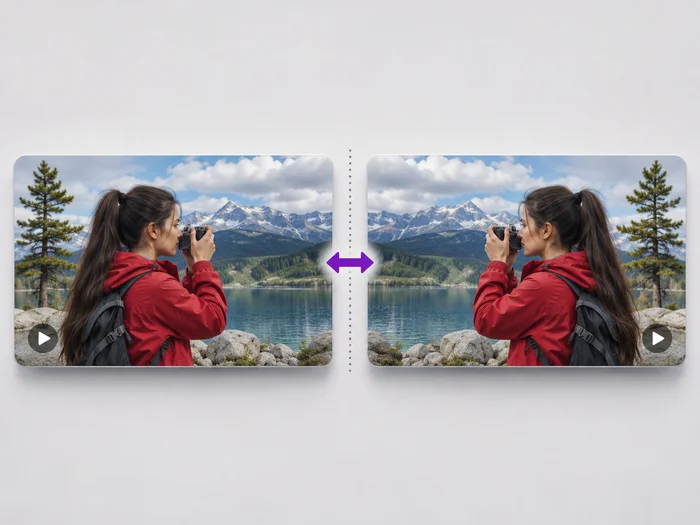
동영상 뒤집기
Undo the mirror effect of a front camera, or flip a video upside down. See the flipped video before you download it.
지금 사용해 보기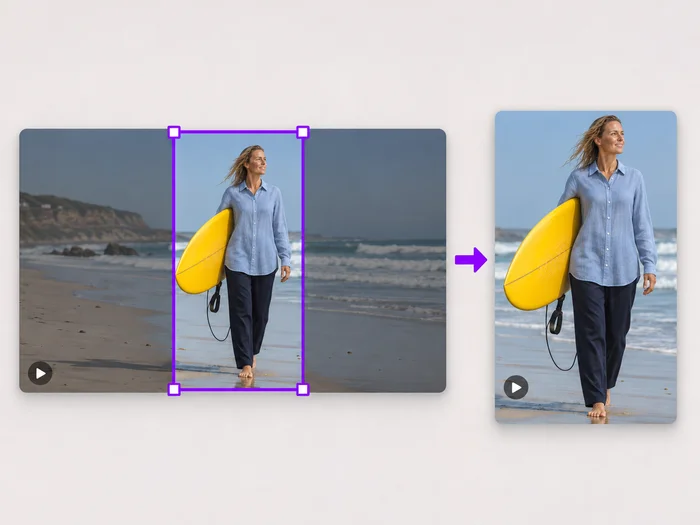
동영상 도구
동영상 화면 자르기
Drag a box over your video to cut away edges, black bars or anything in the background. Lock it to square, vertical or wide for social posts.
지금 사용해 보기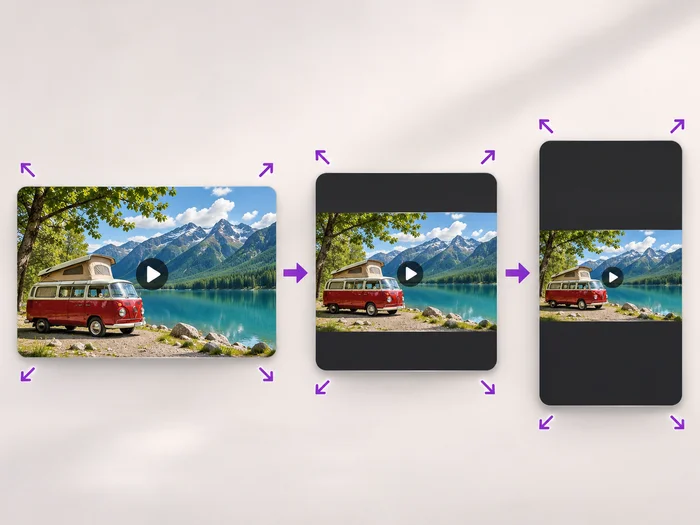
동영상 도구
동영상 크기 조절
Scale a video down to a smaller size, or set an exact width and height and choose whether to add bars, fill the frame or stretch.
지금 사용해 보기각 변화를 확인하세요
모든 사진이 원본 그대로 슬래시를 지나 반대편에서 완성된 결과물로 나옵니다.























