
Et kontrollpanel uten en eksporteringsknapp skal ikke bety manuell registrering
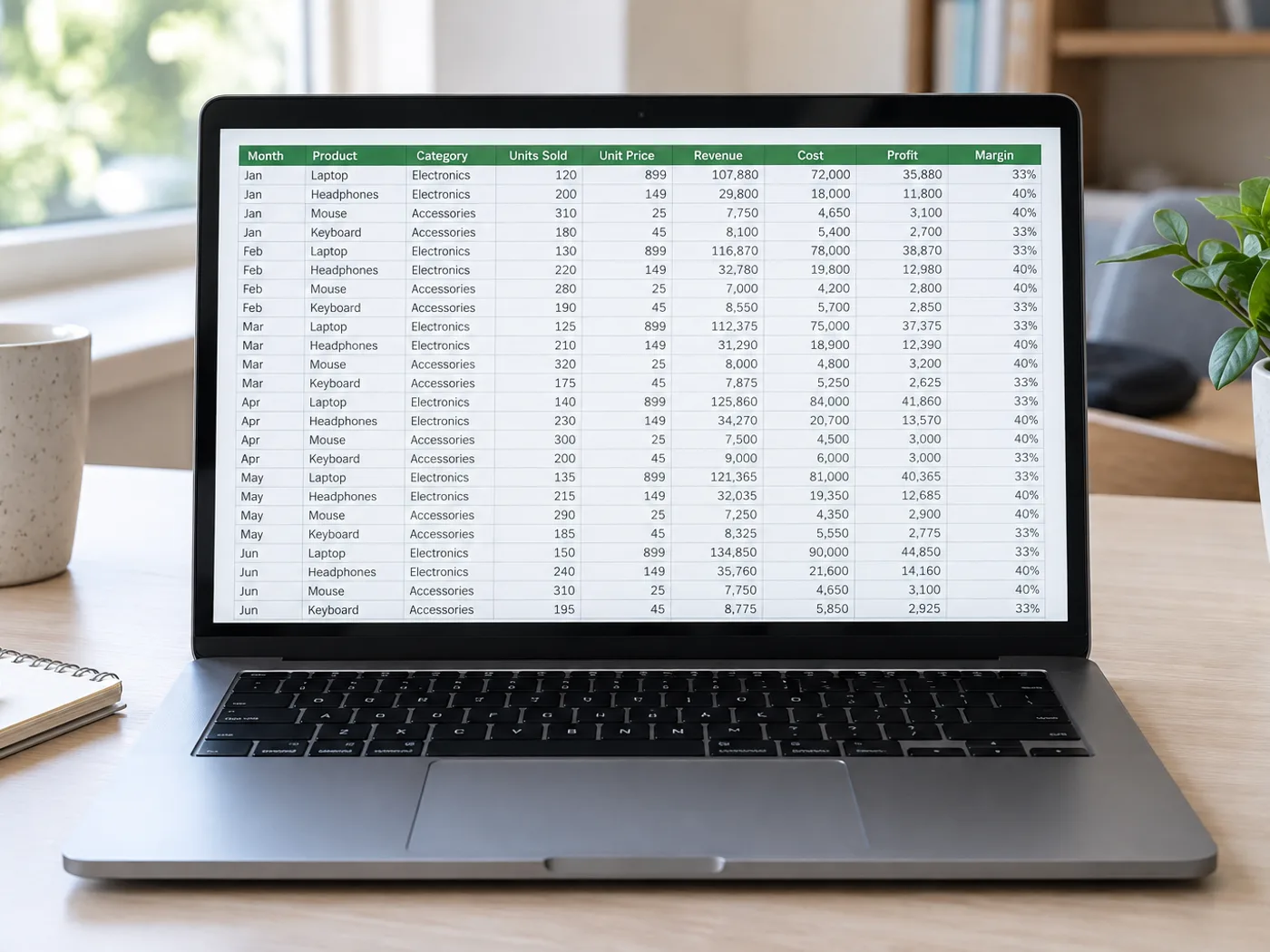
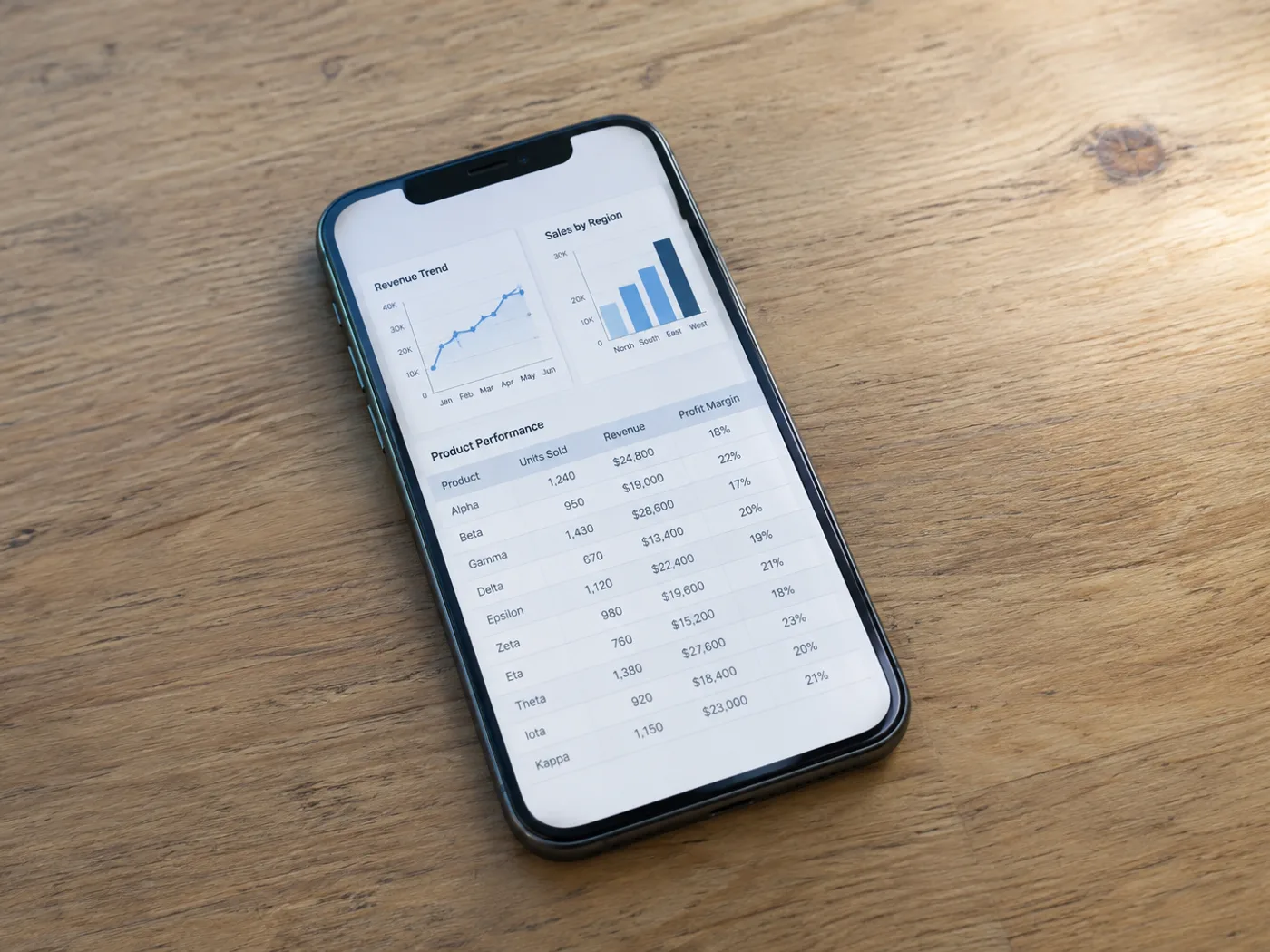
Når et dashbord viser en tabell uten mulighet for eksport til regneark, kan du ta et skjermbilde av de synlige radene og hente dem ut til Excel. Ta med kolonneoverskriftene i skjermbildet, slik at du kan identifisere kolonnene og kontrollere tabellen du får.
Oversiktstall til en ukentlig rapport
Hent ut en synlig metrikkutabell fra et rapportgrensesnitt, og kontroller datoperioden før du kombinerer tallene med ditt eget regneark.
Sammenligningstabeller i presentasjoner
Gjør en tabell fra et lysbildebilde om til redigerbare celler uten å skrive inn hvert viste alternativ eller hver pris på nytt.
Ta med komplette rader fra skjermbildet før du oppretter Excel-celler
- Ta med tabellen med et lesbart zoomnivå i nettleseren, inkludert overskrifter og den siste komplette raden.
- Hent ut skjermbildet, og fjern grensesnittetiketter eller ekstra rader fra kontrollrutenettet.
- Sjekk mot rapporten som vises, og eksporter deretter den korrigerte Excel-arbeidsboken.
Avkortede rader, overlappende skjermbilder og tilgang til dashbordet
- Kan skjermbilde til Excel hente frem rader som ligger nedenfor skjermen?
- Nei. OCR kan bare lese pikslene i det opplastede skjermbildet. Ta egne skjermbilder av flere deler, eller bruk programmets egen eksport hvis den er tilgjengelig.
- Hvordan unngår jeg dupliserte rader i overlappende skjermbilder?
- Ta med en gjenkjennelig radidentifikator, og se etter overlapp når du kombinerer de ferdige regnearkene. Denne siden samordner ikke separate opptak automatisk.
- Bør menyene i kontrollpanelet være med på skjermbildet?
- Beskjær bort unødvendig navigasjon, men behold tabelloverskriftene. Ekstra tekst i grensesnittet kan forveksles med tabellinnhold og må kanskje fjernes under gjennomgangen.
- Vil uthenting fra et skjermbilde koble til kontoen min i dashbordet?
- Nei. Inndataene er bildet du oppgir. Konverteringen logger ikke inn på kontrollpanelet og henter ikke underliggende kontodata.


























