
Gör handskrivna inventeringssiffror användbara i din lagerarbetsbok
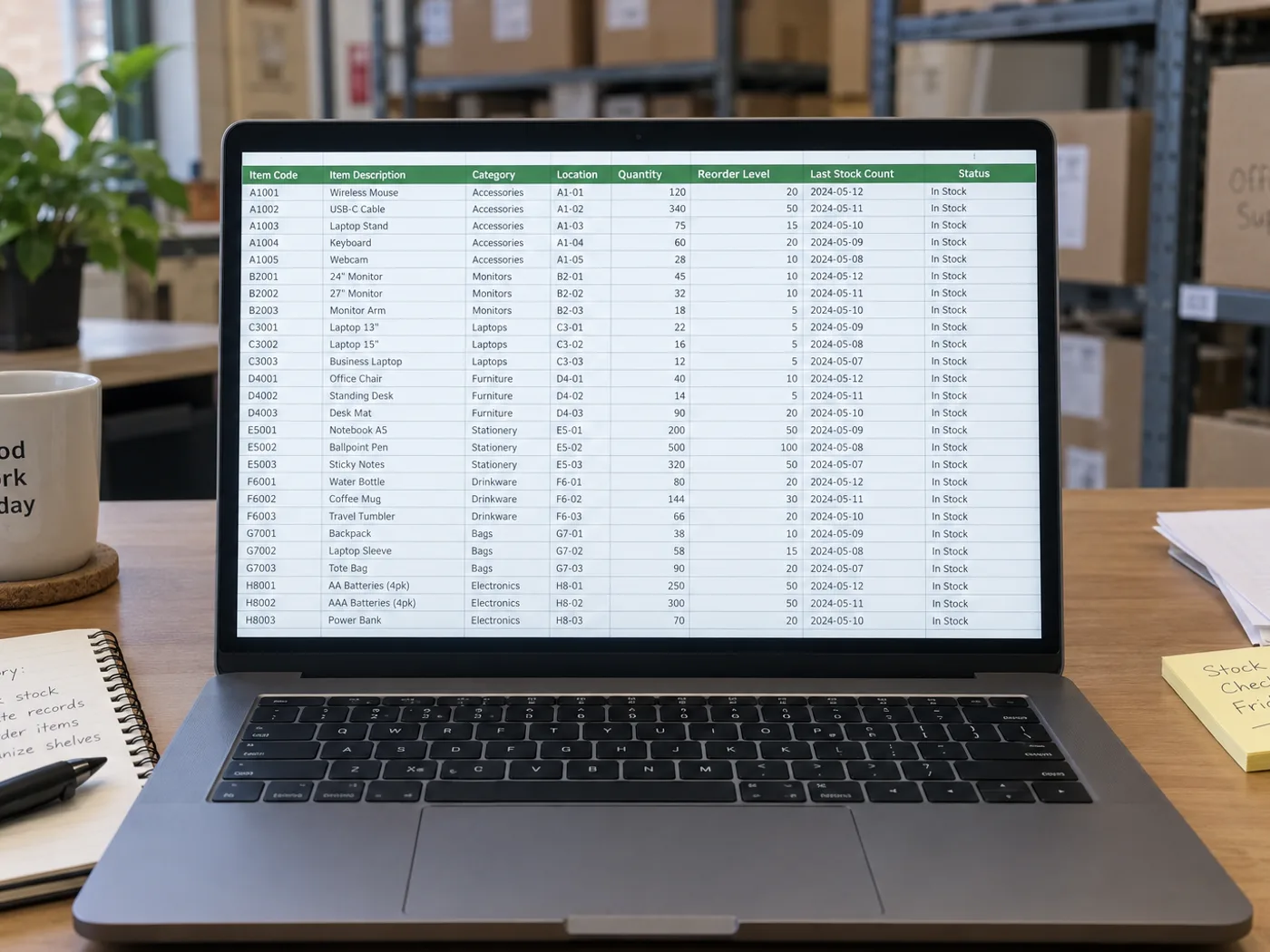
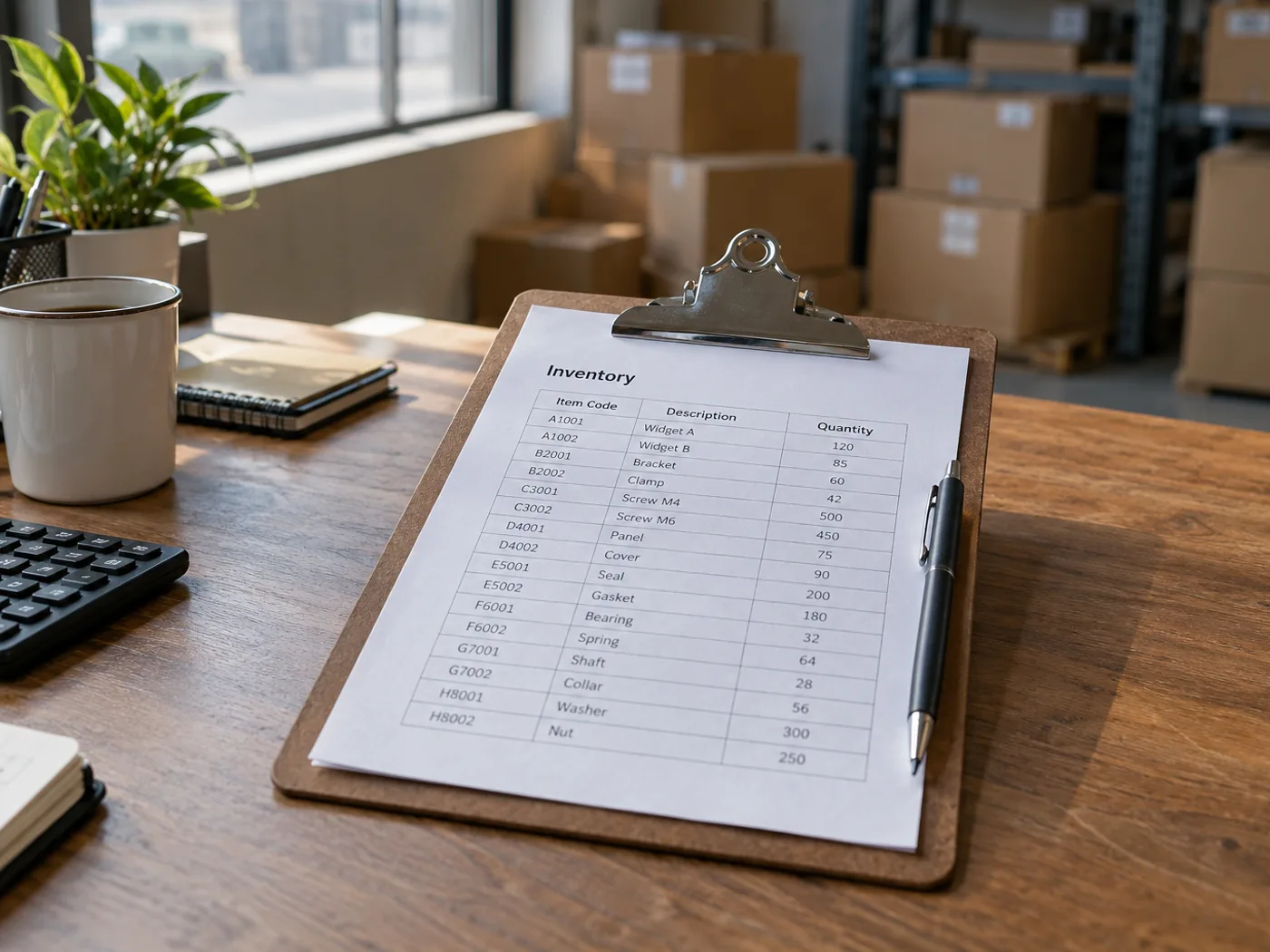
För över ett fotograferat lagerinventeringsblad till Excel utan att skriva in varje synlig post på nytt. Kontrollera SKU-stavning, räkneenheter och handskrivna korrigeringar innan du kombinerar de extraherade raderna med ditt lagerregister.
Förbered inventeringslistor för lagret
Konvertera ett färdigt räkneblad i taget och kontrollera sedan lagerplatsreferenser och antal innan du jämför den fysiska inventeringen med lagersaldot i systemet.
Lagergenomgångar i kök och butiker
Återskapa registrerade antal för en arbetsbok och håll isär kollin, enskilda enheter och vikter när du planerar påfyllning.
Kontrollera koder och antal enheter innan du jämför lagersaldot
- Lägg inventeringsbladet plant och fotografera det med rubrikerna för SKU, plats och antal synliga.
- Granska svårtolkad handstil och kontrollera om varje antal avser stycken, lådor eller någon annan enhet.
- Ladda ner XLSX och stäm av de markerade raderna mot dina befintliga lageruppgifter.
Handskrivna antal, upprepade SKU:er och lageruppdateringar
- Räknar lagerlista till Excel objekt i ett foto?
- Nej. Verktyget läser ett blad där antalen redan är antecknade. Använd ett verktyg för objekträkning när fotot visar produkter i stället för skrivna inventeringsrader.
- Kan handskrivna lagerantal extraheras?
- Tydlig handskrift kan vara läsbar, men överstrukna eller överlappande siffror måste kontrolleras manuellt. Bekräfta det avsedda slutliga antalet från originalarket.
- Uppdateras mitt lagersystem när jag extraherar ett inventeringsblad?
- Nej. Du får en arbetsbok att granska. Import eller uppdatering av lagersaldon görs fortfarande separat i ditt lagersystem.
- Hur bör upprepade SKU:er i olika fack hanteras?
- Behåll platskolumnen för varje rad. Slå inte ihop återkommande artikelkoder förrän du har bestämt om lagerplatserna ska summeras eller följas upp var för sig.


























