Generate
Image ready为你的人像换个新场景
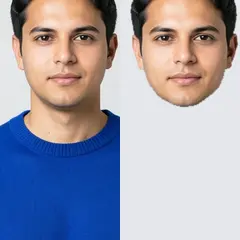
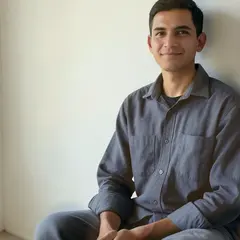
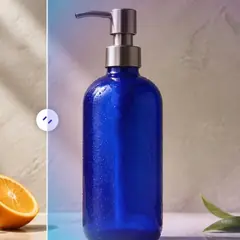
AI 人像换背景
下载前请检查细发丝、眼镜及服装轮廓。
选择人像背景,或描述你想要的背景。自动主体选择会在更换背景时保护人物。
- 影棚、办公室和户外预设
- 自动保护主体
- 手动微调边界
选择图片
支持 JPG、PNG、WebP、HEIC 及其他格式。此工具的上传上限为:Free 套餐 20 MB,Premium 及以上套餐 50 MB。
使用 AI 人像换背景 可以做什么
在开始之前查看主要功能。
- 按描述为人像更换场景背景
- 保护预处理照片中检测到的人物
- 手动微调难以处理的主体边界
设置参考
4 个设置
AI 人像换背景 的可用控件。
工作流程
- 单张图像或批量图像预设
- 处理一张图像,或使用 Premium Batch 图像将相同的自动配方应用到一组图像并下载一个 ZIP。选项: 单张图片批量图像
背景
- 一键预设预设
- 一键选择现成的方向;生成自动使用选定的预设。选项: 工作室办公室花园温暖室内
- 定制说明(可选)文字输入
- 描述所请求的更改、相关材料、照明、视角和必须保持不变的细节。
选择
- 选择画笔大小滑块范围: 4–160px · 默认: 32px
- The subject area is found automatically. This brush appears only if that automatic area could not be found; paint the area to edit, then generate again.
免费使用 · 无需注册 · 无水印上传过程全程加密传输已根据我们的数据保留政策移除
AI 人像换背景 相关工具
AI 人像换背景 之后常见后续步骤的工具。