
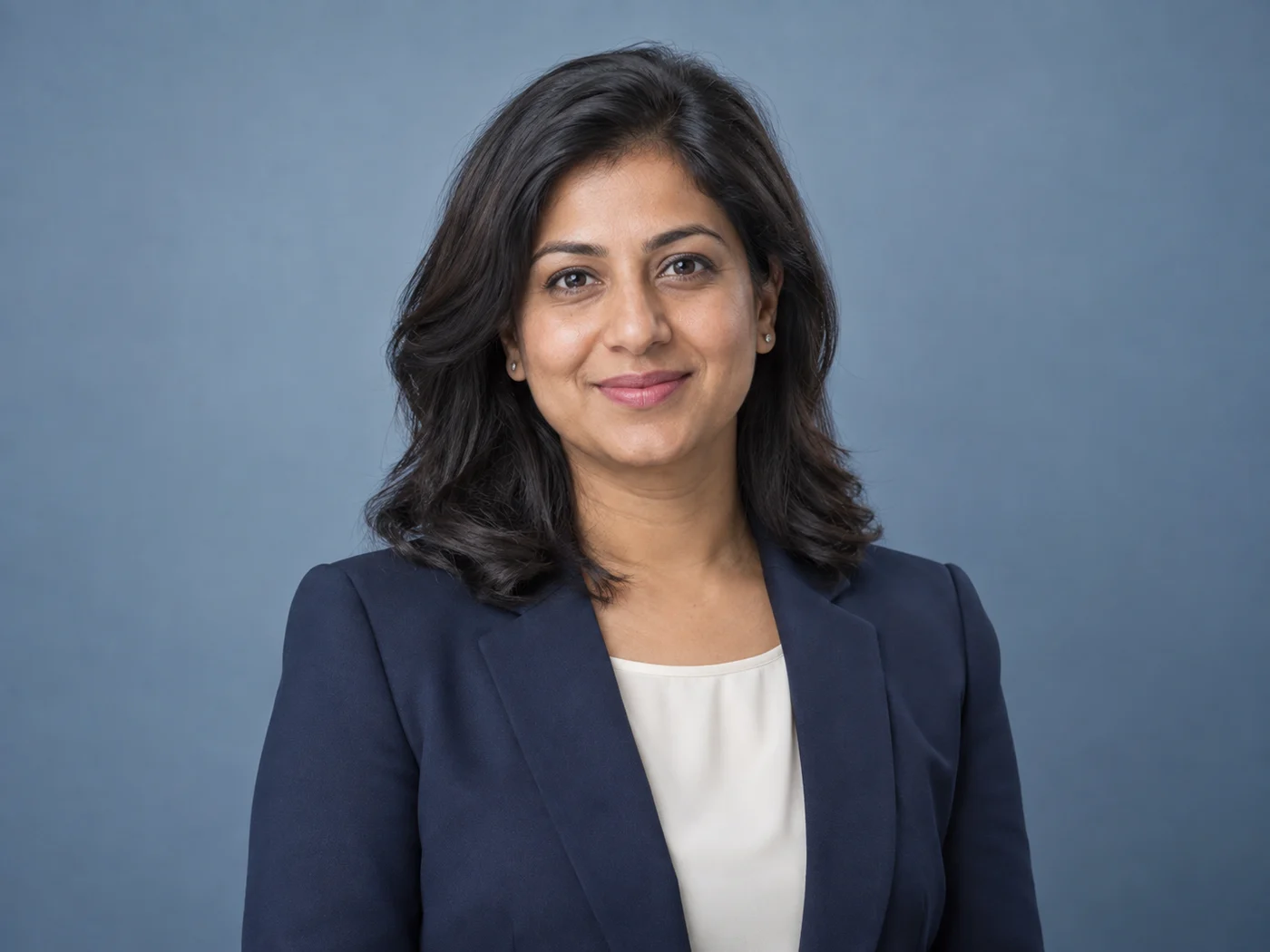
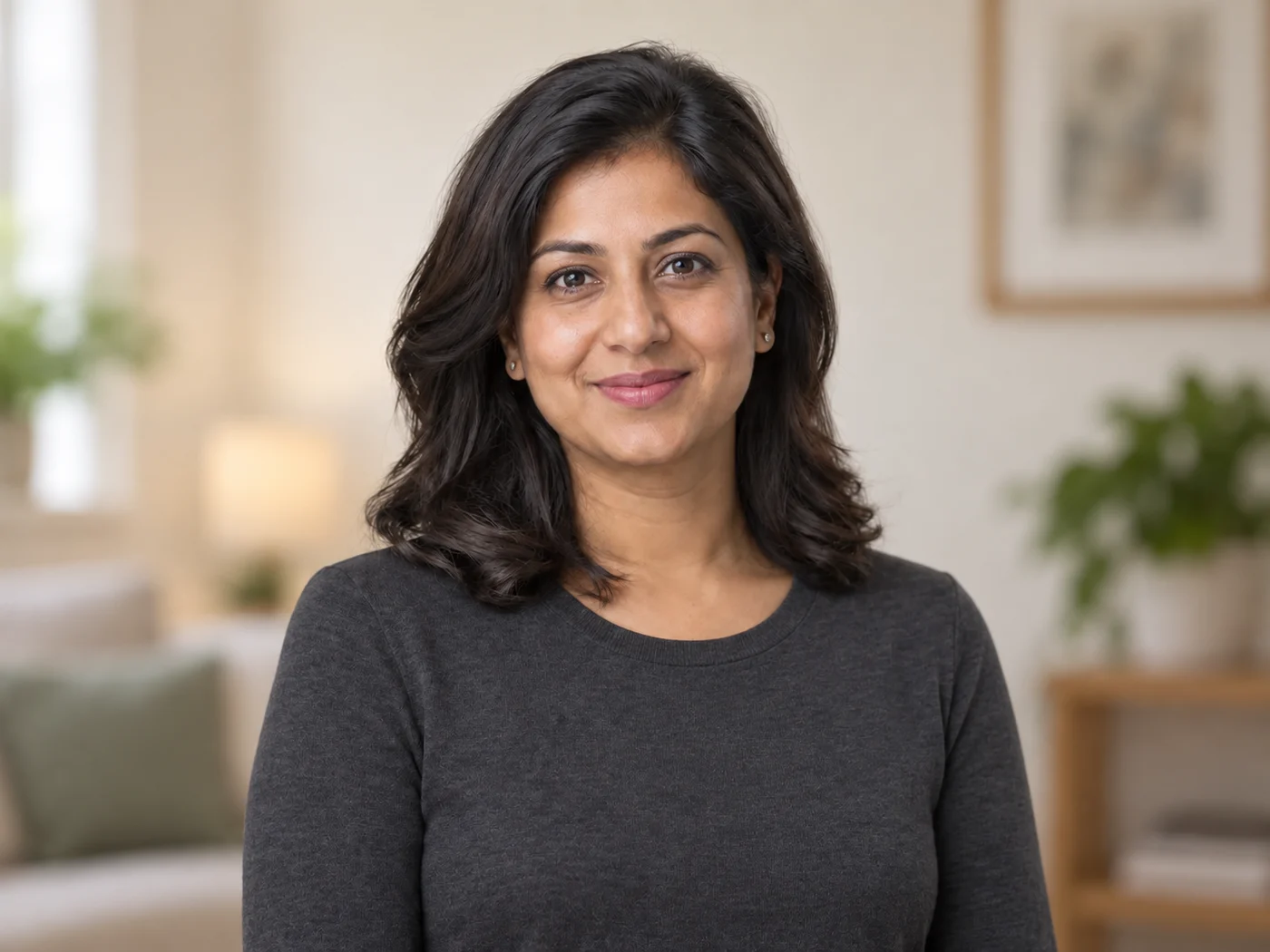
Illustrative preview
生成式专业人像
AI 职业照生成器:从自拍制作专业人像
发布前检查人脸相似度和身份相关细节
Create a professional headshot with directed clothing, background, and lighting. Generative results vary, so compare facial likeness and every identity-relevant detail before publishing.
- Professional look built on your own head-and-shoulders photo
- 指定服装、背景和光线
- 明确的人物特征保留指令
选择清晰的近期人像照片
支持 JPG、PNG、WebP、HEIC 及其他格式。此工具的上传上限为:Free 套餐 20 MB,Premium 及以上套餐 50 MB。
使用 LinkedIn 职业照生成器 可以做什么
在开始之前查看主要功能。
- 将自拍转换为专业职业照
- 添加干净的影棚背景
- 获得精致的大头贴式构图
- 均匀光线,打造专业质感效果
- 制作适用于 LinkedIn 和简历的职业形象照
- 用风格提示词精准控制服装、背景和光线
设置参考
5 个设置
LinkedIn 职业照生成器 的可用控件。
工作流程
- 单张图像或批量图像预设
- 处理一张图像,或使用 Premium Batch 图像将相同的自动配方应用到一组图像并下载一个 ZIP。选项: 单张图片批量图像
风格
- 一键预设预设
- 一键选择现成的方向;生成自动使用选定的预设。选项: 中性工作室现代办公室暖调杂志风
- 定制说明(可选)文字输入
- 描述所请求的更改、相关材料、照明、视角和必须保持不变的细节。
输出
- 头像照宽高比预设
- The generated headshot keeps the framing of the photo you upload whichever ratio is selected, so crop your selfie to head and shoulders first.选项: 肖像 4:5方形 1:1肖像 3:4
- 要求人工智能保留受试者身份和产品详细信息文字输入
- 添加明确的说明以保留主要主题、形状、品牌、标签和可读文本,除非请求更改它们。
热门预设
LinkedIn 个人资料的 AI 头像用于简历和履历的人工智能头像团队目录的人工智能头像公司网站的人工智能头像演讲者简介的 AI 头像用于求职的 AI 头像适用于远程工作配置文件的 AI 头像高管简介的 AI 头像AI医生头像生成器护士 AI 爆头生成器律师人工智能爆头生成器软件工程师 AI 头像生成器数据科学家 AI 头像生成器会计师 AI 头像生成器顾问AI爆头生成器教师 AI 爆头生成器AI教授头像生成器房地产经纪人 AI 头像生成器建筑师 AI 头像生成器设计师 AI 爆头生成器摄影师 AI 头像生成器营销人员 AI 头像生成器销售专业人工智能头像生成器企业家人工智能头像生成器行政 AI 头像生成器财务顾问 AI 头像生成器治疗师 AI 头像生成器牙医 AI 爆头生成器药剂师 AI 头像生成器工程师 AI 爆头生成器项目经理 AI 头像生成器产品经理 AI 头像生成器人力资源专业人工智能头像生成器招聘人员 AI 头像生成器客户成功专业人士 AI 头像生成器厨师 AI 爆头生成器私人教练 AI 爆头生成器记者 AI 头像生成器作者 AI 头像生成器音乐家 AI 头像生成器演员 AI 爆头生成器模型 AI 头像生成器自由职业者 AI 爆头生成器学生 AI 头像生成器研究员 AI 头像生成器建筑专业人士 AI 爆头生成器酒店业专业 AI 头像生成器非营利组织领导者人工智能头像生成器企业工作室 AI 头像生成器商务休闲AI头像生成器创意专业AI爆头生成器现代办公室人工智能头像生成器中性影棚 AI 职业头像生成器黑暗社论 AI 爆头生成器户外自然AI头像生成器Warm Studio AI 头像生成器极简AI头像生成器黑白 AI 爆头生成器初创公司创始人人工智能头像生成器豪华高管 AI 头像生成器
免费使用 · 无需注册 · 无水印上传过程全程加密传输已根据我们的数据保留政策移除


常见问题
LinkedIn 职业照生成器 如何助您完成任务
它每天为企业、创作者和日常任务解决实际问题。找到适合您的用例并开始。
面向企业
LinkedIn 资料照片
将随手拍的自拍变成专业的 LinkedIn 证件照,配上简洁的影棚背景
面向企业
简历与求职申请
无需照相馆,即可制作精致的证件照,用于简历、履历和求职申请
面向企业
公司通讯录与团队页面
统一团队证件照的取景和背景,适用于「关于我们」和团队页面
个人使用
演讲嘉宾简介与会议资料
为会议演讲嘉宾简介、论坛和活动资料制作专业证件照
面向企业
为初创公司打造品牌色团队形象照
使用自定义背景色选择器,为每位团队成员的头像匹配精确的品牌色号,让“关于我们”页面和团队目录呈现统一的品牌形象,无需预约实体摄影棚。
房地产
房产经纪人头像照片
“柔和蓝”和“暖米色”背景预设对于经纪人简介和房源网站显得亲切、可信——把修饰强度保持在较低,以呈现买家信任的可信、真实的观感。
职业与人力资源
自由职业者与顾问的作品集照片
换用炭黑或品牌蓝背景,打造自信、高端的头像,可在 Upwork、个人网站和路演文稿中反复使用。
教育经历
校友与大学通讯录照片
白色或浅灰色背景让每张提交的照片都拥有相同的中性背景,因此即使每个人上传的自拍各不相同,校友名录或教职员页面看起来依然协调一致。
本工具指南
- How to Create Consistent Staff Headshots for a Company WebsiteCreate consistent staff headshots for a company website with Pixoate. Coordinate framing and backgrounds while keeping each person's likeness clear.
- A Better Team Page Starts with Headshots That Belong TogetherA coherent team page starts with portraits that belong together. Explore Pixoate framing and background choices that preserve individual likenesses.























