Color Picker & Wheel
Color harmonies
颜色拾取器与调色板提取器——从图片中拾取颜色
上传任意照片,点击拾取像素颜色(HEX / RGB / HSL),或自动提取主色调配色。可下载为 JSON 或 CSS 变量。
拖入一张图片以提取其调色板
PNG、JPG、WEBP、GIF
拾色器已完成?不妨试试这些
与取色器搭配使用的精选工具。继续编辑,不丢失你的文件。
EXIF 查看与移除器
查看任意照片中隐藏的 EXIF、GPS、IPTC 和 XMP 元数据,或下载已剥离全部元数据的隐私净化副本。
立即试用照片滤镜与特效
用 23 多种专业效果变换照片:艺术风格、复古滤镜、现代效果和特殊变换。
立即试用图片叠加
将一张图片叠加到另一张之上,支持拖动定位与混合控制。打造惊艳的合成图像。
立即试用为图片添加文字
为 JPG、PNG、SVG、WEBP 或 GIF 图片添加自定义文字。支持多个文本框,可自定义字体、颜色和位置。
立即试用Favicon 生成器
从单张图片生成所有尺寸的 favicon(16、32、48、Apple 180、Android 192 和 512),并附带 site.webmanifest。打包为 ZIP 下载。
立即试用图片转贴纸
通过 AI 抠图和可自定义的白色描边,将任意照片变成印刷风格的贴纸。非常适合 WhatsApp、Telegram、iMessage。
立即试用Frequently Asked Questions
上传任意 JPG、PNG、WebP 或 GIF,然后点击所显示图像上的任意位置——光标下的精确像素将被采样,并以 HEX、RGB 和 HSL 格式显示,每种格式均可一键复制。非常适合匹配品牌色、从照片中取色,或从设计样稿中提取点缀色调。
usage点击任意像素,这款取色工具便会显示其 HEX 色值(例如 #FF6B35),并同时给出 RGB 和 HSL——也就是可直接粘贴到样式表、设计令牌或 HTML 属性中的 HTML/CSS 颜色代码。点击“复制”即可一键获取该十六进制色值。
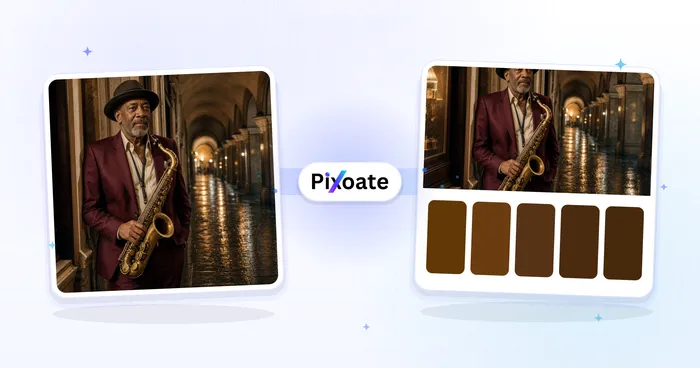
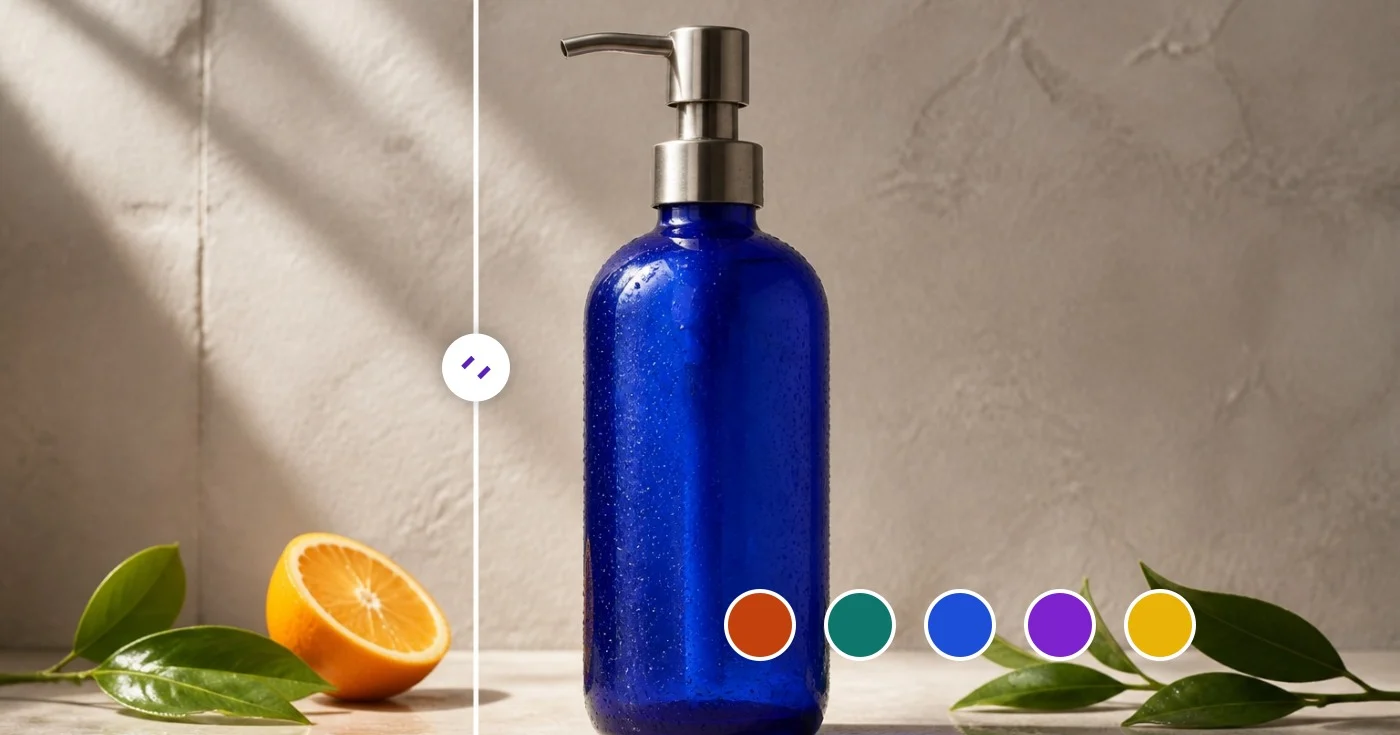
usage图像最长边会被降采样至 320 像素,随后每个像素按其各通道的高 4 位归入分组。占比最多的分组会被平均还原为完整的 8 位色彩,按出现频率排序,并作为您的调色板返回。结果通常为 5 到 24 种主色,可在视觉上概括整幅图像。
technical可以。下载按钮会生成两种格式:一段可直接粘贴到 :root 选择器中的 CSS 变量代码块(--color-1、--color-2…),以及一个包含每种颜色的十六进制值、RGB 分量和权重百分比的 JSON 文件。两种格式都能完美集成到设计令牌、Tailwind 配置和调色板库中。
features不会——取色和调色板提取完全在你的浏览器中通过 HTML canvas API 完成。图片始终留在你的设备上,因此该工具可安全用于未发布的产品照片、设计草稿和受保密协议约束的品牌素材。
privacy对于品牌视觉识别工作,5-8 种颜色是最佳区间——既能抓住主导主题,又不会冲淡点缀色的选择。对于数据可视化,我们建议使用 10-16 种颜色,以获得足够的分类色相。滑块可让你在 5 到 24 之间选择。
tipsAlpha 值低于 128 的像素会被忽略,因此透明背景不会用「背景」颜色干扰配色方案。这使得图片取色器特别适合产品抠图、贴纸图稿和独立主体。
technicalHEX(#RRGGBB)最为简洁,也是 CSS、Figma 和 Sketch 默认使用的格式。RGB 显示三个分量的取值(0–255)——在以编程方式处理图像数据时很有用。HSL(色相、饱和度、亮度)则更便于直观地调整颜色:改变色相可切换色系,调整亮度可得到不同的浅色和深色。
technical可以。免费使用,无需账户,对图片大小或提取的调色板数量均无限制。无需安装任何东西——整个工具就是一个网页。
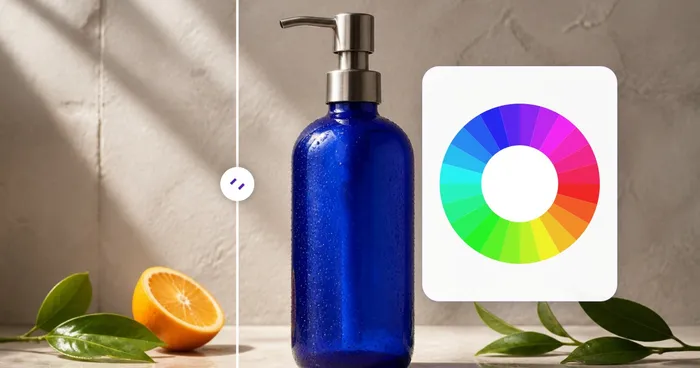
pricing无需上传图片。顶部的取色器与色轮可独立使用——拖动饱和度/亮度方块和色相滑块,或输入任意 HEX、RGB 或 HSL 值来精确调出颜色。上传图片是可选的,仅用于从照片中吸取颜色。
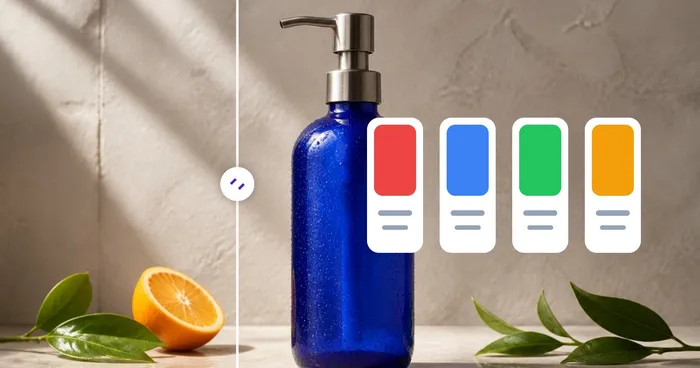
usage选择你的基色,配色面板会立即运用色轮理论生成互补色、邻近色、三角配色、分裂互补色、四分色和单色配色方案。点击任意色块即可复制其 HEX 代码。
featuresIn the standalone Color Picker & Wheel, dial in your color and the panel shows its contrast ratio against pure white and pure black along with the WCAG rating — AAA, AA, AA Large, or Fail. Use this before finalizing a text or button color so it stays readable and meets WCAG 2.1 accessibility guidelines.
featuresYes. The standalone Color Picker & Wheel shows the closest matching named CSS color next to whatever HEX, RGB or HSL value you've dialed in, which is handy for quickly describing a shade in a brief, ticket or design spec without guessing.
featuresClick Random in the Color Picker & Wheel to jump to a new color, then use the Color harmonies panel below it to see complementary, analogous, triadic and other coordinated palettes built from that color — a quick way to find a starting point when you're designing from scratch rather than sampling an existing image.
tipsUse the Size dropdown above the palette to choose 5, 8, 10, 16 or 24 dominant colors — the palette recalculates instantly as you change it. Combine a small size like 5 for a clean brand palette with the picked-color eyedropper to grab one or two exact accent shades the automatic extraction might average away.
tipsYes — the standalone Color Picker & Wheel shows your current color's contrast ratio against pure white and pure black right under the swatch, labelled AAA, AA, AA Large or Fail per the WCAG thresholds (7:1, 4.5:1, 3:1). Use it to check a text/background pairing meets accessibility standards before you lock in a design color.
featuresThe Color Picker & Wheel automatically matches whatever color you've dialed in — via the picker, HEX box, or RGB/HSL fields — to its closest standard CSS color name, shown as 'Closest name' next to the swatch. It's a quick way to describe a color verbally or find its nearest web-safe equivalent.
featuresYes — every click or tap on the uploaded image adds a new swatch to your Picked Colors list rather than replacing the last one, so you can build up a custom set of exact pixel colors from different parts of a photo. Remove any single swatch with its × button, or clear the whole list with Clear picked.
usageYes — the Random button (shuffle icon) in the Color Picker & Wheel jumps to a new hue, saturation and brightness combination in one click, useful for breaking creative block or exploring a palette you wouldn't have typed in manually. HEX, RGB, HSL and the harmony swatches below all update together.
featuresOn a touchscreen, drag your finger across the image to preview the color under it in a live floating swatch, then lift your finger to add that exact pixel to your Picked Colors list — no separate confirm tap needed. The same palette-size dropdown and export buttons work identically on mobile.
usageHow Color Picker helps you get it done
Real problems it solves every day — for businesses, creators, and everyday tasks. Find the use case that fits you and start in seconds.
品牌识别审查
从现有徽标或营销素材中提取精确的 HEX 值,添加到您的风格指南中。为定位演示文稿或路演匹配竞争对手的品牌色。
网页设计配色方案构建
从照片或情绪板中提取主色调,导出为 CSS 变量,直接放入你的样式表。5 至 8 种颜色的黄金区间涵盖主色、强调色和中性色,足以构成一套完整设计系统的起点。
电商产品列表
让产品照片的背景色与店铺主题相匹配。从运动鞋或连衣裙照片中提取主导的点缀色,将其用作商品列表的重点强调色。
家居与时尚灵感
拍下你喜欢的房间或穿搭,提取其配色方案。用它来挑选与现有风格相协调的涂料、面料或配饰——把视觉灵感转化为可落地的色卡。
数据可视化配色方案
从你想要呼应的图像中提取 10 到 16 种颜色,生成一套分类配色方案(例如用水彩画来配柔和的图表,用夕阳来做暖到冷的渐变)。比随手挑选通用色调要好得多。
游戏与 UI 素材工作流
从精灵图或 UI 样稿中提取索引调色板,导入像素画工具或游戏引擎使用。导出的调色板 JSON 可与 Aseprite、Photoshop 及大多数素材流程无缝衔接。
WCAG Contrast Checks Before You Ship
Dial in a text and background color pair in the standalone Color Picker & Wheel and read their contrast ratio against white and black instantly, so you catch an AA/AAA accessibility failure before it reaches production.
Dial-In Custom Paint & Print Colors
Skip the photo entirely — type an exact HEX, RGB or HSL value, or drag the saturation/hue controls, to nail down a specific paint mix, spot color, or brand tone, then check its closest named color for easy communication with a supplier.
Multi-Point Swatch Boards From One Photo
Click several spots on a single reference photo — a sky, a dress, a flower — to build a curated multi-color swatch set instead of relying on the auto-extracted dominant palette, then export it as JSON or CSS for a client mood board.
Instant Brand Color Harmony Sets
Enter one brand HEX code and the Color harmonies panel generates ready-to-use complementary, triadic and split-complementary swatch sets in seconds — perfect for a social media template or ad variant palette without hiring a designer.
Extract a Design Token Palette from a Competitor Screenshot
Upload a screenshot of a competitor's website or app instead of a photo, and the dominant-palette extractor pulls out its exact background, accent and text colors as HEX codes you can export as CSS variables — a fast way to reverse-engineer a color scheme for a comp or pitch deck.
Pixoate